@arter/pi-auto-compact-percent
Pi extension: live context-usage bar + debounced auto-compaction at a configurable threshold.
Package details
Install @arter/pi-auto-compact-percent from npm and Pi will load the resources declared by the package manifest.
$ pi install npm:@arter/pi-auto-compact-percent- Package
@arter/pi-auto-compact-percent- Version
1.0.0- Published
- Aug 4, 2026
- Downloads
- 137/mo · 19/wk
- Author
- chrisarter
- License
- MIT
- Types
- extension
- Size
- 73.5 KB
- Dependencies
- 0 dependencies · 1 peer
Pi manifest JSON
{
  "extensions": [
    "./index.ts"
  ],
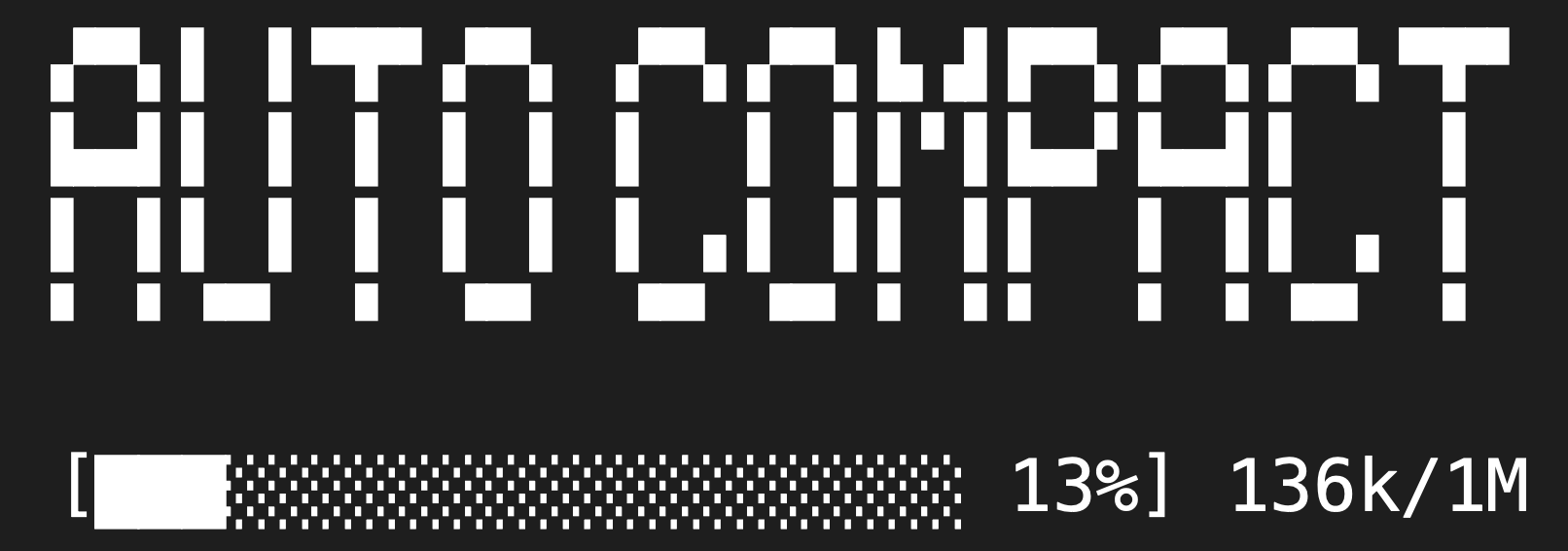
  "image": "https://raw.githubusercontent.com/christopherarter/pi-auto-compact-percent/main/autocompact.png"
}
Security note
Pi packages can execute code and influence agent behavior. Review the source before installing third-party packages.
README
auto-compact-percent
Pi extension that shows a live context-usage bar in the status line and auto-compacts early — either at a configurable percentage of the context window, or when the real input token count (including the system prompt) reaches a fixed threshold.
Unlike pi's native compaction (which fires near the model limit, based on reserved response tokens), this lets you compact early at any percentage you choose, or at a specific token count, with a visible countdown bar.
What it does
- Context bar: after every turn, renders a bar in the pi status line using
the real total input from the last assistant response:
[█████░░░░░ 14%] 27k/200k- Both the bar % and the
27k/200ksuffix reflect everything the model actually has in context: system prompt + tools + conversation + cached tokens (usage.input + cacheRead + cacheWrite, same as pi's own "Input" accounting). - Before the first response it shows a chars/4 estimate of just the system
prompt, so the bar is never a misleading
0/1M. - After compaction the total is reset (it's stale) and the bar falls back to the system-prompt floor until the next response reports fresh usage.
- Both the bar % and the
- Trigger marker: once usage passes the threshold, appends
triggerto the bar so you can see it's about to compact. - Auto-compaction: when either trigger fires (see below) and the debounce
window has passed, calls
ctx.compact()with instructions focused on the most recent work. Shows acompactingbar and notifies on start/complete. - Two triggers: compacts when the real total reaches
thresholdfraction of the context window, OR when the real total token count reachesmaxTokens(whichever comes first). The threshold is now measured on the REAL total (system prompt + cache included), so at 40% you're compacting when the model's context is actually 40% full — not 40% of conversation. - Debounce: skips compaction if fewer than
debounceTurnsturns have passed since the last one (or since session start), so a burst of activity doesn't trigger compaction repeatedly. - Eligibility check: skips compaction when context usage is below
minTokens, so a short session with nothing old to summarize isn't compacted wastefully.
Commands
| Command | Purpose |
|---|---|
/auto-compact |
Toggle auto-compaction for the current session (in-memory only; resets on /reload) |
/auto-compact on / /auto-compact off |
Enable or disable explicitly |
The toggle is session-scoped and never writes to your settings files.
Install
As a pi package (from git)
pi install git:github.com/christopherarter/pi-auto-compact-percent
npm publishing is planned; until then install from git above.
Manual (local copy)
Pi auto-discovers extensions in ~/.pi/agent/extensions/:
mkdir -p ~/.pi/agent/extensions/auto-compact-percent
cp index.ts README.md ~/.pi/agent/extensions/auto-compact-percent/
Then reload pi (/reload) or restart. Loads from
~/.pi/agent/extensions/auto-compact-percent/index.ts.
Configuration
Configure via autoCompactPct in either:
~/.pi/agent/settings.json(global, all projects).pi/settings.jsonin the current project (project override, wins)
| Key | Default | Description |
|---|---|---|
threshold |
0.4 |
Fraction (0–1) of context window (REAL total, incl. system prompt) that triggers compaction |
maxTokens |
0 |
Compact when real input tokens (incl. system prompt + cache) reach this. 0 disables |
minContextWindow |
32000 |
Don't auto-compact if the model's context window is smaller than this |
minTokens |
8000 |
Don't auto-compact if context usage is below this (nothing old to summarize) |
debounceTurns |
5 |
Minimum turns between compaction attempts |
barWidth |
20 |
Width of the rendered progress bar in characters |
compactionInstructions |
"Focus on the most recent work, decisions, and in-progress tasks." |
Custom instructions passed to ctx.compact() |
Example:
{
  "autoCompactPct": {
    "threshold": 0.5,
    "maxTokens": 200000,
    "minContextWindow": 64000,
    "minTokens": 10000,
    "debounceTurns": 3,
    "barWidth": 30,
    "compactionInstructions": "Preserve unfinished work and exact details required to resume safely."
  }
}
Invalid values (threshold out of range, negative numbers, tiny bar widths) fall back to defaults.
Development
Single-file extension + node:test suite. To package for npm:
npm test        # run the 26-test suite (node --test + module mocks)
npm pack        # verify tarball contents
npm publish     # requires "pi-package" keyword (already set)
Dependencies: only the pi core package (@earendil-works/pi-coding-agent),
listed as a peer dependency — pi bundles it at runtime, so no install needed.
Behavior notes
- The bar is always rendered (even below threshold) while enabled; compaction only fires when a trigger is reached.
- The bar's
%and the27k/200ksuffix are both the real total from the last assistant response (usage.input + cacheRead + cacheWrite, same as pi's own "Input" accounting) — the accurate measure of window pressure, system prompt included. At session start, before the first response, both show a chars/4 estimate of the system prompt so it's not0. IfmaxTokensis set, it compares against this real total. - Compaction respects pi's own
compaction.enabledsetting — if compaction is disabled globally this extension'sctx.compact()may be a no-op. - On compaction failure the bar clears and compaction stays disarmed until usage drops back below the threshold, so a broken compaction can't cause a retry loop.
- The
/auto-compacttoggle is in-memory: it survivesturn_endcalls but resets to enabled on/reloador restart. It never modifies settings files. - No background resources are started from the factory; all work happens on
session_startandturn_endevents. - UI calls (
notify) are guarded withctx.hasUIso it degrades gracefully in print/JSON modes.
Similar packages
@thunstack/auto-compact— percentage-based auto-compaction with a/auto-compacttoggle and TUI config panel, but no live context bar.pi-powerline-footer— shows context as text (12k/200k (6.2%)or83%) but doesn't auto-compact and has no progress bar.
This package combines the live visual bar with early percentage-based
compaction, plus a real-token (maxTokens) trigger for a tight, window-
independent leash.