@dhcurry/pi-context-manager
Graphical context inspector for Pi agent - visualize, trace and edit the context sent to the LLM
Package details
Install @dhcurry/pi-context-manager from npm and Pi will load the resources declared by the package manifest.
$ pi install npm:@dhcurry/pi-context-manager- Package
@dhcurry/pi-context-manager- Version
1.0.0- Published
- Aug 21, 2026
- Downloads
- 96/mo · 25/wk
- Author
- dhcurry
- License
- MIT
- Types
- extension
- Size
- 1.2 MB
- Dependencies
- 0 dependencies · 1 peer
Pi manifest JSON
{
  "extensions": [
    "./extensions"
  ],
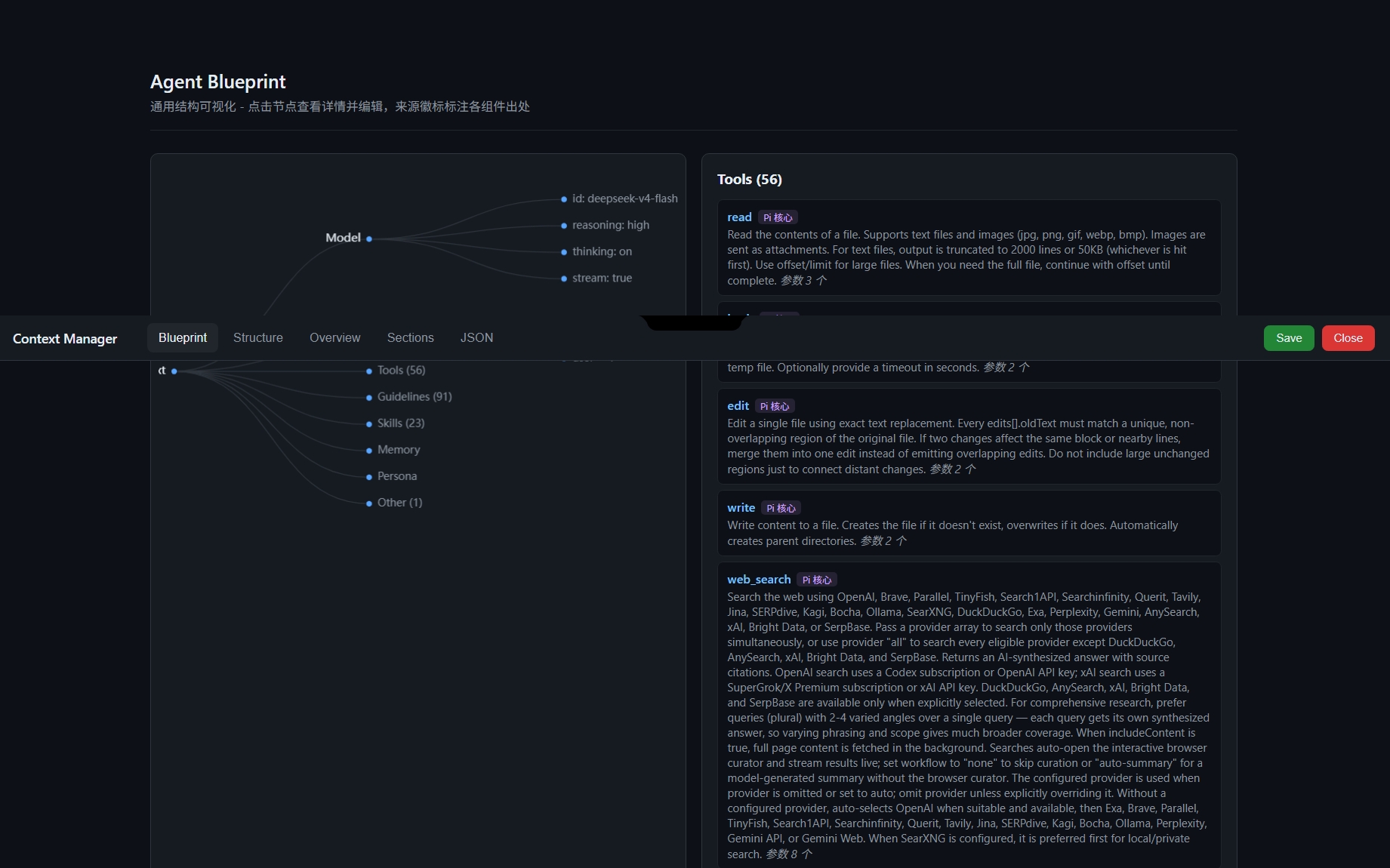
  "image": "https://raw.githubusercontent.com/DHcurry/pi-context-manager/main/docs/blueprint.jpg"
}
Security note
Pi packages can execute code and influence agent behavior. Review the source before installing third-party packages.
README
pi-context-manager
图形化 Context 检查器 —— 可视化、溯源并编辑 Pi agent 发送给大模型的完整 context。
预览
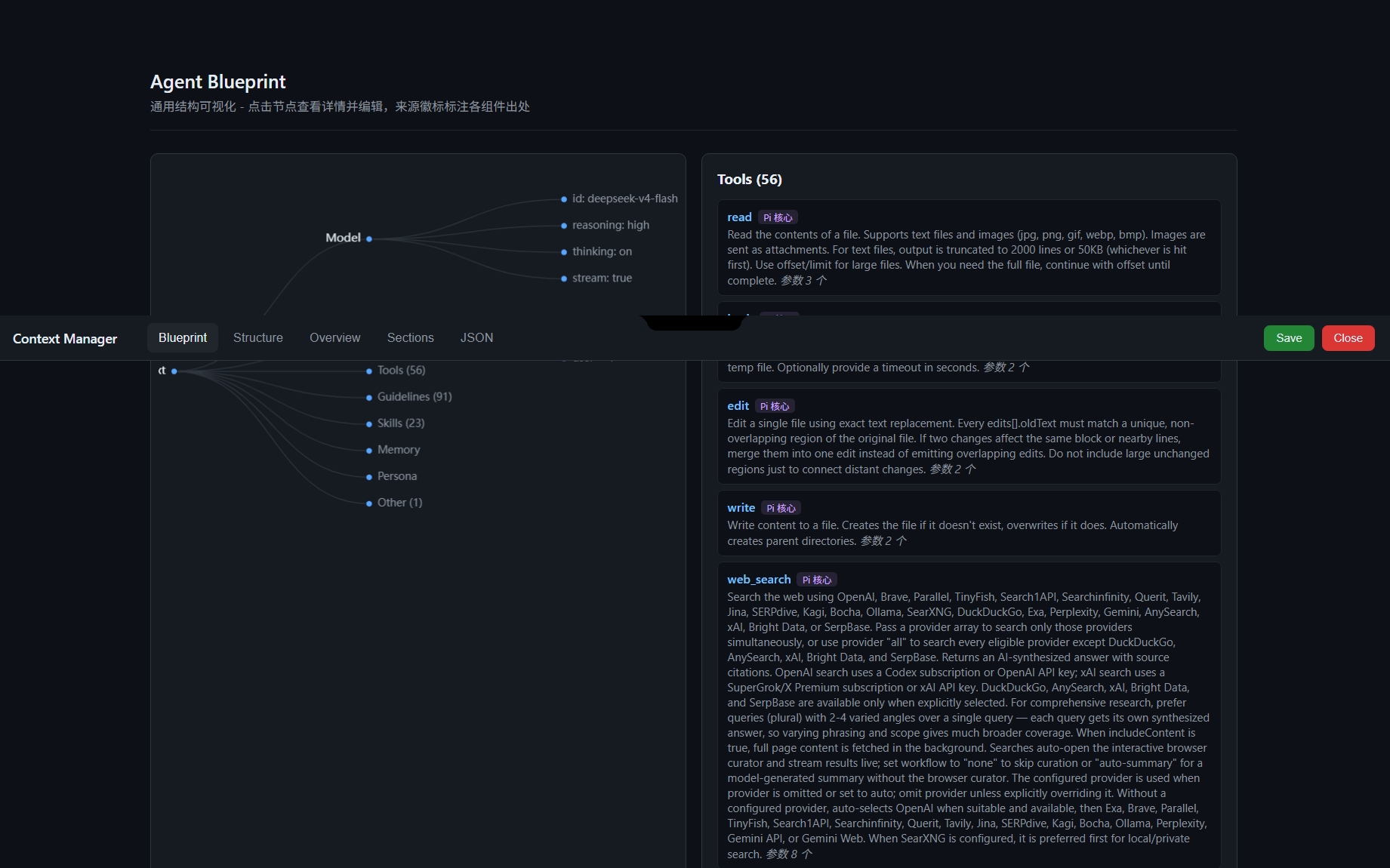
Agent Blueprint - ECharts 通用结构树
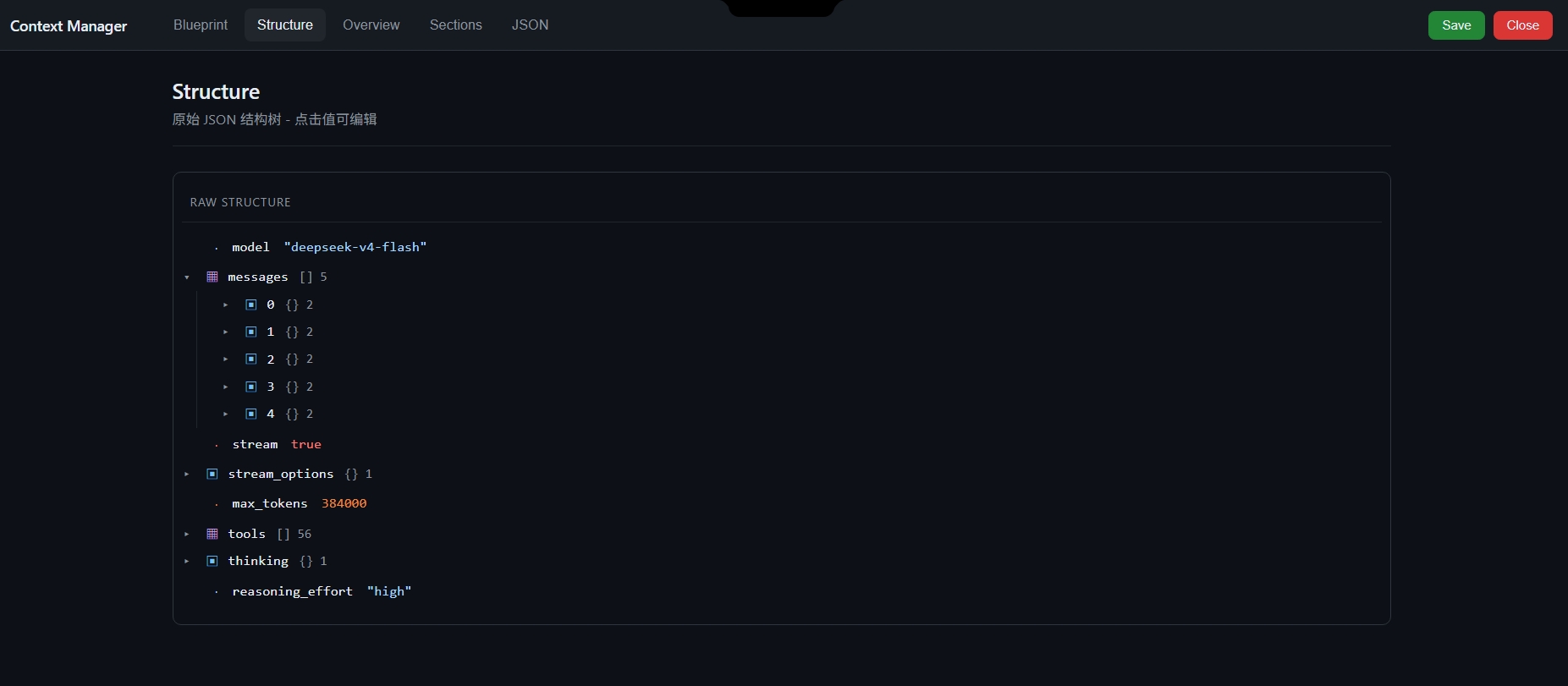
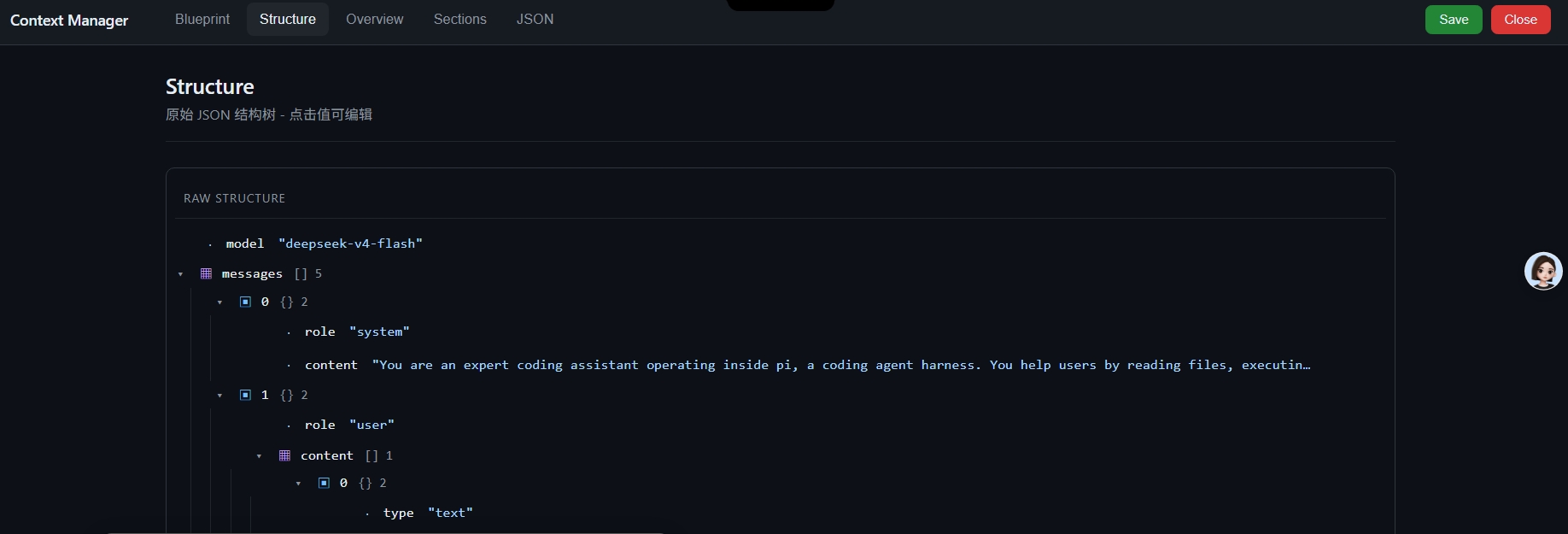
Structure - 原始 JSON 结构树
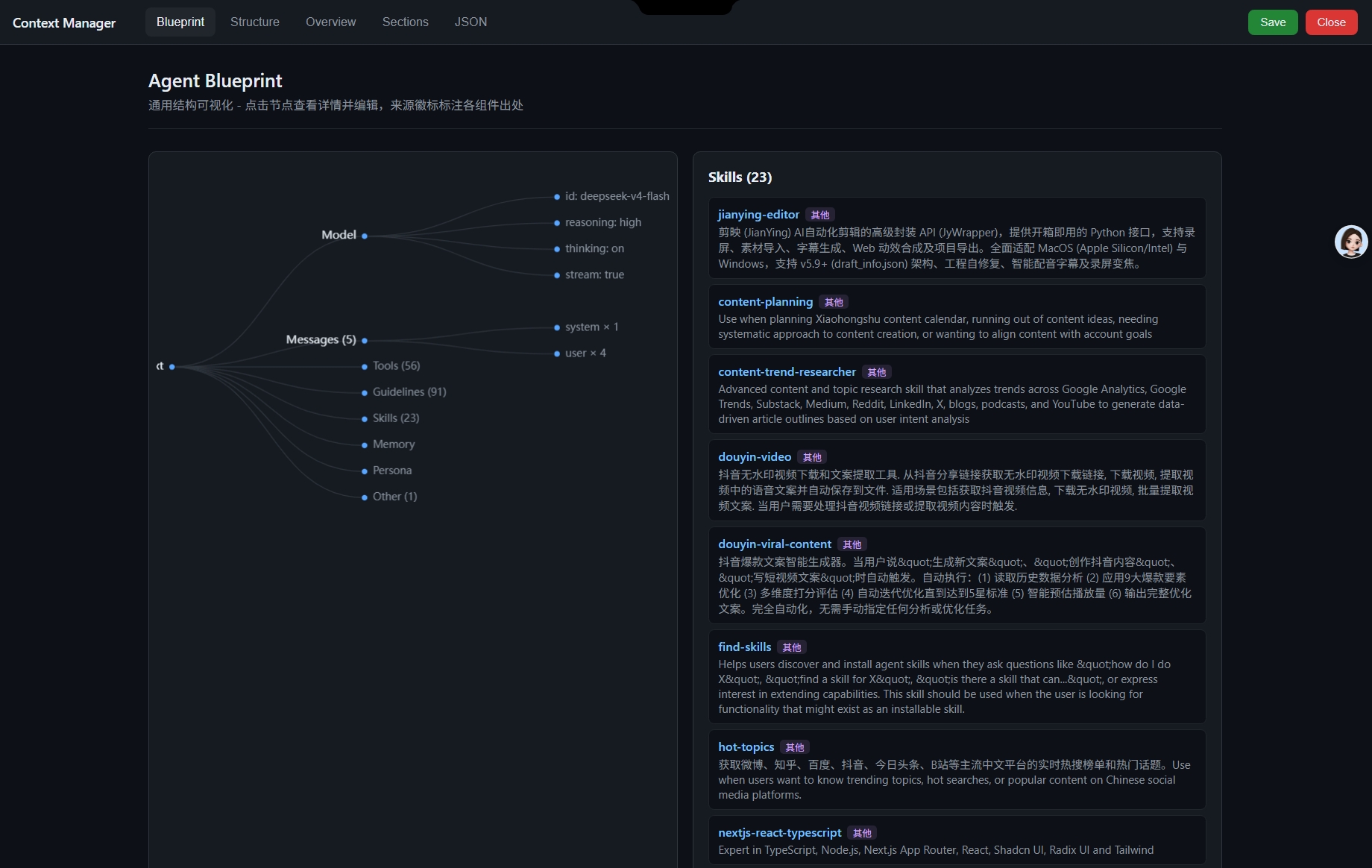
Skills - XML 技能解析与溯源
编辑并保存
功能
- Agent Blueprint(ECharts 树图):可视化 agent 通用结构 —— Model / Messages / Tools / Guidelines / Skills / Memory / Persona
- 溯源徽标:标注每个工具、技能来自哪个扩展(基于工具名前缀 + skill location 路径,零侵入其他扩展)
- Skills 特殊解析:XML 格式 → 结构化卡片(名称/描述/路径/来源)
- Tools 参数适配:JSON Schema → 可视化参数表(名称/类型/必填/枚举)
- Structure 树:动态 JSON 结构树,点击值可编辑,修改黄色高亮
- Sections:system prompt 章节独立编辑
- JSON Editor:jsoneditor 完整编辑,修改实时同步
安装
pi install npm:pi-context-manager
或从 git:
pi install git:github.com/YOUR_USERNAME/pi-context-manager
临时试用(不安装):
pi -e npm:pi-context-manager
使用
/ctx web        # 启动 Web 服务器(自动打开浏览器)
/ctx stop       # 停止服务器
/ctx view       # 终端快速查看
/ctx files      # 查看数据文件位置
先发送一条消息让扩展捕获 payload,再打开浏览器页面。
数据文件
~/.pi/latest-context.json— 最新捕获的 payload~/.pi/edited-payload.json— 编辑保存后的 payload
依赖
- 浏览器端:jsoneditor + ECharts(CDN 加载)
- Node 端:仅
@earendil-works/pi-coding-agent(peerDependencies)
License
MIT