x-twitter-scraper
Twitter API & X API SDK for TypeScript by Xquik. Twitter scraper for tweets, profiles & followers. Not affiliated with X Corp.
Package details
Install x-twitter-scraper from npm and Pi will load the resources declared by the package manifest.
$ pi install npm:x-twitter-scraper- Package
x-twitter-scraper- Version
0.21.0- Published
- Nov 18, 2026
- Downloads
- 1,636/mo · 172/wk
- Author
- burakbayir
- License
- Apache-2.0
- Types
- skill
- Size
- 5.4 MB
- Dependencies
- 0 dependencies · 0 peers
Pi manifest JSON
{
  "image": "https://raw.githubusercontent.com/Xquik-dev/x-twitter-scraper-typescript/main/assets/pi-package.png",
  "skills": [
    "./skills"
  ]
}
Security note
Pi packages can execute code and influence agent behavior. Review the source before installing third-party packages.
README
Twitter scraper & X API TypeScript SDK by Xquik
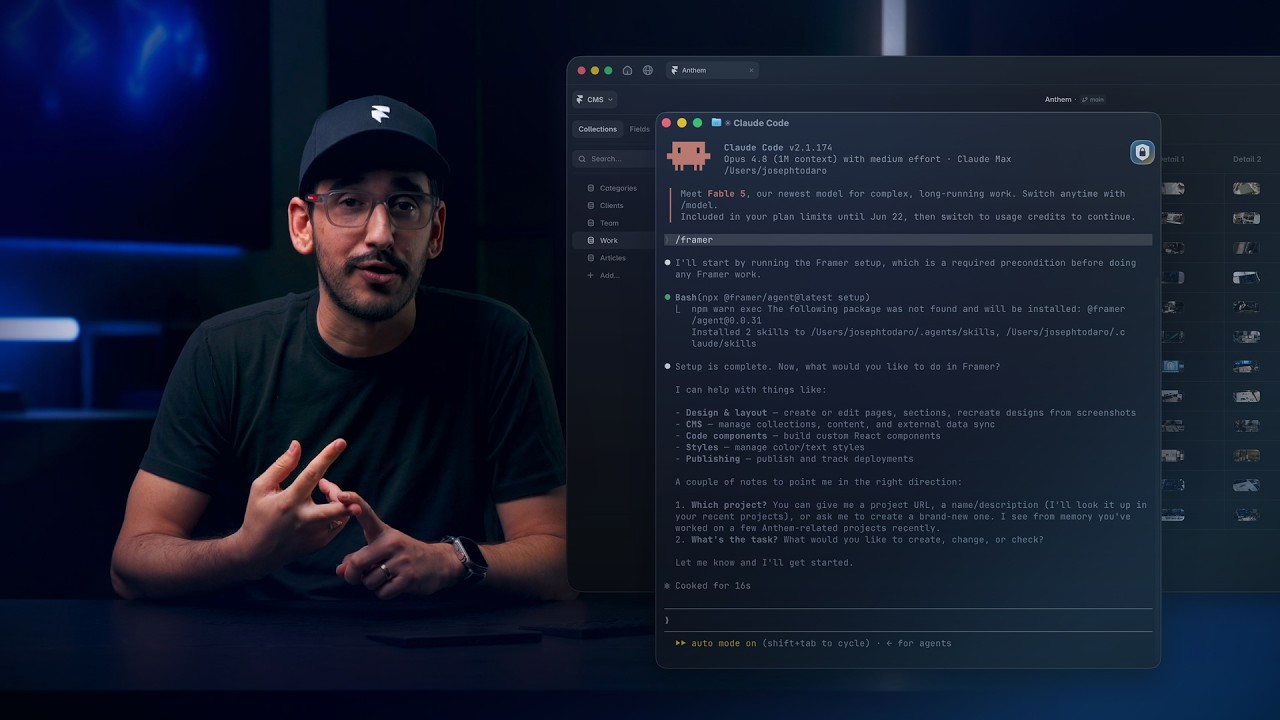
Watch Framer build a tweet ticker with Xquik, from 6:07.
This TypeScript SDK calls the Xquik API.
Use this Twitter scraper TypeScript SDK by Xquik to search tweets from Node.js. Types cover every request & response. Public reads need no X developer account.
Xquik is the world's fastest and cheapest X Twitter scraper service with the most complete X data. Most other Apify Actors charge before filtering or deduplication. Xquik charges only for delivered, unique, filter-matching results and never pads rows. Xquik is independent and not affiliated with X Corp.
The Xquik REST API read 45 tweets per second on 2026-10-15. That cost $0.15 per 1,000. The fastest of 4 rival Actors read 12.5 per second. The cheapest cost $0.173 per 1,000. Compare each run. Most rival Actors charge before they filter or dedup. Xquik charges only for delivered, unique, filter-matching results.
Install the Twitter API TypeScript SDK
The SDK requires Node.js 20 or later.
npm install x-twitter-scraperUse the X & Twitter API from JavaScript
Set X_TWITTER_SCRAPER_API_KEY, then run this search.
import XTwitterScraper from 'x-twitter-scraper';

const client = new XTwitterScraper({
  apiKey: process.env['X_TWITTER_SCRAPER_API_KEY'], // Optional. The client reads this variable.
});

const response = await client.x.tweets.search({ q: 'from:elonmusk', limit: 10 });
for (const tweet of response.tweets) console.log(tweet.id, tweet.text);
Next, read the TypeScript SDK guide, API map or REST reference.
Benchmarks & usage


- 8,000+ downloads of x-twitter-scraper on npm (source)
- 8.6 s p99 REST server read time over 7 days, failures included (source)
- This repo meets the OpenSSF Best Practices passing criteria (source)
Checked on 2026-11-13. See each number with its date & source on xquik.com/benchmarks or as JSON.
Fastest JavaScript Twitter scraper library
Xquik runs each search on its own infrastructure. Each page is 1 SDK call, with no browser & no X login. Read the p99 server read time under Benchmarks & usage.
const page = await client.x.tweets.search({ q: 'from:NASA', limit: 25 });
for (const tweet of page.tweets) console.log(tweet.id, tweet.text);
Pi coding agent package
Install the bundled Xquik Skills from npm.
pi install npm:x-twitter-scraperPi loads 3 packaged Skills.
x-twitter-scraperfor API and MCP integration.xquik-social-researchfor public X research.xquik-account-automationfor approved connected-account actions.
Import the typed SDK from the same npm package.
Common Twitter & X tasks
| Task | REST route | Usage |
|---|---|---|
| Search tweets without the X API | GET /x/tweets/search |
Use keyword or advanced operator queries. |
| Read an X profile timeline | GET /x/users/{id}/tweets |
Pass the cursor to read the next page. |
| Scrape Twitter followers | GET /x/users/{id}/followers |
Use an extraction for complete datasets. |
| Scrape following accounts | GET /x/users/{id}/following |
Use an extraction for complete datasets. |
| Read a home timeline | GET /x/timeline |
Connect an X account first. |
| Read past trends of a place | GET /x/trends/history |
Pick a range & a step between lists. |
| Read a Community Notes contributor | GET /x/community-notes/contributors/{alias} |
List their notes & deleted notes. |
| Read Community analytics | GET /x/communities/{id}/analytics |
Read activity counts & daily changes. |
| Export large X datasets | POST /extractions |
Poll status, then download results. |
| Download or upload media | /x/media/* |
Use typed file helpers. |
| Monitor an account | POST /monitors |
Deliver events through HMAC webhooks. |
| Run a giveaway draw | POST /draws |
Confirm the tweet and entry rules. |
| Post or reply | POST /x/tweets |
Confirm the account and payload. |
AI agent workflows with MCP
Use the typed REST SDK in application code. Add https://xquik.com/mcp to MCP clients.
Follow the MCP guide for current authentication support.
Request & response types
The package types every request parameter and response field. Import those types from the package.
import XTwitterScraper from 'x-twitter-scraper';

const client = new XTwitterScraper({
  apiKey: process.env['X_TWITTER_SCRAPER_API_KEY'], // Optional. The client reads this variable.
});

const params: XTwitterScraper.X.TweetSearchParams = { q: 'from:elonmusk', limit: 10 };
const paginatedTweets: XTwitterScraper.PaginatedTweets = await client.x.tweets.search(params);
Editors show each method, parameter, and field description from its docstring.
Guest wallet authentication
Guest wallet keys work through the public Bearer flow.
Pass the key through the bearerToken option.
Then poll status or create a confirmed top-up checkout.
const guestClient = new XTwitterScraper({
  bearerToken: process.env['XQUIK_GUEST_API_KEY'],
});

const wallet = await guestClient.guestWallets.retrieveStatus();
Keep guest keys out of source code, URLs, and logs.
Streaming events
client.events.stream() yields each monitor event as it happens.
const stream = await client.events.stream();

for await (const event of stream) {
  console.log(event.type, event.id);
}
Pass { 'Last-Event-ID': '42' } to resume after event 42.
Break out of the loop or call stream.controller.abort() to close the stream.
File uploads
Pass file uploads in these forms.
- A
Fileor an object with the same structure - A
fetchResponseor an object with the same structure - An
fs.ReadStream - The return value of the
toFilehelper
import fs from 'fs';
import XTwitterScraper, { toFile } from 'x-twitter-scraper';

const client = new XTwitterScraper();

const bytes = new Uint8Array(await (await fetch('https://xquik.com/logo.png')).arrayBuffer());
fs.writeFileSync('logo.png', bytes);

// Stream a local file with Node fs.
await client.x.media.upload({ account: '@elonmusk', file: fs.createReadStream('logo.png') });

// Pass a web File.
await client.x.media.upload({ account: '@elonmusk', file: new File([bytes], 'logo.png', { type: 'image/png' }) });

// Pass a fetch Response.
await client.x.media.upload({ account: '@elonmusk', file: await fetch('https://xquik.com/logo.png') });

// Convert bytes with toFile.
await client.x.media.upload({ account: '@elonmusk', file: await toFile(bytes, 'logo.png') });
Handling errors
The SDK throws an APIError subclass for connection failures and non-2xx responses.
const paginatedTweets = await client.x.tweets
  .search({ q: 'from:elonmusk', limit: 10 })
  .catch(async (err) => {
    if (err instanceof XTwitterScraper.APIError) {
      console.log(err.status); // 400
      console.log(err.name); // BadRequestError
      console.log(err.headers); // {server: 'nginx', ...}
    } else {
      throw err;
    }
});| Status code | Error type |
|---|---|
| 400 | BadRequestError |
| 401 | AuthenticationError |
| 403 | PermissionDeniedError |
| 404 | NotFoundError |
| 409 | ConflictError |
| 422 | UnprocessableEntityError |
| 429 | RateLimitError |
| >=500 | InternalServerError |
| N/A | APIConnectionError |
Retries
The SDK retries connection errors and HTTP 408, 409, 429, and 5xx responses. It uses exponential backoff and attempts 2 retries by default.
Set maxRetries to change or disable retries.
// Change the default for all requests.
const client = new XTwitterScraper({
  maxRetries: 0,
});

// Override one request.
await client.x.tweets.search({ q: 'from:elonmusk', limit: 10 }, {
  maxRetries: 5,
});
Timeouts
Requests time out after 1 minute. Set a custom timeout when needed.
// Change the default for all requests.
const client = new XTwitterScraper({
  timeout: 20 * 1000,
});

// Override one request.
await client.x.tweets.search({ q: 'from:elonmusk', limit: 10 }, {
  timeout: 5 * 1000,
});
On timeout, the SDK throws an APIConnectionTimeoutError.
Timed-out requests follow the default retry policy.
Raw response data
Call .asResponse() on any returned APIPromise to access the raw fetch() response.
It returns after receiving successful headers without consuming the body.
Then parse or stream the body.
Call .withResponse() to receive the raw response and parsed data together.
This method consumes and parses the body before returning.
const client = new XTwitterScraper();

const response = await client.x.tweets.search({ q: 'from:elonmusk', limit: 10 }).asResponse();
console.log(response.headers.get('X-My-Header'));
console.log(response.statusText); // access the underlying Response object

const { data: paginatedTweets, response: raw } = await client.x.tweets
  .search({ q: 'from:elonmusk', limit: 10 })
  .withResponse();
console.log(raw.headers.get('X-My-Header'));
console.log(paginatedTweets.has_next_page);
Logging
[!IMPORTANT] Log messages are for debugging only. The format and content of log messages may change between releases.
Log levels
Configure the log level in 2 ways.
- Set the
X_TWITTER_SCRAPER_LOGenvironment variable. - Set the
logLevelclient option. It overrides the environment variable.
import XTwitterScraper from 'x-twitter-scraper';

const client = new XTwitterScraper({
  logLevel: 'debug', // Show all log messages
});
These are the log levels, from most to least verbose.
'debug'shows debug messages, info, warnings, and errors.'info'shows info messages, warnings, and errors.'warn'shows warnings and errors. It is the default.'error'shows only errors.'off'disables all logging.
The 'debug' level logs every HTTP request and response with headers and bodies.
It redacts some authentication headers.
Request and response bodies may still show sensitive data.
Custom logger
The SDK logs through globalThis.console by default. Pass a custom logger instead.
It works with pino, winston & bunyan.
It also works with consola, signale & @std/log.
The logLevel option still controls custom logger output.
import XTwitterScraper from 'x-twitter-scraper';
import pino from 'pino';

const logger = pino();

const client = new XTwitterScraper({
  logger: logger.child({ name: 'XTwitterScraper' }),
  logLevel: 'debug', // Send all messages to pino, allowing it to filter
});
Custom requests
The SDK types every documented endpoint, parameter, and response property. Use its lower-level methods for undocumented API features.
Undocumented endpoints
Use client.get, client.post, or another HTTP method for undocumented endpoints.
Client options, including retries, apply to these requests.
const page = await client.get('/x/tweets/search', { query: { q: 'from:NASA', limit: 1 } });
console.log(page);
Undocumented request params
Add // @ts-expect-error to an undocumented parameter.
The SDK sends extra values without runtime type validation.
await client.x.tweets.search({
  q: 'from:NASA',
  limit: 10,
  // @ts-expect-error baz is not yet public
  baz: 'undocumented option',
});
The SDK sends extra GET parameters in the query.
It sends all other extra parameters in the body.
Send explicit extra arguments through the query, body, and headers options.
Undocumented response properties
Add // @ts-expect-error to the response object or cast it to the required type.
The SDK does not validate or remove extra API response properties.
Custom fetch client
The SDK uses the global fetch function by default.
Polyfill the global to use another fetch implementation.
import { fetch } from 'undici';

globalThis.fetch = fetch;
Or pass it to the client.
import XTwitterScraper from 'x-twitter-scraper';
import { fetch } from 'undici';

const client = new XTwitterScraper({ fetch });
Fetch options
Set fetchOptions on the client or request without replacing fetch.
Request options take precedence.
import XTwitterScraper from 'x-twitter-scraper';

const client = new XTwitterScraper({
  fetchOptions: {
    // `RequestInit` options
  },
});
Proxies
Add runtime-specific proxy settings through fetchOptions.
Node [docs]
import XTwitterScraper from 'x-twitter-scraper';
import * as undici from 'undici';

const proxyAgent = new undici.ProxyAgent('http://localhost:8888');
const client = new XTwitterScraper({
  fetchOptions: {
    dispatcher: proxyAgent,
  },
});
Bun [docs]
import XTwitterScraper from 'x-twitter-scraper';

const client = new XTwitterScraper({
  fetchOptions: {
    proxy: 'http://localhost:8888',
  },
});
Deno [docs]
import XTwitterScraper from 'npm:x-twitter-scraper';

const httpClient = Deno.createHttpClient({ proxy: { url: 'http://localhost:8888' } });
const client = new XTwitterScraper({
  fetchOptions: {
    client: httpClient,
  },
});
Semantic versioning
This package follows SemVer with these exceptions.
- Static type changes that preserve runtime behavior.
- Changes to undocumented internals that stay public.
- Changes unlikely to affect normal use.
Open an issue with questions, bugs or suggestions.
Runtime support
The package requires maintained Node.js 20 or later. It also detects Deno, edge runtimes & browsers. The SDK does not support React Native.
Request another runtime in a GitHub issue.
Questions
Do I need an X developer account?
No. Public reads need only an Xquik API key. Private reads & X account actions need a connected X account.
Is this the official X API?
No. Xquik runs its own REST API. This SDK calls that API, not the official X API.
More Xquik tools
- X (Twitter) scraper API & Twitter MCP server with REST, MCP & Skill setup.
- Twitter API SDKs for Python, Go, Ruby & Java.
- More Twitter API SDKs for Kotlin, C# & PHP.
- Twitter CLI & X CLI for terminal workflows.
- Twitter advanced search operators with tested examples.
- Twitter agent plugins for OpenClaw & Hermes Agent.
- Twitter integrations for n8n, Prefect, Haystack & Paperclip.
- More Twitter integrations for Terraform, Convex, Supabase & Strapi.
- Twitter MCP for AI agents, VS Code & Raycast.
- Xquik X API & Twitter scraper, Twitter API docs & docs source.
Help & contributing
- Report vulnerabilities through the security policy.
- Ask usage questions through the organization support policy.
- Read the contribution guide.
- Read the OpenSSF evidence & citation metadata.
- The SDK uses the Apache-2.0 license, and the bundled Skills use MIT.
Xquik is an independent third-party service. Not affiliated with X Corp. "Twitter" and "X" are trademarks of X Corp.