@0xbigboss/silo
Isolated local development environments for Tilt and k3d.
Package details
Install @0xbigboss/silo from npm and Pi will load the resources declared by the package manifest.
$ pi install npm:@0xbigboss/silo- Package
@0xbigboss/silo- Version
0.8.1- Published
- Aug 23, 2026
- Downloads
- 1,328/mo · 40/wk
- Author
- alleneubank
- License
- MIT
- Types
- skill
- Size
- 662.7 KB
- Dependencies
- 1 dependency · 0 peers
Pi manifest JSON
{
  "skills": [
    "./.claude-plugin/silo/skills"
  ]
}
Security note
Pi packages can execute code and influence agent behavior. Review the source before installing third-party packages.
README
silo
Isolated local development environments. silo solves instance isolation and k3d bootstrap sequencing for Tilt-based projects.


Requirements
- Bun (runtime)
- Tilt
- janitor (supervises Tilt; see Process supervision)
- k3d (optional, only if
k3d.enabled = true)
Install
npm i -g @0xbigboss/silo
Claude Code Skill
Install the silo skill in Claude Code so your AI assistant knows how to use silo:
/plugin marketplace add alleneubank/silo
/plugin install silo@alleneubank-silo
Pi package
Install silo as a pi package to expose the silo skill to the pi coding agent:
pi install git:https://github.com/alleneubank/silo.git
The skill shells out to the silo binary; install it first via npm i -g @0xbigboss/silo or the source build.
Quick start
silo init
# edit silo.toml
silo up dev
Print the bundled silo.toml reference:
silo doc config
Commands
silo init            # Create silo.toml starter config
silo up [name]       # Start environment (creates k3d if needed, starts Tilt)
silo down            # Stop environment (stops Tilt, keeps k3d by default)
silo status          # Show current instance state
silo env [name]      # Generate env file only, don't start anything
silo ci [name]       # Run Tilt in CI mode (tilt ci) after env + k3d setup
silo profiles        # List available profiles
silo doc [topic]     # Print bundled docs (config, profiles, k3d, hooks, etc.)
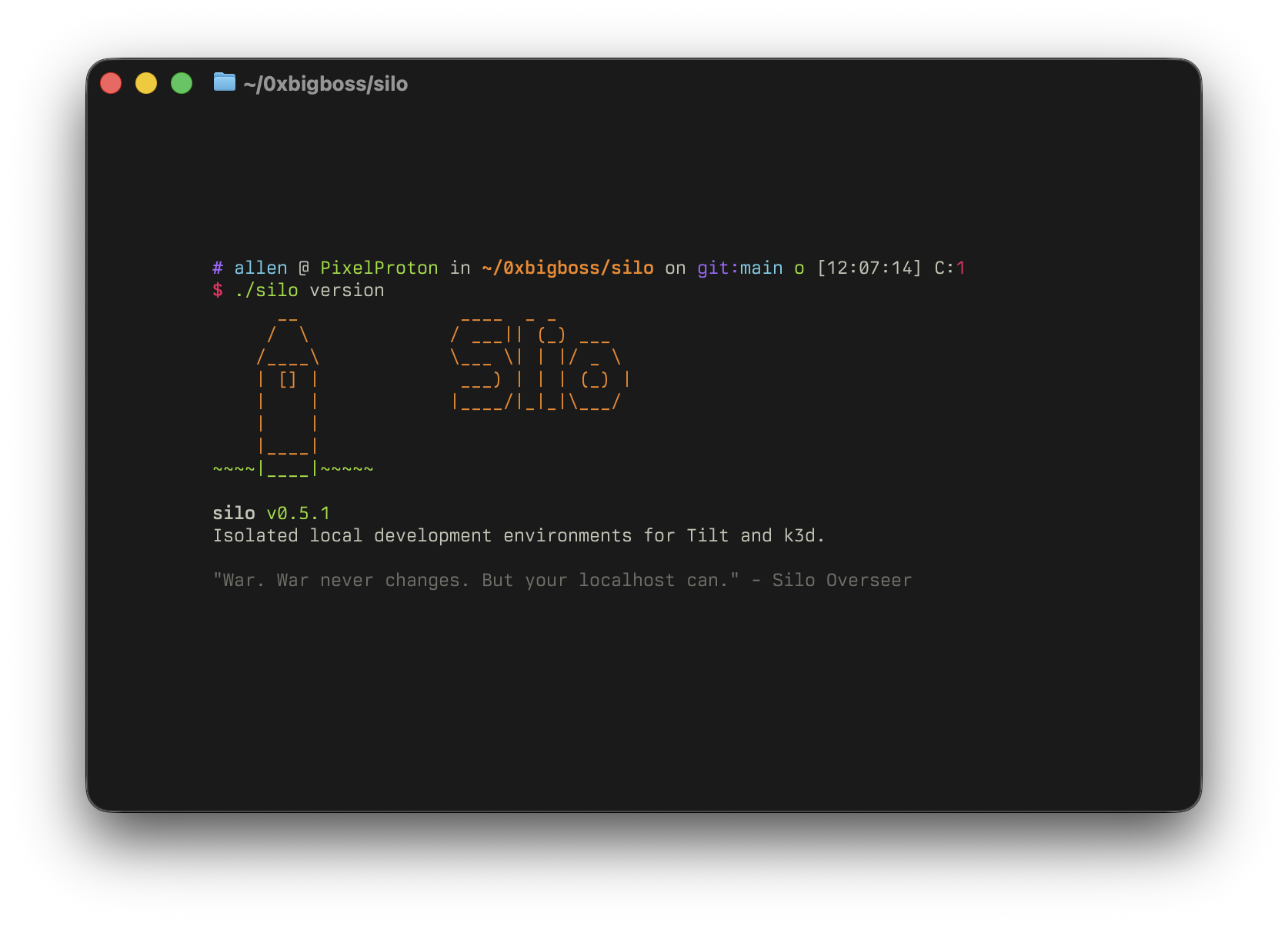
silo version         # Print version
Configuration
silo.toml defines ports, hosts, URLs, k3d settings, and hooks. For the canonical reference, run:
silo doc config
You can also browse SPEC.md for a detailed specification.
Child process environment
When silo launches child processes (Tilt, hooks, k3d, kubectl), it injects:
SILO_ACTIVE=1SILO_WORKSPACE=<workspace name>SILO_ENV_FILE=<absolute path to generated env file>
Process supervision
silo up starts Tilt as janitor --grace-ms <ms> -- tilt up, so Tilt cannot
outlive the silo process that started it. janitor is required: a missing
supervisor fails the run rather than starting an unsupervised Tilt.
See silo doc tilt for the details.
Working with a running stack
silo status is lockfile state (pid, ports, URLs), not Tilt resource health.
After silo up, source .localnet.env and talk to the Tilt API:
tilt get uiresources --port "$TILT_PORT"
For HTTP, use the printed *.localhost URLs, not localhost:PORT. See silo doc tilt.
CI usage
silo env and silo ci auto-export env vars to $GITHUB_ENV when running in
CI (or when --export-ci is provided), and skip the export with a warning when
$GITHUB_ENV is not set. silo ci also sets CI=true for Tilt, so Tiltfiles
that gate e2e resources on CI run them:
silo ci e2e --timeout 300s
If your Tiltfile uses the silo requirement extension in CI, prefer loading it
from installed dependencies instead of v1alpha1.extension_repo():
load('./node_modules/@0xbigboss/silo/tilt-extensions/silo/require/Tiltfile', 'SILO_REQUIRE')
Development
See CONTRIBUTING.md.
License
MIT. See LICENSE.
Report vulnerabilities to the address in SECURITY.md.