@aliou/pi-linkup
Package details
Install @aliou/pi-linkup from npm and Pi will load the resources declared by the package manifest.
$ pi install npm:@aliou/pi-linkup- Package
@aliou/pi-linkup- Version
0.13.0- Published
- Nov 3, 2026
- Downloads
- 394/mo · 234/wk
- Author
- aliou
- License
- MIT
- Types
- extension, skill
- Size
- 73.1 KB
- Dependencies
- 2 dependencies · 4 peers
Pi manifest JSON
{
  "video": "https://assets.aliou.me/github/aliou/pi-linkup/demo.mp4",
  "skills": [
    "./skills"
  ],
  "extensions": [
    "./src/extensions/web-search/index.ts",
    "./src/extensions/web-answer/index.ts",
    "./src/extensions/web-fetch/index.ts",
    "./src/extensions/command-balance/index.ts",
    "./src/extensions/command-settings/index.ts"
  ]
}Security note
Pi packages can execute code and influence agent behavior. Review the source before installing third-party packages.
README

pi-linkup
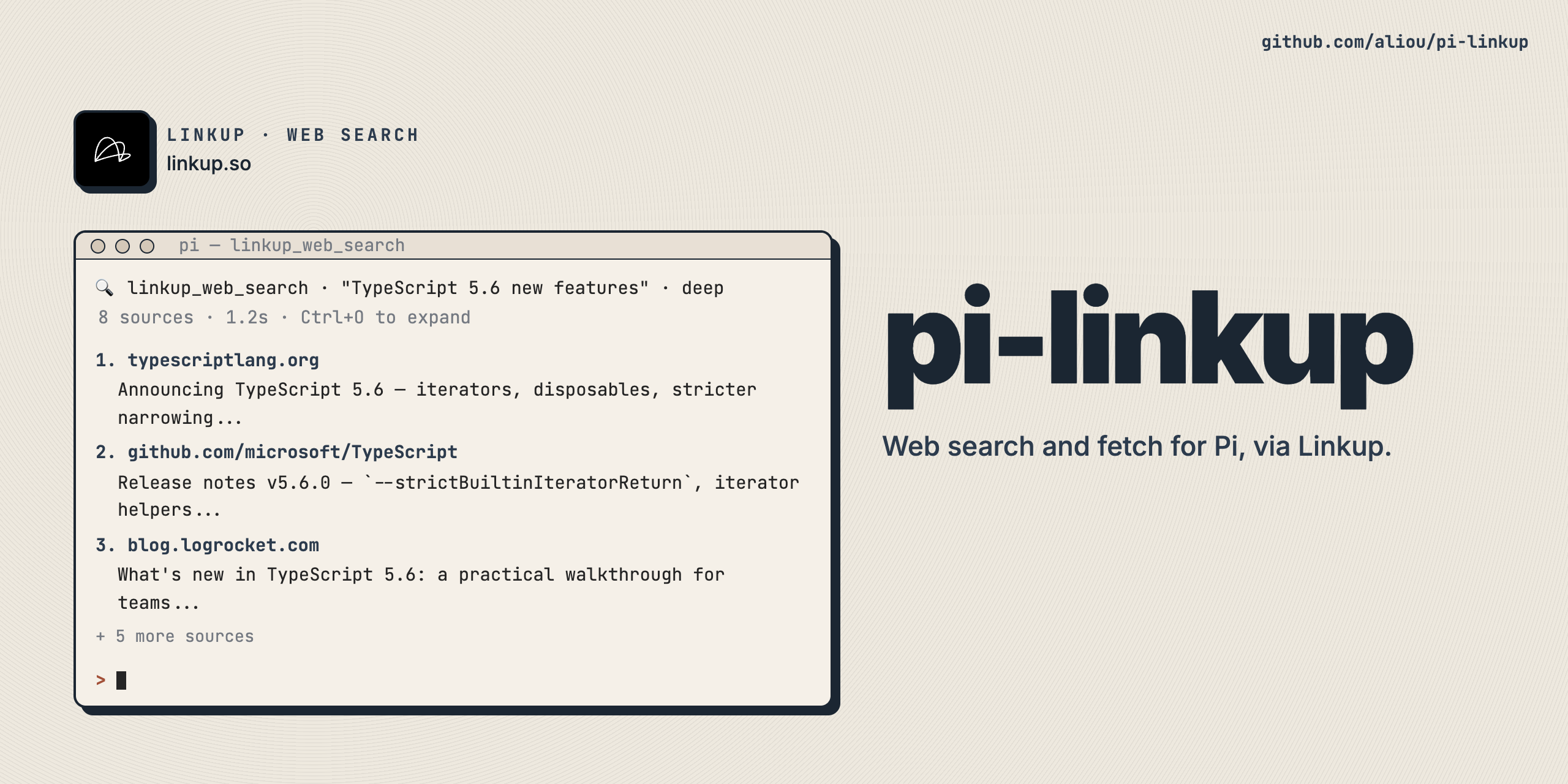
Give Pi web search, cited answers, and page extraction through the Linkup API. Search for sources, read HTML or PDFs, and request structured JSON without parsing page text yourself.
https://github.com/user-attachments/assets/a0f131a4-d57c-4162-aeb5-ffc1a0a8d7ff
Install and try it
For direct access, get an API key from app.linkup.so and set LINKUP_API_KEY where Pi runs. A configured API proxy can be used without a key. Install:
pi install npm:@aliou/pi-linkupAsk Pi:
Find the TypeScript release notes on typescriptlang.org, then fetch the most relevant page and summarize it with source links.
Git installation is also supported: pi install git:github.com/aliou/pi-linkup.
Tools
| Tool | Use |
|---|---|
linkup_web_search |
Discover sources and snippets, or pass a root-object JSON schema for typed data with sources. |
linkup_web_answer |
Get a synthesized answer with sources; enable includeInlineCitations for inline citations. |
linkup_web_fetch |
Read a known HTML/PDF URL as markdown; pass schema and optional instructions for typed extraction. |
Search and answer support domain/date filters and flash, fast, standard, or deep depth. Standard is the default. Flash and fast retrieve indexed content without interpreting multi-step retrieval instructions. Search also supports limit (default 10) and includeImages.
Fetch defaults to JavaScript rendering. Use renderJs: false for confirmed static pages, mode: "pro" for hard-to-retrieve pages, and includeRawContent / extractImages when needed. Extraction instructions require a schema; missing grounded fields are omitted rather than invented. Fetch reads one URL, not its linked pages.
Use /skill:linkup for agent workflows. Full input constraints are available in each tool's declaration. See Linkup's search and fetch references for provider behavior.
Settings
Run /linkup:settings to configure the API proxy URL and choose exposure independently for each tool. Save with Ctrl+S, then /reload or restart Pi.
Leave proxyUrl empty for direct Linkup access. Otherwise, set the full HTTP(S) API base URL including its path prefix; each endpoint is appended to it. Proxy requests never forward LINKUP_API_KEY: upstream authentication belongs at the proxy. Credentials, queries, and fragments are not allowed in the URL. Saving a changed proxy first checks GET /credits/balance (non-billed); failed checks leave the stored settings intact.
| Exposure | Availability |
|---|---|
direct (default) |
Declared to the model and callable from scripts |
model-only |
Declared to the model, not callable from scripts |
codemode |
Callable from scripts, not directly declared |
deferred |
Discoverable through tool search and callable from scripts |
hidden |
Unreachable |
Enable tool_search or codemode before choosing deferred exposure; codemode-only tools need codemode. Exposure is not a permission or billing control.
Settings are global: $PI_CODING_AGENT_DIR/extensions/linkup.json, normally ~/.pi/agent/extensions/linkup.json. For example:
{
  "proxyUrl": "https://proxy.example.com/linkup/v1",
  "toolExposure": {
    "linkup_web_search": "deferred"
  }
}
Each tool, balance command, and settings command is independently selectable in pi config. Settings remain available without an API key.
Results and costs
Display output is bounded to 2000 lines / 50 KB per call. Truncated content is retained in private temp files. Expand results using your configured shortcut (default Ctrl+O).
Codemode receives complete structured data separately from display previews:
- Search:
query,results, and optional schema-deriveddata. - Answer:
query,answer, andsources. - Fetch:
url,markdown, and optionaldata,favicon,rawContent,contentType, andimages.
Always check truncated: results up to 1 MiB return truncated: false with inline fields. Larger results return only { truncated: true, fullOutputPath }; read the private JSON file for the complete result.
Successful calls add published-rate USD estimates to Pi session totals, not provider-reported billing. Schema-shaped search uses the answer rate; fetch cost depends on JavaScript, Pro mode, and structured extraction. See Linkup pricing for rates. Run /linkup:balance for credits and approximate remaining calls.
Compatibility and development
Tool exposure and structured results require Pi 0.99.0 or later. Use a Node.js version supported by your Pi installation.
From a checkout:
pnpm install
pnpm typecheck && pnpm lint && pnpm test
pi -e .
Use pnpm format for formatting and pnpm changeset for user-facing changes.
Links
License
MIT