@blazer2k/pi-personality
Codex-style /personality command for pi.
Package details
Install @blazer2k/pi-personality from npm and Pi will load the resources declared by the package manifest.
$ pi install npm:@blazer2k/pi-personality- Package
@blazer2k/pi-personality- Version
0.1.2- Published
- Jun 14, 2026
- Downloads
- not available
- Author
- blazer2k
- License
- MIT
- Types
- extension
- Size
- 118.4 KB
- Dependencies
- 0 dependencies · 2 peers
Pi manifest JSON
{
  "extensions": [
    "./src/index.ts"
  ],
  "image": "https://raw.githubusercontent.com/blazer2k/pi-blz/main/packages/pi-personality/images/bg.jpg"
}
Security note
Pi packages can execute code and influence agent behavior. Review the source before installing third-party packages.
README
@blazer2k/pi-personality
Switchable communication styles for pi, inspired by Codex CLI's /personality command.
Current version: 0.1.2
Why This Matters
From OpenAI's Codex Prompting Guide:
Personality is the higher-level vibe and collaboration posture that sits above preamble mechanics. It affects word choice, how eagerly the model explains tradeoffs, and how much warmth it brings to the interaction.
Personality does not change tool-calling behavior, code quality, or reasoning depth. It calibrates the collaboration experience: how the agent communicates progress, raises concerns, and presents results. For interactive pair-programming, this matters. For headless runs, it does not.
Overview
This extension adds a /personality command that lets you pick a communication style for pi. The chosen personality is appended to the system prompt, steering the model's tone, escalation style, and collaboration posture.
Included Personalities
| Personality | Style | Origin |
|---|---|---|
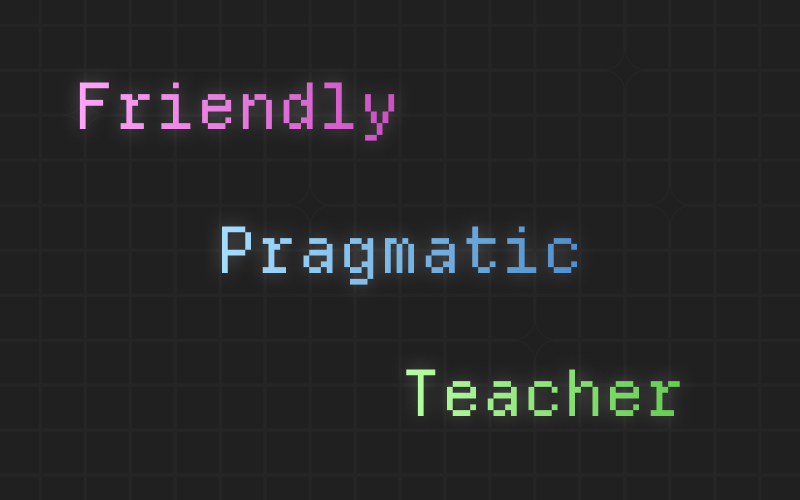
| Pragmatic | Concise, task-focused, direct. No fluff, no cheerleading. | Copied from Codex CLI |
| Friendly | Warm, encouraging, collaborative. Uses "we" and "let's". | Copied from Codex CLI |
| Teacher | Builds durable understanding while getting work done. Teaches at decision points. | Custom |
Custom Personalities
Drop .md files with YAML frontmatter into ~/.pi/agent/personalities/:
---
name: MyStyle
description: A custom communication style
---

Your system prompt text here...
Custom personalities with the same name as a builtin override it. Others appear alongside builtins in the picker.
Installation
pi install npm:@blazer2k/pi-personality
Or install locally for development:
git clone https://github.com/blazer2k/pi-blz.git
cd pi-blz
npm install
pi -e ./packages/pi-personality/src/index.ts
Usage
Type /personality in pi to open the style picker. Select a personality and it takes effect immediately for the current session.
Caveats
- Mutates the system prompt. The personality text is appended to the existing system prompt via the
before_agent_starthook. This adds ~500-800 tokens to the context window. - File changes require reload. If you edit a personality
.mdfile while pi is running, the extension will not pick up the changes until you/reloador switch to a different personality and back. - Beware of untrusted prompts. Custom personalities are injected directly into the system prompt. If you install personalities from unknown sources, review their content first; a malicious prompt could steer the agent's behavior in unintended ways.
Persistence
The active personality is saved to ~/.pi/agent/personality-state.json and restored on next session.
License
MIT