@code-fixer-23/pi-agent-resource
This extension is useful for making agent skills, propmts and subagents
Package details
Install @code-fixer-23/pi-agent-resource from npm and Pi will load the resources declared by the package manifest.
$ pi install npm:@code-fixer-23/pi-agent-resource- Package
@code-fixer-23/pi-agent-resource- Version
5.0.0- Published
- Oct 13, 2026
- Downloads
- 280/mo · 28/wk
- Author
- codebreaker10
- License
- MIT
- Types
- extension
- Size
- 2.1 MB
- Dependencies
- 4 dependencies · 2 peers
Pi manifest JSON
{
  "image": "https://raw.githubusercontent.com/louiss0/pi-packages/main/pi-agent-resource/assets/Small-Agent-Resource.png",
  "extensions": [
    "extensions",
    "extensions/!*.test.ts"
  ]
}
Security note
Pi packages can execute code and influence agent behavior. Review the source before installing third-party packages.
README
@code-fixer-23/pi-agent-resource
@code-fixer-23/pi-agent-resource is a Pi extension package for creating, editing, and organizing Pi resources—agents, prompts, skills, and MCP servers—without leaving the Pi interface. Its extensions cover the full lifecycle of each resource type: form-based creation with validated metadata, external editor integration for rich content, scoped placement in either your global Pi home or the current project directory, and pack management that bundles resources together and teaches Pi how to discover them during a session.
Every resource type in Pi follows strict layout conventions—correct frontmatter keys, skills/<name>/SKILL.md directory nesting, grouped prompt directories with _index.md, and so on. This package handles all of that so you can focus on writing the content itself. Each manager provides global and local variants of create, edit, and delete, with the same form and editor workflows in both scopes.




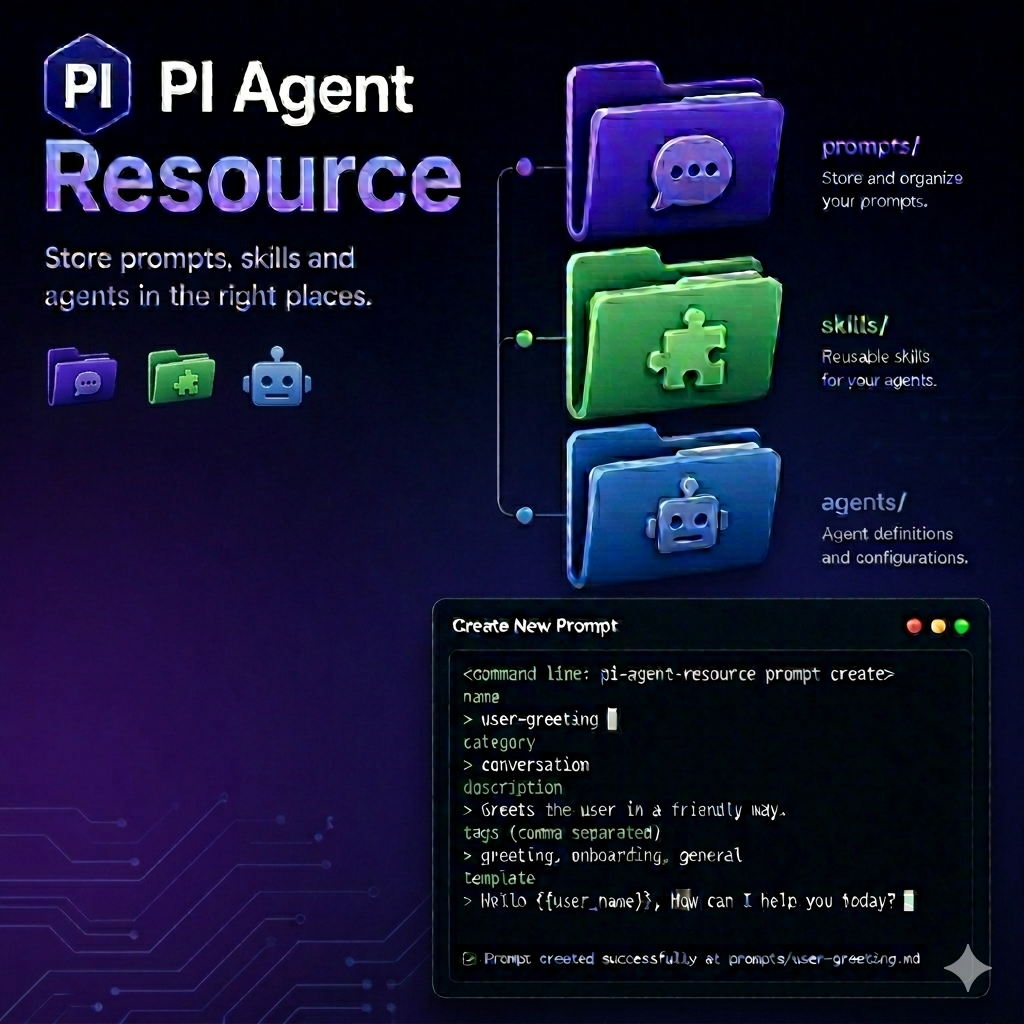
Agent Manager
The agent manager creates and maintains agent definition files in either your global Pi home (~/.pi/agent/agents) or the current project's .pi/agents directory. All three subcommands work the same way regardless of scope; the only difference is where the resulting file is written.
Commands
resource:agent <create|edit|delete>
Manages agents in ~/.pi/agent/agents.
create detects a Tintin or Nico authoring profile (or asks when detection is ambiguous). The workflow is metadata form → Markdown system prompt → review/save. Name, description, model, and tool checkboxes appear together in one form; there are no field-by-field menus, CSV-entry dialogs, or separate filename prompts. The filename is derived automatically from the agent name; there is no filename field. Select Include advanced settings only if you want to fill optional section forms before the prompt. Declining the final review returns to the metadata form with your edits retained. New definitions prefill tools: read,write,edit; remove write and edit if the agent should not change files. Before saving, it requires name (lowercase letters, numbers and dashes, up to 48 characters), description (35–1024 characters), tools (nonempty comma-separated selectors without uppercase letters), and model (2–128 lowercase letters, numbers, colons or dashes). Other supported fields are optional. These are authoring rules, not a claim that either subagent runtime requires those four fields. The extension writes validated frontmatter but does not load or execute the agent.
edit presents existing global agent definitions and opens the same structured metadata and Pi prompt editor. It does not require $VISUAL or $EDITOR. Unchanged legacy definitions remain readable; changed definitions must pass the four-field save validation; the default tools are applied only to new definitions. The embedded tools MultiSelect offers Valibot-validated registered tools plus the builtin defaults, and preselects existing tools without discarding unknown saved selectors. Tintin builtin tools remain plain names; registered extension tools use ext: selectors. Nico registered names remain unchanged. Existing ext: selectors are never double-prefixed. The catalog is advisory: tools present in the parent session are not guaranteed to load in the child agent, and tools absent now may be available there. The model rule still excludes provider/model paths.
Advanced settings use directly fillable section forms with schema-directed value selectors, numeric inputs, and text fields. Declared nested settings appear as ordinary fields in the same form; typing into them automatically supplies their parent mapping. There are no storage-type questions, “Custom value” activation steps, or mode-switching shortcuts. Use Tab to switch fields, ←→ or Space to change known values, and Enter on the last field to apply the section. Tool and enumerated-list checkboxes use ↑↓ and Space; freeform lists use one entry per line with Shift+Enter for newlines. Optional blank inputs stay omitted so the runtime supplies its defaults. Arbitrary mappings and structured collections use a directly editable JSON field. Validation errors keep the form open; Esc cancels the section without applying edits. Long forms scroll to keep the focused field visible.
For Nico definitions, the manager emits structured toolBudget and outputSchema as inline JSON and simple selector lists as unquoted YAML block lists. It refuses empty top-level lists because Nico reads [] as a literal selector; omit the field or use empty text instead. The extension tests these boundaries against the pinned Tintin 0.19.0 and Nico 0.77.0 loaders.
delete shows the same selection list and removes the chosen file.
resource:local-agent <create|edit|delete>
Runs the same create/edit/delete workflows against the current project's .pi/agents directory. Before making any change, the extension announces the resolved path so it is clear which workspace it is about to modify. This is useful when the agent should travel with a repository rather than live in your global Pi home.
Prompt Manager
The prompt manager handles prompt files in ~/.pi/agent/prompts or the project-local .pi/prompts directory. Prompt creation is a two-stage workflow because prompts have two distinct parts: structured frontmatter metadata and a freeform markdown template body.
Commands
resource:prompts <create|edit|delete>
Manages prompts in ~/.pi/agent/prompts.
create works in two stages. First, a form collects the required frontmatter fields: name, description, and the optional argument-hint field (validated for correct syntax). Once the metadata passes, the workflow continues into your external editor where you write the markdown template body. The prompt file is written only after both stages complete successfully.
edit opens an existing prompt in your external editor ($VISUAL or $EDITOR).
delete understands the difference between a plain prompt file and a grouped prompt (a directory containing _index.md). Selecting a grouped prompt removes the entire directory rather than just the index file, keeping the prompt layout clean.
resource:local-prompt <create|edit|delete>
Runs the same workflows against .pi/prompts in the current project. Local prompts are useful for repo-specific conventions or prompt packs that should travel with the repository.
Skill Manager
The skill manager maintains the skills/<name>/SKILL.md layout that Pi requires. Skills live in ~/.pi/agent/skills globally or in .pi/skills locally. Creation is staged so the common path stays short while still allowing richer metadata when needed. After any edit, Pi reloads automatically so the updated skill is immediately available.
Commands
resource:skill <create|edit|delete>
Manages global skills in ~/.pi/agent/skills/<name>/SKILL.md.
create runs in two stages. The first form collects the required name and description fields and ends with a confirmation checkbox: if you confirm, a second form appears to collect optional metadata (license, compatibility, allowedTools). Skipping the optional form still creates a valid skill; the confirmation just unlocks the extended fields for when you need them.
edit resolves the editing mode before opening anything. It first checks whether --external-skill-editor was passed, then reads the [skill] section of .pi-resource.toml if neither flag is set. After saving, Pi reloads so the skill is available in the current session without a manual restart.
delete removes the entire skill directory—not just the SKILL.md file—keeping the layout clean for when the skill is re-created later.
resource:local-skill <create|edit|delete>
Runs the same lifecycle against .pi/skills/<name>/SKILL.md in the current project. Useful for repository-scoped skills that ship with the codebase.
resource:skill:invocation
Opens a combined checkbox list of the skills loaded in the current Pi session, including global, project-local, .agents, package, and explicitly configured skills. Each entry shows its scope and file path; disabled skills are already checked. This uses MultiSelect from pi-form-components and requires TUI mode.
- Checked sets
disable-model-invocation: true: the skill is hidden from automatic model selection but remains available through/skill:name. - Unchecked allows automatic model selection (
disable-model-invocation: false). - Use ↑↓ to navigate and Space to toggle. Enter saves changed skill files and automatically reloads the current session once. Esc discards staged changes without writing or reloading.
Changes persist in each skill's own frontmatter, preserving its other metadata, comments, and Markdown body. Unreadable or unsupported/malformed frontmatter is reported and skipped. Files changed while the list was open are not overwritten; reopen the command to retry. Save failures are reported individually, and any successfully saved changes are still reloaded. Package updates may replace edits made to package-provided skills. Skills excluded from Pi's loaded resource catalog (for example, losing name collisions) are not shown.
Flags
--external-skill-editor
--external-skill-editor is a boolean flag that forces the edit subcommand to open the skill file in your external editor ($VISUAL or $EDITOR). It applies only to edit; passing it with create or delete produces an error.
Features
.pi-resource.toml editor configuration
When --external-skill-editor is not set, the edit workflow consults a project-level .pi-resource.toml file. Setting editor = "external" under [skill] makes every skill edit in that project open in the external editor without requiring anyone to pass the flag manually:
[skill]
editor = "external"
The flag takes precedence over the file. If neither is set, the extension opens the skill through the external editor by default.
MCP Craft
MCP Craft manages standalone MCP servers in Pi's own configuration files. Global servers live in ~/.pi/agent/mcp.json; project-local servers live in <project>/.pi/mcp.json and are loaded by Pi only when the project is trusted.
Commands
resource:mcp <create|edit|delete>
Creates, edits, or deletes servers in ~/.pi/agent/mcp.json.
resource:local-mcp <create|edit|delete>
Runs the same workflows against the current project's .pi/mcp.json.
create asks for a transport, then opens a validated form for the required fields: name plus command for stdio, or name plus url for HTTP. A checkbox on that form decides whether a second form is needed for the optional fields. Stdio optional fields are arguments, environment variables, and working directory; HTTP optional fields are headers. Both optional forms add Pi's exposure setting and a connection timeout, and blank optional fields are left out of mcp.json. Arguments are space separated, so a comma stays part of the argument it sits in; quote an argument that contains a space (playwright --config "my config.json"). Environment variables and headers are KEY=VALUE pairs separated by commas, which keeps values such as Bearer ${TOKEN} and !echo Bearer $(gh auth token) intact. The HTTP form has a second checkbox that opens a third form for OAuth settings.
create refuses to replace a server that already has the chosen name; use edit to change it. Use Pi's built-in /mcp manager to enable or disable servers; form-based edits preserve an existing enabled setting, an existing oauth block, and any toolExposure overrides.
For valid JSON configs, form-based create, edit, and delete preserve other server entries, unrecognized per-server fields, and unrelated top-level keys in mcp.json. If the file is malformed, has no mcpServers object, or cannot be read, form-based changes stop without overwriting it; use the external-editor flag to repair it.
Flags
--resource:mcp-craft-edit
Use this boolean flag with edit to open the entire mcp.json file in $VISUAL or $EDITOR instead of editing one server through a form. It applies to either MCP command and only to edit; using it with create or delete reports an error. If the target file does not exist, MCP Craft creates an empty config before opening it. Existing files are not rewritten before the editor opens.
Pack-affiliated MCP server management is not included in these commands.
For Pi's MCP API and configuration details, see Pi's MCP API notes and the configuration comparison.
Pack
The pack extension groups skills and prompts into named bundles under .pi/packs and registers those bundles with Pi's resource discovery system. Once a pack is loaded, its contents are available alongside your global and local resources for the duration of the session. Packs can be created with content upfront, populated incrementally, or reorganized by moving individual resources between pack, local, and global scopes. Active packs can also contribute MCP servers from a pack-level mcp.json file.
Commands
resource:pack <create|delete>
Manages pack containers.
create collects a pack name, asks which resource types the pack should contain (skills, prompts, or both), and then asks whether to prefill resources now or generate starter example files. Choosing to prefill runs the same validated form and editor workflows used by the skill and prompt managers. Skipping prefill writes a minimal example.md or example/SKILL.md so the pack structure is ready to populate later.
delete opens a multi-select list of existing packs and removes all selected pack directories in one run.
resource:pack:skill <create|edit|delete|invocation|move-local|move-local-to-pack|move-global|move-global-to-pack>
Manages skills inside packs and moves them between locations.
createadds a new skill to a chosen pack using the same staged required-then-optional metadata flow as the skill manager.editopens the packed skill in the external editor.deleteremoves the skill from the selected pack.invocationopens a searchablepi-form-componentspack picker, then a checkbox list of that pack's skills. Installed packs are available whether or not they are loaded in the current session. Existingdisable-model-invocation: trueskills are preselected; checked means manual/skill:nameinvocation only. Use Space to toggle and Enter to save and reload once, or Esc at either step to cancel. Only the chosen pack's skill files are changed; the active pack selection is not changed, and unloaded packs stay unloaded. Skills use Pi's discovery rules, including nestedSKILL.mddirectories and standalone Markdown skills in the pack'sskillsroot. Invalid skills and save failures are reported; other metadata and Markdown content are preserved.move-localextracts the skill from a pack and places it in the project's local skill directory, removing it from the pack.move-local-to-packimports a local skill into a chosen pack, removing it from the local directory.move-globalextracts the skill from a pack and promotes it to the global skill store.move-global-to-packimports a global skill into a chosen pack, removing it from the global store.
resource:pack:prompt <create|edit|delete|move-local|move-local-to-pack|move-global|move-global-to-pack>
Runs the same management for prompts inside packs. create uses the two-stage frontmatter form and editor workflow. Move commands mirror the skill variants, targeting the global and local prompt directories instead.
resource:pack:session:new [packs]
Starts a new Pi session with the specified packs loaded. Pass pack names separated by spaces or commas to start immediately. When no argument is provided, a multi-select picker appears so you can choose packs interactively. The new session file links back to the parent session.
resource:pack:session:reload [packs]
Reloads the current Pi session with a new pack selection. Passing names switches the active packs immediately. Omitting the argument opens the same interactive picker as session:new.
Flags
--resource:load-pack <string>
--resource:load-pack preloads one or more packs when Pi starts. The value accepts pack names separated by spaces or commas. This is the recommended approach for bootstrapping a consistent session profile from a shell alias or a project launch configuration.
Features
pi-agent-resource provides pack creation, pack editing, and pack session loading for Pi resources. It also keeps the active pack list in the OS temp directory so the same selection can be reused during the current run.
Pack MCP servers are read from ~/.pi/packs/<pack>/mcp.json for active packs. Add an mcpServers object using Pi's normal MCP config shape; each registered server is named <pack>_<server> and is added to the current session with pi.registerMcpServer. Invalid files or entries are reported and skipped without blocking other pack servers. Pack MCP files are currently managed directly as JSON rather than through a form command:
{
  "mcpServers": {
    "docs": {
      "url": "https://example.com/mcp",
      "exposure": "codemode"
    }
  }
}
[!WARNING] Pack selection only lasts for the current Pi run
pi-agent-resourcestores the active pack list in a JSON file inside the OS temp directory so pack loading, new sessions, and reloads can reuse the same selection while Pi is open.
resource:pack:session:new,resource:pack:session:reload, andresources_discoverall work from that temp file, and Pi deletes it on quit.
This feature is session-scoped only; it is not meant to survive a shutdown or restart.
Development
Run tasks through Nx from the workspace root:
pnpm nx run pi-agent-resource:lint
pnpm nx run pi-agent-resource:typecheck
pnpm nx run pi-agent-resource:test
pnpm nx run pi-agent-resource:metadata