@codingcoffee/pi-privacy-filter
pi extension that redacts PII/secrets before sending to the LLM and restores them in responses
Package details
Install @codingcoffee/pi-privacy-filter from npm and Pi will load the resources declared by the package manifest.
$ pi install npm:@codingcoffee/pi-privacy-filter- Package
@codingcoffee/pi-privacy-filter- Version
0.1.0- Published
- May 10, 2026
- Downloads
- 33/mo · 8/wk
- Author
- codingcoffee
- License
- MIT
- Types
- extension
- Size
- 21.1 KB
- Dependencies
- 1 dependency · 0 peers
Pi manifest JSON
{
  "extensions": [
    "./index.ts"
  ],
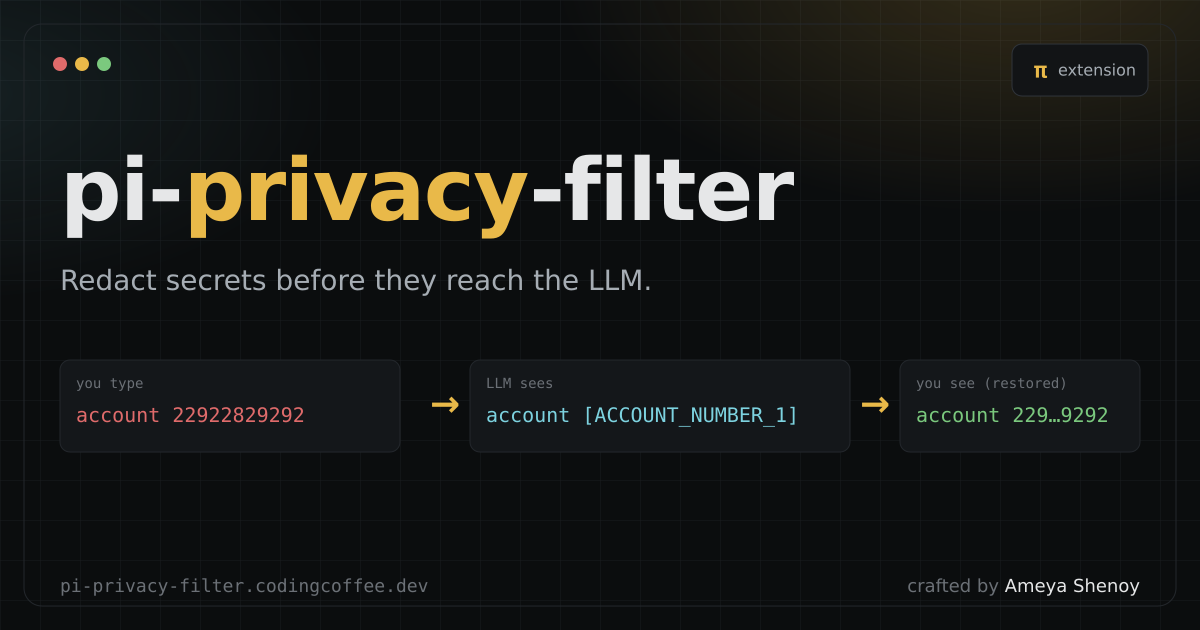
  "image": "https://pi-privacy-filter.codingcoffee.dev/og.png"
}
Security note
Pi packages can execute code and influence agent behavior. Review the source before installing third-party packages.
README
pi-privacy-filter
A pi extension that runs every prompt through a local privacy classifier (openai/privacy-filter via @huggingface/transformers) before it is sent to the LLM, and transparently restores the original values in the LLM's response.
user input ──► [redact] ──► LLM
                  │
                  └── placeholder→original mapping (in memory)

LLM response ──► [unredact via mapping] ──► you see the real values
Example:
- you type:
My AWS account number is 22922829292 - LLM sees:
My AWS account number is [ACCOUNT_NUMBER_1] - you see:
... My AWS account number is 22922829292 ...(assistant's reply, restored)
The mapping lives in memory for the session only — nothing is written to disk by this extension. Your original message is still stored in the session file (since that's where pi keeps it); only the bytes leaving for the model are redacted.
How it works
- Hooks the
contextevent to mutate the deep-cloned messages pi is about to send to the model. User messages and tool results have their text run through the classifier; matched spans are replaced with stable placeholders like[ACCOUNT_NUMBER_1]. - Hooks the
message_endevent to swap any placeholders back to their original values in the assistant's finalized message before pi displays / persists it. - Identical values reuse the same placeholder for the whole session.
Install
cd pi-privacy-filter
npm install   # or: bun install
Then wire it into pi using any one of:
Quick test
pi -e ./index.ts
Project-local
mkdir -p .pi/extensions
ln -s "$PWD" .pi/extensions/pi-privacy-filter
Global
mkdir -p ~/.pi/agent/extensions
ln -s "$PWD" ~/.pi/agent/extensions/pi-privacy-filter
Or via pi settings (~/.pi/settings.json)
{
  "extensions": ["/absolute/path/to/pi-privacy-filter"]
}
Commands
/privacy-mapping— dump the current placeholder→value mapping (handy for debugging).
Files
index.ts— the extensionsample.ts— original standalone POC (bun run sample.ts)