@d4rw1nz/pi-custom-provider
Interactive wizard to manage custom LLM providers and models for the pi coding agent
Package details
Install @d4rw1nz/pi-custom-provider from npm and Pi will load the resources declared by the package manifest.
$ pi install npm:@d4rw1nz/pi-custom-provider- Package
@d4rw1nz/pi-custom-provider- Version
1.0.8- Published
- Sep 9, 2026
- Downloads
- 643/mo · 233/wk
- Author
- d4rw1nz
- License
- MIT
- Types
- extension
- Size
- 1.5 MB
- Dependencies
- 0 dependencies · 4 peers
Pi manifest JSON
{
  "image": "https://raw.githubusercontent.com/d4rw1nz/pi-custom-provider/main/assets/cover.png",
  "extensions": [
    "./src/index.ts"
  ]
}Security note
Pi packages can execute code and influence agent behavior. Review the source before installing third-party packages.
README
pi-custom-provider
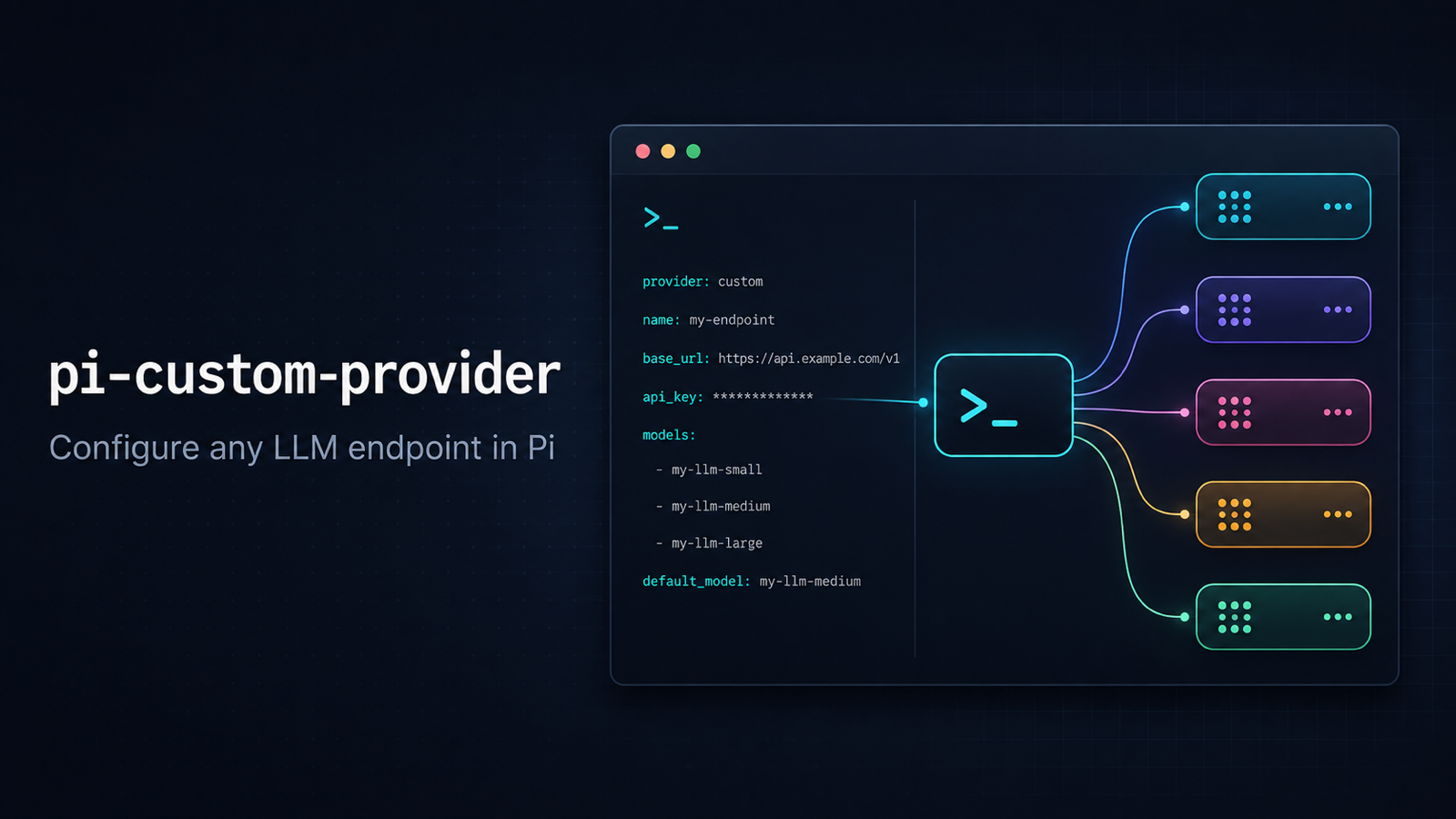




Configure custom LLM endpoints in Pi without hand-editing
models.json.
English
pi-custom-provider is an interactive Pi extension for adding and maintaining custom LLM providers. It supports OpenAI-compatible endpoints, Pi's catalog-driven API types, model discovery, model metadata, compatibility overrides, API-key authentication, and supported Pi OAuth flows.
Install
Install the latest published package:
pi install npm:@d4rw1nz/pi-custom-provider
Install a pinned version:
pi install npm:@d4rw1nz/pi-custom-provider@1.0.6
Try it for one session without changing your Pi settings:
pi -e npm:@d4rw1nz/pi-custom-provider
Restart Pi after installing, then run:
/provider-setup
Quick start
- Open Pi and run
/provider-setup. - Choose Create New Provider.
- Select an API type. For most OpenAI-compatible services, choose
openai-completions. - Enter the provider's Base URL, for example
https://example.com/v1. - Enter a provider ID, such as
my-llm. - Choose API Key for a normal custom endpoint, or select a compatible Pi OAuth implementation when you intentionally want that OAuth flow.
- Enter the API key or complete the OAuth setup.
- Let the wizard discover models, select the models you want, and press Enter to save.
- Select the model in Pi and start using it.
Wizard flow
/provider-setup
  ├─ Create New Provider
  ├─ API Type
  ├─ Base URL
  ├─ Provider ID
  ├─ Authentication
  │   ├─ API Key
  │   └─ OAuth Provider → OAuth JSON / Pi OAuth login
  ├─ Discover models
  ├─ Select models
  ├─ Edit model metadata (optional)
  └─ Review & Save
For an existing provider:
Choose Provider → Edit Config → edit provider fields → Select Models
Authentication
For a custom OpenAI-compatible endpoint, use API Key. The GitHub Copilot and OpenRouter entries are OAuth implementations supplied by the installed pi-ai catalog; they are not inferred from your Base URL.
The OAuth picker is generated dynamically from the installed Pi provider catalog. A provider is shown for an API type only when its built-in models declare that API type. OAuth credentials can be supplied as a path, pasted JSON, or Pi-managed login credentials.
Model discovery and editing
The wizard can:
- discover models from the configured API;
- supplement results with models matching the Base URL and model ID;
- enrich models with metadata from models.dev;
- add a model manually with
n; - filter with
/; - select all with
a; - edit reasoning, image input, context window, max tokens, pricing, thinking levels, and
compatJSON; - apply complete presets from the installed
pi-aicatalog withp.
Candidates are suggestions only until selected. Existing provider model edits are saved automatically.
Files and security
Provider configuration is stored in:
~/.pi/agent/models.json
Pi OAuth credentials are stored in:
~/.pi/agent/auth.json
Treat both files as sensitive. This extension executes with Pi's user permissions and makes network requests to your configured endpoint and models.dev during discovery.
Development
pnpm install
pnpm test
pnpm run typecheck
pnpm run pack:check
Releases are published automatically by GitHub Actions when a v*.*.* tag is pushed:
npm version patch
git push origin main --follow-tags