@edgehero/pi-dispatch-admin
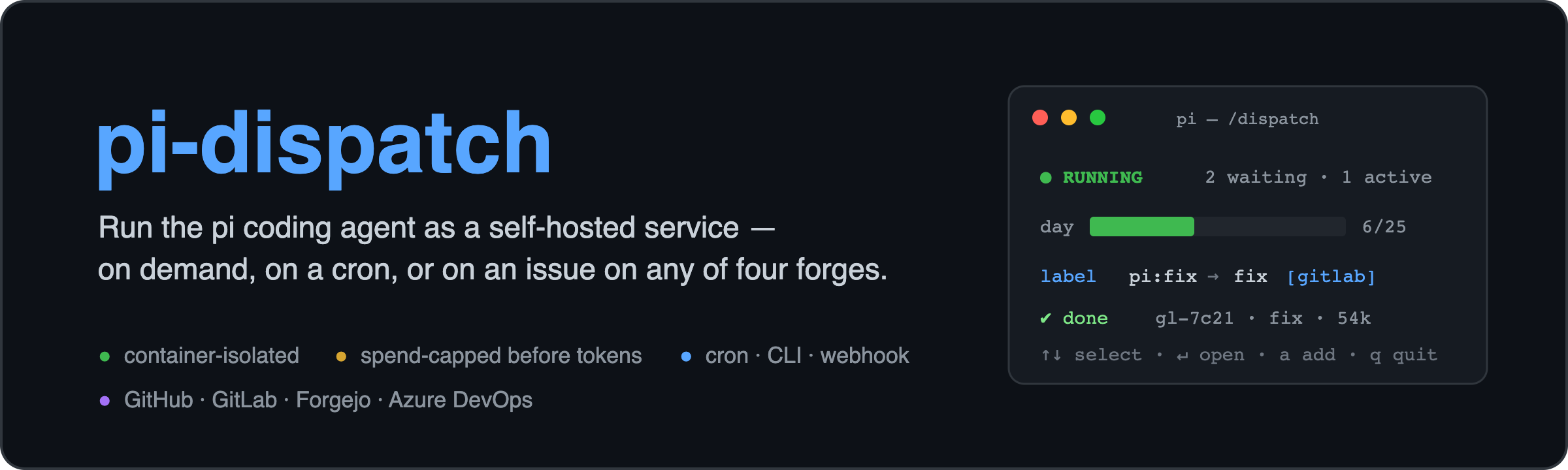
Operator console (a pi extension) + skill for pi-dispatch: run the pi coding agent as a self-hosted service. A /dispatch TUI for the queue, spend caps, run history, editable GitHub, GitLab, Forgejo and Azure DevOps triggers (cron/label/comment/PR/MR/work
Package details
Install @edgehero/pi-dispatch-admin from npm and Pi will load the resources declared by the package manifest.
$ pi install npm:@edgehero/pi-dispatch-admin- Package
@edgehero/pi-dispatch-admin- Version
0.5.0- Published
- Aug 4, 2026
- Downloads
- 1,004/mo · 474/wk
- Author
- mashground
- License
- MIT
- Types
- extension, skill
- Size
- 1.3 MB
- Dependencies
- 2 dependencies · 1 peer
Pi manifest JSON
{
  "extensions": [
    "./dist/index.mjs"
  ],
  "skills": [
    "./skills"
  ],
  "image": "https://raw.githubusercontent.com/edgehero/pi-dispatch/main/docs/images/banner.png?v=0.5.0"
}
Security note
Pi packages can execute code and influence agent behavior. Review the source before installing third-party packages.
README
pi-dispatch: run the pi coding agent as a self-hosted service
pi is a superb coding agent, but it has no job queue, no spend limit, and, by its own README, no permission system. pi-dispatch adds exactly those, so you can run pi unattended and safely: on a cron schedule, on your repo's issues and PRs, or straight from the CLI. Every job runs in an isolated container, with spend bounded before a single token is spent.
This npm package,
@edgehero/pi-dispatch-admin, is the operator console (a pi extension). The service itself is@edgehero/pi-dispatch(worker + CLI) and@edgehero/pi-dispatch-receiver(the webhook edge); the main repo has the container image, docs, and SECURITY.md.
How it works
Every trigger produces the same job, through the same path: one queue, one container, one budget.
   CLI · cron · label / comment / PR on GitHub, GitLab, Forgejo or Azure DevOps
                │  enqueue
                ▼
        Valkey + BullMQ            durable queue: survives reboots, absorbs bursts
                │
                ▼
     under the daily cap +         if not: refused here, before any spend
       per-job turn budget?
                │  yes
                ▼
        docker run --rm            one ephemeral container per job: --cap-drop=ALL,
                                   --security-opt no-new-privileges, memory/CPU/pids
                                   limits, /job mounted read-only
                │
                ▼
     pi + your .pi/skills          edits your code in place, opens a PR or MR, comments back
The container is the boundary (pi's missing permission system, enforced by Docker). Those isolation flags are built by the worker's own docker run argv, so nothing an image contains can weaken them; the non-root user is a property of the image, which is why an image has to meet the conformance checklist in docs/job-image.md. Spend is checked before a container starts, so a runaway or a junk trigger costs a refusal, not a surprise bill. The job image is yours to shape, per deployment or per trigger, and it ships Playwright and Chromium so a flow can build a frontend, screenshot it, and iterate on the render.
Triggers: what starts a job
Every trigger is one { on, run } entry in a single triggers.json, read live by the worker (cron) and the receiver (forge webhooks), and editable from the console. on is what fires it; run is the skill it runs.
on.type |
Fires on | What narrows it | What the agent gets as its task |
|---|---|---|---|
cron |
your schedule | nothing: a schedule is its own condition | the task written in the file |
label |
a label on an issue (or an Azure work item), never a pull request | a label predicate: any, all, or none (which can suppress a fire, never cause one) |
the issue title and body |
comment |
a comment containing your phrase, for example @pi |
the phrase, and one comment trigger per forge | the comment body, plus the issue title and body |
pull_request |
a PR or MR event | action, in your forge's own words, plus the same label predicate |
the PR title and body |
Four forges: GitHub, GitLab, Forgejo (and Gitea), Azure DevOps. Who may fire a trigger is your forge's decision, not this service's: on GitHub the label is the approval, because only collaborators can apply one, while GitLab, Forgejo and Azure resolve the actor's permission through their APIs. Each forge's action vocabulary is validated when the file loads, so a word from the wrong forge is refused instead of silently never matching.
Flows, and workflows. run.flow names a skill committed to the target repo at .pi/skills/<flow>/SKILL.md, read from the default branch, so the repo owns the prompt and merging it is the repo's consent. A skill may call other skills, which is already a workflow. For typed multi-stage ones, a pi extension such as @juicesharp/rpiv-workflow can be staged into the deployment: pinned to an exact version, installed on your host (never at job time, since jobs run offline), loaded in every container, and declinable per trigger.
How a workflow gets triggered, in one line: label / comment / PR / cron fires one job in one container, that job runs run.flow, and the flow drives whatever stages follow. Four consequences worth knowing before you build on it. A trigger names a flow, never a workflow, so which stages run is decided inside the job by that skill. A job is not an interactive session (the container hands pi one assembled prompt and reads the exit line), so a workflow extension's slash command has nobody to type it: in a job the flow's instructions drive the workflow, or a small extension you also staged calls its API from a lifecycle hook. One trigger is one job, one budget slot and one turn budget, so ten stages share the same PI_MAX_TURNS and per-job token budget, and exhausting either ends the job as a policy refusal that is never retried. And whether the workflow's own state survives depends on the trigger kind: a cron or CLI job has your folder mounted read-write so state persists between runs, while a forge job gets a fresh clone that is discarded with the container. Full reference: docs/workflows.md.
The console: /dispatch
One command puts a live TUI over the whole deployment:
- Status and spend. Queue and worker state, day/week/month spend meters, a daily token counter, and a run-history table with per-job tokens and cost.
- Costs, analyzed honestly. The COSTS view (
c) shows spend per flow, model and day, what each declared subscription actually saves against API rates, and a what-if that re-prices a flow under another model. Every dollar carries its class: a plan-covered run never renders as $0.00, and an estimate is always marked as one.
- Triggers, editable live. cron, label, comment and pull_request triggers with colored drill-ins showing what fires each one, what it runs, and its trust model. Added, edited and deleted without a restart. Triggers that run third-party code or a custom image are badged; opting in or out of either stays an edit to the reviewed
triggers.json, which neither the console nor a model-callable tool will make for you. - Quiet hours. Scheduled pause windows per folder or repo: defer runs between certain times, timezone-aware, and resume automatically. Deferred, never dropped, at zero budget cost.
- AI-operable, with a human gate. Model-callable tools let an agent change limits and manage triggers and pause windows, and every config write pops an operator confirmation the model cannot answer, refusing outright when no operator is present. Two tools sit outside that gate on purpose:
dispatch_pauseanddispatch_resumewrite durable queue state but are reversible and spend nothing, so they carry no confirm. One more sits outside it and is not money-safe:dispatch_runenqueues a paid run that edits a local folder in place with no undo, bounded instead by six independent limits (thePI_DISPATCH_RUN_ROOTSfolder allowlist, a committed per-flowai-trigger: allowopt-in read at a pre-agent SHA, a dirty-tree refusal with no force option, no spend knobs on the tool, a per-hour rate limit, and the worker's daily cap). ReadSECURITY.mdon that one before you enable it. The bundledoperate-pi-dispatchskill teaches the agent those gates. - Logs stay put. Raw container output renders only in the overlay viewer, never into model context.
Install
pi install npm:@edgehero/pi-dispatch-admin # then, in pi: /dispatch
This is the default way to set up pi-dispatch. With nothing configured, /dispatch takes you straight into guided setup, in this order: an opening choice, a deployment folder, a Docker check with per-OS pointers if it is missing, a consented npm install of the pinned runtime (Docker is checked first on purpose, so no bandwidth is spent on a host where up cannot work anyway), pi-dispatch up running its own prompts in your terminal, the deployment pointer that lets /dispatch find this deployment from any directory, a notice naming the file your provider key belongs in, an optional worker service, optional GitHub App credentials (setup github, the one step that mints a private key), an optional trigger edge (receiver service, docker compose profile, or the polling command), and an optional first cron trigger for the repo you are sitting in. Every step shows what it will do, asks first, and can be declined; nothing is written into your repo and no credential passes through a dialog. A deployment whose queue is merely down keeps the unreachable banner instead: setup appears when there is nothing, never over an outage.
Already have a deployment? The panel finds it through the deployment pointer setup writes, or through the same env vars your worker uses (VALKEY_URL, PI_LOGS_DIR, PI_SETTINGS_FILE, PI_TRIGGERS_FILE, PI_PAUSE_WINDOWS_FILE, PI_SUBSCRIPTIONS_FILE). Your env always wins.
dispatch_run is inert until you set one more variable yourself: PI_DISPATCH_RUN_ROOTS defaults to empty, and an empty allowlist refuses every folder. The deployment pointer deliberately cannot set it (the pointer carries paths, never capability grants), so widening that allowlist is always your own env edit.
Get the whole thing
→ https://github.com/edgehero/pi-dispatch
MIT, self-hosted. Read SECURITY.md before you rely on it; it states plainly what is and is not defended. Short version: the trust model is a GitHub Action's, so whoever can merge to your default branch can instruct the agent.