@fitchmultz/pi-calculator
Deterministic high-precision calculator tool for Pi
Package details
Install @fitchmultz/pi-calculator from npm and Pi will load the resources declared by the package manifest.
$ pi install npm:@fitchmultz/pi-calculator- Package
@fitchmultz/pi-calculator- Version
4.1.12- Published
- Nov 3, 2026
- Downloads
- 1,675/mo · 1,367/wk
- Author
- fitchmultz
- License
- MIT
- Types
- extension
- Size
- 50.1 KB
- Dependencies
- 2 dependencies · 3 peers
Pi manifest JSON
{
  "image": "https://raw.githubusercontent.com/fitchmultz/pi-calculator/main/.github/readme/calculator-flow.png",
  "extensions": [
    "./index.ts"
  ]
}Security note
Pi packages can execute code and influence agent behavior. Review the source before installing third-party packages.
README
pi-calculator
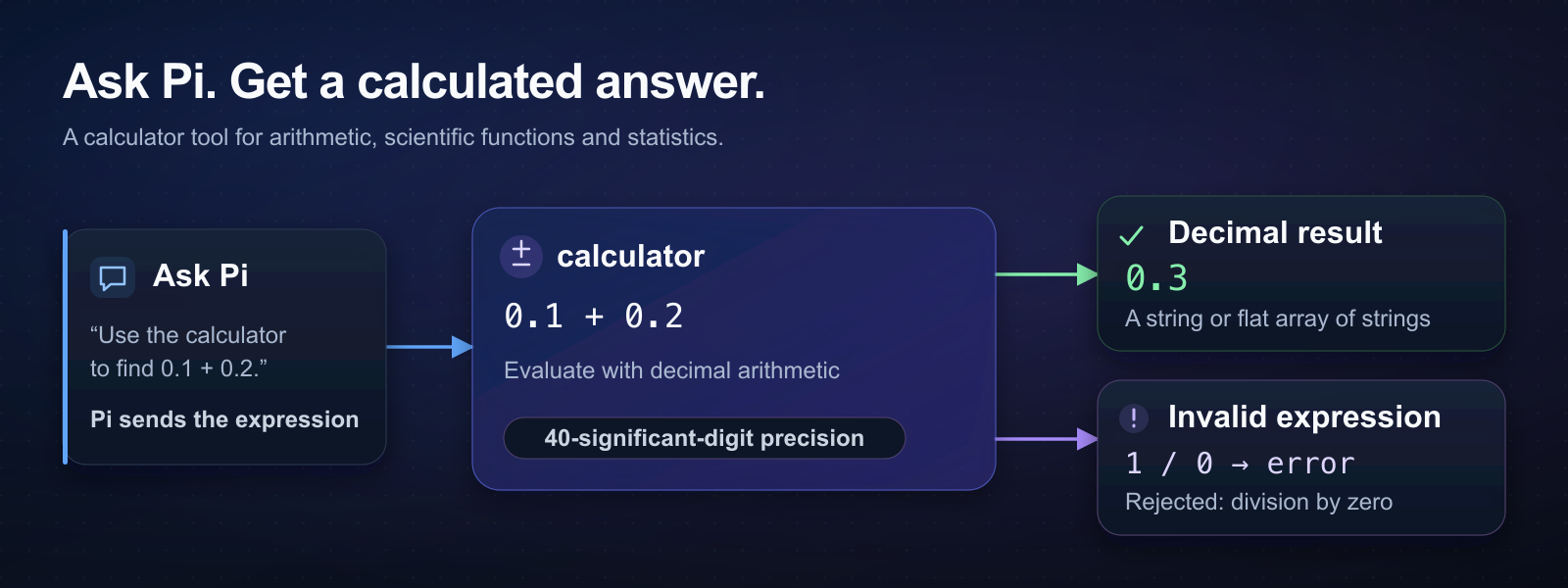
pi-calculator adds a calculator tool to Pi, with 40 significant digits of decimal precision. Use it to check totals or evaluate scientific expressions.
Install and try it
Use Node.js and a supported Pi release. See the compatibility requirements.
pi install npm:@fitchmultz/pi-calculator
pi
Enter this prompt in the new Pi session:
Use the calculator to evaluate [0.1 + 0.2, 2^64].The calculator tool returns ["0.3","18446744073709551616"].
See installation options for Git installs or a change from Git to npm.
Pi extensions run with full system access. Review the source before you install the package.
Expressions
Try these expressions:
percent(15, 200)                 → 30
roundTo(-1.25, 1)                → -1.3
mean([2,4,6,8])                  → 5
sin(radians(90))                 → 1
sum([1e40,1,-1e40])              → 1
(12.5 * 1.0825) ^ 3              → 2477.500518798828125
Arithmetic supports +, -, *, /, %, ^ and **, with PI and E as constants. Put independent calculations in one flat array, as in the first example.
Trig uses radians. Use radians() to convert degrees to radians. Use degrees() to convert radians to degrees.
roundTo(value, places) rounds half values away from zero. Use negative places to round to tens, hundreds or larger units.
See the expression reference for all functions and array indexing.
Results and limits
Results are decimal strings, or a flat array of decimal strings. Input numbers and arithmetic use half-up rounding. Large finite results use scientific notation.
The calculator tool rejects invalid expressions, nonfinite results and nested result arrays. If one result in an array is invalid, the calculator tool rejects the whole expression.
Keep expressions within 4,096 characters. See limits for nesting, output size and work budgets.
See result format to use the calculator tool from another extension.
Read the migration notes before upgrading.
Verification
See the development guide for local checks and Pi compatibility tests. See the changelog for release history.
License
MIT © Mitchell Fultz.