@floydous/pi-agent-kernel
Focused code retrieval, editing, safety checks, and language-server support for Pi.
Package details
Install @floydous/pi-agent-kernel from npm and Pi will load the resources declared by the package manifest.
$ pi install npm:@floydous/pi-agent-kernel- Package
@floydous/pi-agent-kernel- Version
0.4.3- Published
- Oct 24, 2026
- Downloads
- 786/mo · 40/wk
- Author
- floydous
- License
- ISC
- Types
- extension
- Size
- 19.3 MB
- Dependencies
- 7 dependencies · 0 peers
Pi manifest JSON
{
  "extensions": [
    "./src/index.ts"
  ]
}
Security note
Pi packages can execute code and influence agent behavior. Review the source before installing third-party packages.
README
pi-agent-kernel
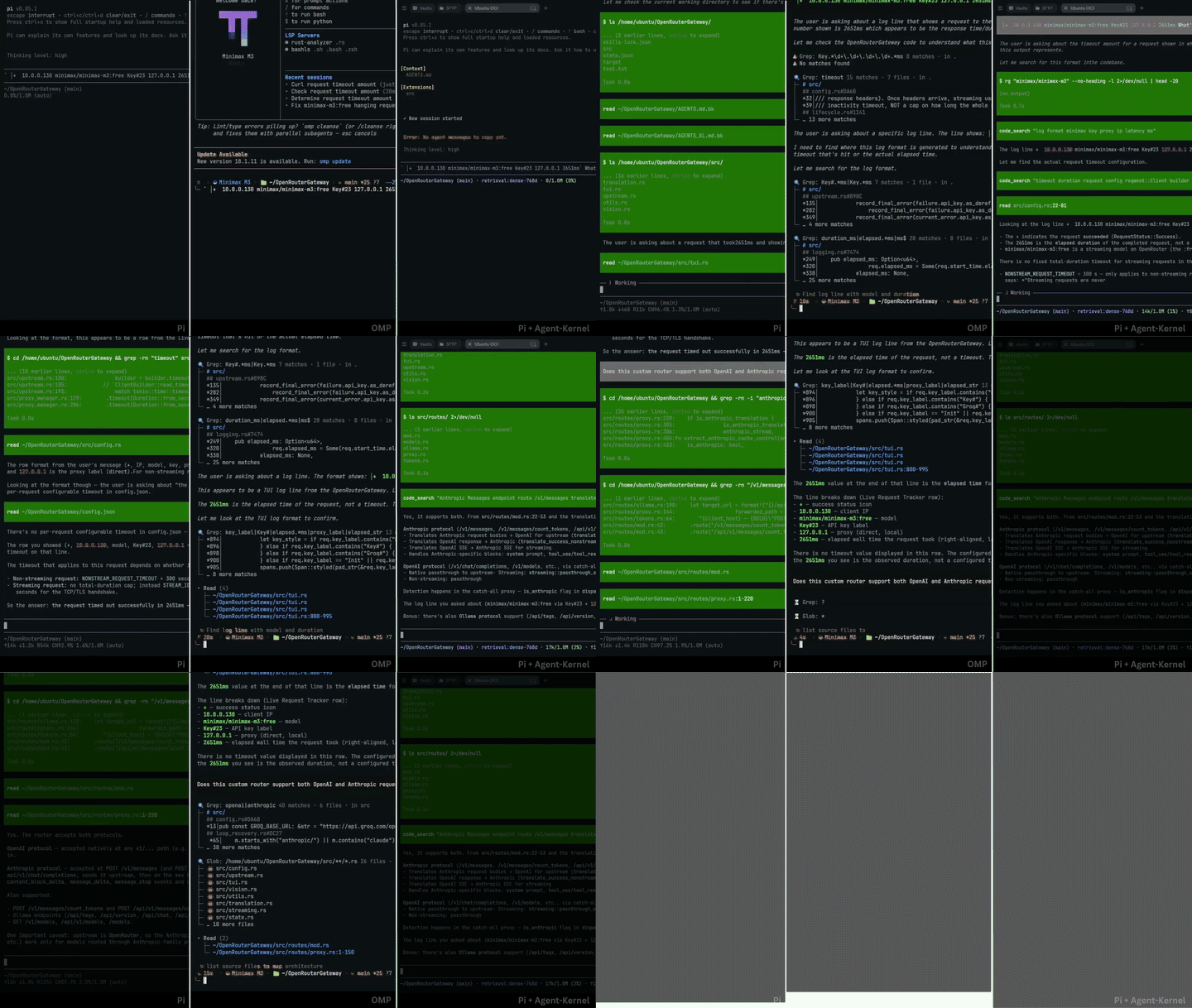
Coding agents waste context when they read entire files to inspect one function, dump thousands of lines of terminal output, or rewrite whole files for small edits. pi-agent-kernel is an extension for Pi that keeps sessions compact by clamping command outputs, capping file reads, and verifying edits before saving.
Benchmarks
Evaluating 6 coding agent harnesses across 8 bug fixes (hono, ky, zod, ufo, picomatch, fastify, uuid, p-limit) with cx/gpt-5.6-luna:high:
| Harness | Solved | Success | Time | Input Tokens | Output Tokens | Total Turn Tokens | Tool Calls |
|---|---|---|---|---|---|---|---|
| Pi + Agent-Kernel | 8 / 8 | 100% | 10m 00s | 270k | 13.5k | 861k | 107 |
| Pi (Vanilla) | 8 / 8 | 100% | 20m 24s | 709k | 32.3k | 1.54M | 149 |
| Codex CLI | 8 / 8 | 100% | 20m 28s | 3.24M | 40.1k | 3.28M | 102 |
| OpenCode | 8 / 8 | 100% | 25m 57s | 1.42M | 23.0k | 3.61M | 229 |
| OMP | 7 / 8 | 87.5% | 19m 24s | 906k | 29.8k | 4.16M | 384 |
| Claude Code | 6 / 8 | 75.0% | 36m 00s | 4.39M | 85.8k | 4.48M | 183 |

Prompts describe symptoms and expected behavior without providing the fix. Token totals reflect each tool's reported telemetry. In Claude Code, 1 additional task passed test verification after timing out.
Quick start
1. Install
Install the extension through Pi's package manager:
# Global install
pi install npm:@floydous/pi-agent-kernel

# Local install for the current workspace only
pi install -l npm:@floydous/pi-agent-kernel
Restart Pi or start a new session.
The instructions in AGENT_KERNEL_SYS_PROMPT.md are added to the agent system prompt automatically. To turn them off, set [instructions] enabled = false in .pi/config.toml or run /agent-kernel set guidance off.
2. Configure the retrieval engine (/engine)
pi-agent-kernel includes an in-memory retrieval engine for keyword and vector search:
/engine statusauto: Selectsleanon remote servers,hybridon laptops, orfullon desktops based on available hardware.lean(default): AST-indexed BM25 keyword search (🌿 retrieval:bm25) with no extra memory footprint.hybrid: BM25 search combined with 256-dimension Matryoshka embeddings (◈ retrieval:hybrid-256d).full: 768-dimension dense semantic search (🧠 retrieval:dense-768d).off: Disables local indexing completely.
When indexing runs in the background, the status line shows chunk progress:
🧠 retrieval:dense-768d ⇢ 45% (22/48 • 14.2 chunk/s)Switch profiles directly:
/engine hybrid
/engine full
3. Settings and configuration (/agent-kernel)
Run /agent-kernel to open the settings interface:
/agent-kernelKey controls in the settings modal:
Tab/Shift+Tab: Switch categories (Retrieval,Safety,Editing,UI).G(orCtrl+G): Toggle whether a setting applies globally (~/.pi/agent/config.toml) or locally (.pi/config.toml). Global settings show in yellow.Escorq: Save changes and close. Changes stay in memory and save together when you close the modal, so browsing options will not trigger extra re-indexing runs.
You can also manage settings from the command line:
/agent-kernel status             # Print current configuration and file locations
/agent-kernel set <key> <val>    # Update a setting globally
/agent-kernel reset              # Reset global configuration to defaults
4. Language servers (/lsp)
Run /lsp to check detected languages, connection states, and installation status:
/lspTo install a server directly:
/lsp install <language> # e.g. python, typescript, rust, go, csharp5. Disable Pi documentation for external projects
Pi injects reference documentation for building Pi extensions into every session. When working on ordinary codebases, you can hide those docs to save prompt space:
/pi-docs offUse /pi-docs on when returning to work on Pi extensions.
Tool reference
| Tool | Description |
|---|---|
read |
Reads plain text with 50 KB / 2,000-line caps, or extracts an individual symbol with AST parsing (symbol="name"). |
edit |
Applies search-and-replace patches with automatic delimiter healing and optional line_hint line coordinates. |
write |
Creates new files or replaces complete files. |
bash |
Runs shell commands with clamped output and spillover logging. |
code_search |
Combines AST BM25 keyword matching and semantic embeddings with symbol breadcrumbs. |
[!NOTE] Exploratory tools (
ast_search,get_repo_map,lsp) are disabled by default (enable_tools = false) to reduce per-turn token overhead. You can enable them with/agent-kernel set tools allor by settingPI_ENABLE_ALL_RETRIEVAL_TOOLS=1.
License
ISC