@fnava621/pilens
PiLens integration for Pi — capture, mark up, and send screenshots into your Pi session.
Package details
Install @fnava621/pilens from npm and Pi will load the resources declared by the package manifest.
$ pi install npm:@fnava621/pilens- Package
@fnava621/pilens- Version
0.1.0- Published
- Jun 13, 2026
- Downloads
- not available
- Author
- palanca
- License
- MIT
- Types
- extension
- Size
- 47.1 KB
- Dependencies
- 0 dependencies · 2 peers
Pi manifest JSON
{
  "extensions": [
    "./index.ts"
  ],
  "video": "https://pilens.dev/assets/pilens-demo-loop.mp4",
  "image": "https://pilens.dev/assets/pilens-demo-poster.jpg"
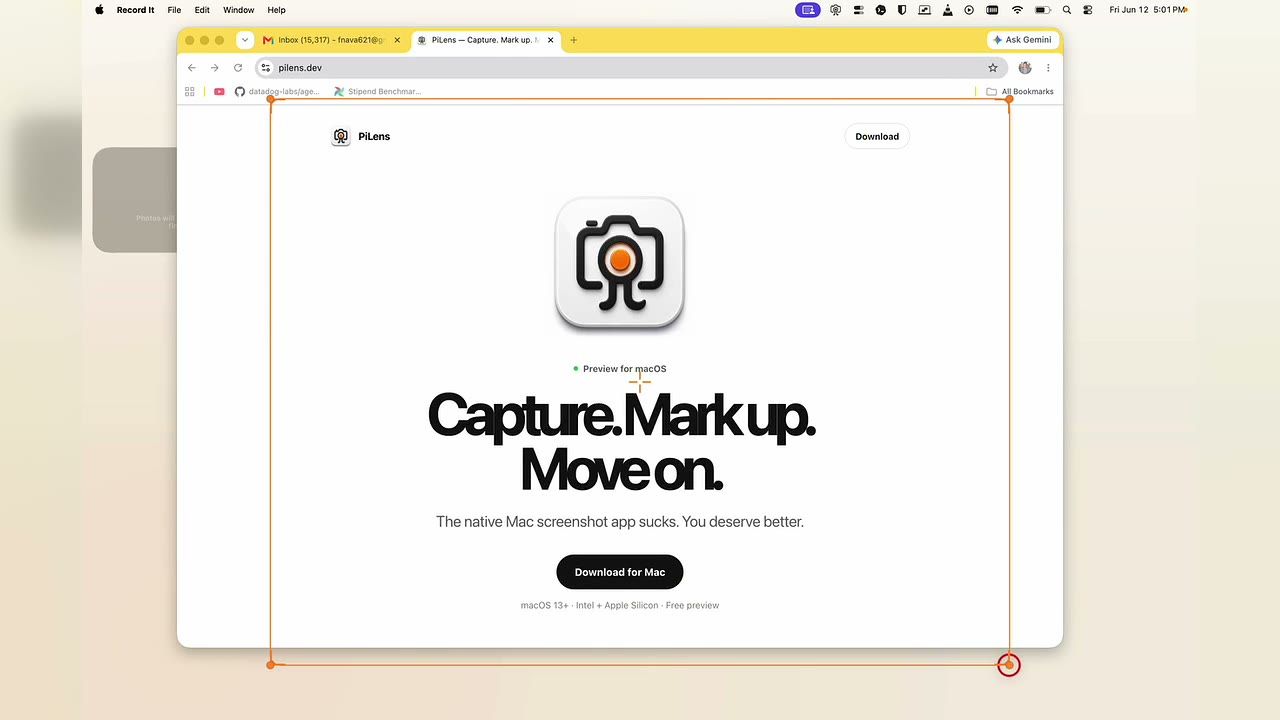
}
Security note
Pi packages can execute code and influence agent behavior. Review the source before installing third-party packages.
README
PiLens for Pi
PiLens lets you capture, mark up, and send screenshots directly into an active Pi session.
Install
pi install npm:@fnava621/pilens
Then download and open the Mac app from pilens.dev:
https://pilens.dev/download
Inside Pi, run:
/pilens
What this package includes
This npm package includes the Pi-side extension only:
/pilenscapture picker/pilens capturecapture trigger- local bridge for the native PiLens Mac app
- inline preview rendering for sent screenshots
The native macOS menu bar app is distributed separately as a DMG from pilens.dev.