@fodx/codelens
Local, branch-aware code search & relation graph. SQLite FTS5 + tree-sitter symbols + source-graph edges, exposed as an MCP server and CLI. No chat LLM required.
Package details
Install @fodx/codelens from npm and Pi will load the resources declared by the package manifest.
$ pi install npm:@fodx/codelens- Package
@fodx/codelens- Version
2.1.3- Published
- Jun 21, 2026
- Downloads
- 536/mo · 536/wk
- Author
- unlighted
- License
- MIT
- Types
- extension
- Size
- 527.8 KB
- Dependencies
- 15 dependencies · 1 peer
Pi manifest JSON
{
  "extensions": [
    "adapters/pi/codelens.extension.ts"
  ],
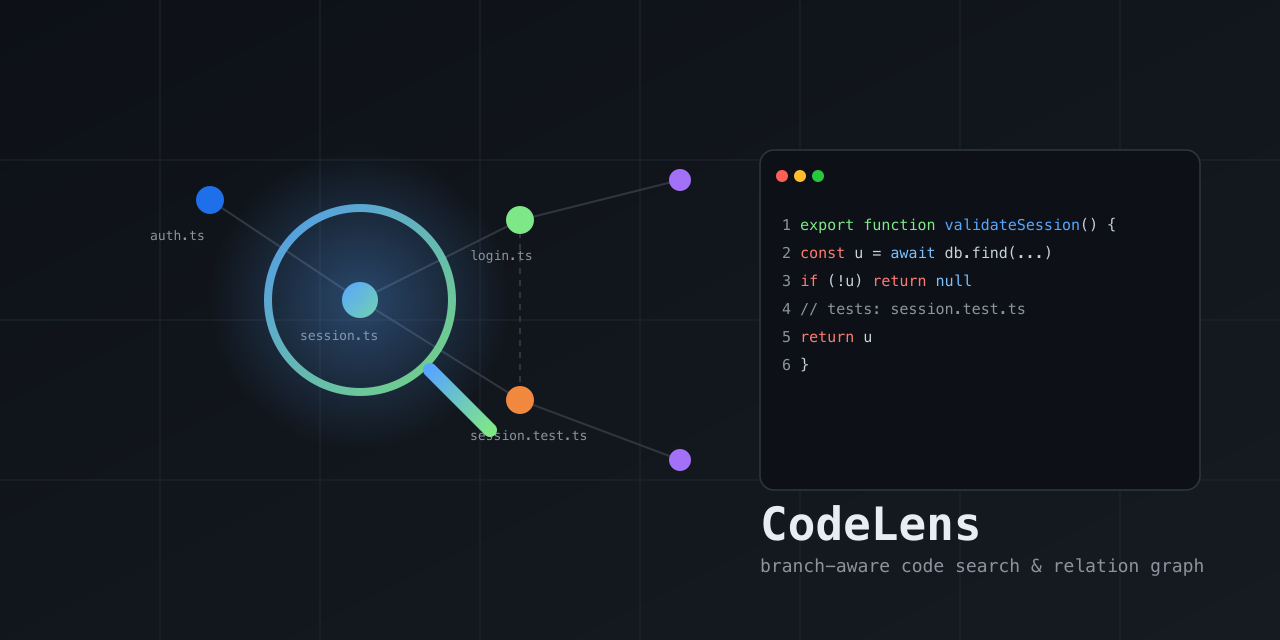
  "image": "https://raw.githubusercontent.com/ex-git/codeLens/main/docs/codelens-preview.png"
}
Security note
Pi packages can execute code and influence agent behavior. Review the source before installing third-party packages.
README
CodeLens
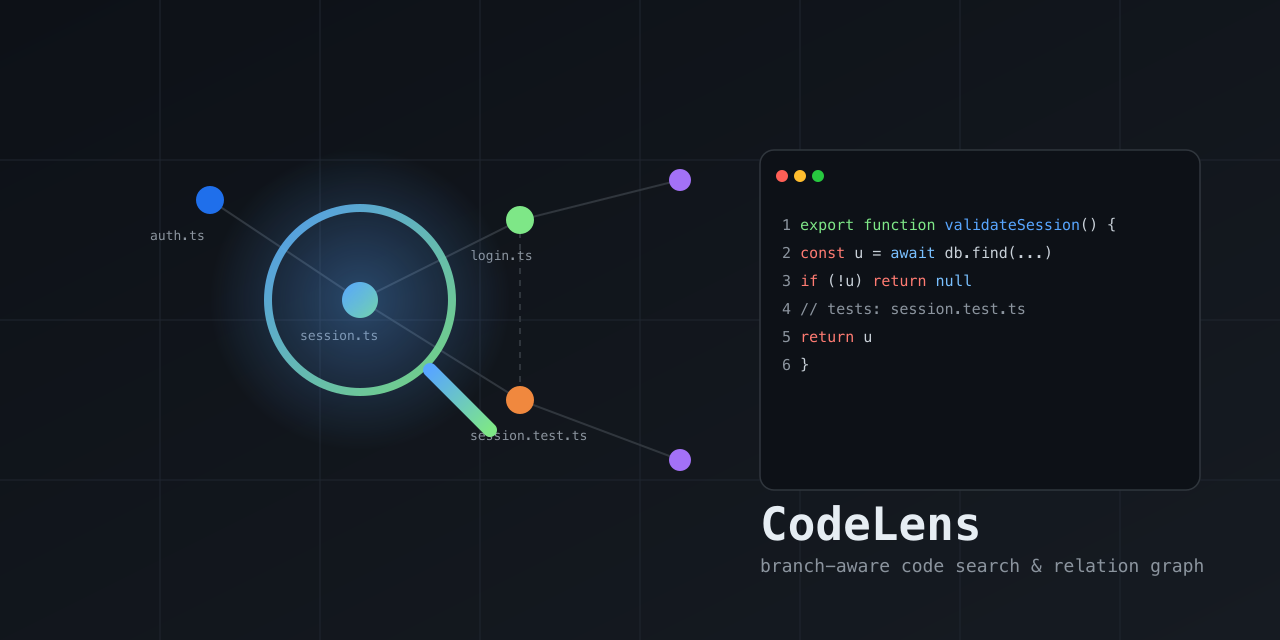
A local, branch-aware code search & relation graph — a lens into how the code in a repo connects. Indexes the current branch into SQLite (FTS5 lexical + tree-sitter symbols + source-graph edges: imports / tests / calls / defines / belongs_to) and returns compact, ranked, re-queryable handles so you can find relevant files/symbols and walk their relationships without flooding your context with raw grep/read output.
No chat LLM is involved — retrieval is deterministic. Surfaced as an MCP server and a CLI; works with any MCP-compatible client (Claude Code, Cursor, Gemini CLI, opencode, Codex CLI) or directly from the terminal.
- Branch isolation — each branch/worktree has its own index; results never leak across branches.
- Relations, not just text — graph edges (imports / tests / callers / …) ranked alongside FTS5 + symbol-name matches.
- Fresh — query tools auto-refresh changed files before answering, flag
budget-limited stale results, and
cl_expandalways reads from disk. - Compact — returns ranked handles; expand only what you need.
- Durable — saved contexts live in a separate DB and survive index rebuilds.
- Self-cleaning — automatic TTL prunes inactive indexes.
Install
One command builds the tool, installs the codelens launcher, and wires the MCP
server into detected agents/IDEs automatically (Claude Code, Cursor, Gemini CLI,
opencode, Codex CLI). Requires Node.js ≥ 22.5.
macOS / Linux:
curl -fsSL https://raw.githubusercontent.com/ex-git/codeLens/main/install.sh | sh
Windows (PowerShell):
irm https://raw.githubusercontent.com/ex-git/codeLens/main/install.ps1 | iex
After it finishes, open a new terminal so your shell picks up the newly installed
codelens command. The agents detected during install are already configured;
to choose targets explicitly or re-run later:
codelens install --target all --yes        # wire all agents
codelens install --target claude,cursor    # wire specific agents
codelens install --target auto --location=local   # project-local config
codelens --print-config codex              # print a snippet, no writes
codelens uninstall                         # remove from all agents
Upgrade:
codelens upgrade --check   # is an update available?
codelens upgrade           # git pull + rebuild + refresh global agent config/routing
Upgrade reports the rebuilt version and re-applies global agent config + routing
for detected hosts. Cursor's global config attaches to the active workspace via
${workspaceFolder}, so after upgrading just restart your agent.
Uninstall everything:
curl -fsSL https://raw.githubusercontent.com/ex-git/codeLens/main/install.sh | sh -s -- --uninstall
Note on clients/LLMs: MCP clients (Claude Code, Cursor, …) bring their own model — CodeLens has no LLM and configures none. The installer only wires the MCP server + routing instructions into each host's config.
Supported agents / IDEs
The installer (codelens install --target <id>) writes the MCP server config
and routing instructions into each host's real config file. --location=global
(user-wide) is the default; --location=local writes project-local config
instead. All writes are idempotent and removable with codelens uninstall.
| Host | target id | Config file (global → local) | Entry shape |
|---|---|---|---|
| Claude Code | claude |
~/.claude.json → .mcp.json |
mcpServers.codelens = { command, args: [] } |
| Cursor | cursor |
~/.cursor/mcp.json → .cursor/mcp.json |
mcpServers.codelens = { command, args: ["--cwd", "${workspaceFolder}"] } (Cursor expands the variable per-workspace) |
| Gemini CLI | gemini |
~/.gemini/settings.json → .gemini/settings.json |
mcpServers.codelens = { command, args: [] } |
| opencode | opencode |
~/.config/opencode/opencode.json → ./opencode.json |
mcp.codelens = { type: "local", command: [cmd], enabled: true } |
| Codex CLI | codex |
~/.codex/config.toml → .codex/config.toml |
TOML [mcp_servers.codelens] block (command, args = []) |
| Pi Coding Agent | pi |
pi install npm:@fodx/codelens (loads adapters/pi/codelens.extension.ts) |
Pi extension that bridges the MCP server via pi.registerTool |
command is the absolute path to the installed codelens launcher (written by
the installer); for a manual snippet use npx -y @fodx/codelens. CodeLens uses
root priority --cwd → MCP Roots → process cwd. Cursor config (global or
local) attaches to the active workspace via --cwd ${workspaceFolder}. Other
hosts pin the concrete workspace path for local installs and rely on MCP Roots
for global installs.
Routing instructions are also written so the host prefers codelens tools for discovery over raw grep/read:
| Host | Instructions file (global → local) |
|---|---|
| Claude Code | ~/.claude/CLAUDE.md → ./CLAUDE.md (+ slash commands in ~/.claude/commands/codelens-*.md) |
| Cursor | ~/.cursor/rules/codelens.mdc → .cursor/rules/codelens.mdc (dedicated, alwaysApply) |
| Gemini CLI | ~/.gemini/GEMINI.md → ./GEMINI.md |
| opencode | ~/.config/opencode/AGENTS.md → ./AGENTS.md |
| Codex CLI | ~/.codex/AGENTS.md → ./AGENTS.md |
Print a snippet without writing anything:
codelens --print-config claude    # JSON mcpServers snippet + target path
codelens --print-config codex     # TOML [mcp_servers.codelens] block
codelens --print-config pi        # Pi extension manifest pointer
Pi Coding Agent — install as a Pi package (the npm tarball ships the
extension under adapters/pi/ and is tagged pi-package, so it appears in the
Pi package gallery once published):
pi install npm:@fodx/codelens      # user-wide
pi install -l npm:@fodx/codelens   # project-local (.pi/settings.json)
pi -e npm:@fodx/codelens           # try it for one run without installing
npm discoverability:
package.jsonis taggedpi-package(required for the Pi gallery) plus descriptive keywords (mcp-server,modelcontextprotocol,claude-code,cursor,gemini-cli,opencode,codex) so the package is findable via npm search. Onlypi-packageis confirmed to trigger a host gallery listing; the others are for search discoverability and do not imply auto-listing in those hosts' marketplaces.
Install (MCP) — manual alternative
Add to your MCP client config (Claude Code, Cursor, OpenCode, Gemini CLI, Codex CLI):
{
  "mcpServers": {
    "codelens": {
      "command": "npx",
      "args": ["-y", "@fodx/codelens"]
    }
  }
}
Or run locally from source:
npm install --legacy-peer-deps
npm run build
node build/src/server.js
Quickstart
- In your repo, the agent calls
cl_current(builds index if missing) orcl_refreshexplicitly. cl_explore(query: "session validation flow")→ grouped previews + relationship map in one call.cl_search(query: "session validation")→ lean ranked handles when you only need locations.cl_impact(symbol: "validateSession", path: "src/auth/session.ts")→ callers/callees/affected tests before edits.cl_related(path: "src/auth/session.ts", types: ["tests"])→ targeted graph expansion.cl_map(path: "src/auth")→ per-file symbol outline for orientation.cl_expand(path: "src/auth/session.ts", startLine: 12, endLine: 58)→ exact code.
See docs/agent-guide.md for a full walkthrough,
docs/tools.md for the tool reference, and
docs/routing.md for agent routing instructions.
Native adapters
See adapters/ for host-specific hook skeletons that nudge agents toward
codelens tools instead of raw grep/read.
CLI (non-MCP usage)
The codelens binary also works directly from the terminal:
codelens doctor          # health check
codelens index            # build/update the current branch index
codelens search "session validation"   # ranked search
codelens related src/auth/session.ts    # graph neighbors
codelens stats           # index counts
codelens current         # repo/branch status
Development
npm run typecheck   # tsc --noEmit
npm run lint        # eslint
npm test            # vitest run
npm run build       # tsc + copy schema assets
npm run benchmark   # performance gate (search <50ms, cold <3s)
npm run quality     # retrieval-quality fixture (recall@5/MRR/top-1/latency)
npm run eval:agent  # deterministic with/without-CodeLens discovery proxy
Docs
- How CodeLens works — architecture, index layers, branch isolation, freshness, ranking, TTL, saved contexts, usage.
- Usage metrics & how "saved" is calculated — the formula, assumptions, and limits.
Limitations
- No vector/semantic search — there is no embedding model; ranking fuses
FTS5 BM25 + symbol-name + graph proximity + path + code/prose + exact-match
signals. Code identifiers are matched via bounded subtoken expansion
(e.g.
sessionfindsvalidateSession); a true semantic/vector layer is still out of scope. - Lazy on-demand indexing for very large repos is future work —
cl_refreshis eager. The recommended pattern for large repos is onecl_refreshthen incremental + the file watcher thereafter (cold index ~3.5s for 2000 files). - Routing hooks are advisory (soft nudges, not hard blocks) per the no- throttling design decision — raw reads remain allowed for editing/verification.
- npm package — published on npm as
@fodx/codelens; releases are published automatically fromv*git tags via thepublishworkflow. Usenpx -y @fodx/codelensfor manual MCP configuration. See.github/workflows/publish.yml. - Windows not tested — path normalization handles backslashes, but
fs.watchrecursive behavior and native builds are unverified on Windows.
License
MIT