@fodx/codelens
Local, branch-aware code search & relation graph. SQLite FTS5 + tree-sitter symbols + source-graph edges, exposed as an MCP server and CLI. No chat LLM required.
Package details
Install @fodx/codelens from npm and Pi will load the resources declared by the package manifest.
$ pi install npm:@fodx/codelens- Package
@fodx/codelens- Version
1.2.0- Published
- Jun 19, 2026
- Downloads
- not available
- Author
- unlighted
- License
- MIT
- Types
- extension
- Size
- 431.9 KB
- Dependencies
- 15 dependencies · 1 peer
Pi manifest JSON
{
  "extensions": [
    "adapters/pi/codelens.extension.ts"
  ],
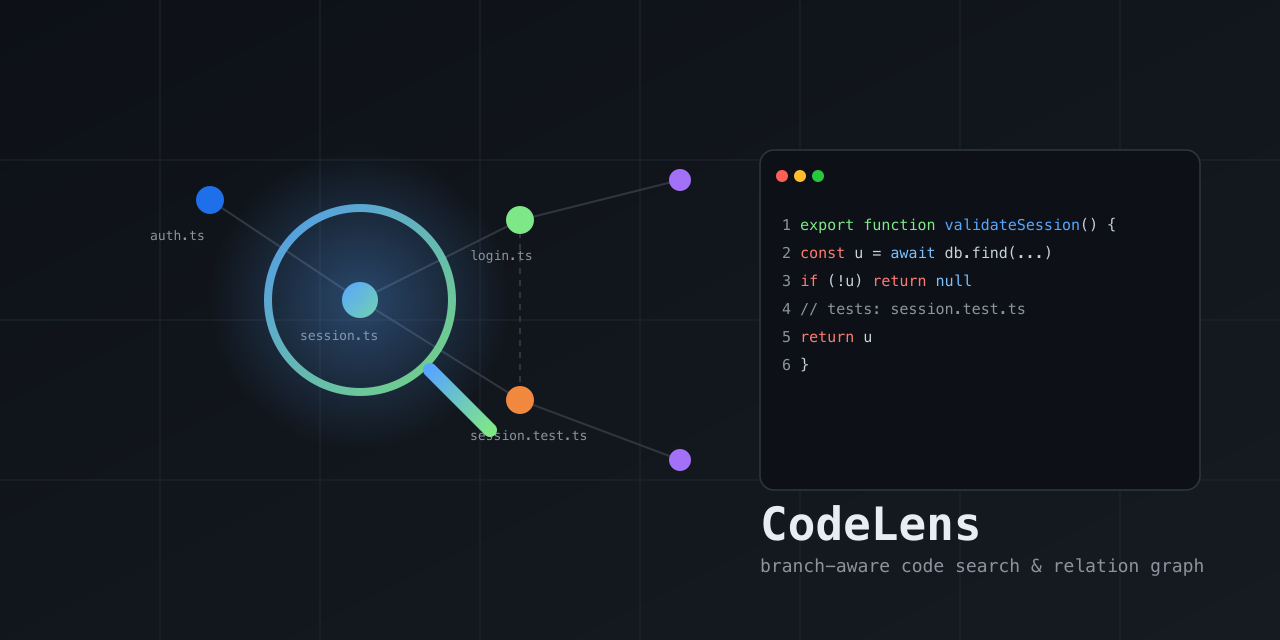
  "image": "https://raw.githubusercontent.com/ex-git/codeLens/main/docs/codelens-preview.png"
}
Security note
Pi packages can execute code and influence agent behavior. Review the source before installing third-party packages.
README
CodeLens
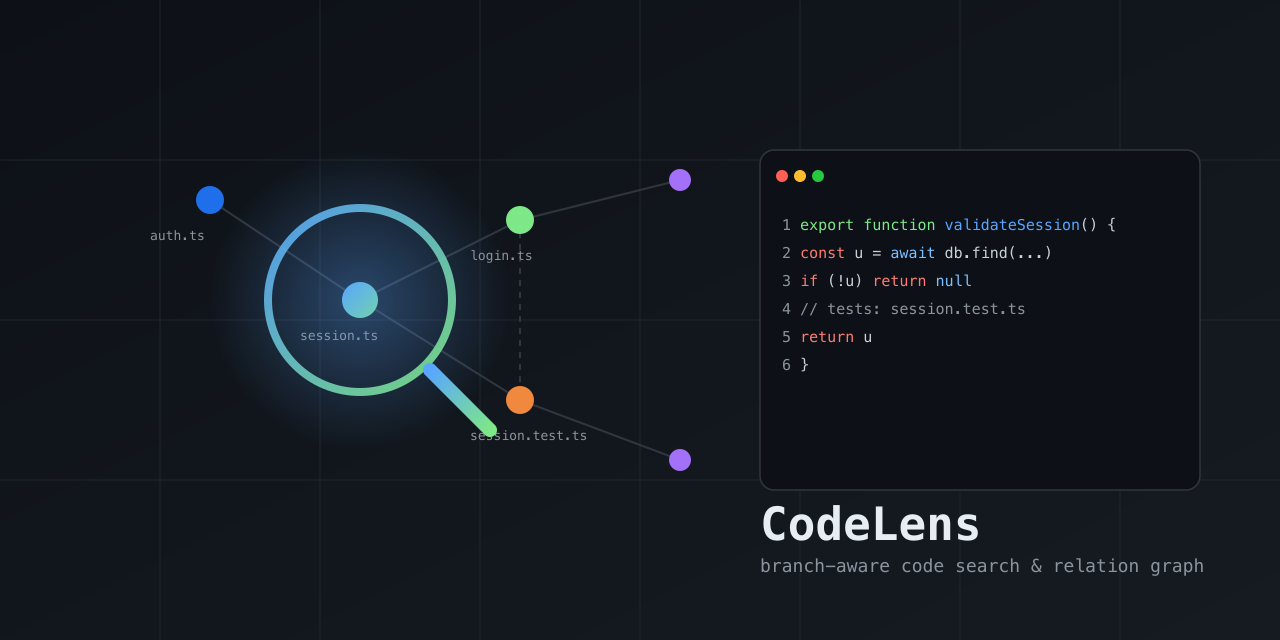
A local, branch-aware code search & relation graph — a lens into how the code in a repo connects. Indexes the current branch into SQLite (FTS5 lexical + tree-sitter symbols + source-graph edges: imports / tests / calls / defines / belongs_to) and returns compact, ranked, re-queryable handles so you can find relevant files/symbols and walk their relationships without flooding your context with raw grep/read output.
No chat LLM is involved — retrieval is deterministic. Surfaced as an MCP server and a CLI; works with any MCP-compatible client (Claude Code, Cursor, Gemini CLI, opencode, Codex CLI) or directly from the terminal.
- Branch isolation — each branch/worktree has its own index; results never leak across branches.
- Relations, not just text — graph edges (imports / tests / callers / …) ranked alongside FTS5 + symbol-name matches.
- Fresh — auto-refreshes changed files before query;
cl_expandalways reads from disk. - Compact — returns ranked handles; expand only what you need.
- Durable — saved contexts live in a separate DB and survive index rebuilds.
- Self-cleaning — automatic TTL prunes inactive indexes.
Install (one command)
The installer builds the tool, puts codelens on your PATH, and wires the
MCP server into your agents/IDEs automatically (Claude Code, Cursor, Gemini CLI,
opencode, Codex CLI). Requires Node.js ≥ 22.5.
macOS / Linux:
curl -fsSL https://raw.githubusercontent.com/ex-git/codeLens/main/install.sh | sh
Windows (PowerShell):
irm https://raw.githubusercontent.com/ex-git/codeLens/main/install.ps1 | iex
Then open a new terminal (so PATH picks up) and the agents you use are configured. The installer wires the MCP server into every detected agent; to choose explicitly or re-run later:
codelens install --target all --yes        # wire all agents
codelens install --target claude,cursor    # wire specific agents
codelens install --target auto --location=local   # project-local config
codelens --print-config codex              # print a snippet, no writes
codelens uninstall                         # remove from all agents
Upgrade:
codelens upgrade --check   # is an update available?
codelens upgrade           # git pull + rebuild
Uninstall everything:
curl -fsSL https://raw.githubusercontent.com/ex-git/codeLens/main/install.sh | sh -s -- --uninstall
Note on clients/LLMs: MCP clients (Claude Code, Cursor, …) bring their own model — CodeLens has no LLM and configures none. The installer only wires the MCP server + routing instructions into each host's config.
Supported agents / IDEs
The installer (codelens install --target <id>) writes the MCP server config
and routing instructions into each host's real config file. --location=global
(user-wide) is the default; --location=local writes project-local config
instead. All writes are idempotent and removable with codelens uninstall.
| Host | target id | Config file (global → local) | Entry shape |
|---|---|---|---|
| Claude Code | claude |
~/.claude.json → .mcp.json |
mcpServers.codelens = { command, args: [] } |
| Cursor | cursor |
~/.cursor/mcp.json → .cursor/mcp.json |
mcpServers.codelens = { command, args: [] } |
| Gemini CLI | gemini |
~/.gemini/settings.json → .gemini/settings.json |
mcpServers.codelens = { command, args: [] } |
| opencode | opencode |
~/.config/opencode/opencode.json → ./opencode.json |
mcp.codelens = { type: "local", command: [cmd], enabled: true } |
| Codex CLI | codex |
~/.codex/config.toml → .codex/config.toml |
TOML [mcp_servers.codelens] block (command, args = []) |
| Pi Coding Agent | pi |
pi install npm:@fodx/codelens (loads adapters/pi/codelens.extension.ts) |
Pi extension that bridges the MCP server via pi.registerTool |
command is the absolute path to the installed codelens launcher (written by
the installer); for a manual snippet use npx -y @fodx/codelens.
Routing instructions are also written so the host prefers codelens tools for discovery over raw grep/read:
| Host | Instructions file (global → local) |
|---|---|
| Claude Code | ~/.claude/CLAUDE.md → ./CLAUDE.md (+ slash commands in ~/.claude/commands/codelens-*.md) |
| Cursor | ~/.cursor/rules/codelens.mdc → .cursor/rules/codelens.mdc (dedicated, alwaysApply) |
| Gemini CLI | ~/.gemini/GEMINI.md → ./GEMINI.md |
| opencode | ~/.config/opencode/AGENTS.md → ./AGENTS.md |
| Codex CLI | ~/.codex/AGENTS.md → ./AGENTS.md |
Print a snippet without writing anything:
codelens --print-config claude    # JSON mcpServers snippet + target path
codelens --print-config codex     # TOML [mcp_servers.codelens] block
codelens --print-config pi        # Pi extension manifest pointer
Pi Coding Agent — install as a Pi package (the npm tarball ships the
extension under adapters/pi/ and is tagged pi-package, so it appears in the
Pi package gallery once published):
pi install npm:@fodx/codelens      # user-wide
pi install -l npm:@fodx/codelens   # project-local (.pi/settings.json)
pi -e npm:@fodx/codelens           # try it for one run without installing
npm discoverability:
package.jsonis taggedpi-package(required for the Pi gallery) plus descriptive keywords (mcp-server,modelcontextprotocol,claude-code,cursor,gemini-cli,opencode,codex) so the package is findable via npm search. Onlypi-packageis confirmed to trigger a host gallery listing; the others are for search discoverability and do not imply auto-listing in those hosts' marketplaces.
Install (MCP) — manual alternative
Add to your MCP client config (Claude Code, Cursor, OpenCode, Gemini CLI, Codex CLI):
{
  "mcpServers": {
    "codelens": {
      "command": "npx",
      "args": ["-y", "@fodx/codelens"]
    }
  }
}
Or run locally from source:
npm install --legacy-peer-deps
npm run build
node build/src/server.js
Quickstart
- In your repo, the agent calls
cl_current(builds index if missing) orcl_refreshexplicitly. cl_search(query: "session validation")→ ranked handles (signature-first previews; passsnippet:"full"for more).cl_related(path: "src/auth/session.ts", types: ["tests"])→ tests/callers.cl_map(path: "src/auth")→ per-file symbol outline for orientation.cl_expand(path: "src/auth/session.ts", startLine: 12, endLine: 58)→ exact code.
See docs/agent-guide.md for a full walkthrough,
docs/tools.md for the tool reference, and
docs/routing.md for agent routing instructions.
Native adapters
See adapters/ for host-specific hook skeletons that nudge agents toward
codelens tools instead of raw grep/read.
CLI (non-MCP usage)
The codelens binary also works directly from the terminal:
codelens doctor          # health check
codelens index            # build/update the current branch index
codelens search "session validation"   # ranked search
codelens related src/auth/session.ts    # graph neighbors
codelens stats           # index counts
codelens current         # repo/branch status
Development
npm run typecheck   # tsc --noEmit
npm run lint        # eslint
npm test            # vitest run
npm run build       # tsc + copy schema assets
npm run benchmark   # performance gate (search <50ms, cold <3s)
Docs
- How CodeLens works — architecture, index layers, branch isolation, freshness, ranking, TTL, saved contexts, usage.
- Usage metrics & how "saved" is calculated — the formula, assumptions, and limits.
- CodeLens vs CodeGraph — feature comparison.
Limitations
- No semantic/vector search — the ONNX subsystem was removed; ranking is FTS5 + symbol-name + graph proximity. (A real tokenizer can be re-added later.)
- Lazy on-demand indexing for very large repos is future work —
cl_refreshis eager. The recommended pattern for large repos is onecl_refreshthen incremental + the file watcher thereafter (cold index ~1.6s for 2000 files). - Routing hooks are advisory (soft nudges, not hard blocks) per the no- throttling design decision — raw reads remain allowed for editing/verification.
- npm package — published automatically from
v*git tags via thepublishworkflow;npx -y @fodx/codelensworks once a tag is pushed. See.github/workflows/publish.yml. - Windows not tested — path normalization handles backslashes, but
fs.watchrecursive behavior and native builds are unverified on Windows.
License
MIT