@groeponline/pi-missions
Persistent mission orchestration for Pi: durable plans, task queues, evidence trails, SQLite state, resumable execution, and handoffs across agent sessions.
Package details
Install @groeponline/pi-missions from npm and Pi will load the resources declared by the package manifest.
$ pi install npm:@groeponline/pi-missions- Package
@groeponline/pi-missions- Version
0.3.10- Published
- Aug 30, 2026
- Downloads
- 1,468/mo · 550/wk
- Author
- chefgroeponline
- License
- MIT
- Types
- extension
- Size
- 660.9 KB
- Dependencies
- 2 dependencies · 3 peers
Pi manifest JSON
{
  "extensions": [
    "./dist/index.js"
  ],
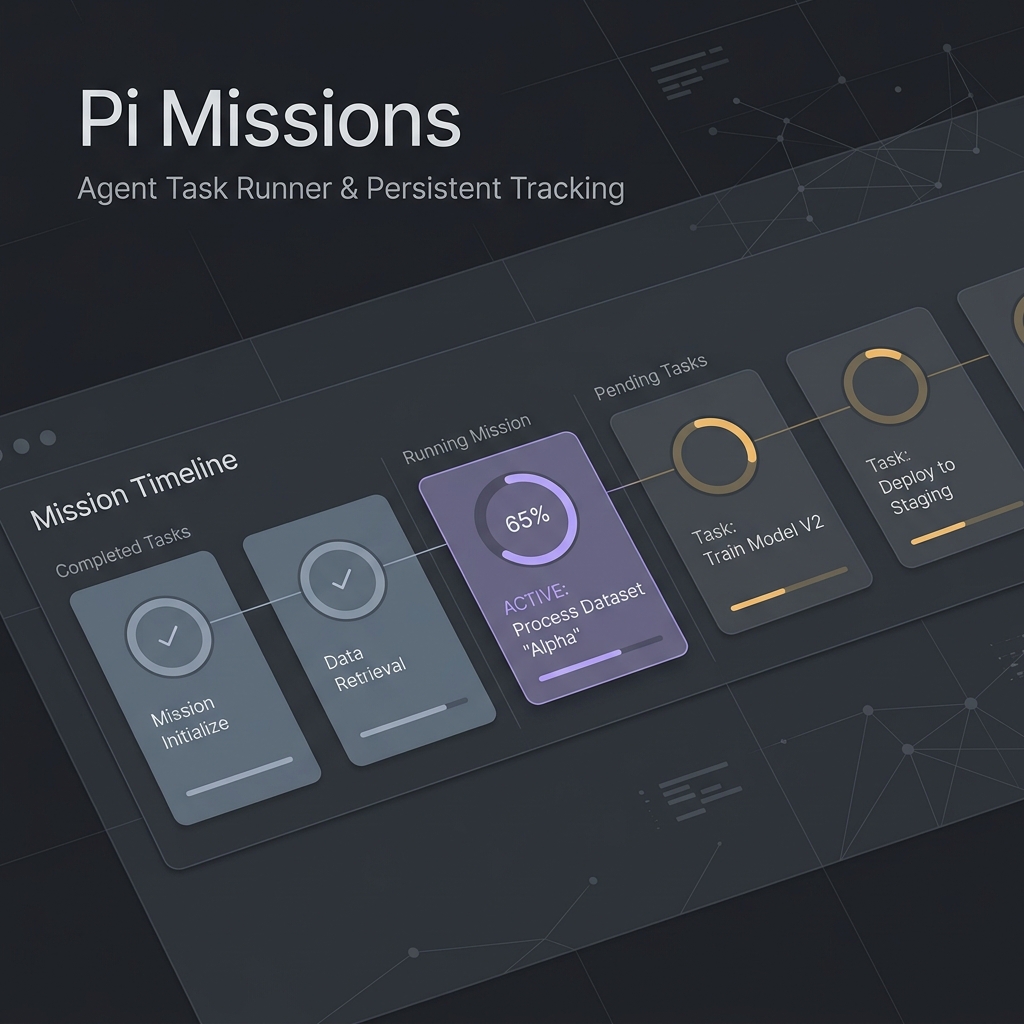
  "image": "https://raw.githubusercontent.com/GroepOnline/pi-missions/main/docs/images/missions_banner.png"
}
Security note
Pi packages can execute code and influence agent behavior. Review the source before installing third-party packages.
README
@groeponline/pi-missions
Durable execution tracks for Pi coding agents.
Keep a multi-step job alive across restarts, compaction, forks and handoffs without reconstructing the plan from chat history.




Why Pi Missions
Agent sessions are temporary. Real implementation work is not.
Pi Missions gives a job a durable identity with a plan, ordered features, acceptance criteria, evidence, history and handoff state. The active session can end; the mission remains on disk and can be loaded again by Pi or another compatible worker.
Use it when a task is too large for one prompt, one context window or one uninterrupted coding session.
Where it fits
Pi Missions owns durable work state: plans, features, evidence, history, recovery, and handoff context that must survive session boundaries. It does not replace Wishcraft's lightweight idea inbox and it does not execute multi-agent swarms itself.
pi-wishcraft idea -> pi-missions mission -> pi-agent-orchestrator run is the intended promotion path when a thought becomes durable work and then needs parallel or isolated execution.
pi-wishcraft: operator cockpit and fast idea capture.- pi-missions: durable plan/task/evidence state.
pi-agent-orchestrator: execution fabric for agents, worktrees, swarms, schedules, and handoffs.
GitHub, Slack and webhook integration classes remain lightweight scaffolding; production-readiness is tracked in #13.
30-second start
pi install npm:@groeponline/pi-missions
Inside Pi:
/mission start "Implement user auth"
/mission status
/mission next
# work on the active feature
/mission done "Tests pass and login flow verified"
Resume later:
/mission list
/mission load <mission-id>
/mission status
Execution loop
flowchart LR
    A[Create or load mission] --> B[Pending feature]
    B -->|/mission next| C[Active feature]
    C -->|evidence accepted| D[Done]
    C -->|cannot proceed| E[Blocked]
    D -->|more ready work| B
    D -->|all features complete| F[Mission complete]
    E -->|another feature is ready| B
    C --> G[history.jsonl]
    D --> H[evidence/Fxxx.md]
The agent is expected to work only on the active feature. Completion is explicit: /mission done or mission_feature_done records evidence before the queue advances.
What persists
By default missions live under ~/.pi/missions. MISSIONS_ROOT takes precedence over PI_MISSIONS_ROOT when you need a shared or custom absolute path.
~/.pi/missions/
├── <mission-id>/
│   ├── plan.json              # current mission state and feature queue
│   ├── plan.json.bak          # recovery copy
│   ├── history.jsonl          # append-only transition/event history
│   ├── evidence/
│   │   └── Fxxx.md            # completion evidence per feature
│   └── sessions/              # session attachment / handoff metadata
└── database/
    └── pi-missions.db         # SQLite analytics/repository data
The file-backed mission state is the resumable runtime record. SQLite is a structured repository/analytics layer; it does not replace the per-mission plan.json, history and evidence files.
Mission Control
/mission dashboard renders the terminal dashboard for the active mission. /mission status gives the compact progress view, while /mission metrics, /mission history and /mission debug expose deeper runtime information.
Core capabilities
| Capability | What it does |
|---|---|
| Durable state | Persists mission plan, active pointer, history, evidence and session metadata locally. |
| Ordered work | Tracks pending, active, blocked and done features with dependencies and acceptance criteria. |
| Evidence-first completion | Saves explicit proof when a feature is marked complete. |
| Crash-safe writes | Uses backup/atomic state writes and file locking around mission mutation. |
| Handoffs | Reload the same mission in a later Pi session without rebuilding the plan. |
| Workers | Spawn and inspect a separate Pi worker for the active feature. |
| Recovery | Retry recorded errors, inspect debug state and migrate older mission schemas. |
| Templates | Scaffold common mission shapes such as bug fixes, refactors, docs and security audits. |
| Metrics | Records mission/session metrics and exposes dashboard/history views. |
Slash commands
| Command | Purpose |
|---|---|
/mission new <title> / /mission start <title> |
Create a mission. |
/mission list |
List saved missions. |
/mission load <id> |
Attach an existing mission to the current session. |
/mission status |
Show progress, active feature and acceptance criteria. |
/mission next |
Activate the next ready feature. |
/mission done [evidence] |
Complete the active feature and persist evidence. |
/mission block <reason> |
Block the active feature with a reason. |
/mission run / /mission autopilot |
Run mission automation. |
/mission pause / /mission resume / /mission stop |
Control mission execution. |
/mission clear |
Detach the mission from the current session. |
/mission edit <feature-id> |
Edit feature state/criteria. |
/mission fork <reason> |
Create a linked alternative track from the active feature. |
/mission dashboard |
Open Mission Control. |
/mission metrics |
Show mission/session metrics. |
/mission history [filter] |
Inspect mission history. |
/mission debug |
Inspect recent runtime/debug information. |
/mission export [filename] |
Export a Markdown mission report. |
/mission templates ... |
List or scaffold built-in templates. |
/mission worker |
Spawn a worker for the active feature. |
/mission worker-status |
Inspect the active worker. |
/mission kill-worker |
Stop a worker. |
/mission migrate ... |
Inspect or migrate older mission state. |
Agent tools
Pi Missions also exposes mission-native tools so an agent can advance work without pretending a feature is complete:
mission_feature_donemission_next_featuremission_ask_usermission_block_selfmission_forkmission_error_statusmission_retry_errormission_spawn_workermission_worker_statusmission_kill_worker
Architecture
src/
├── core/        # state, transitions, migrations, extension lifecycle
├── commands/    # /mission command handlers
├── tools/       # agent-facing mission tools
├── engines/     # autopilot, completion, recovery, metrics, workers
├── database/    # SQLite schema and repository layer
├── templates/   # built-in mission templates
├── ui/          # terminal dashboard and UI helpers
├── utils/       # filesystem, context, markdown, logging helpers
└── cli/         # pi-missions CLI
GitHub, Slack and webhook integration classes are still lightweight scaffolding. They are not advertised as production integrations.
Requirements
- Node.js
>=22.5.0for the built-innode:sqlitedriver. - Pi packages compatible with the peer dependencies declared in
package.json. - Optional: install
better-sqlite3in the host project to use it instead ofnode:sqlite.
Local development
npm ci
npm run check
npm test
npm run build
npm run smoke:ci
npm run verify:package
Run the built extension locally:
pi -e ./dist/index.js
Recovery behavior
Safe mission saves keep the previous valid plan.json as plan.json.bak. When the primary plan is unreadable or invalid, loading automatically tries the backup before giving up. Schema migrations create a separate timestamped plan.json.pre-migration-*.bak before rewriting state. Recovery is automatic for a corrupt primary plan; operators can inspect the backup files directly when diagnosing a failed migration or filesystem problem.
CLI diagnostics:
node dist/cli/index.js doctor
Releases
User-visible changes are tracked in CHANGELOG.md. GitHub Releases are generated from the matching changelog section and link the exact npm version.
The release helper also derives fallback notes from commit subjects when [Unreleased] is empty, so an automated publish cannot silently create another blank release entry.
License
MIT © GroepOnline