@jals1212/ci-local-pi
Pi extension and skill for @jals1212/ci-local: the state of this repository's ci-local run in Pi's status line, cards and a read-only tool for the agent.
Package details
Install @jals1212/ci-local-pi from npm and Pi will load the resources declared by the package manifest.
$ pi install npm:@jals1212/ci-local-pi- Package
@jals1212/ci-local-pi- Version
0.7.1- Published
- Nov 6, 2026
- Downloads
- 1,168/mo · 799/wk
- Author
- jals1212
- License
- MIT
- Types
- extension, skill
- Size
- 69.3 KB
- Dependencies
- 1 dependency · 3 peers
Pi manifest JSON
{
  "image": "https://raw.githubusercontent.com/jals1212/ci-local/main/assets/preview.png",
  "skills": [
    "./skills"
  ],
  "extensions": [
    "./extensions/ci-local.ts"
  ]
}Security note
Pi packages can execute code and influence agent behavior. Review the source before installing third-party packages.
README
🚦 @jals1212/ci-local-pi
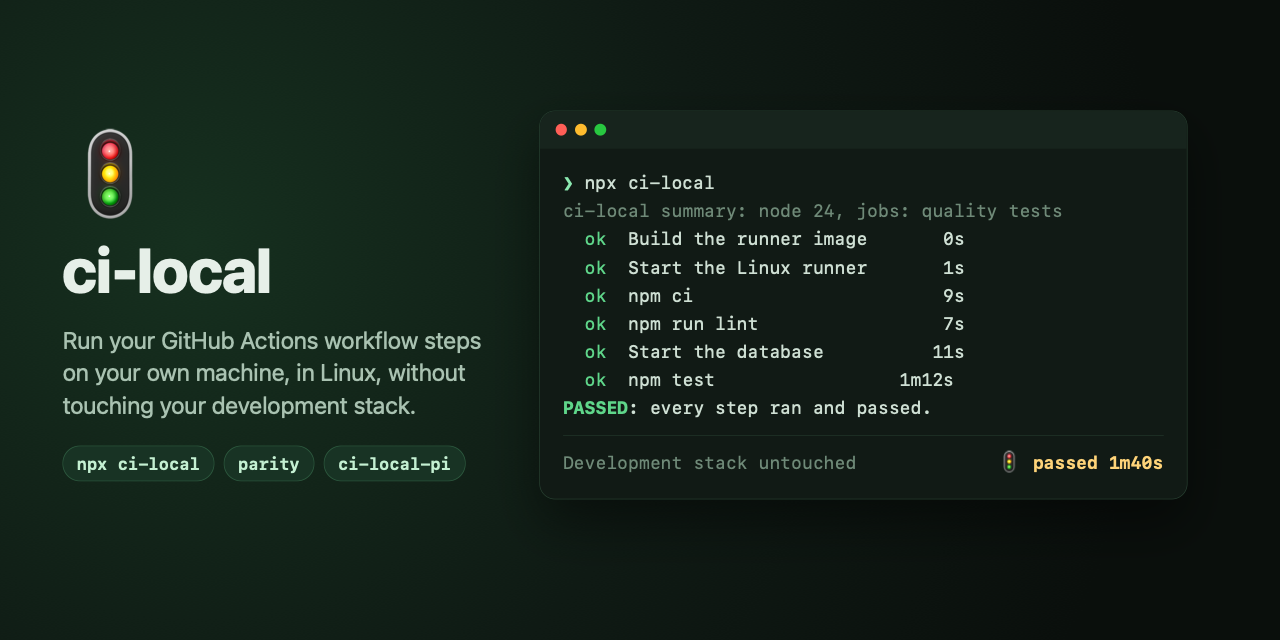
The Pi package for @jals1212/ci-local:
ci-local's state in Pi's status line, cards in the transcript, a read-only
tool for the agent, and a skill that says how to run and wait for ci-local.
Install it once, for every repository:
pi install npm:@jals1212/ci-local-piIt needs Pi 0.84.3 or later (the agent_settled and
session_compact_failed events, entry renderers, and PI_SESSION_ID in the
bash tool).
Until 0.7.x, the extension shipped inside @jals1212/ci-local. If you
installed it from there, switch: pi install npm:@jals1212/ci-local-pi, then
pi remove npm:@jals1212/ci-local.
What it follows
In a session opened inside a repository with ci-local.config.sh (with a
literal CI_PROJECT=), it follows the events file of that project; it never
runs ci-local or Docker itself:
Status line:
🚦 ci-local · ◌ queued · 2 ahead (erp-ci running),🚦 ci-local · ⧗ [3/8] lint · 2m05s, then🚦 ci-local · ✓ passed · 4m12s · 10m agoor🚦 ci-local · ✗ failed at lint · 2m10s · just nowuntil the next run. A result says how long ago it ended for its first hour, then the local time it ended (· 13:10). A run already over when a session starts shows only while its result is undelivered, like an unread message: it ended with no session of the repository open. Once a session has shown it finished, a later session (new or resumed) leaves it out, and a reload keeps it out unless that session is the one that showed it. Each session records the last run it showed in its own file, under<events file>.delivered.d/(a file unused for 30 days is removed). A run in flight, and every later one, shows. Pi shows it in the footer. A shell that draws its own chrome shows it where it lists extension statuses: Gentle Shell, for one, under Integrations in the sidebar's Status card (or in its bottom bar on a narrow terminal).Herdr sidebar: in a Herdr pane (
HERDR_ENV=1,HERDR_PANE_ID,HERDR_SOCKET_PATH), the status line is also the pane'scimetadata token while a run is queued or running, and its result for 5 minutes after it ends. The token is display only: the agent's state in Herdr does not change. It is reported again every 10 seconds with a 30-second TTL, so it goes away when Pi does. To show it, add a$cirow to the Agents sidebar in Herdr'sconfig.toml, then runherdr server reload-config:[ui.sidebar.agents] rows = [ ["state_icon", "machine", "workspace", "tab"], ["agent"], [{ token = "$ci", rules = [ { contains = "✗", fg = "#f38ba8" }, { contains = "✓", fg = "#a6e3a1" }, { contains = "⧗", fg = "#f9e2af" }, ] }], ]herdr-app sidebar: in a terminal of the Herdr app (herdr-core sets
HC_TERMINAL_ID), the same line is the terminal'scilabel, set withhc label <terminal> ci=<line>, with the same 5-minute result window. A label has no TTL: the session removes it when it ends, and a session that starts in another terminal first removes it from the one it leaves, so a Pi killed without ending can leave the last line until the next session replaces it. Both sidebars are served when both environments are present. The Herdr app's shipped Agents panel does not show labels, so showing it takes a copy of that panel (mods and layouts shipped with Herdr are read-only; a clone is yours):Clone the layout you use and the
agentsmod:herdr-app do layout.clone '{"name":"main","as":"my-layout"}' herdr-app do mod.clone '{"name":"agents","as":"my-agents"}'In
~/.config/herdr-app/layouts/my-layout.json, point the Agents block to the clone:"content": { "mod": "my-agents" }.In
~/.config/herdr-app/mods/my-agents/main.js, importterminalsfrom"herdr", read each terminal's labels by address, and add a line to the agent's row when it has acilabel:// where the rows are built: the labels of every terminal, by address const labelsOf = new Map(terminals().map((x) => [x.address, x.labels ?? {}])) // in the row of agent `a` (`t` is the mod's theme()) const ci = labelsOf.get(a.address)?.ci ?? '' const ciColor = ci.includes('✗') ? '#f38ba8' : ci.includes('✓') ? '#a6e3a1' : ci.includes('⧗') ? '#f9e2af' : t.muted // ...the row... .when(Boolean(ci), (el) => el.child(div().min_w(0).truncate().text_size(12).text_color(ciColor).child(ci)))Check the mod, which the app reloads on save:
herdr-app check ~/.config/herdr-app/mods/my-agents.
To try the mod without a run, set a label by hand in a Herdr app terminal with
hc label "$HC_TERMINAL_ID" ci="✓ test", and remove it withhc label "$HC_TERMINAL_ID" ci=.Only the session's own runs get the cards and the notification, and reach the agent: runs this session started. A run started from Pi's bash tool names its session (ci-local records Pi's
PI_SESSION_IDassessionin its events), wherever its process goes; one that names none, as a Gentle AI background job, is the session's when the pids above it, which it records at start (ancestors), include the session's process, so a run orphaned since (nohup,setsid) is still found; a run that recorded none (before 0.6.0) is the session's when its live process descends from the session's. The recorded pids are not checked against start times: if Pi's pid is given to another process later, an old run of the same events file could be taken for the session's, and its card shown once too often. A run started by another session in the same repository, or in a terminal, shows in the status line alone, as Gentle AI's background-job notices go only to the session that started the job.When a run starts: a card in the transcript when it is starting, or waiting for its turn (
🚦 ◌ ci-local · queued · behind erp-ci), and another when its steps start (🚦 ⧗ ci-local · running · [1/14] …). They are for you only: session entries, never in the model's context, and not shown again after a reload.When a run the session saw in flight ends: a notification at once, and a card in the transcript with the
--statusblock. The card says it comes from the extension, and reaches the agent the way Gentle AI hands a subagent's result to its parent:- idle: the card is stored in the conversation at once, without a turn; then one hidden message wakes the agent, 2 seconds after the run's process has exited (10 seconds after the card at most). When the run was started as a background job, that job's own exit notice usually wakes the agent first, and the card is already there: one reply covers both, and ci-local sends no wake;
- in a run (busy): the card is steered in before its next model call, not once the whole task is over;
- busy without a run (compacting): the card waits until the agent can take it.
A delivery that fails is tried again (every 30 seconds, 3 times, then at the next turn boundary), never dropped. A run already over when the session starts is not announced.
Tool
ci_local_status: the same three lines for the agent, without a shell.Tool
ci_local_run: starts the repository's own ci-local (node_modules/.bin/ci-local, else the one onPATH) with optional arguments (args), detached from Pi: its own process group, no terminal, stdout and stderr in a private file it names (under$TMPDIR, removed by a launch a week later). The run records the session'sPI_SESSION_ID, so it is the session's own. The tool returns once the run is queued or started (up to 15 seconds: a run of the same project that still holds the events file keeps a new one silent until its turn), or with its output when it ends first (--list,--print-plan, a usage or config error, a busy machine with--no-wait). There is no background job, so no job notice: the footer and the end card report the run, and the hidden wake reaches an idle agent. A launch that ends after the tool returned without the session ever seeing its run (no event, or one replaced before the session read it) gets a failed end card with the end of its output.Skill
ci-local: how an agent runs and waits for ci-local (withci_local_run, else in the background, quiet without a terminal; never two runs; read only the failing step's log). Branch and merge policy stay the project's.
The extension follows the file ci-local would write: CI_LOCAL_EVENTS from
Pi's environment (a relative path is taken from the repository root, where
runs are started as a rule), else the cache. When runs write no events
(CI_LOCAL_EVENTS=off, or a TMPDIR fallback cache that is not a private
directory of yours), the extension follows nothing.
Which ci-local it reads
The events file is the contract between ci-local and this package, and the
ci-local README
documents its fields. This package reads events of schema 1, written by
ci-local 0.6.0 and later. Older events (0.4.x and 0.5.x, from before the
schema field) still render: a field they lack is simply not shown. It
installs @jals1212/ci-local ^0.7.0 for the one renderer that --status and
the cards share, so a repository's own ci-local may be older or newer, as long
as its events are of schema 1.
Fields are only added within a schema; removing one or changing its meaning
raises schema, and this package then needs a new major version.
Nothing here changes how npx ci-local runs: it is a separate install.