@jamesjfoong/pi-ollama
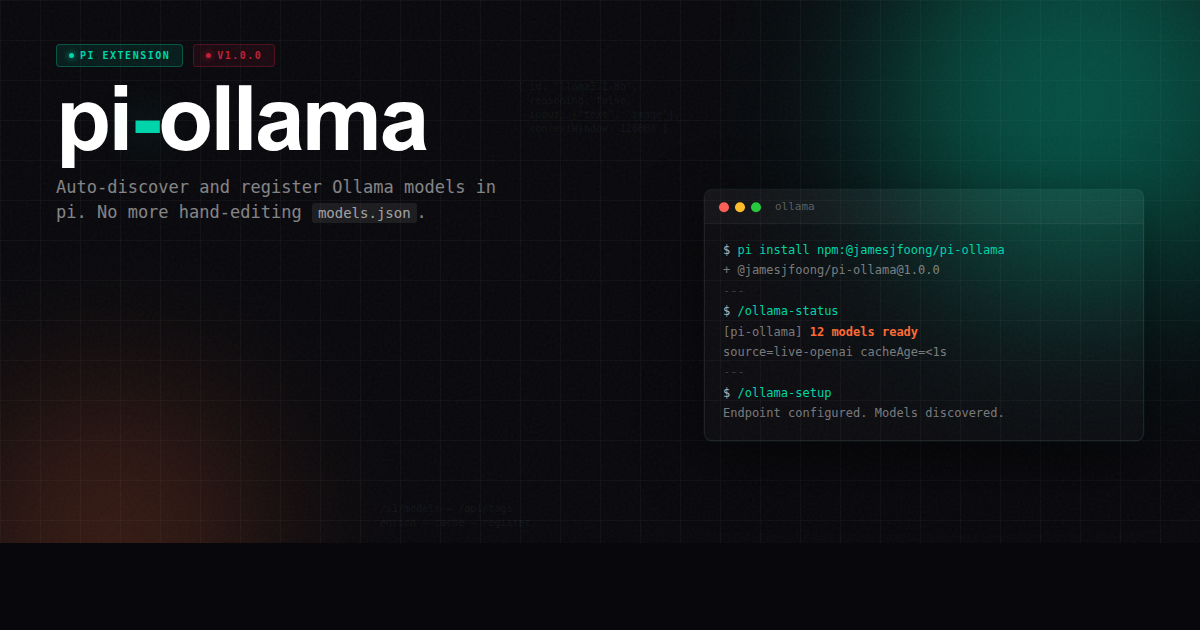
Auto-discover and register Ollama models in pi. No more manual models.json editing.
Package details
Install @jamesjfoong/pi-ollama from npm and Pi will load the resources declared by the package manifest.
$ pi install npm:@jamesjfoong/pi-ollama- Package
@jamesjfoong/pi-ollama- Version
1.0.3- Published
- Sep 10, 2026
- Downloads
- 599/mo · 69/wk
- Author
- jamesjfoong
- License
- MIT
- Types
- extension
- Size
- 2.6 MB
- Dependencies
- 0 dependencies · 0 peers
Pi manifest JSON
{
  "extensions": [
    "./extensions"
  ],
  "image": "https://raw.githubusercontent.com/jamesjfoong/pi-ollama/main/assets/poster.png"
}
Security note
Pi packages can execute code and influence agent behavior. Review the source before installing third-party packages.
README
pi-ollama


Auto-discover and register Ollama models in pi and omp. No manual models.json editing.
Whenever you ollama pull a new model, it shows up in /model automatically. No restart, no JSON editing.
Install
pi install npm:@jamesjfoong/pi-ollamaOr test drive without installing:
pi -e npm:@jamesjfoong/pi-ollamaUse with omp
omp passes its arguments to pi, so the same package works with a local Ollama instance:
omp -e npm:@jamesjfoong/pi-ollamaFor a one-shot prompt:
omp -p -e npm:@jamesjfoong/pi-ollama --model ollama/<model-name> "<prompt>"Replace <model-name> with a model shown by /model or ollama list.
What it does
- On startup — fetches models via OpenAI-compatible
/v1/models(falls back to Ollama native/api/tags) - Registers them as the
ollamaprovider, overriding any staticmodels.jsonentry - Skips embedding models by default
- Enriches metadata — context length, vision, reasoning via
/api/show - Caches results for offline/stale fallback
- Rotates API keys — supports multi-key pools with automatic failover on auth errors
- Interactive setup — arrow-key driven TUI wizard with endpoint presets
- Inspect models —
/ollama-infoshows model capabilities - Guided model fixes —
/ollama-fixcorrects vision/thinking/context behavior when Ollama metadata is wrong
Commands
| Command | What it does |
|---|---|
/ollama-setup |
Interactive TUI setup — edit endpoint, key pool, filter, etc. |
/ollama-refresh |
Re-fetch models from Ollama without restarting pi |
/ollama-status |
Show endpoint, source (live/cache), model count, key pool, cache age |
/ollama-doctor |
Diagnose endpoint/auth/cache/enrichment state |
/ollama-fix |
Guided fixes for model vision/thinking/context behavior |
/ollama-info |
Inspect a model's capabilities and applied fixes |
Configuration
Priority: env vars → persisted config file → existing models.json fallback → defaults
The easiest way to configure is /ollama-setup — no need to set environment variables or edit JSON.
/ollama-setup (interactive)
Run /ollama-setup inside pi for a keyboard-driven config dialog:
1) Base URL     : https://ollama.com
2) API Key      : abc*** (+2 more)
3) Auth Header  : on
4) Filter       : (none)
5) Test connection
6) Save & discover
7) Cancel- ↑↓ navigate options, Enter to pick
- Pick "Base URL" to choose from presets (local, cloud, custom)
- Pick "API Key" to enter single key or comma-separated pool
- "Test connection" verifies the endpoint before saving
- Pick "Save & discover" to persist and register models
Settings are saved to ~/.pi/agent/pi-ollama.json.
Persistent config file
Settings are saved to ~/.pi/agent/pi-ollama.json:
{
	"baseUrl": "https://ollama.com",
	"apiKey": "your-key",
	"apiKeys": ["key1", "key2"],
	"authHeader": true,
	"filter": ""
}
This file is auto-created and updated by /ollama-setup. You can also edit it directly.
Model fixes and overrides
Ollama's /api/show metadata is the baseline for context length, vision, and thinking support. Some models still need local fixes — for example, a model may report thinking support but require a specific thinking format, or a model may be listed as vision-capable but fail on image input.
Use /ollama-info to inspect the final pi config for a model, and /ollama-fix for guided fixes. Fixes are saved as exact per-model overrides in ~/.pi/agent/pi-ollama.json:
{
	"modelOverrides": {
		"kimi-k2.6": {
			"reasoning": true,
			"input": ["text"],
			"contextWindow": 128000,
			"maxTokens": 16384,
			"compat": {
				"thinkingFormat": "qwen-chat-template"
			}
		}
	}
}
Advanced users can also apply defaults or regex-based fixes before exact overrides:
{
	"globalModelDefaults": {
		"compat": {
			"supportsDeveloperRole": false,
			"supportsReasoningEffort": false
		}
	},
	"modelOverridePatterns": [
		{
			"match": ".*qwen.*",
			"override": {
				"reasoning": true,
				"compat": { "thinkingFormat": "qwen-chat-template" }
			}
		}
	]
}
Merge order is: Ollama discovery → globalModelDefaults → modelOverridePatterns in order → exact modelOverrides. Overrides only fix discovered models; they do not create new model entries.
Environment variables
| Variable | Default | Description |
|---|---|---|
OLLAMA_BASE_URL |
http://localhost:11434 |
Ollama API endpoint (/v1 suffix is auto-stripped) |
OLLAMA_API_KEY |
ollama |
API key or env-var name |
OLLAMA_API_KEYS |
(none) | Comma-separated key pool for rotation |
OLLAMA_API |
openai-completions |
API type used by pi |
OLLAMA_FILTER |
(none) | Regex to whitelist models (e.g. llama|qwen) |
OLLAMA_CACHE_TTL_MS |
900000 |
Cache TTL in milliseconds |
OLLAMA_CACHE_TTL_MIN |
(none) | Cache TTL in minutes (used if *_MS not set) |
PI_OLLAMA_DEBUG |
0 |
Enable verbose extension logs (1 or true) |
Tip: If you already have an ollama provider in ~/.pi/agent/models.json, this extension reads baseUrl, apiKey, api, and compat from it as a fallback. You can remove the static models array from models.json.
Examples
Local Ollama (default):
# nothing to set
pi
Remote / cloud Ollama:
OLLAMA_BASE_URL=https://ollama.com \
OLLAMA_API_KEY=your-api-key \
pi
Multi-key pool (automatic rotation on auth failures):
OLLAMA_API_KEYS="key1,key2,key3" piOnly keep llama and qwen models:
OLLAMA_FILTER="llama|qwen" piMigration from models.json
If your models.json looks like this:
{
  "providers": {
    "ollama": {
      "baseUrl": "http://localhost:11434",
      "apiKey": "ollama",
      "api": "openai-completions",
      "compat": { ... },
      "models": [
        { "id": "llama3.1:8b" },
        { "id": "qwen2.5-coder:7b" }
      ]
    }
  }
}
You can replace it with:
{
  "providers": {
    "ollama": {
      "baseUrl": "http://localhost:11434",
      "apiKey": "ollama",
      "api": "openai-completions",
      "compat": { ... }
    }
  }
}
Then install pi-ollama and the models array is managed automatically.
How it works
pi starts
    │
    ├─► extension fetches /v1/models  (OpenAI-compat)
    │   └─► fallback to /api/tags   (Ollama native)
    │   └─► rotates through apiKeys on 401/403
    │
    ├─► enriches metadata via /api/show
    │
    ├─► applies local model fixes / overrides
    │
    ├─► registers provider "ollama" with discovered models
    │
    ├─► saves results to cache for offline fallback
    │
    └─► models available in /model, --list-models, Ctrl+P
Compatibility
- Local Ollama (
http://localhost:11434) — works out of the box - Remote Ollama endpoints (authenticated or unauthenticated) — set
OLLAMA_BASE_URL - OpenAI-compatible proxies in front of Ollama —
OLLAMA_API=openai-completions
Uninstall
pi remove git:github.com/jamesjfoong/pi-ollamaDevelopment
Want to hack on this or test local changes before contributing?
Quick test without installing:
git clone https://github.com/jamesjfoong/pi-ollama.git
cd pi-ollama
npm install
pi -e ./extensions/       # runs extension directly — no build step needed
Persistent setup (survives across pi sessions):
# Symlink into pi's global extensions directory
ln -s "$(pwd)/extensions" "$HOME/.pi/agent/extensions/pi-ollama"
Then in pi, make a code change and run /reload — updates are picked up immediately.
Run checks before committing:
npm run typecheck    # Ensure TypeScript compiles
npm run test         # Run unit tests
npm run format:check # Verify formatting
See CONTRIBUTING.md for the full development guide, architecture overview, and workflow.
License
MIT