@juicesharp/rpiv-btw
Pi extension. The /btw slash command, for putting a one-off side question to the same primary model without polluting the main conversation.
Package details
Install @juicesharp/rpiv-btw from npm and Pi will load the resources declared by the package manifest.
$ pi install npm:@juicesharp/rpiv-btw- Package
@juicesharp/rpiv-btw- Version
2.10.1- Published
- Sep 13, 2026
- Downloads
- 8,702/mo · 948/wk
- Author
- juicesharp
- License
- MIT
- Types
- extension
- Size
- 72.2 KB
- Dependencies
- 0 dependencies · 3 peers
Pi manifest JSON
{
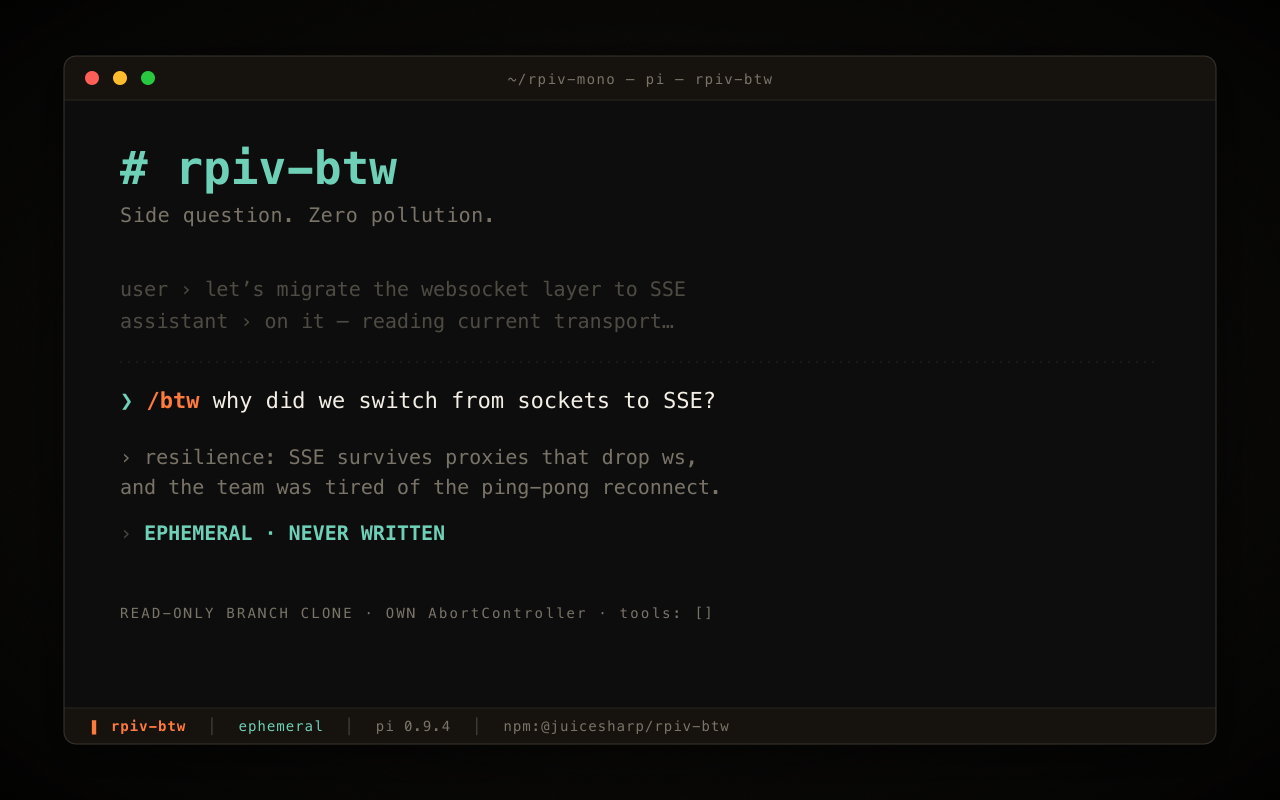
  "image": "https://raw.githubusercontent.com/juicesharp/rpiv-mono/main/packages/rpiv-btw/docs/cover.png",
  "extensions": [
    "./index.ts"
  ]
}
Security note
Pi packages can execute code and influence agent behavior. Review the source before installing third-party packages.
README
@juicesharp/rpiv-btw


Ask a side question without polluting the main conversation. rpiv-btw adds
/btw <question> to Pi Agent — your same
primary model answers in a panel at the bottom of the terminal, using a read-only
clone of the current conversation as context. The answer never enters the
transcript and never touches disk.
Install
pi install npm:@juicesharp/rpiv-btw
Restart your Pi session.
Quick start
Type /btw followed by your question:
/btw why did we switch from sockets to SSE last week?
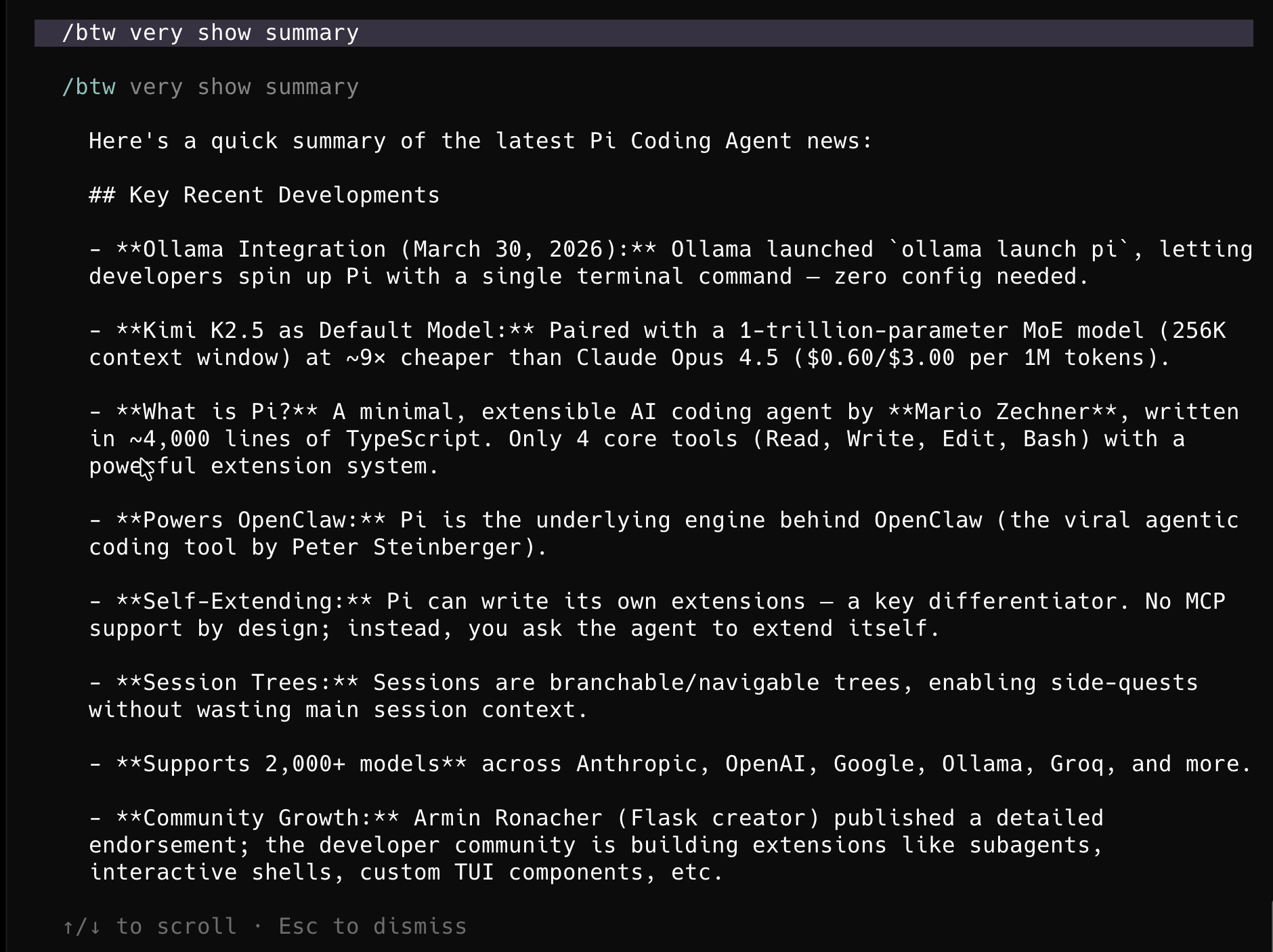
A panel opens at the bottom of the terminal with your question on a banner, a …
while the model works, and the answer when it arrives. Prior /btw questions from
this session are listed under the banner, so follow-ups have context.
/btw uses whatever model is already driving your session — there is nothing to
pick, but Pi needs an active model with working credentials (/login).
| Key | Action |
|---|---|
↑ / ↓ |
Scroll the panel whenever content overflows — the hint appears once the answer arrives |
x |
Clear this session's /btw history — hint shown only when you have prior entries |
Esc |
Dismiss the panel, cancelling the call if it is still running |
What you get
- Nothing leaks into the main chat — the answer is drawn in an overlay, never emitted as an agent message, never written to the transcript, never written to disk.
- The side question already knows your work — it is handed a read-only clone of the current conversation branch, so you do not re-explain context.
- Follow-ups have their own thread — every
/btwturn in a session is replayed into the next one, so the side conversation remembers itself. Esccancels only the side question — cancelling it never interrupts what the main session is doing.- Survives
/new,/fork,/resume,/reload— history is held in the running Pi process and clears when Pi exits. - Correct after compaction — the context snapshot is rebuilt whenever the
conversation is compacted or re-branched, so a later
/btwnever answers off a stale view. - No tools, plain text — a side question cannot edit a file or run a command.
Reference
- Context model — exactly what each
/btwcall sends to the model: the branch snapshot and its invalidation rules, session history threading, the cross-session question hint, and the no-pollution guarantees. - Architecture — modules, registered command and hooks, overlay layout and key handling, process-scoped state, Pi host-version tolerance, and the full error-message list.
Requirements
- An interactive terminal.
/btwrefuses to run without a UI — it is not available underpi --printor RPC. - An active primary model with resolvable credentials. Any provider works.
Troubleshooting
| Symptom | Cause | Fix |
|---|---|---|
/btw requires interactive mode |
Running under pi --print … or RPC |
Run Pi interactively |
/btw requires an active model |
No primary model configured | Set one with /login, or edit Pi's own ~/.pi/agent/models.json |
/btw model (…) has no API key available. |
Credentials for the active model do not resolve | Re-authenticate that provider |
Usage: /btw <question> |
/btw ran with no argument |
Put the question on the same line |
Pressing X does nothing |
Only lowercase x is bound to clear history |
Press x |
| History gone after restarting Pi | By design — state is process-scoped, never written to disk | Nothing to fix; your main session is unaffected |
Related
@juicesharp/rpiv-pi— the umbrella package. It does not installrpiv-btw; install this one yourself when you want/btw.- juicesharp/rpiv-mono — the rest of the rpiv family.
License
MIT — see LICENSE.