@juicesharp/rpiv-web-tools
Pi extension. Web search and fetch for the model with pluggable providers (Brave, Tavily, Serper, Exa, You.com, Jina, Firecrawl, Perplexity, SearXNG, Ollama).
Package details
Install @juicesharp/rpiv-web-tools from npm and Pi will load the resources declared by the package manifest.
$ pi install npm:@juicesharp/rpiv-web-tools- Package
@juicesharp/rpiv-web-tools- Version
2.13.8- Published
- Oct 12, 2026
- Downloads
- 10.7K/mo · 3,665/wk
- Author
- juicesharp
- License
- MIT
- Types
- extension
- Size
- 152.6 KB
- Dependencies
- 1 dependency · 3 peers
Pi manifest JSON
{
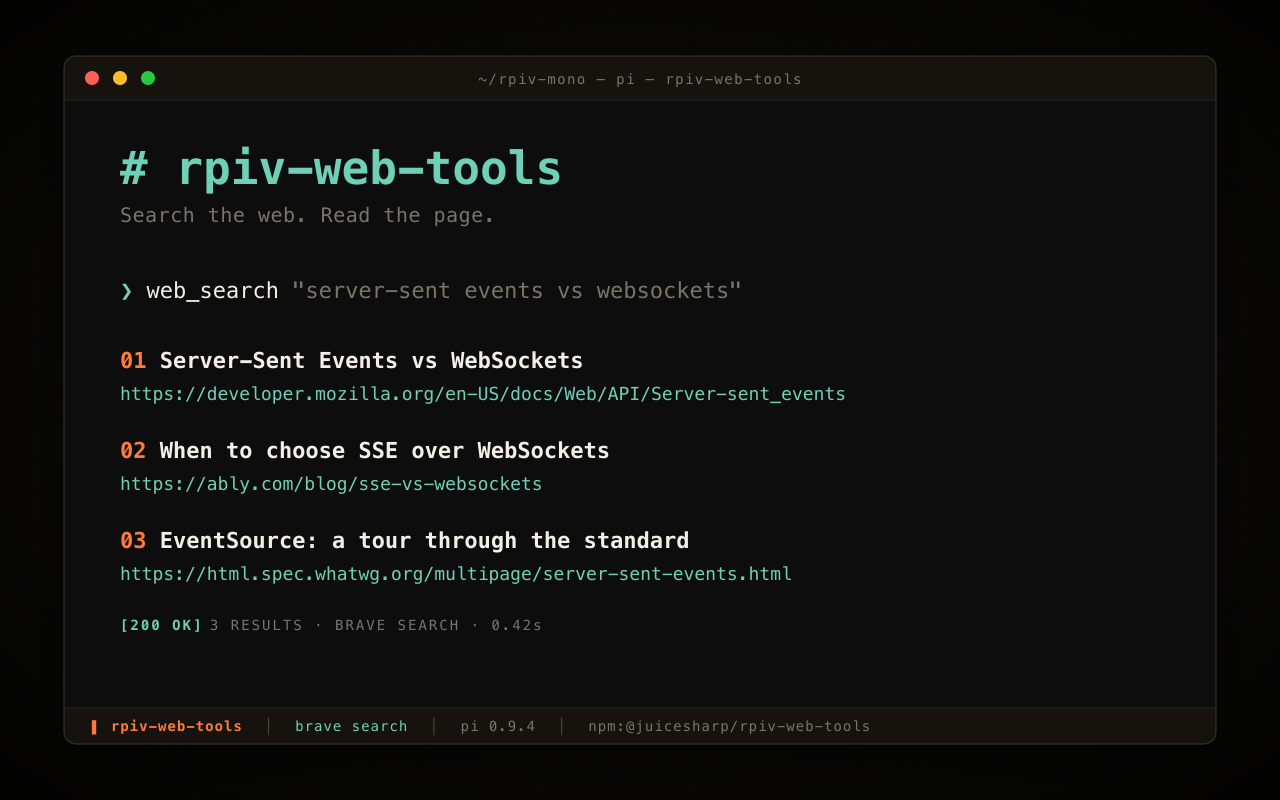
  "image": "https://raw.githubusercontent.com/juicesharp/rpiv-mono/main/packages/rpiv-web-tools/docs/cover.png",
  "extensions": [
    "./index.ts"
  ]
}
Security note
Pi packages can execute code and influence agent behavior. Review the source before installing third-party packages.
README
@juicesharp/rpiv-web-tools


Let the model answer from the live web instead of its training data.
rpiv-web-tools adds two tools to Pi Agent:
web_search, which queries a search API and returns titled results with URLs and
snippets, and web_fetch, which reads an http/https page as text. You pick one
of ten backends with /web-tools, or run SearXNG or Ollama yourself so your
queries never leave your network.
Install
pi install npm:@juicesharp/rpiv-web-toolsRestart your Pi session.
Quick start
web_search needs credentials before it does anything. Run:
/web-toolsPick a provider from the list and paste its API key. Sign-up links for all ten
backends are in Providers; brave is the default. The active
provider is listed first with ✓, and any provider you have already
credentialed is marked (configured). Selecting SearXNG or Ollama prompts for a
base URL first — those run on your own machine.
Prefer environment variables? Export the provider's key instead and skip the command entirely — Providers has the variable name per backend:
export BRAVE_SEARCH_API_KEY=…Then ask the model something that needs current information — it calls
web_search, then web_fetch on the URLs worth reading. web_fetch alone
works with no API key at all.
What you get
- Answers from the live web —
web_searchreturns 1–10 titled results with URLs and snippets per call, and the built-in guidance tells the model to cite aSources:section with markdown hyperlinks. - Ten backends, one switch, keys never lost — Brave, Tavily, Serper, Exa, You.com, Jina, Firecrawl, Perplexity, SearXNG and Ollama. Keys are stored per provider, so switching backends preserves every other one.
- Compare backends without touching config — pass
provideron a singleweb_searchcall to route it elsewhere. No config write, no restart, and an uncredentialed target throws instead of silently falling back. - Nothing has to leave your network — SearXNG and Ollama are first-class self-hosted providers with their own base-URL resolution and setup flow. Local Ollama needs no third-party key at all.
- Big pages don't blow up the context —
web_fetchtruncates long bodies and writes the full text to a temp file the model can read on demand. - The model can't be tricked into probing your internal network —
web_fetchrefuses non-http(s) protocols and private, loopback and metadata addresses. - GitHub links become repository content — opt in, and a github.com URL returns a file tree, a directory listing, or a file's text from a cached shallow clone rather than the rendered HTML page.
Configuration
/web-tools writes ~/.config/rpiv-web-tools/config.json with mode 0600
(the directory root follows XDG_CONFIG_HOME when it is set). Run
/web-tools --show to print the resolved config, with keys masked.
| Key | What it does | Default |
|---|---|---|
provider |
Active search backend | brave |
apiKeys.<provider> |
Per-provider API key | none |
baseUrls.<provider> |
Instance URL for searxng / ollama |
provider default |
interceptors.github |
Enables the GitHub URL interceptor | disabled |
guidance.<tool> |
Replaces the built-in tool guidance the model sees | built-in text |
Environment variables win over the file: WEB_SEARCH_PROVIDER pins the active
backend, and each provider's own key variable overrides apiKeys — see
Providers for the variable name per backend. Provider and key
changes apply on the next tool call; guidance changes apply on the next session
start.
Reference
- Tool reference — full
web_search/web_fetchschemas, result envelopes, dispatch order, truncation, and the host guard. - Providers — all ten backends with sign-up links and key variable names, plus the exact resolution order for the active provider, its key, and its base URL.
- Self-hosted backends — SearXNG and Ollama setup, including a working Docker recipe for SearXNG.
- Configuration — every config key, failure behaviour,
guidance overrides, and the
/web-tools --showoutput. - GitHub URL interceptor — opt-in forms, options, which URLs it handles, and how content is retrieved.
Requirements
- Node.js ≥ 22 and a running Pi Agent host.
- Credentials for at least one search provider before
web_searchworks. Unkeyed providers throw<ENV_VAR> is not set. Run /web-tools to configure, or export the env var.The self-hosted route needs no vendor key: SearXNG needs a reachable instance withjsonenabled undersearch.formats, and Ollama needs a running instance. ghorgit— only for the opt-in GitHub URL interceptor. Nothing else in the package shells out.
Troubleshooting
| Symptom | Cause | Fix |
|---|---|---|
<ENV_VAR> is not set on every search |
The resolved provider has no key | Run /web-tools, or check /web-tools --show to see which tier set the active provider |
SearXNG returns 403 Forbidden |
The instance has JSON output disabled | Add json under search.formats in its settings.yml — see self-hosted.md |
Could not connect to Ollama at <host> |
No Ollama instance at the resolved host | Start it with ollama serve, or set OLLAMA_HOST |
Unknown web_search provider: "…" |
A typo in WEB_SEARCH_PROVIDER or in the per-call provider argument |
Use one of the ten names in providers.md |
Unknown search provider: "…" |
A typo in provider in the config file |
Run /web-tools to reselect, or fix the name in config.json |
Related
@juicesharp/rpiv-pi— the umbrella package; itsweb-search-researcheragent depends on these two tools.
License
MIT — see LICENSE.