@llblab/pi-codex-usage
Minimal Pi extension that shows primary Codex ChatGPT subscription usage limits.
Package details
Install @llblab/pi-codex-usage from npm and Pi will load the resources declared by the package manifest.
$ pi install npm:@llblab/pi-codex-usage- Package
@llblab/pi-codex-usage- Version
0.3.4- Published
- May 26, 2026
- Downloads
- not available
- Author
- llblab
- License
- MIT
- Types
- extension
- Size
- 74.1 KB
- Dependencies
- 0 dependencies · 4 peers
Pi manifest JSON
{
  "extensions": [
    "./index.ts"
  ],
  "image": "https://github.com/llblab/pi-codex-usage/raw/main/banner.png"
}
Security note
Pi packages can execute code and influence agent behavior. Review the source before installing third-party packages.
README
pi-codex-usage
Minimal zero-configuration Pi extension for showing primary ChatGPT Codex usage limits in the statusline
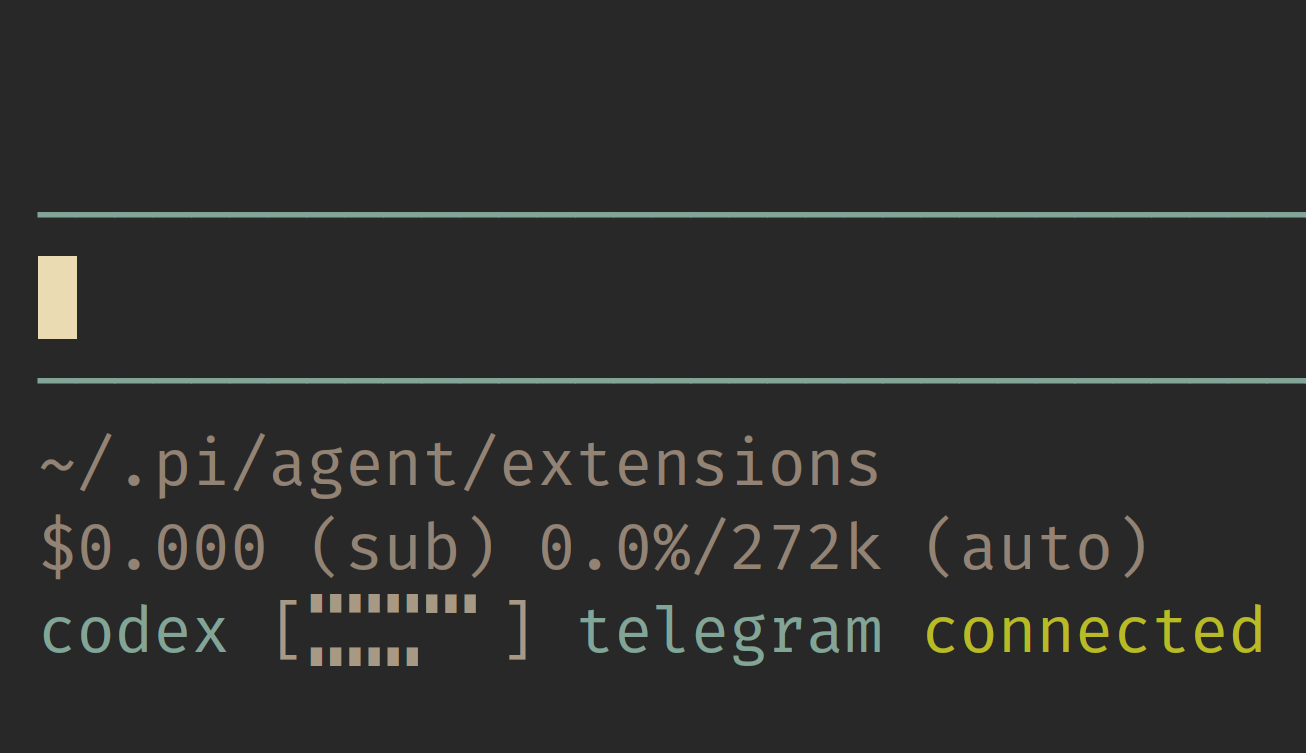
This repository is a minimal fork of narumiruna/pi-extensions/extensions/pi-codex-usage. It keeps the auth and quota-fetching path, but intentionally narrows the interface to the primary Codex 5-hour and weekly windows.
Start Here
Features
- Shows an empty statusline bar immediately, then refreshes every 30 seconds while the active Pi model uses
openai-codex - Statusline output stays compact, with the
codexlabel accented and the values muted - Additional returned buckets, including Spark-specific limits, are ignored
- Pi OpenAI Codex provider auth is used first
- Codex CLI app-server remains available as a fallback
- Missing auth, subscription, plan, or quota windows are shown as
n/a, not as an error - Successful updates briefly redraw the bar without changing its width
- Network/provider failures keep the last good bar briefly, then show
error - No commands or configuration are required
Install
From npm:
pi install npm:@llblab/pi-codex-usage
From git:
pi install git:github.com/llblab/pi-codex-usage
Statusline
Normal usage:
codex []
The five-character bar encodes two ten-step limits at once: the top sextants are the 5-hour limit, and the bottom sextants are the weekly limit.
Unavailable because Codex auth or subscription quota is not available:
codex n/a
Runtime failure, such as a network or provider error:
codex error
Auth
The extension tries usage sources in this order:
- Pi's
openai-codexprovider auth codex app-server --listen stdio://
OpenAI API keys are not ChatGPT Codex subscription auth and do not expose these quotas.
License
MIT. See LICENSE.