@mblarsen/pi-fux
Fork Pi sessions into tmux panes and merge them back.
Package details
Install @mblarsen/pi-fux from npm and Pi will load the resources declared by the package manifest.
$ pi install npm:@mblarsen/pi-fux- Package
@mblarsen/pi-fux- Version
0.1.1- Published
- Aug 26, 2026
- Downloads
- 286/mo · 11/wk
- Author
- mblarsen
- License
- MIT
- Types
- extension, skill
- Size
- 1.4 MB
- Dependencies
- 0 dependencies · 3 peers
Pi manifest JSON
{
  "extensions": [
    "./index.ts"
  ],
  "skills": [
    "./skill/SKILL.md"
  ]
}
Security note
Pi packages can execute code and influence agent behavior. Review the source before installing third-party packages.
README
fux
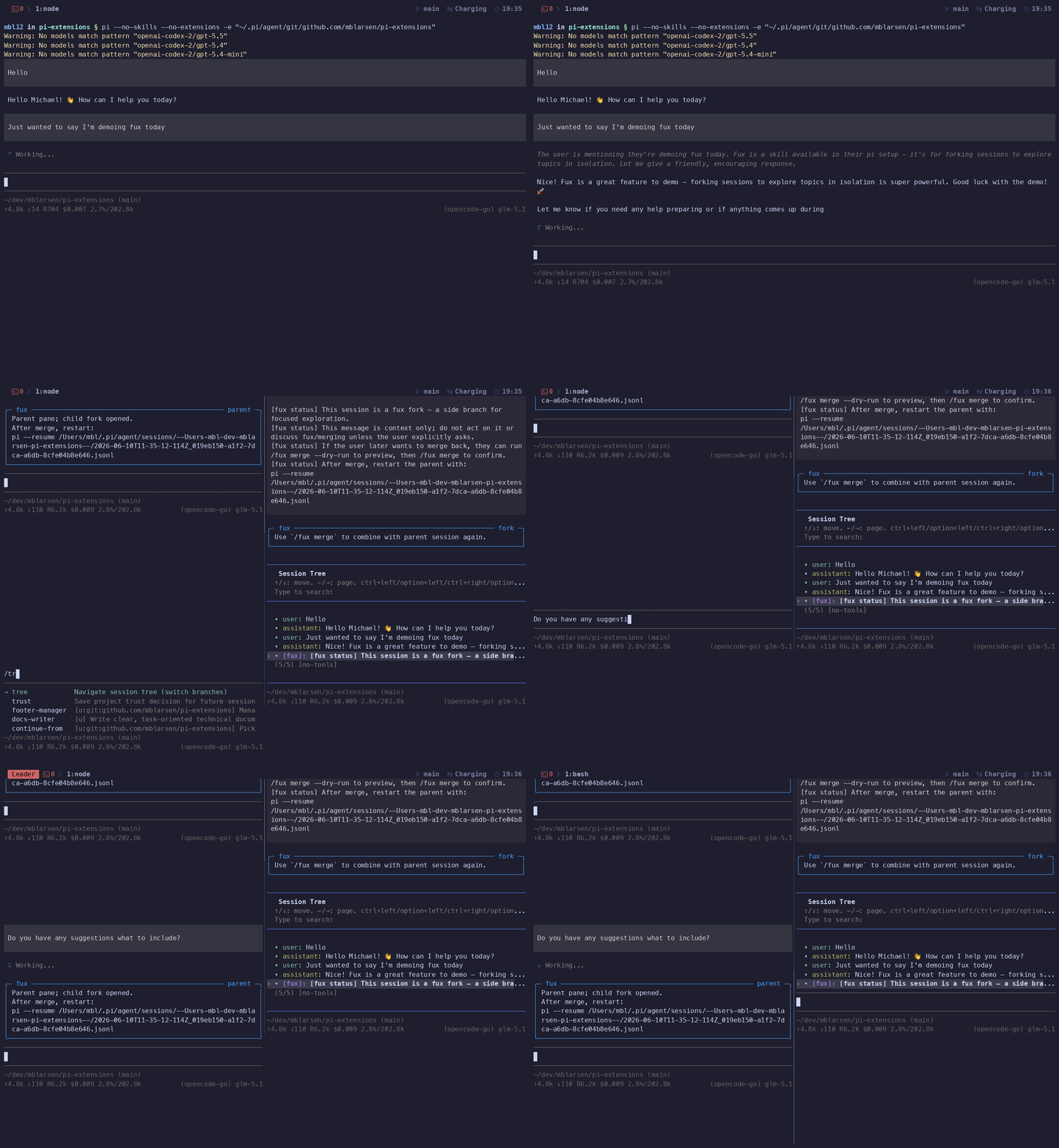
Adds a leaf node to the session tree, forks Pi into a parallel pane, then grafts the fork back at the marked leaf — like a git branch and merge, but for your conversation history.
Provides the /fux slash command and the fux_fork LLM tool. Merge and delete remain slash-command-only for safety.
Demo
Install
pi install npm:@mblarsen/pi-fux
Usage
| Command | Description |
|---|---|
/fux |
Fork current session into a new tmux pane |
/fux prompt <text> |
Fork with an initial prompt sent to the child |
/fux merge [--dry-run] [--yes] [--keep|--delete] |
Merge child fork back into parent |
/fux delete [--yes] |
Delete the child fork and close the pane |
/fux toggle |
Show or hide the fux guidance widget |
LLM tool: fux_fork — available to the agent to fork sessions programmatically.
Workflow
- Run
/fux(or/fux prompt <text>) from the parent session. - A new tmux pane opens with a branched Pi session.
- Work in the fork. Both sessions show a guidance widget with the restart command.
- When done, run
/fux merge --dry-runin the fork to preview, then/fux mergeto confirm. - Restart the parent session with the printed command (e.g.
pi --resume <path>).
The parent session file is modified externally during merge — you must restart pi to see the merged history.