@mrclrchtr/supi-insights
SuPi Insights extension — generate usage reports analyzing your PI sessions
Package details
Install @mrclrchtr/supi-insights from npm and Pi will load the resources declared by the package manifest.
$ pi install npm:@mrclrchtr/supi-insights- Package
@mrclrchtr/supi-insights- Version
4.5.1- Published
- Aug 4, 2026
- Downloads
- 3,992/mo · 1,305/wk
- Author
- mrclrchtr
- License
- MIT
- Types
- extension
- Size
- 232.3 KB
- Dependencies
- 2 dependencies · 3 peers
Pi manifest JSON
{
  "extensions": [
    "./src/extension.ts"
  ],
  "image": "https://raw.githubusercontent.com/mrclrchtr/supi/main/packages/supi-insights/assets/social-preview.png"
}
Security note
Pi packages can execute code and influence agent behavior. Review the source before installing third-party packages.
README
@mrclrchtr/supi-insights
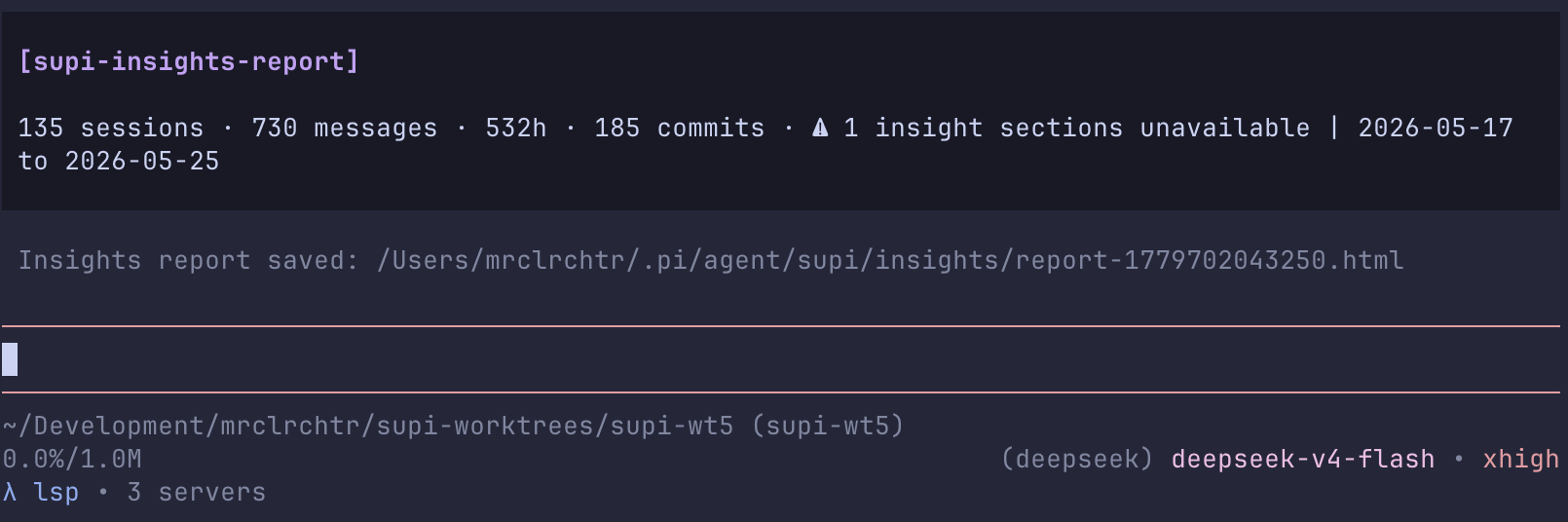
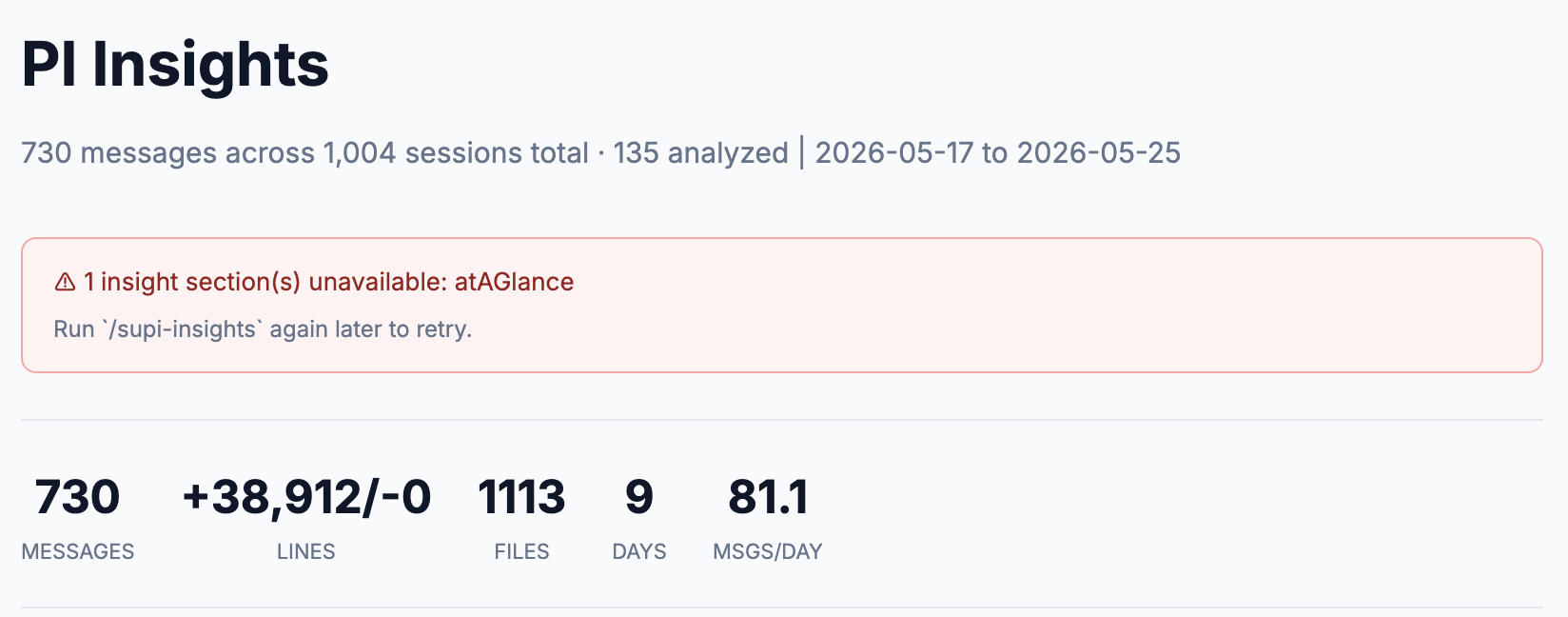
Adds a /supi-insights command to the pi coding agent that analyzes your historical pi sessions and writes a shareable HTML report.
Install
pi install npm:@mrclrchtr/supi-insights
This is a beta package. Install individually.
For local development:
pi install ./packages/supi-insights
What you get
After install, pi gets one command:
/supi-insights— scan session history, generate metrics and narrative insights, and save an HTML report
The command pipeline is:
- list historical sessions with
SessionManager.listAll() - parse session files and extract metadata such as message counts, tools, languages, git activity, lines changed, response times, and tool errors
- run LLM-based facet extraction on a bounded set of sessions
- aggregate the results across sessions
- generate an HTML report and post a short in-chat summary with the saved file path
What the report covers
The generated report can include:
- at-a-glance summary
- project areas
- interaction style
- what works well
- friction analysis
- suggestions
- future opportunities
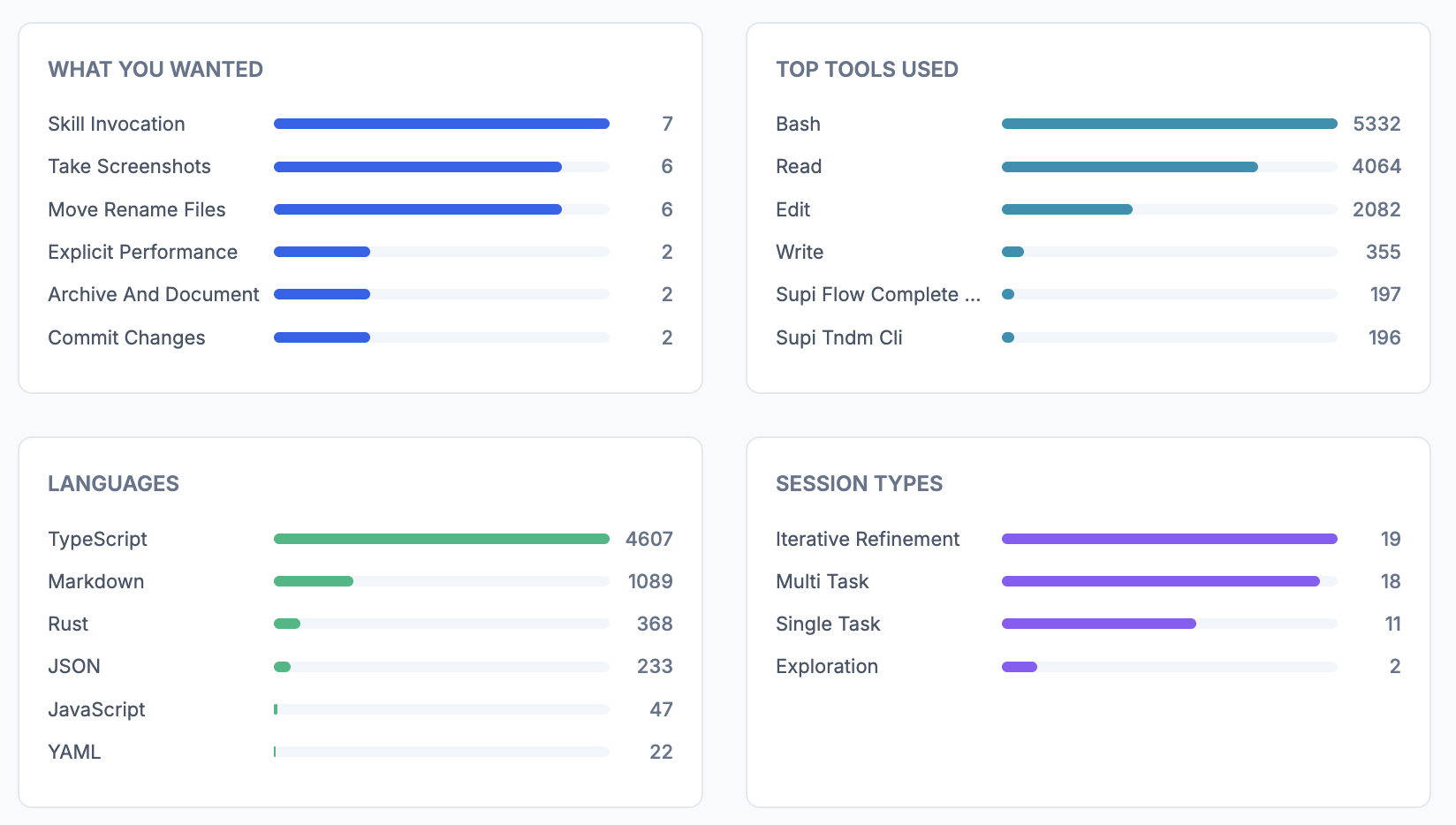
- charts and aggregate stats for tools, languages, outcomes, satisfaction, response times, time of day, and multi-session overlap
Output and caching
Reports are written under pi's agent directory (typically ~/.pi/agent/):
- reports:
~/.pi/agent/supi/insights/report-*.html - metadata cache:
~/.pi/agent/supi/insights/meta/*.json - facet cache:
~/.pi/agent/supi/insights/facets/*.json
The cache key includes:
- session id
- session file path hash
- modified timestamp hash
That keeps branched or resumed session files from colliding.
Important limits
Built-in defaults:
maxSessions:200maxFacets:50
Filtering in the current implementation:
- sessions with fewer than 2 user messages are skipped from the final analysis set
- sessions shorter than 1 minute are skipped from the final analysis set
- sessions whose only facet category is
warmup_minimalare dropped after facet extraction
Settings
This package registers an Insights section in /supi-settings.
Available settings:
enabled— turn the command on or offmaxSessions— maximum sessions to fully analyzemaxFacets— maximum LLM facet extractions
Defaults:
{
  "insights": {
    "enabled": true,
    "maxSessions": 200,
    "maxFacets": 50
  }
}
Source
src/insights.ts— command, settings, and end-to-end report generationsrc/scanner.ts— session discoverysrc/parser.ts— session parsing and metadata extractionsrc/aggregator.ts— aggregated statistics and multi-session overlap detectionsrc/generator.ts— narrative insight generationsrc/html.ts— HTML report outputsrc/cache.ts— metadata and facet caching