@mrclrchtr/supi-web
SuPi Web extension — fetch web pages as clean Markdown (web_fetch_md) and library docs via Context7 (web_docs_search, web_docs_fetch)
Package details
Install @mrclrchtr/supi-web from npm and Pi will load the resources declared by the package manifest.
$ pi install npm:@mrclrchtr/supi-web- Package
@mrclrchtr/supi-web- Version
2.5.0- Published
- Jul 19, 2026
- Downloads
- 4,301/mo · 528/wk
- Author
- mrclrchtr
- License
- MIT
- Types
- extension
- Size
- 190.5 KB
- Dependencies
- 5 dependencies · 4 peers
Pi manifest JSON
{
  "extensions": [
    "./src/extension.ts"
  ],
  "image": "https://raw.githubusercontent.com/mrclrchtr/supi/main/screenshots/supi-web.png"
}Security note
Pi packages can execute code and influence agent behavior. Review the source before installing third-party packages.
README
@mrclrchtr/supi-web
Adds web-page fetching and library-documentation lookup tools to the pi coding agent.
Install
pi install npm:@mrclrchtr/supi-web
For local development:
pi install ./packages/supi-web
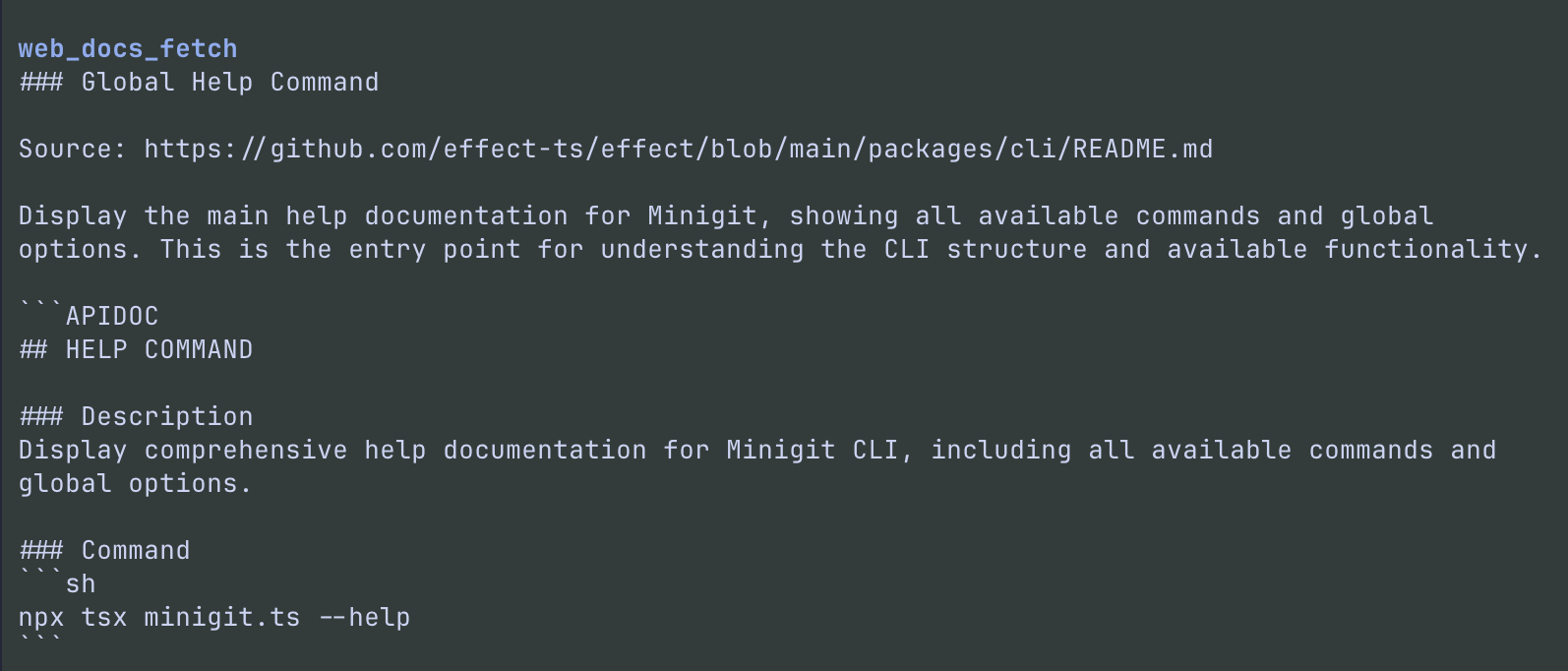
What you get
After install, pi gets three tools.
In PI's TUI, these tools now render a collapsed summary by default; expand the tool row to reveal the full inline output.
| Tool | Purpose |
|---|---|
web_fetch_md |
Fetch a web page and convert it to clean Markdown for LLM ingestion |
web_docs_search |
Search Context7 for library IDs and metadata before fetching docs |
web_docs_fetch |
Fetch up-to-date documentation for a known Context7 library |
web_fetch_md
Fetches a public URL and returns clean Markdown.
Parameters
| Parameter | Type | Required | Default | Description |
|---|---|---|---|---|
url |
string | ✓ | — | http:// or https:// URL to fetch |
output_mode |
"auto" | "inline" | "file" |
— | "auto" |
How to return the result |
abs_links |
boolean | — | true |
Absolutize relative links and images |
timeout_ms |
number | — | 30000 |
Fetch timeout in milliseconds |
Output modes
auto— returns Markdown inline if ≤15,000 characters; otherwise writes to a temporary file and returns the pathinline— returns Markdown inline, truncated to PI's model-visible output limit when necessaryfile— always writes to a temporary file and returns the path
Behavior
- Only accepts real
http://orhttps://URLs - Access-controlled pages (login, paywall) should be skipped — ask the user for an allowed source instead
- Plain-text responses are wrapped in fenced code blocks
- Model-visible inline output is truncated to 2,000 lines or 50KB; full truncated output is saved to a temp file
- Links and images are absolutized by default; set
abs_links: falseto keep them relative
web_docs_search
Searches Context7 for library IDs before fetching documentation.
Parameters
| Parameter | Type | Required | Description |
|---|---|---|---|
library_name |
string | ✓ | Library name to search for (e.g. "react", "next.js") |
query |
string | ✓ | What you're trying to do — used for relevance ranking |
Results return as a compact Markdown table with library ID, name, description, trust score, benchmark score, snippet count, and shortened version lists (top 10 matches shown).
web_docs_fetch
Retrieves documentation context for a known Context7 library.
Parameters
| Parameter | Type | Required | Default | Description |
|---|---|---|---|---|
library_id |
string | ✓ | — | Context7 library ID (e.g. /facebook/react, /vercel/next.js) |
query |
string | ✓ | — | Specific question about the library |
raw |
boolean | — | false |
When true, returns JSON-serialized snippet objects instead of Markdown |
Default mode returns pre-formatted Markdown. Set raw: true when you need structured JSON for programmatic use. Large model-visible responses are truncated to 2,000 lines or 50KB with the full response saved to a temp file.
Typical workflow
web_docs_search— find the right library ID- Pick a
library_idfrom the results web_docs_fetch— retrieve focused, version-aware docs
Skip step 1 if you already know the exact Context7 library_id.
Context7 API key
web_docs_search and web_docs_fetch call the Context7 REST API directly.
Set CONTEXT7_API_KEY in your environment to authenticate with the Context7 API. Without a key, the tools will return an authentication error when called. Get a free API key at https://context7.com/dashboard.