@oisin-ee/pi-todo
A todo tool for pi with a Rust core: one active task, state on the session branch.
Package details
Install @oisin-ee/pi-todo from npm and Pi will load the resources declared by the package manifest.
$ pi install npm:@oisin-ee/pi-todo- Package
@oisin-ee/pi-todo- Version
0.7.0- Published
- Oct 19, 2026
- Downloads
- 369/mo · 369/wk
- Author
- oisincoveney
- License
- MIT
- Types
- extension
- Size
- 220.2 KB
- Dependencies
- 0 dependencies · 4 peers
Pi manifest JSON
{
  "image": "https://raw.githubusercontent.com/oisin-ee/oisinpi/main/assets/prewalk.png",
  "extensions": [
    "./src/index.ts"
  ]
}
Security note
Pi packages can execute code and influence agent behavior. Review the source before installing third-party packages.
README
@oisin-ee/pi-todo
A todo tool for pi. The model keeps one ordered list of outcomes and bounded subtasks for the session. Multiple units can be active together.
The list rules run in Rust, compiled to WebAssembly.
pi install npm:@oisin-ee/pi-todoTo install it with the other packages, use @oisin-ee/oisinpi.
The tool
The model calls todo with one op. Tasks are addressed by their exact content.
op |
Effect |
|---|---|
init |
Replaces the list with items. |
append |
Adds items to the end. |
start |
Explicitly activates task without demoting other active work. |
done |
Completes task. Without task, completes every open task. |
drop |
Abandons task. Without task, abandons every open task. |
view |
Returns the list. It does not change it. |
Creation and append leave tasks pending. Nothing starts automatically. This replaces the previous single-active, automatic-start behavior.
Use start to activate or reopen work explicitly. Starting a child also opens its parent. Starting a parent does not start its children.
items accepts strings or outcomes with string subtasks:
{
  "op": "init",
  "items": [
    {
      "content": "Password reset",
      "subtasks": ["Implement tokens and behavior tests", "Implement form and interaction tests"]
    },
    "Update documentation"
  ]
}
To target a child, supply its exact task content and its exact root parent content:
{ "op": "start", "parent": "Password reset", "task": "Implement tokens and behavior tests" }To add children, use append with parent and string items. Only two levels are permitted.
Root names are unique. Child names are unique within their parent. Different parents can use the same child name.
Blank names, duplicate siblings, unknown targets, grandchildren, and malformed requests fail without saving a change.
Each executable unit fits one agent session, with one deliverable, clear scope, and an acceptance condition. Split independent outcomes or work that needs another session. Combine trivial steps with their deliverable and tests. Delegate independent units separately. The lead can execute one unit. Keep dependent units ordered. Do not delegate an oversized parent as one assignment.
A parent stays open after its children close and shows Ready for review.
Complete the parent explicitly after integration review. Completing a parent with open children fails, including bulk completion.
Dropping a parent abandons open children but preserves completed and abandoned children.
Untargeted done and drop affect open work only. A parent without task is not a bulk-child selector.
Appending children to a closed parent reopens it as pending. An active parent stays active.
Outcome and subtask progress remain separate. Abandoned work never counts as completed.
State
Each task change is saved as a todo-state entry on the session branch. A resumed session, a /tree move,
and calls made from inside codemode all see the list of the current branch.
Old flat snapshots retain their recorded statuses and read with empty subtasks.
Widget
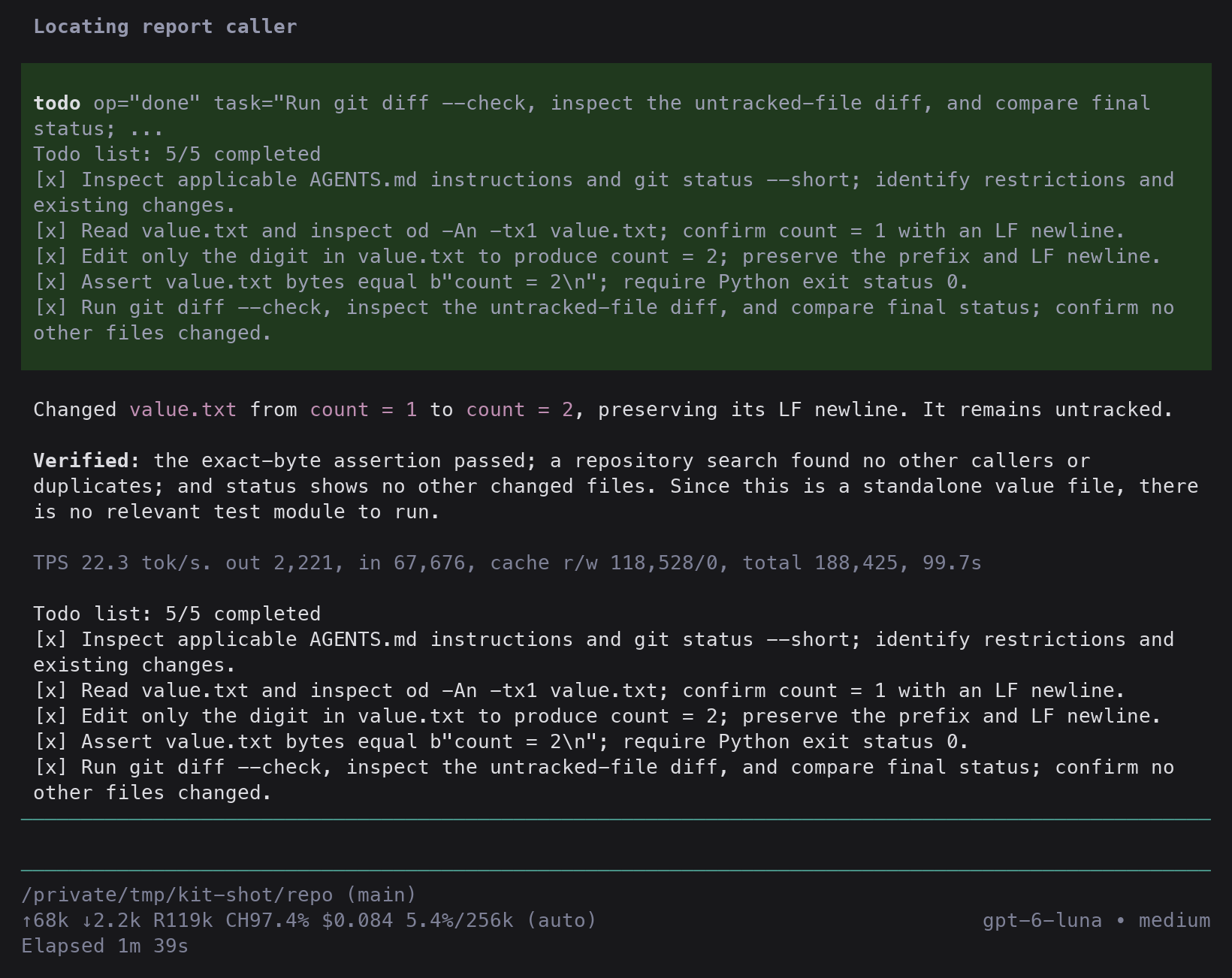
The widget shows only in-progress tasks by default. Active tasks use the theme accent and bold text. Long task names wrap to the terminal width. An empty list has no widget.
Press Alt+T to expand Upcoming, Done, and Dropped sections beneath the active task. Press Alt+T again to collapse them.
/todos also toggles these sections. /todos list prints the full list.
Expansion stays open through task updates. Session changes and /tree navigation collapse it. Expansion does not change saved tasks.
When no task is active, a short status and the shortcut hint remain visible.
Outside the terminal UI, /todos prints the list instead.
Shared work display
When a compatible pi-wrangle extension is active, its work widget replaces the standalone todo widget.
Tasks remain on the current Pi session branch. Wrangle receives a read-only presentation capability through pi.events.
Pi-todo owns the renderer in both standalone and shared views. Wrangle hosts it above the editor without opening a popup.
Alt+J/K scrolls the hosted rows. Alt+I toggles their expansion. Ordinary editor keys remain unchanged.
/todos and Alt+T request the shared Todos view. /todos list still prints the full list.
When shared presentation ends, the standalone widget returns without changing task state.
The version 2 display contract defines the snapshot request, acknowledgement, release, and read-only view events. Incompatible versions leave the standalone widget available. Rendering failures restore it without changing saved tasks.
Plannotator plans
With Plannotator external execution, pi-todo continues approved plans in the same session.
Add this setting to ~/.pi/agent/plannotator.json:
{
  "executionMode": "external"
}
After approval, the agent reads the current todo list and adds the remaining approved work before implementation.
It preserves unrelated tasks and completed progress. Free-form plans do not need a special checklist format.
The todo tool owns progress, persistence, reminders, and the shared work display.
Plannotator returns to idle and does not maintain a second checklist or require [DONE:n] markers.
This integration uses the supported plannotator:plan-approved event, verified with Plannotator 0.28.19.
It does not import Plannotator internals or change its code.
Malformed events, a different working directory, or another owner of the todo tool stop the handoff with an error.
Reminder
When the agent stops with open tasks, pi-todo adds a hidden reminder and continues the turn. The reminder names open children and parents that await integration review. It sends at most 3 reminders per user message. After a reminder, it waits for the list to change before it sends another. A new user message resets the count.
Other todo tools
If another package already registers todo, pi-todo stays inactive and shows a warning that names that package.
Source
The original flat operations and the reminder derive from
oh-my-pi (tools/todo,
todo-tracker.ts), MIT. Saving a custom entry on every change follows
rpiv-todo.