@otixe/pi-herramientas
Replace a wall of tool schemas with a compact catalog and activate registered capabilities when the task needs them
Package details
Install @otixe/pi-herramientas from npm and Pi will load the resources declared by the package manifest.
$ pi install npm:@otixe/pi-herramientas- Package
@otixe/pi-herramientas- Version
0.1.0- Published
- Oct 25, 2026
- Downloads
- 255/mo · 255/wk
- Author
- otixe
- License
- MIT
- Types
- extension
- Size
- 58.5 KB
- Dependencies
- 0 dependencies · 5 peers
Pi manifest JSON
{
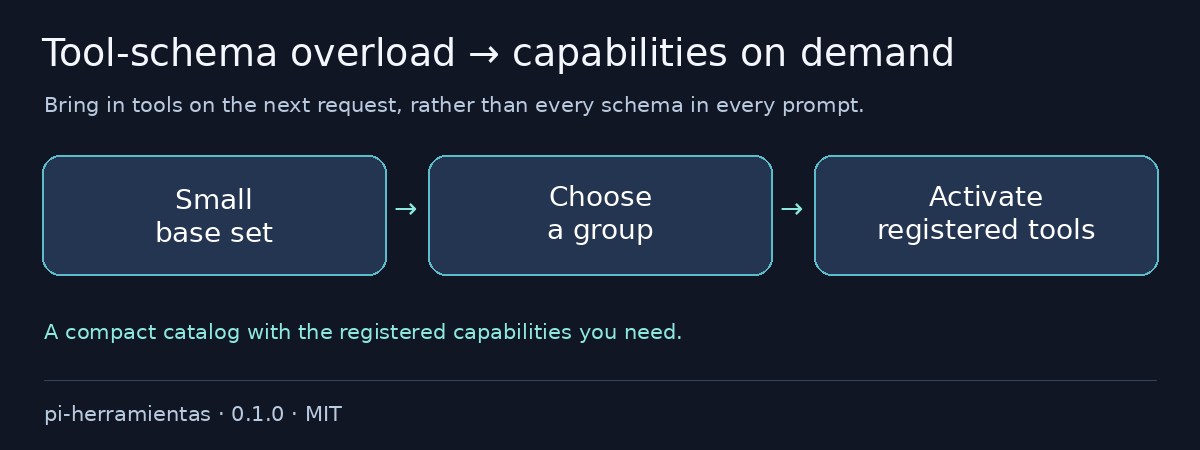
  "image": "https://raw.githubusercontent.com/otixe/pi-oficinas/main/packages/pi-herramientas/media/preview.png",
  "skills": [],
  "themes": [],
  "prompts": [],
  "extensions": [
    "./extensions/herramientas-activar.ts"
  ]
}
Security note
Pi packages can execute code and influence agent behavior. Review the source before installing third-party packages.
README
@otixe/pi-herramientas
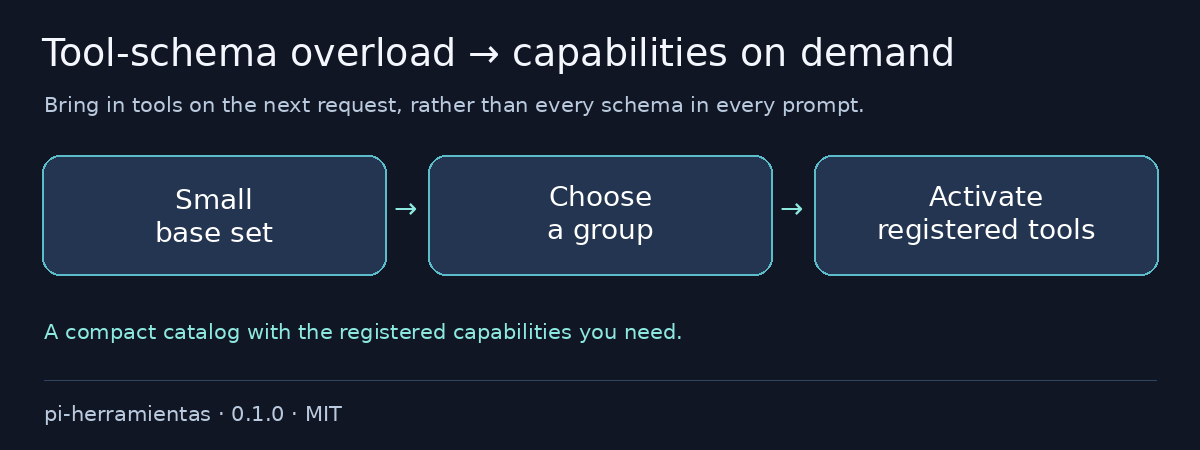
Every tool schema rides along even when the task needs only two. Start with a compact catalog, then activate registered tools as the work calls for them: a leaner initial prompt without throwing capabilities away.
Español · MIT
Problems it removes
- All tool schemas in every request → compact group catalog.
- Guessing tool names or reaching outside the catalog → registered/catalog intersection.
- Tool-set changes halfway through a request → activation on the next model request.
Install in one command
From a reviewed local checkout:
pi install ./packages/pi-herramientasConfiguration
Create .pi/herramientas.json in the reviewed body:
{"base":["read","bash"],"grupos":{"editing":{"linea":"Enable editing tools","tools":["edit","write"]}}}Valid configuration registers herramientas_activar; missing/invalid configuration leaves startup transparent. Request grupo="editing" or nombres=["edit"]. Only tools both registered and catalogued can activate, on the next model request.
"base":"*" derives the registered direct body universe minus grouped tools. Profiles/runtime still define that universe; use an explicit base to keep the initial surface intentionally small. Existing equivalent membership keeps host order.
Validation and rollback
To remove, pi remove SOURCE, then reload/restart your test session; preserve logs, snapshots and sessions.
Full monorepo configuration and reproducible validation: README, VALIDATION.
Security & limits
This is a selection mechanism, not a security sandbox. It does not download/register tools or grant backend permissions. Only the registered/catalogued intersection can activate; the body profile/runtime still defines the available tool universe.
Validated on Pi 1.4.0; the five host packages are peerDependencies "*", never bundled copies. Wildcard peers do not promise every host version. Review source/trust before installation: extensions run with process permissions. Tests use model/backend doubles and do not certify production authentication.
For local archives, extract the tarball and install its package directory: Pi 1.4.0 does not load .tgz extension sources even when pi install succeeds. The literal install exits 0; print/load exits 1. The monorepo README shows the supported extraction command.
Registry installation uses pi install npm:@otixe/pi-herramientas@0.1.0 once the publisher releases that version. npm sources and repository/gallery URLs require separately authorized publication; a local checkout does not make them available.