@prjct.app/pi-statusline
See your project, Git branch, model, thinking level, and context usage in a compact status line for PI Agent.
Package details
Install @prjct.app/pi-statusline from npm and Pi will load the resources declared by the package manifest.
$ pi install npm:@prjct.app/pi-statusline- Package
@prjct.app/pi-statusline- Version
0.1.3- Published
- Sep 10, 2026
- Downloads
- 532/mo · 532/wk
- Author
- jlopezlira
- License
- MIT
- Types
- extension
- Size
- 13.1 KB
- Dependencies
- 0 dependencies · 2 peers
Pi manifest JSON
{
  "image": "https://raw.githubusercontent.com/prjct-app/pi-clipboard/main/docs/covers/pi-statusline.png",
  "extensions": [
    "./index.ts"
  ]
}Security note
Pi packages can execute code and influence agent behavior. Review the source before installing third-party packages.
README
pi-statusline
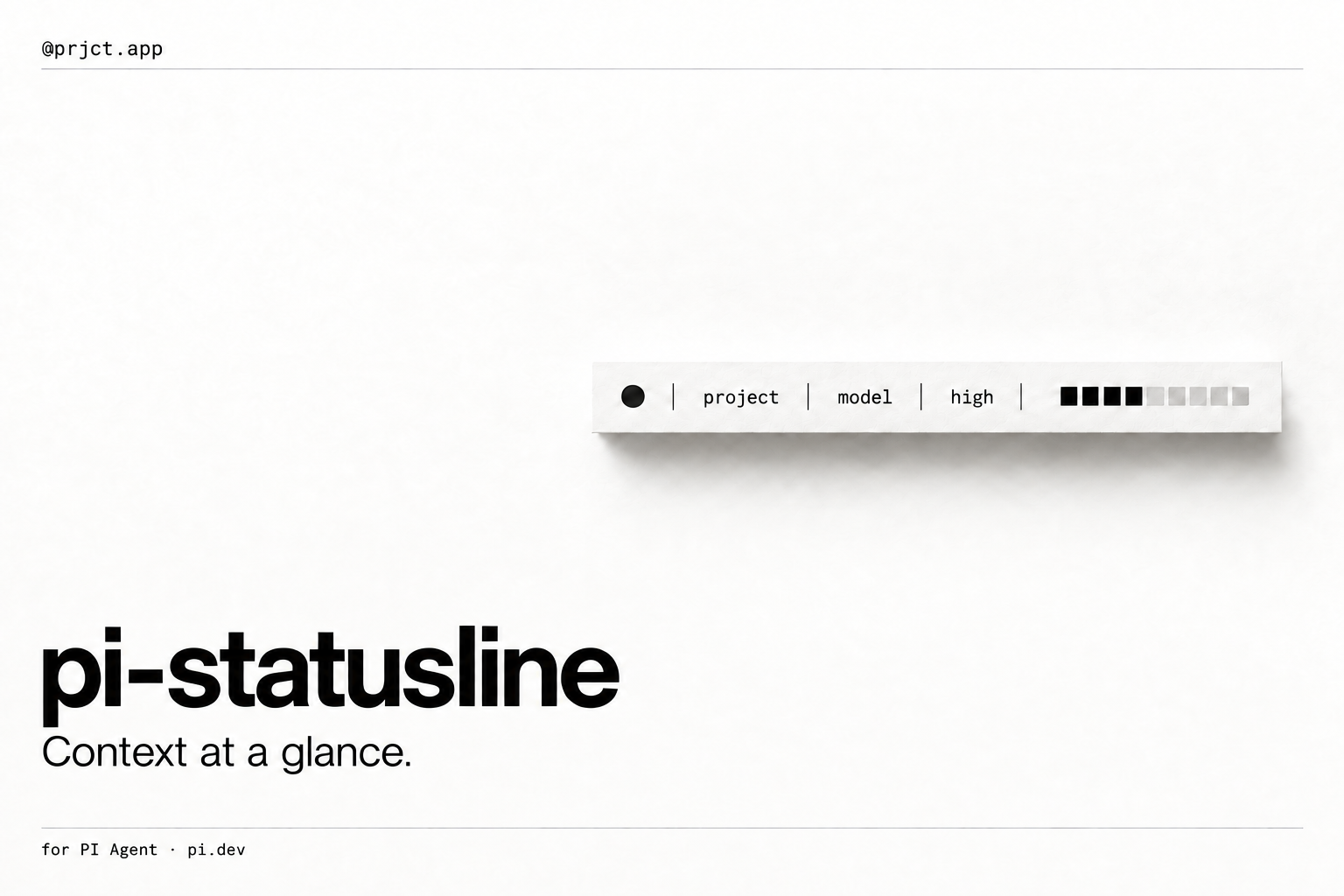
See your project, Git branch, model, thinking level, and context usage in a compact status line for PI Agent.
@prjct.app/pi-statusline · Custom footer; one extension.
Install
Requires Pi installed separately and Node.js 22.19 or later. Compatibility is tested with Pi 0.85.1; newer versions are not yet verified. This is an independent community package.
Install with Pi's package manager:
pi install npm:@prjct.app/pi-statusline
For project-only installation, add -l: pi install -l npm:@prjct.app/pi-statusline. Restart Pi after installation. Do not install the same extension from both GitHub and npm: Pi treats those as different package identities.
Usage
Start an interactive Pi session. The footer shows the project directory name, optional session name, Git branch, model, thinking level, and an eight-cell context-usage bar. When Pi Plan is active, its planning status comes first.
The footer replaces Pi's default footer. It currently reads only the plan-mode extension status; other extension status entries are not displayed. It is not a general status aggregator. Use one custom-footer extension at a time.
If context usage is unavailable, the bar shows empty segments; this is not a measured zero. Session-name changes are read on subsequent renders.
Manage the package
For an npm installation:
pi list
pi update npm:@prjct.app/pi-statusline
pi remove npm:@prjct.app/pi-statusline
Use pi config to enable or disable individual resources. Use pi config -l for project settings and add -l to removal when you installed locally.
To pin version 0.1.3, use pi install npm:@prjct.app/pi-statusline@0.1.3. Pi skips pinned npm versions during package updates. For a Git installation, update or remove using the same git:github.com/prjct-app/pi-statusline source instead of the npm source.
When switching from GitHub to npm, remove the Git installation first, then install the npm package and restart Pi.
Troubleshooting
If the footer is absent, confirm TUI mode and disable competing custom footers in pi config. Missing branch or session information is normal outside Git repositories or in unnamed sessions.
Package and API documentation
Uses ctx.ui.setFooter(), pi.getSessionName(), footer branch subscriptions, ctx.getContextUsage(), and Pi TUI width utilities.
See Package structure and compatibility for the manifest, dependency policy, shipped resources, and official references. This package follows the official Pi package guide and extension API guide for the tested version.
Development
From a repository checkout:
npm ci --ignore-scripts
npm run check
npm test
npm run check:package
Pi loads the TypeScript entry point directly; no build step is required. To try this checkout for one run, use pi -e .. Tests use isolated temporary state and do not call model APIs. See CONTRIBUTING.md for contribution rules and CHANGELOG.md for release notes.
License
MIT.