@qagent/pidev-package
Let Pi QA your web app in a real browser and return evidence-backed pass/fail checks.
Package details
Install @qagent/pidev-package from npm and Pi will load the resources declared by the package manifest.
$ pi install npm:@qagent/pidev-package- Package
@qagent/pidev-package- Version
0.1.2- Published
- Jun 4, 2026
- Downloads
- not available
- Author
- haukebr
- License
- unknown
- Types
- extension, skill
- Size
- 298.2 KB
- Dependencies
- 1 dependency · 3 peers
Pi manifest JSON
{
  "extensions": [
    "./extensions"
  ],
  "skills": [
    "./skills"
  ]
}
Security note
Pi packages can execute code and influence agent behavior. Review the source before installing third-party packages.
README
QAgent for Pi
Let Pi test your web app in a real browser.
Install this package, then ask Pi to verify a page, form, or user flow. The
qagent skill turns that request into focused browser checks and reports what
passed, what failed, and the evidence behind the verdict.
What This Does
QAgent for Pi gives your Pi coding session a QA helper. It can open a local or deployed web app, interact with the page, check for visible success signals, and summarize the result as pass, fail, or unknown.
Use it when you have just changed a UI and want an independent browser check before calling the work done. You describe the outcome in plain language; Pi uses QAgent to drive the browser and returns a compact, evidence-backed result.
Install
pi install npm:@qagent/pidev-package
For local development from this checkout:
npm install
pi install ./
Requirements:
- Node.js 22.19.0 or newer.
- Pi installed and configured with an active model.
- A usable Chromium/Chrome browser for QAgent's Playwright browser runs.
Try This First
You do not need to learn a new command syntax. After installing the package, ask Pi for QA in plain language:
Use qagent to verify http://localhost:3000 loads and the main dashboard is usable.
Use qagent to test the signup form. Success means the confirmation message appears.
Use qagent to check the checkout flow reaches the order confirmation page.
Use qagent to check the feature I just changed and report what still looks broken.
When To Use It
Use QAgent for Pi when you want a quick answer to questions like:
- Did the page I just changed still load?
- Does this form actually submit?
- Does the success text appear after the user flow?
- Did my fix remove the visible regression?
- Is there an obvious broken state before I hand this back?
Keep Playwright or your normal test suite for durable regression coverage. Use QAgent for fast, goal-based checks while you are still building.
How It Works
Pi stays in charge of the development session. The qagent skill acts like a
concise senior QA reviewer:
- It identifies the target URL.
- It turns your request into 1-5 focused browser checks.
- It calls QAgent once per check through the
qagent_runtool. - It retries an inconclusive check once.
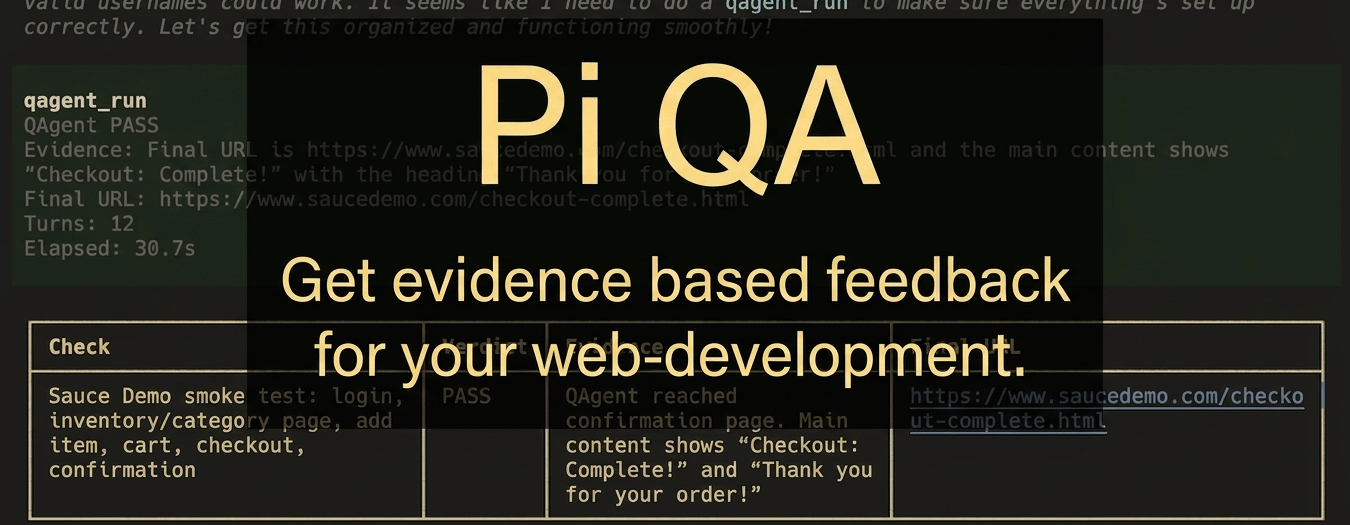
- It reports a compact table with the check, verdict, evidence, and final URL.
The important difference from the standalone @qagent/cli is authentication and
model selection. In Pi, QAgent uses Pi's active model and credentials. You do not
need a separate QAgent API key, provider config, or credential store for runs
launched through this package.
Good Prompts
QAgent works best when the goal describes the visible success signal. Specific success criteria beat vague instructions.
Use qagent to verify http://localhost:3000/login.
Success means a user can sign in with the test account and the dashboard heading
is visible.
Use qagent to check the contact form.
Success means submitting all required fields shows "Thanks, we received your
message."
Use qagent to smoke-test the changed pricing page.
Check that the page loads, the plan cards are visible, and the upgrade CTA opens
the expected checkout route.
If you do not provide a detailed scope, the skill infers a small set of high-signal smoke checks from the task, changed surface, and likely user-visible risks.
What It Is
QAgent for Pi is for:
- Natural-language QA inside Pi sessions.
- Fast browser checks during agentic development.
- Evidence-backed pass, fail, or unknown verdicts.
- Using Pi's current model and credentials for QAgent runs.
- Asking for several focused checks without hand-writing each runner call.
QAgent for Pi is not:
- A replacement for Playwright.
- A long-lived regression suite.
- A CI gate for every commit.
- A multi-page autonomous testing platform.
- A separate QAgent CLI configuration layer.
Skill And Tool
This package registers one skill and one tool.
qagent skill
Use when the user asks to test, verify, QA, smoke-test, or use QAgent against a web app.
The skill:
- Finds or asks for the target URL.
- Converts broad QA requests into focused browser checks.
- Calls
qagent_runonce per check. - Retries inconclusive checks once.
- Reports compact, evidence-backed verdicts.
qagent_run tool
Runs QAgent against one URL and one natural-language goal using Pi's active model and authentication.
Parameters:
| Name | Required | Purpose |
|---|---|---|
url |
yes | Start URL for the browser run. |
goal |
yes | Natural-language verification goal. |
headed |
no | Show the browser window instead of running headless. |
maxTurns |
no | Maximum QAgent turns for the run. |
testTimeoutSeconds |
no | Overall wall-clock run timeout. |
networkTimeoutSeconds |
no | Per-navigation timeout. |
actionTimeoutSeconds |
no | Per-action timeout. |
Each result includes the QAgent outcome and evidence, with final URL, turn count, and elapsed time when available. Tool details also include the raw QAgent result and the run options used.
Relationship To @qagent/cli
The upstream @qagent/cli package
is the standalone runner. Install it when you want to call qagent directly
from a shell, configure providers yourself, stream NDJSON, or save trace files.
This package is the Pi integration:
- The
qagentskill is the main user workflow. - The CLI runner is used underneath through QAgent's public
runQAgent()API. - Pi provides model selection and request authentication.
- The tool stays deliberately narrow: one URL, one goal, one result.
Browser Setup
QAgent needs a browser available through Playwright or a reachable system Chrome. If your first run reports that Chromium is missing, install it once:
npx playwright install chromium
On minimal Linux environments, install browser system dependencies first:
npx playwright install-deps chromium
npx playwright install chromium
Security Note
Pi packages execute code locally. This package launches browser automation against URLs you provide and uses your active Pi model credentials for QAgent runs. Only install Pi packages you trust, and be careful when testing untrusted sites or local apps with sensitive data.
Links
- QAgent CLI: https://www.npmjs.com/package/@qagent/cli
- QAgent repository: https://github.com/haukebri/QAgent