@rs25-labs/pi-mindvault
Private, local-first memory subsystem for the pi coding agent. Long-term memory across sessions, stored on your own machine in SQLite, with optional on-device semantic search. No server, no cloud, nothing leaves your machine.
Package details
Install @rs25-labs/pi-mindvault from npm and Pi will load the resources declared by the package manifest.
$ pi install npm:@rs25-labs/pi-mindvault- Package
@rs25-labs/pi-mindvault- Version
0.2.6- Published
- Sep 7, 2026
- Downloads
- 221/mo · 221/wk
- Author
- rs25-labs
- License
- MIT
- Types
- extension
- Size
- 79.2 KB
- Dependencies
- 1 dependency · 2 peers
Pi manifest JSON
{
  "extensions": [
    "./extensions"
  ],
  "image": "https://raw.githubusercontent.com/rs25-labs/pi-mindvault/main/preview.png"
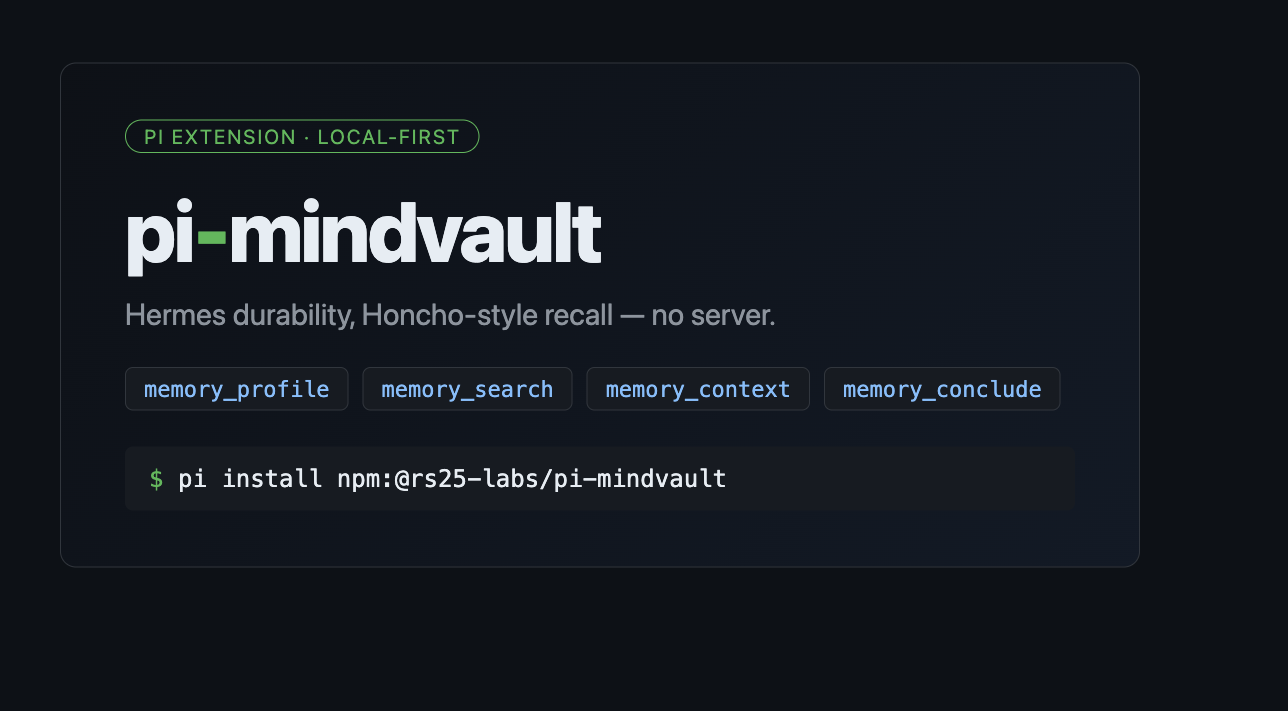
}
Security note
Pi packages can execute code and influence agent behavior. Review the source before installing third-party packages.
README
pi-mindvault
A private, local-first memory subsystem for pi, the AI coding agent. It gives pi long-term memory across sessions, stored on your own machine in a single SQLite file, with optional on-device semantic search. Nothing is sent to a server, and no data leaves your machine.
It remembers how you like to work and what you've decided, and hands the relevant bits back to pi as you go.
pi starts every session with a blank slate, so you end up explaining the same things again and again: which database you use, how you want your code, what you settled on last week. Cloud memory tools fix that by keeping your context on their servers. This one keeps it on your disk instead. Your code, your decisions, and your keys stay local.
It's a pi extension, built on pi's extension API. It does not work with other agents like Claude Code or Cursor.
What it does
You tell it something once ("we deploy on Fridays", "I prefer explicit types") and it comes back later when it's useful. Everything lives in one file under ~/.pi/memory/, so it runs offline, and you can delete a single memory or everything for a project whenever you want. Secrets are stripped out before anything gets written.
Memories are kept separate by project. What you save in one repo stays out of the others, with a shared "global" space for things that hold everywhere.
Out of the box it matches on keywords, which needs no setup. You can turn on a small local model for semantic search, so "how do we handle login" will find "we switched to Clerk for auth" even with no words in common. That model runs on your machine too.
When you want to see what it's up to, you can ask why a memory came back, look at what it's about to hand pi this turn, or edit a memory in place.
Install
You'll need pi with extension support and Node 22 or newer.
pi install npm:@rs25-labs/pi-mindvault
# from source instead:
# pi install git:https://github.com/rs25-labs/pi-mindvault
Run this once inside pi:
/mindvault-setup
It creates the database at ~/.pi/memory/memory.db and sets up the default scopes. No API key, no network.
Using it
Most of the time you do nothing. Relevant memory is added to pi's context at the start of each turn, and what you talk about is saved in the background. When you want to be explicit:
remember I always want WAL on as a global rule
search what did we decide about sqlite?
context why did we pick the per-directory default?
forget <id>
memory status
The tools available to the agent:
memory_profilereads your profile cards instantly, no model callmemory_searchreturns ranked excerptsmemory_contextpulls the excerpts that bear on a questionmemory_concludesaves a fact you want kept for goodmemory_usedmarks which recalled memories actually helped, so they rank higher and stay aroundmemory_whyexplains one memory: its scope, importance, how often it's been usedmemory_inspectshows what would go into the prompt this turnmemory_editfixes a memory in placememory_forgetdeletes one by id
Commands: /mindvault-setup, /mindvault-config, /memory for status, /dream to tidy up, /memory-prune <scope>.
Embeddings
Keyword matching is the default and needs nothing from you. If you want semantic search, change the provider with /mindvault-config. Your choice is saved in ~/.pi/memory/config.json, so there are no environment variables to fiddle with.
/mindvault-config                     show current settings
/mindvault-config embeddings local    use the on-device semantic model
/mindvault-config embeddings hash     go back to keyword matching
| Provider | Cost to you | Private | Notes |
|---|---|---|---|
hash (default) |
nothing | yes | keyword matching, fully offline |
local |
a model download (~tens of MB) on first use, cached in ~/.pi/memory/models |
yes | semantic search with fast-bge-small-en-v1.5, 384 dimensions |
api |
nothing local | no, your text leaves the machine | put url, key, model, dim under embeddings in config.json |
The local model uses fastembed, installed on demand. If pi asks for it, run cd ~/.pi/pi-mindvault && npm install fastembed. If it can't load for any reason, recall quietly goes back to keyword matching and keeps working. Run /memory to see which one is active: emb=local:fast-bge-small-en-v1.5 means the model is running, emb=feature-hash means keyword matching.
Keeping it tidy
/memory prints a short status line that includes a recall hit-rate. /dream, or the memory_optimize tool, merges duplicates, drops stale memories, and compacts the database. Run it when you're not busy, since it can take a while on a big vault. Facts you saved on purpose and anything in the global scope stay for good. The rest ages out once it's old, unused, and low value, and a size cap keeps things quick.
Privacy
Everything stays on your disk. Secrets and tokens are removed before a memory is stored, and absolute paths outside your working directory become <outside-cwd>. You can delete any memory, or a whole scope, at any time.