@sangyaahub/pi-marg
A governed, model-routed development path for Pi Agent and Oh My Pi.
Package details
Install @sangyaahub/pi-marg from npm and Pi will load the resources declared by the package manifest.
$ pi install npm:@sangyaahub/pi-marg- Package
@sangyaahub/pi-marg- Version
1.0.4- Published
- Sep 17, 2026
- Downloads
- 252/mo · 252/wk
- Author
- sangyaa
- License
- MIT
- Types
- extension, skill, prompt
- Size
- 982.6 KB
- Dependencies
- 0 dependencies · 1 peer
Pi manifest JSON
{
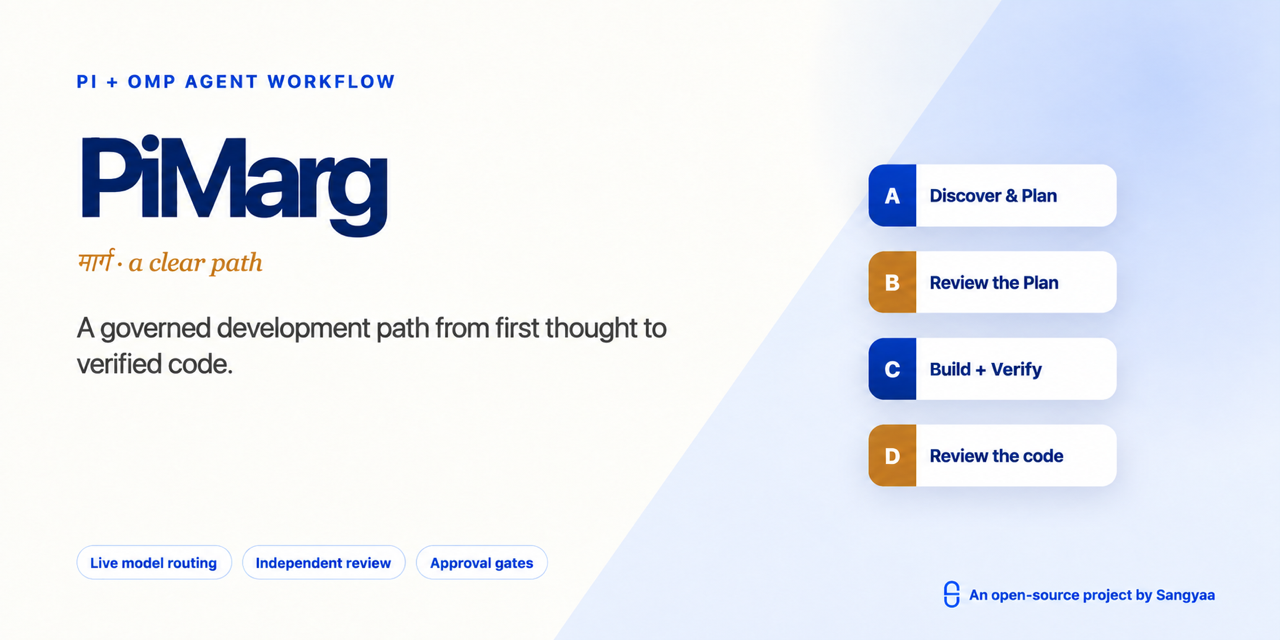
  "image": "https://raw.githubusercontent.com/sangyaahub/pi-marg/main/assets/pi-marg-banner.png",
  "skills": [
    "./skills"
  ],
  "prompts": [
    "./adapters/pi/prompts"
  ],
  "extensions": [
    "./adapters/pi/extensions/approval-guard.ts",
    "./adapters/pi/extensions/model-router.ts",
    "./adapters/pi/extensions/runtime-capabilities.ts",
    "./adapters/pi/extensions/workflow-bootstrap.ts"
  ]
}
Security note
Pi packages can execute code and influence agent behavior. Review the source before installing third-party packages.
README
PiMarg
Version 1.0.4 · MIT licensed · Pi Agent + Oh My Pi · by Sangyaa
PiMarg turns an ordinary prompt into a governed development path. It identifies the work boundary, selects one engineering method, discovers the models and tools the active runtime really provides, separates thinking from execution, records evidence, and stops before protected actions.
                           shared workflow core
                    intent · models · approvals · evidence
                                      │
                         ┌────────────┴────────────┐
                         ▼                         ▼
                     Pi adapter                OMP adapter
                  TypeBox · Pi events       Zod · OMP events
                         │                         │
                         └────────────┬────────────┘
                                      ▼
                  A discover → C plan review → plan gate
                                      │
                                      ▼
                       B build → verify → D review
                                      │
                                      ▼
                      security when needed → lessons
The same model-selection and approval logic lives in core/. Runtime-specific code is limited to adapters/pi/ and adapters/omp/.
Why PiMarg
- Confirms job/client versus personal work; job/client mode suppresses Sangyaa branding by default.
- Routes seven work types: idea, new feature, improvement, proactive bug fix, security, repository analysis, and business/sales analysis.
- Uses one primary Compound Engineering, Superpowers, GSD Core, or automatically selected workflow spine.
- Shows every current authenticated and enabled model, ranking the best fit for each stage first instead of pinning dated model names.
- Enforces that A and C use different underlying models, and B and D use different underlying models.
- Uses CodeGraph for repository architecture and impact when available, with LSP/AST or repository-native tools for exact code questions.
- Adds conditional testing, debugger, browser/desktop, security, Advisor, task, and memory routes only when detected.
- Tracks the plan, decisions, evidence, and one lesson under
.agent-work/sessions/. - Requires a one-use approval before delete/remove, push, merge, web publication, session sharing, or external-agent creation.
Compatibility
| Capability | Pi Agent | Oh My Pi |
|---|---|---|
| Ordinary prompts enter the workflow | Pi bootstrap hook | OMP global rule |
| Shared skills and decision flow | Yes | Yes |
| Dynamic A/B/C/D model routing + high/low failover | Pi model registry | OMP model registry |
| Approval guard | Pi event adapter | OMP event adapter |
| Slash workflow entry points | Pi prompt templates | OMP commands |
| CodeGraph | CLI/integration when detected | MCP integration when configured |
| Advisor, checkpoint, security scan, Hindsight | Extension/fallback when detected | Native capability when enabled |
| Parallel agents | Only when a compatible task extension exists | Native task/workflow routes when available |
Tested locally against Pi Agent 0.85.1 and OMP 18.2.1. Optional features are always capability-detected, so their absence produces a recorded fallback rather than a false success claim.
Try the demo
Open demo/pi-marg-v1.0.html in a modern browser. It is self-contained and offline. Use Play Flow for a walkthrough or Presenter Mode to hide the configuration panel.
Install
Review extensions before installation: both Pi and OMP packages execute with your local user permissions.
Preview the local installation commands:
./scripts/install.sh --runtime pi
./scripts/install.sh --runtime omp
Apply one runtime:
./scripts/install.sh --runtime pi --apply
./scripts/install.sh --runtime omp --apply
Install both only when you use both CLIs:
./scripts/install.sh --runtime both --apply
Install PiMarg from the Pi package catalog/npm:
pi install npm:@sangyaahub/pi-marg
Install the global OMP launcher:
npm install --global @sangyaahub/pi-marg
Or install Pi and OMP directly from this GitHub repository:
pi install https://github.com/sangyaahub/pi-marg
omp plugin marketplace add sangyaahub/pi-marg
omp plugin install --scope user pi-marg@pi-marg-marketplace
The npm command launches OMP; the OMP plugin installation supplies PiMarg's extensions, skills, commands, and rules. Install both when you want to start the complete workflow with pi-marg from any repository.
Configure models
Authenticate providers using the active runtime's normal login flow, then run:
/auto-models choose
The router shows every model in the live authenticated and enabled registry. Stage-appropriate choices appear first and all other enabled choices remain selectable. It does not promise that a subscription route is free or unlimited. See MODEL-SETUP.md.
Start a workflow
From a terminal in the repository you want to work on, run either:
pi-marg start
pi-marg "add CSV export to this repository"
pi-marg start opens OMP and asks for the work prompt. Supplying a prompt starts the same guided flow immediately. Inside an existing OMP session, invoke:
/pi-marg
/pi-marg add CSV export to this repository
/auto add CSV export to this repository
The native picker asks for work boundary, work type, workflow skill, every model required by that work type, then two distinct runtime backups: high first and low second. Automatic recovery stays disabled until both are saved. It shows only models reported as authenticated and enabled by OMP, with recommended fits first.
stage model hits quota
          │
          ▼
   OMP/Pi native retry
          │ still failed
          ▼
   high backup ──fails──► low backup
          │                    │
          └──── notify + resume┘
PiMarg switches only after a positively identified terminal usage-limit/quota failure (or a settled model-execution tool failure such as external Devin or a subagent); a temporary 429/rate-limit response does not consume a backup. It records and deduplicates each failure, advances from high to low only when the active high model itself fails, notifies the user, and resumes with an instruction to inspect current state before repeating any side effect. If both backups are exhausted, it stops with an actionable request to run the model chooser again.
Useful entry points:
/auto-models choose— refresh A/B/C/D choices and the high/low recovery pair./auto-runtime status— show detected capabilities and fallbacks./auto-review plan|code— run the independent review contract./auto-status— show the current ledger and evidence./auto-close— verify completion and write the session lesson once.
On Pi these are prompt templates. On OMP they are command files. Ordinary new substantive prompts also enter the workflow automatically: Pi uses a lightweight bootstrap hook, while OMP loads the packaged global rule. The workflow instructions and state contract are shared.
Protected actions
The default policy is ask. A protected action remains blocked until the complete next user message is exactly one of:
APPROVE ACTION: delete-remove
APPROVE ACTION: push-main
APPROVE ACTION: merge-pr
APPROVE ACTION: post-web
Each phrase permits one matching call and is then consumed. Set PIMARG_APPROVAL_POLICY=allow before starting the runtime only when intentionally enabling automated protected actions. UNIVERSAL_AUTO_MODE_APPROVAL_POLICY and OMP_AUTO_MODE_APPROVAL_POLICY remain recognized for migration.
CodeGraph policy
For an existing repository, preview setup first:
./scripts/setup-codegraph.sh /absolute/path/to/repository
Apply after reviewing the preview:
./scripts/setup-codegraph.sh --apply /absolute/path/to/repository
OMP can expose CodeGraph through .mcp.json. Pi uses a detected CodeGraph CLI or another installed integration. When CodeGraph is missing, the workflow may use precise repository-native tools, but it must not claim a repository-wide architecture or impact scan occurred.
Project structure
core/                    shared policy and routing logic
adapters/pi/             Pi extensions and prompt templates
adapters/omp/            OMP extensions
skills/                  shared workflow skills
commands/ agents/ rules/ OMP-native resources
demo/                    offline interactive presentation
tests/                   shared core and adapter contract tests
Validate
./scripts/validate.sh
bun test tests
License
PiMarg is an open-source project by Sangyaa. Product branding uses Sangyaa's official mark and palette; see BRAND.md for permitted use.
Copyright © 2026 Sangyaa and PiMarg contributors. Released under the MIT License. Everyone may use, copy, modify, merge, publish, distribute, sublicense, or sell copies subject to the license notice and warranty disclaimer.
Contributions are welcome; see CONTRIBUTING.md. Report vulnerabilities using SECURITY.md.