@spences10/pi-coding-preferences
Configurable Pi guardrails that keep agents aligned with local coding workflow preferences before bad commands run
Package details
Install @spences10/pi-coding-preferences from npm and Pi will load the resources declared by the package manifest.
$ pi install npm:@spences10/pi-coding-preferences- Package
@spences10/pi-coding-preferences- Version
0.0.16- Published
- Sep 13, 2026
- Downloads
- 258/mo · 180/wk
- Author
- spences10
- License
- MIT
- Types
- extension
- Size
- 16.7 KB
- Dependencies
- 1 dependency · 1 peer
Pi manifest JSON
{
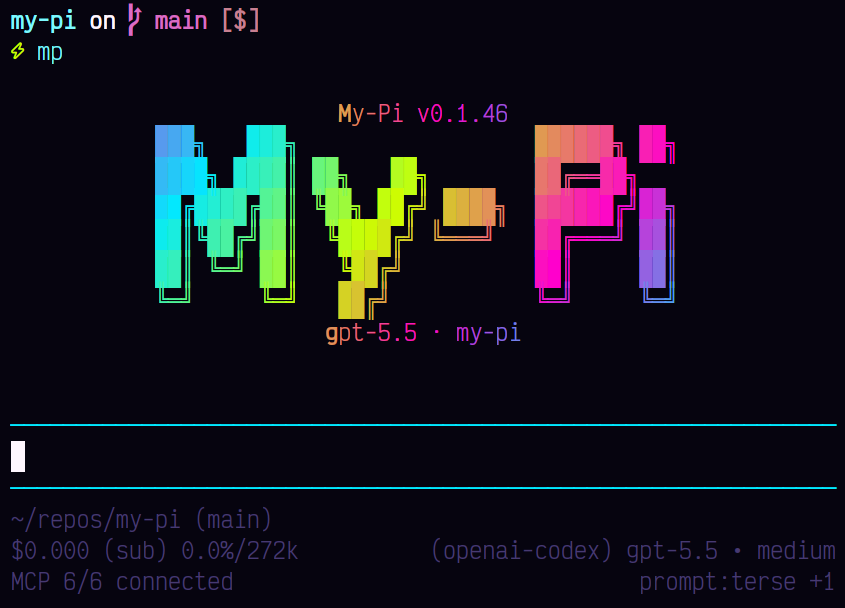
  "image": "https://raw.githubusercontent.com/spences10/my-pi/main/assets/pi-package-preview.png",
  "extensions": [
    "./dist/index.js"
  ]
}Security note
Pi packages can execute code and influence agent behavior. Review the source before installing third-party packages.
README
@spences10/pi-coding-preferences




Keep agents aligned with your local coding standards before bad
commands run. pi-coding-preferences turns workflow preferences—like
using rg instead of grep—into lightweight guardrails that nudge
the model toward the project’s conventions.
It ships with default workflow preferences. Add user preferences at
~/.pi/agent/coding-preferences.json and project preferences at
.pi/coding-preferences.json; when either file exists, configured
rules are loaded instead of the built-in defaults.
{
	"rules": [
		{
			"name": "no-npm",
			"toolNames": ["bash"],
			"target": "command",
			"pattern": "^npm\\\\b",
			"reason": "Use pnpm in this repo."
		}
	]
}
Rule targets are command, path, or input. Patterns are
JavaScript regular expressions. A blocked call reports the rule name
and nested input field, but not the matched value.
The input target checks every string in the tool input. For an
edit call, this includes both oldText and newText. These checks
are not syntax-aware. Use a language-aware linter for identifier
naming and other rules that must distinguish code from comments or
string content.
pi install npm:@spences10/pi-coding-preferences
This is opt-in: installing the package globally applies it to your Pi sessions, but projects and downstream users do not inherit it unless they install the package.
Development
Package scripts build transitive workspace dependencies first, then
run local tools through Vite+ with vp exec.
pnpm --filter @spences10/pi-coding-preferences run check
pnpm --filter @spences10/pi-coding-preferences run test
pnpm --filter @spences10/pi-coding-preferences run build