@spences10/pi-confirm-destructive
Git-aware Pi guardrail that asks for confirmation before destructive shell actions can change or lose work
Package details
Install @spences10/pi-confirm-destructive from npm and Pi will load the resources declared by the package manifest.
$ pi install npm:@spences10/pi-confirm-destructive- Package
@spences10/pi-confirm-destructive- Version
0.0.21- Published
- Sep 12, 2026
- Downloads
- 411/mo · 248/wk
- Author
- spences10
- License
- MIT
- Types
- extension
- Size
- 99.1 KB
- Dependencies
- 0 dependencies · 1 peer
Pi manifest JSON
{
  "extensions": [
    "./dist/index.js"
  ],
  "image": "https://raw.githubusercontent.com/spences10/my-pi/main/assets/pi-package-preview.png"
}Security note
Pi packages can execute code and influence agent behavior. Review the source before installing third-party packages.
README
@spences10/pi-confirm-destructive




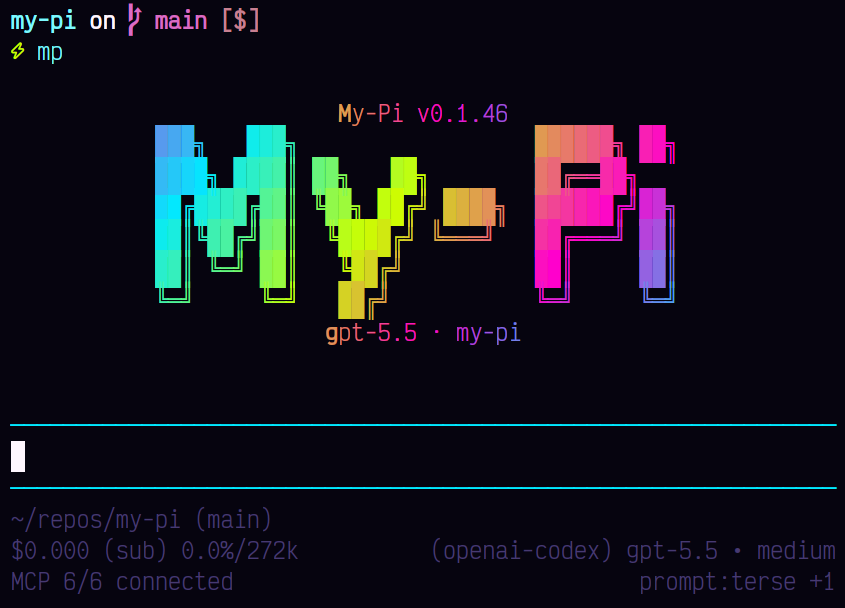
Stop destructive shell commands before they surprise you.
pi-confirm-destructive adds a Git-aware confirmation layer for
deletes, resets, force pushes, and other risky actions so agents pause
before changing or losing work.
Installation
pi install npm:@spences10/pi-confirm-destructive
Local development from this monorepo:
pnpm --filter @spences10/pi-confirm-destructive run build
pi install ./packages/pi-confirm-destructive
# or for one run only
pi -e ./packages/pi-confirm-destructive
What it does
The extension intercepts Pi tool_call and user_bash events before
they run and asks for confirmation when an action may destroy data
that Git cannot restore.
It tokenizes shell command intent across newlines, pipelines, command
substitutions, groups, and common wrappers such as sudo, env,
command, xargs, and sh -c. It allows common refactor operations
on clean tracked files without prompting, while guarding:
- untracked, ignored, or dirty file deletes and overwrites
- repository-root deletion, including the otherwise clean
.gitdirectory and local-only branches, stashes, and metadata - overwrite redirections and broad destructive shell commands such as
find -delete/destructive-exec,sed -i,git clean,rsync --delete,truncate,dd, and disk tools - destructive Git operations including stash deletion, forced branch deletion, remote-ref deletion, hard resets, and force pushes
- destructive Prisma and database CLI commands, including
dropdband Redis flushes - Docker system pruning, Terraform destroy, recursive S3 removal, and Kubernetes deletion
- custom/MCP tools with destructive names such as
delete,drop,execute_write_query, orexecute_schema_query
Explicit absolute files and directories beneath the operating system's
temporary directory are treated as disposable and can be overwritten
or deleted without confirmation. Relative and tilde-expanded paths do
not receive this exception, even when the current directory is
temporary. The temporary-path exception is also rejected for the
temporary root itself, wildcard or dynamic targets, parent-directory
traversal, mixed temporary and non-temporary targets, symlinks that
resolve outside the temporary directory, Git repository roots or
metadata, and dirty tracked files. This exception does not apply to
broad commands such as find -delete or to destructive Git, database,
cloud, disk, and infrastructure operations.
In interactive mode the prompt offers:
Allow onceAllow similar for this sessionBlock
In non-interactive mode destructive actions are blocked by default.
This is a confirmation guard, not a shell sandbox. Shell aliases, dynamically assembled command names, custom executables, and novel command families can still hide destructive intent. Keep important work committed and backed up, and use OS/container isolation when executing untrusted commands.
Using from a custom harness
import confirm_destructive from '@spences10/pi-confirm-destructive';

// pass `confirm_destructive` as an ExtensionFactory to your Pi runtime
my-pi imports this package directly and enables it as the built-in
confirm-destructive guard.
Development
Package scripts build transitive workspace dependencies first, then
run local tools through Vite+ with vp exec.
pnpm --filter @spences10/pi-confirm-destructive run check
pnpm --filter @spences10/pi-confirm-destructive run test
pnpm --filter @spences10/pi-confirm-destructive run build
License
MIT