@spences10/pi-confirm-destructive
Git-aware Pi guardrail that asks for confirmation before destructive shell actions can change or lose work
Package details
Install @spences10/pi-confirm-destructive from npm and Pi will load the resources declared by the package manifest.
$ pi install npm:@spences10/pi-confirm-destructive- Package
@spences10/pi-confirm-destructive- Version
0.0.16- Published
- May 23, 2026
- Downloads
- 1,600/mo · 96/wk
- Author
- spences10
- License
- MIT
- Types
- extension
- Size
- 80.6 KB
- Dependencies
- 0 dependencies · 1 peer
Pi manifest JSON
{
  "extensions": [
    "./dist/index.js"
  ],
  "image": "https://raw.githubusercontent.com/spences10/my-pi/main/assets/pi-package-preview.png"
}Security note
Pi packages can execute code and influence agent behavior. Review the source before installing third-party packages.
README
@spences10/pi-confirm-destructive




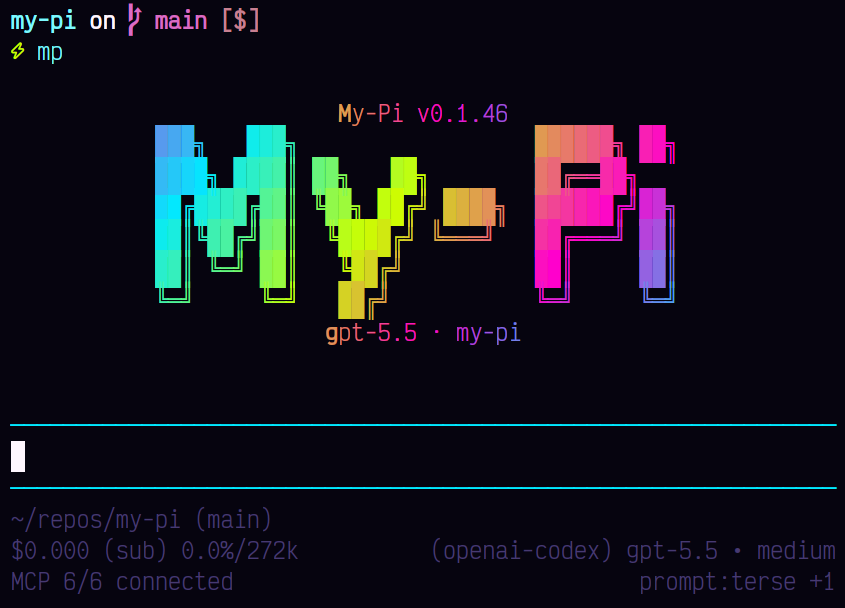
Stop destructive shell commands before they surprise you.
pi-confirm-destructive adds a Git-aware confirmation layer for
deletes, resets, force pushes, and other risky actions so agents pause
before changing or losing work.
Installation
pi install npm:@spences10/pi-confirm-destructive
Local development from this monorepo:
pnpm --filter @spences10/pi-confirm-destructive run build
pi install ./packages/pi-confirm-destructive
# or for one run only
pi -e ./packages/pi-confirm-destructive
What it does
The extension intercepts Pi tool_call and user_bash events before
they run and asks for confirmation when an action may destroy data
that Git cannot restore.
It allows common refactor operations on clean tracked files without prompting, while guarding:
- untracked file deletes or overwrites
- tracked files with uncommitted changes
- broad destructive shell commands such as
find -delete,git clean,rsync --delete,truncate,dd, and disk tools - destructive Prisma commands such as
prisma migrate resetandprisma db push --force-reset - destructive database CLI calls through
psql,mysql,mariadb, orsqlite3 - custom/MCP tools with destructive names such as
delete,drop,execute_write_query, orexecute_schema_query
In interactive mode the prompt offers:
Allow onceAllow similar for this sessionBlock
In non-interactive mode destructive actions are blocked by default.
Using from a custom harness
import confirm_destructive from '@spences10/pi-confirm-destructive';

// pass `confirm_destructive` as an ExtensionFactory to your Pi runtime
my-pi imports this package directly and enables it as the built-in
confirm-destructive guard.
Development
Package scripts build transitive workspace dependencies first, then
run local tools through Vite+ with vp exec.
pnpm --filter @spences10/pi-confirm-destructive run check
pnpm --filter @spences10/pi-confirm-destructive run test
pnpm --filter @spences10/pi-confirm-destructive run build
License
MIT