@spences10/pi-git-ui
Focused in-Pi Git staging, diff review, and commit modal for agent-assisted coding workflows
Package details
Install @spences10/pi-git-ui from npm and Pi will load the resources declared by the package manifest.
$ pi install npm:@spences10/pi-git-ui- Package
@spences10/pi-git-ui- Version
0.0.12- Published
- May 23, 2026
- Downloads
- 1,995/mo · 88/wk
- Author
- spences10
- License
- MIT
- Types
- extension
- Size
- 134.5 KB
- Dependencies
- 1 dependency · 2 peers
Pi manifest JSON
{
  "extensions": [
    "./dist/index.js"
  ],
  "image": "https://raw.githubusercontent.com/spences10/my-pi/main/assets/pi-package-preview.png"
}Security note
Pi packages can execute code and influence agent behavior. Review the source before installing third-party packages.
README
@spences10/pi-git-ui




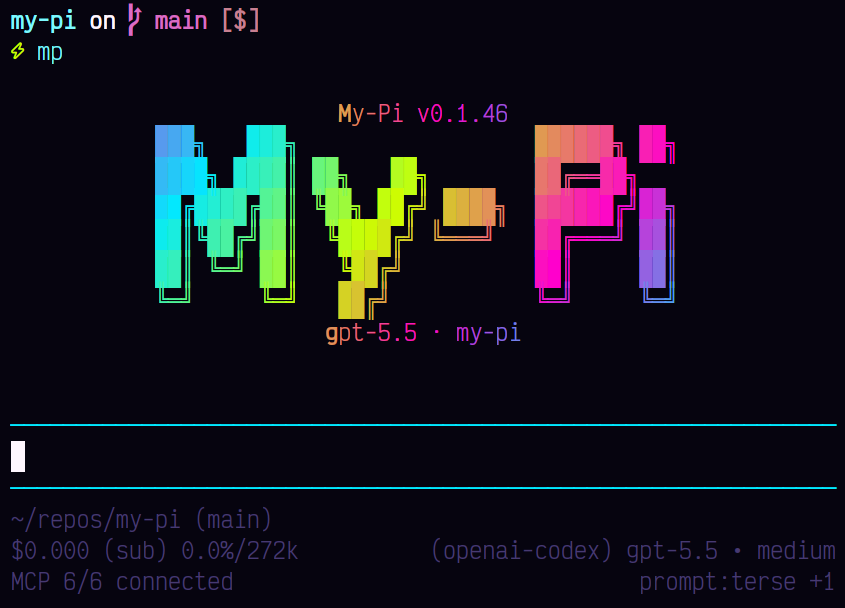
Review and commit changes from inside Pi without context-switching to
a separate Git client. pi-git-ui provides a focused staging, diff
review, and commit modal designed for agent-assisted coding workflows.
Usage
pi install npm:@spences10/pi-git-ui
Then run:
/git-ui
Controls:
↑/↓orj/k— move file selection/— filter files by path, state, or status codeenter— open contextual actions for the selected file?— show grouped keyboard help←/→orh/l— scroll the diff previewn/p— move between diff hunks[/]— move between changed linesspace— safely stage/unstage selected file; disabled for partial/conflicted filess— stage selected file explicitlyx— unstage selected file explicitlyS— stage selected hunkX— unstage selected hunk+— stage selected changed line-— unstage selected changed linec— commit staged changes with a Conventional Commit helper or raw messagem— amend the last commit with staged changesg— show repository overview with branches, recent commits, stashes, and remotesa— safely stage all; blocked if partial/conflicted files existA— force stage allu— unstage all- actions menu →
discard file— confirm and discard unstaged file changes r— refreshesc/q— close
Development
Package scripts build transitive workspace dependencies first, then
run local tools through Vite+ with vp exec.
pnpm --filter @spences10/pi-git-ui run check
pnpm --filter @spences10/pi-git-ui run test
pnpm --filter @spences10/pi-git-ui run build