@spences10/pi-kimi-usage
Kimi For Coding usage status for the Pi footer
Package details
Install @spences10/pi-kimi-usage from npm and Pi will load the resources declared by the package manifest.
$ pi install npm:@spences10/pi-kimi-usage- Package
@spences10/pi-kimi-usage- Version
0.0.2- Published
- Aug 5, 2026
- Downloads
- 808/mo · 7/wk
- Author
- spences10
- License
- MIT
- Types
- extension
- Size
- 21.4 KB
- Dependencies
- 0 dependencies · 1 peer
Pi manifest JSON
{
  "extensions": [
    "./dist/index.js"
  ],
  "image": "https://raw.githubusercontent.com/spences10/my-pi/main/assets/pi-package-preview.png"
}Security note
Pi packages can execute code and influence agent behavior. Review the source before installing third-party packages.
README
@spences10/pi-kimi-usage




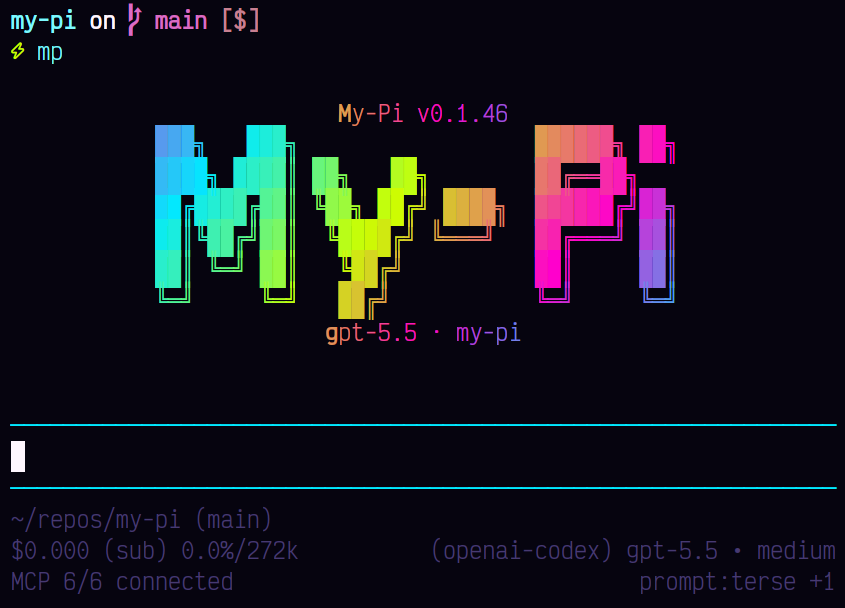
Pi extension that publishes Kimi For Coding usage to the footer status area.
It only shows status when the active model provider is kimi-coding.
The extension reads ~/.pi/agent/auth.json for the kimi-coding
credential (OAuth access token or API key, falling back to the
KIMI_API_KEY environment variable), calls the Kimi Code usage
endpoint (GET https://api.kimi.com/coding/v1/usages), and publishes
a compact kimi-usage status for the existing @spences10/pi-footer
renderer.
The status shows the 5-hour rolling window first, then the weekly
quota, each as used percent with a compact reset time, e.g.
kimi 4h 7% · 5d 4%. The footer shows kimi ? when the credential is
expired or the endpoint is unreachable; OAuth tokens are refreshed by
Pi's built-in provider and picked up here on the next poll.
Installation
pi install npm:@spences10/pi-kimi-usage
Disable the built-in with:
my-pi --no-kimi-usage
Development
Package scripts build transitive workspace dependencies first, then
run local tools through Vite+ with vp exec.
pnpm --filter @spences10/pi-kimi-usage run check
pnpm --filter @spences10/pi-kimi-usage run test
pnpm --filter @spences10/pi-kimi-usage run build
License
MIT