@spences10/pi-starfield
Theme-aware input stars with suggested next prompts for Pi
Package details
Install @spences10/pi-starfield from npm and Pi will load the resources declared by the package manifest.
$ pi install npm:@spences10/pi-starfield- Package
@spences10/pi-starfield- Version
0.0.4- Published
- Nov 4, 2026
- Downloads
- 484/mo · 454/wk
- Author
- spences10
- License
- MIT
- Types
- extension
- Size
- 39.1 KB
- Dependencies
- 1 dependency · 3 peers
Pi manifest JSON
{
  "image": "https://raw.githubusercontent.com/spences10/my-pi/main/assets/pi-package-preview.png",
  "extensions": [
    "./dist/index.js"
  ]
}Security note
Pi packages can execute code and influence agent behavior. Review the source before installing third-party packages.
README
@spences10/pi-starfield




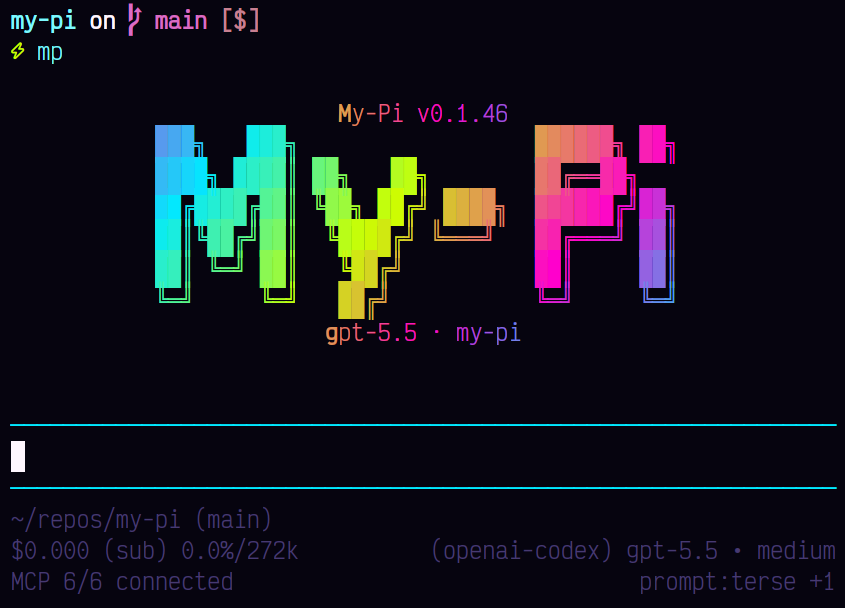
A shaded input with quiet, twinkling stars and a suggested next prompt for Pi. Press Tab to use the suggestion. Needs Pi 1.4.0 or newer.
Installation
pi install npm:@spences10/pi-starfieldLocal development from this monorepo:
pnpm --filter @spences10/pi-starfield run build
pi install ./packages/pi-starfield
# or for one run only
pi -e ./packages/pi-starfield
What it does
- The input keeps the active theme's
userMessageBgbackground while empty or typing. It starts at three shaded rows and grows with text. - Single-dot Braille stars stay in fixed cells with dim, slow 9–14 second pulses. Typing does not stop or restart the animation.
- While the input has text, only the row below it twinkles, so Pi never redraws your text and a mouse selection in it stays put.
- Stars remain in the padding above and below typed text. Text rows, cursor cells, scroll indicators, and autocomplete stay clear.
- After each agent turn, one short call to the session model (no
thinking, at most 60 output tokens) predicts your next prompt from
your last prompt and the agent's final reply. It shows as dim text
in the empty input with
⇥. Tab puts it in the input; typing hides it. It is never sent on its own. A new turn clears it. - Pasted text, history, shortcuts, and autocomplete keep Pi's input and layout behavior. Scroll indicators remain visible for long input.
- Animation requests a normal Pi render every 500 ms while the editor has focus. It stops when another component takes focus, the editor is replaced, or the session shuts down. No raw terminal writes.
- Theme changes apply on the next render. Stars blend
mutedtowarduserMessageBgin truecolor themes. Other palettes usedim, which is also used for suggestion text. NO_COLORandTERM=dumbdisable the custom editor. Print, JSON, and RPC modes do not install it.- Another custom editor is not replaced. Disable the other extension first, or disable this one when using a different editor.
Controls
/starfield on      Animate stars (default)
/starfield static  Keep a still star field, with no animation timer
/starfield off     Restore Pi's normal editor
/starfield suggest on|off   Suggested next prompts (default on)
The choice is saved globally in ~/.pi/agent/my-pi-settings.json (or
in the configured Pi agent directory), under:
{
	"packages": {
		"pi-starfield": { "mode": "static", "suggest": true }
	}
}
Using from a custom harness
import starfield from '@spences10/pi-starfield';

// Pass starfield as an ExtensionFactory to your Pi runtime.
Local testing
From the repository root:
pnpm run build
node dist/index.js
Try typing, clearing the input, pasting multiple lines, history keys,
slash completion, a theme change, a narrow terminal, and the three
/starfield modes. The local terminal and font determine the final
dot appearance.
Design reference
The effect was checked against OpenAI Codex's
composer sparkle source.
This implementation uses its own cell hash and pulse function, with
Pi's CustomEditor and render scheduler. Unlike Codex's
model-specific, time-limited flourish, it works with any model and
continues while typing.
Development
Package scripts build transitive workspace dependencies first, then
run local tools through Vite+ with vp exec.
pnpm --filter @spences10/pi-starfield run check
pnpm --filter @spences10/pi-starfield run test
pnpm --filter @spences10/pi-starfield run build
License
MIT