@taterdoge/pi-ayu
Ayu dark and light color themes for the Pi Coding Agent. Low-contrast dark surface with amber, blue, green, and coral accents.
Package details
Install @taterdoge/pi-ayu from npm and Pi will load the resources declared by the package manifest.
$ pi install npm:@taterdoge/pi-ayu- Package
@taterdoge/pi-ayu- Version
0.1.3- Published
- May 30, 2026
- Downloads
- 432/mo · 42/wk
- Author
- taterdoge
- License
- MIT
- Types
- theme
- Size
- 574 KB
- Dependencies
- 0 dependencies · 0 peers
Pi manifest JSON
{
  "themes": [
    "./themes/ayu-dark.json",
    "./themes/ayu-light.json"
  ],
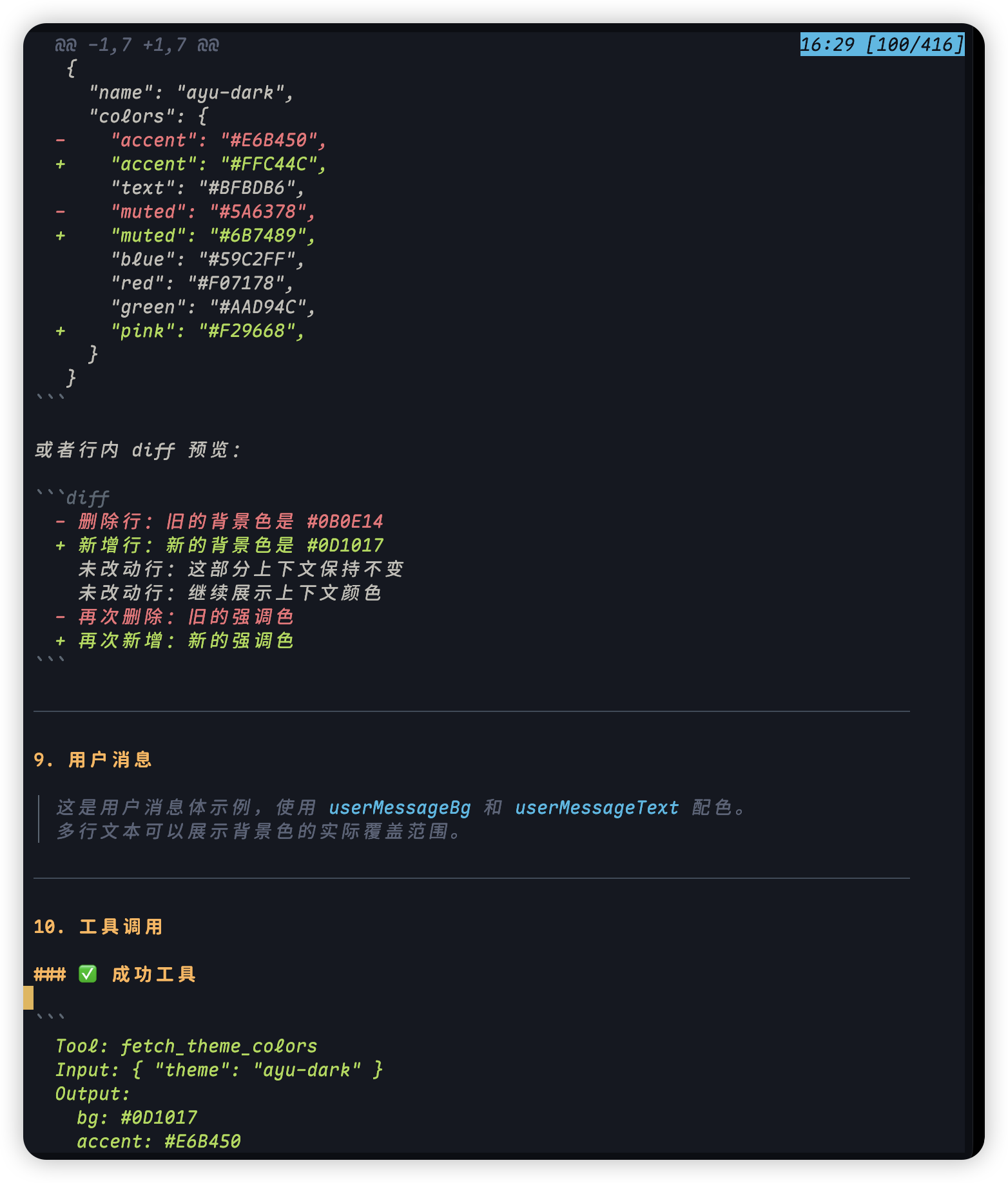
  "image": "https://raw.githubusercontent.com/TaterDoge/pi-packages/main/packages/pi-ayu/assets/dark.png"
}
Security note
Pi packages can execute code and influence agent behavior. Review the source before installing third-party packages.
README
@taterdoge/pi-ayu
Ayu-inspired themes for the Pi Coding Agent. This package provides both dark and light Ayu variants as installable Pi themes.
Available Themes
| ayu-dark | ayu-light |
|---|---|
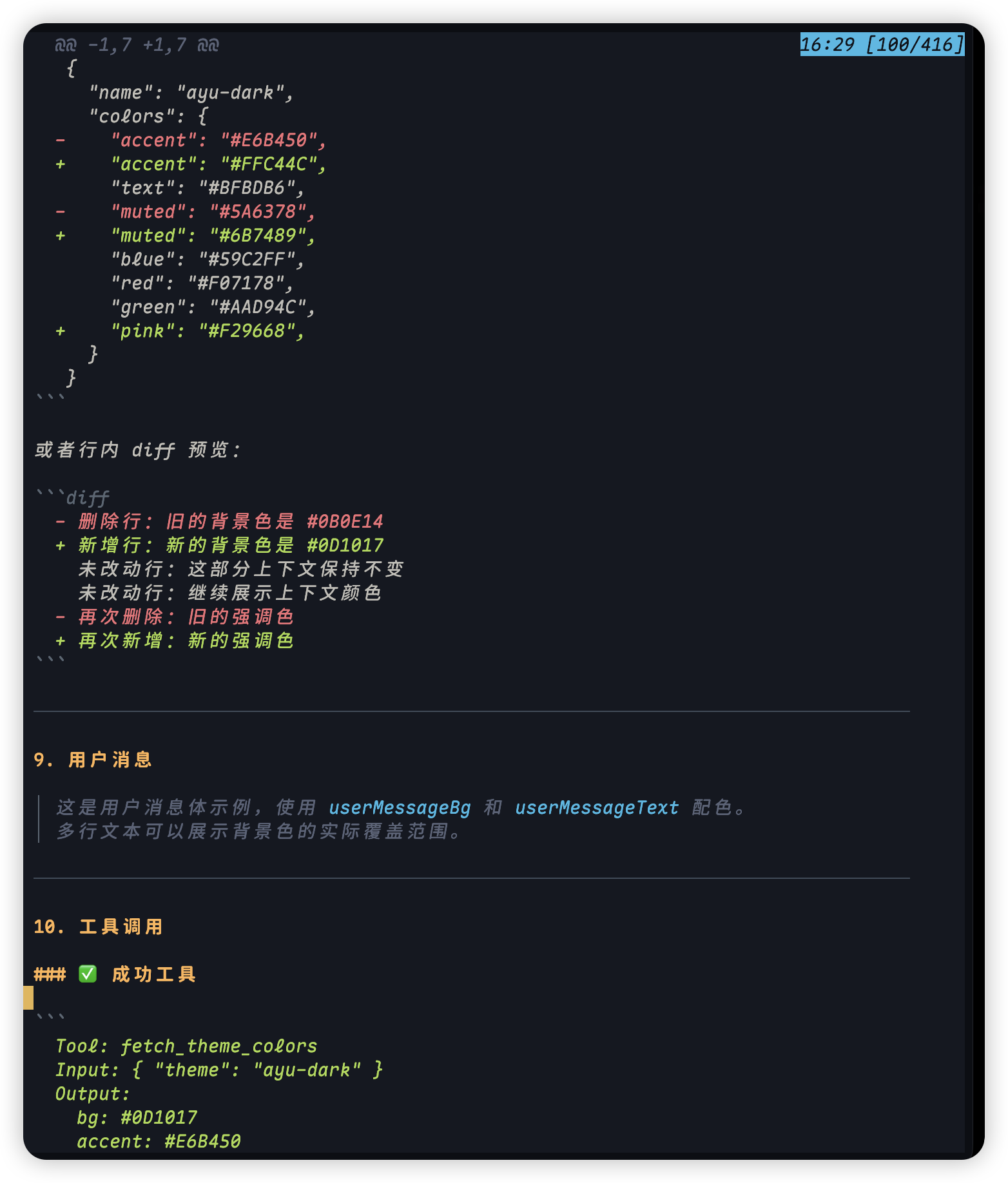 |
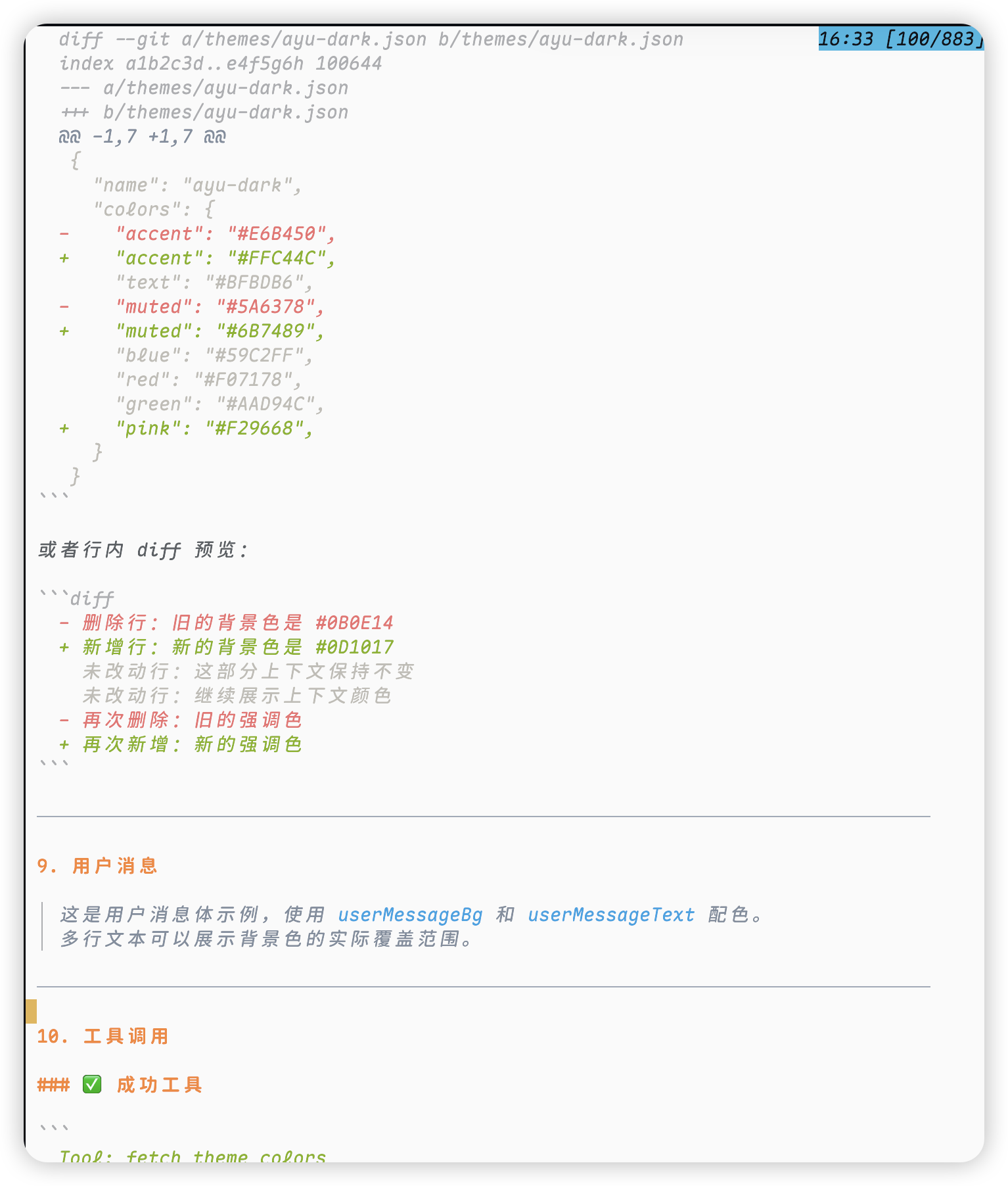 |
ayu-dark(dark)ayu-light(light)
Install
pi install npm:@taterdoge/pi-ayu
Or try without installing
pi -e npm:@taterdoge/pi-ayu
Then select a theme via /settings.
Local Development
Run Pi with this local package:
pi -e ./packages/pi-ayu
Or install it from the local path:
pi install ./packages/pi-ayu
Uninstall
pi remove npm:@taterdoge/pi-ayu