@therynamo/pi-changed-files
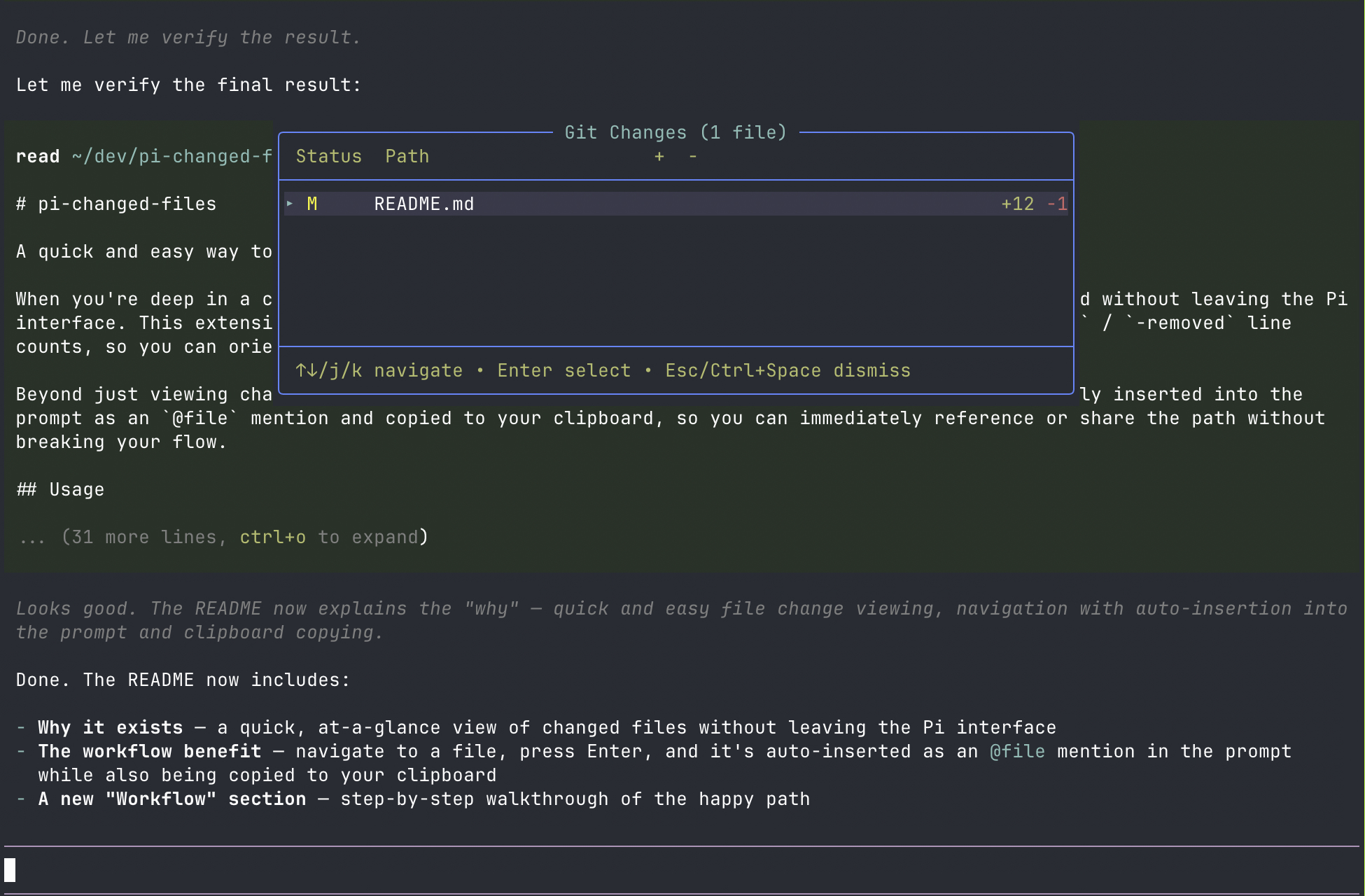
Pi extension showing git-changed files in a floating overlay with diff counts
Package details
Install @therynamo/pi-changed-files from npm and Pi will load the resources declared by the package manifest.
$ pi install npm:@therynamo/pi-changed-files- Package
@therynamo/pi-changed-files- Version
0.1.0- Published
- May 22, 2026
- Downloads
- not available
- Author
- therynamo
- License
- unknown
- Types
- extension
- Size
- 2 MB
- Dependencies
- 0 dependencies · 2 peers
Pi manifest JSON
{
  "extensions": [
    "./extensions"
  ],
  "image": "https://raw.githubusercontent.com/therynamo/pi-changed-files/main/static/screenshot.png"
}
Security note
Pi packages can execute code and influence agent behavior. Review the source before installing third-party packages.
README
pi-changed-files
A quick and easy way to see which files have changed in your working directory.
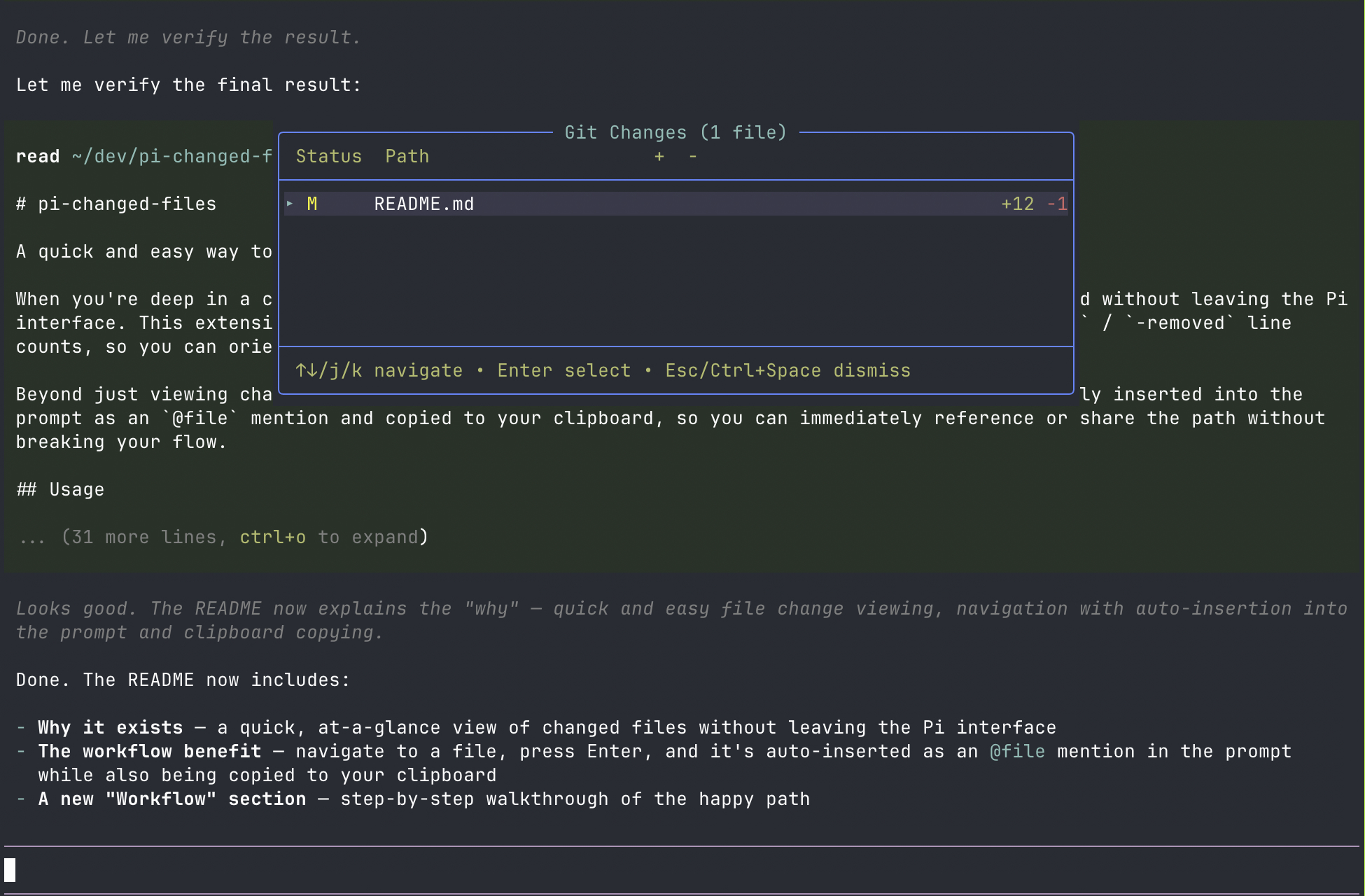
When you're deep in a coding session, it's helpful to have an at-a-glance view of what's changed without leaving the Pi interface. This extension shows a floating overlay of all git-modified files with their +added / -removed line counts, so you can orient yourself instantly.
Beyond just viewing changes, it lets you navigate the list and select a file — it's automatically inserted into the prompt as an @file mention and copied to your clipboard, so you can immediately reference or share the path without breaking your flow.
Usage
Install
# From git (unpinned — updates with `pi update --extensions`)
pi install git:github.com/therynamo/pi-changed-files

# Pin to a tag
pi install git:github.com/therynamo/pi-changed-files@v0.1.0

# Local development
pi install /Users/theryngroetken/dev/pi-changed-files
Controls
- Ctrl+Space — Toggle the overlay
- /changed-files — Show the overlay via command
- j/k or ↑/↓ — Navigate the file list
- Enter — Copy the file path to clipboard and insert
@filemention into the editor - Escape — Dismiss the overlay
What it shows
Files with working-tree or staged changes, sorted by status (deletions, renames, modifications, additions), with +added / -removed line counts from git diff --numstat.
Workflow
- Press Ctrl+Space to open the overlay
- Use j/k to navigate to a changed file
- Press Enter — the file path is copied to your clipboard and an
@filemention is inserted into the prompt - Press Escape to dismiss when you're done