@tranhoangnguyen0310/pi-flow-external
External Claude Code, Codex CLI, Antigravity, Grok Build CLI, Muse Code, and OpenCode delegation for pi.
Package details
Install @tranhoangnguyen0310/pi-flow-external from npm and Pi will load the resources declared by the package manifest.
$ pi install npm:@tranhoangnguyen0310/pi-flow-external- Package
@tranhoangnguyen0310/pi-flow-external- Version
3.2.1-external.0- Published
- Oct 7, 2026
- Downloads
- 4,263/mo · 870/wk
- Author
- tranhoangnguyen0310
- License
- MIT
- Types
- extension
- Size
- 1.3 MB
- Dependencies
- 1 dependency · 5 peers
Pi manifest JSON
{
  "image": "https://raw.githubusercontent.com/tranhoangnguyen03/pi-flow-external/main/assets/pi-flow.png",
  "extensions": [
    "./index.ts"
  ]
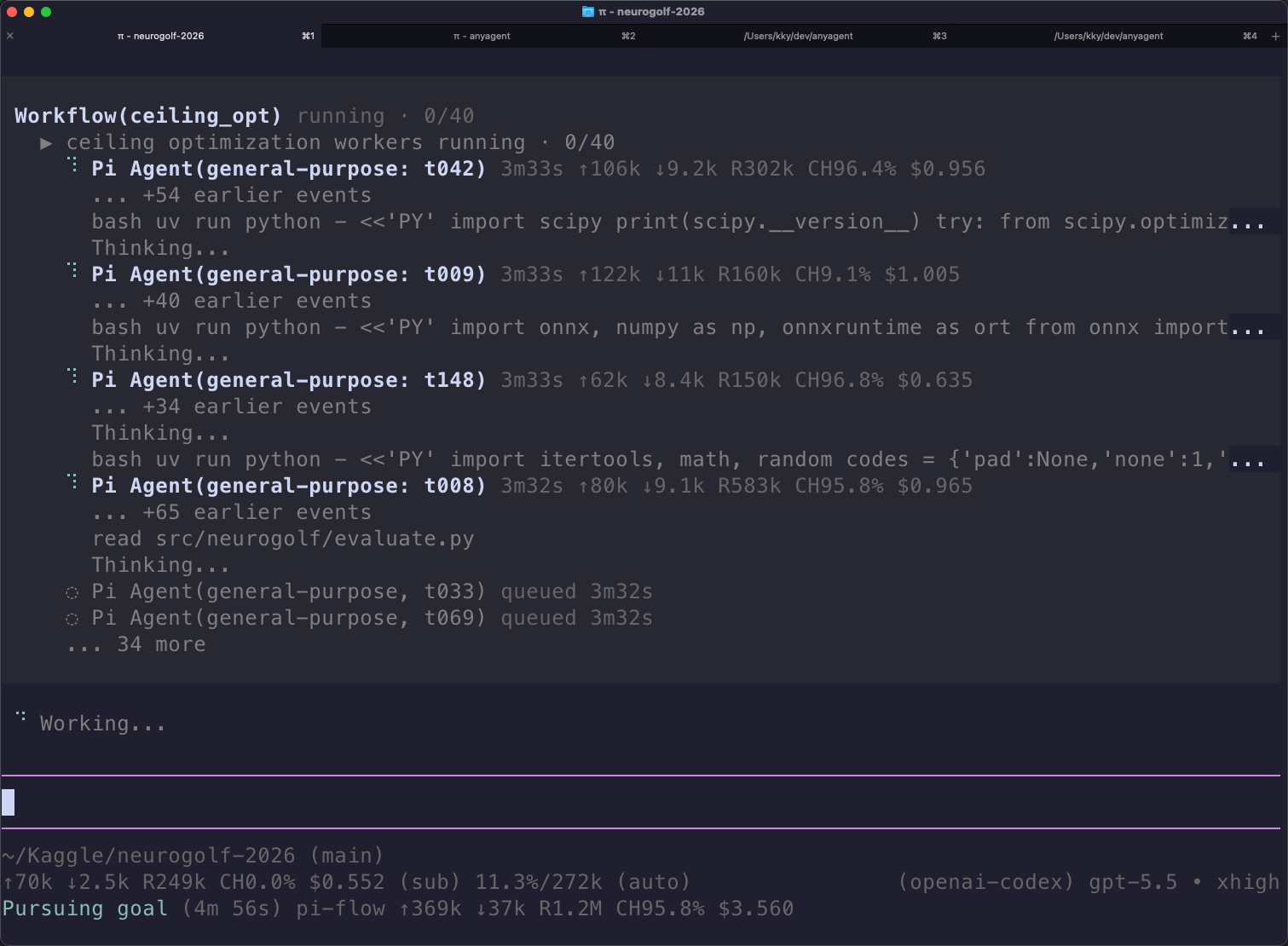
}
Security note
Pi packages can execute code and influence agent behavior. Review the source before installing third-party packages.
README
pi-flow external
Delegate tasks from pi to external AI coding harnesses and custom in-process models, with explicit permissions, live progress cards, and durable local receipts.
Supported harnesses:
- Claude Code (
claude) - Codex CLI (
codex) - Grok Build CLI (
grok) - Muse Code (
muse) - Antigravity (
agy) - OpenCode (
opencode) - Named Pi harnesses (
pi-<label>) — in-process, per-model configs you register yourself
How It Works
You ask Pi to delegate work in plain chat. Every delegation combines three elements:
- Role: What the agent should do. Six built-in roles work out of the box on every harness:
explorer,planner,implementer,reviewer,qa, andworker. - Harness: Where and how that role runs (
claude,codex,agy, etc.). - Permission: The enforced access boundary (
readonly,edit, ordanger).
⚠️ Security & Defaults: Roles describe intent;
permissiondefines authority. Saying "read-only" in prompt text does not restrict an agent. Out of the box, the default harness isagyand the default permission isdanger(full host access). Antigravity rejectsreadonlyandedit. For enforced sandboxing, ask for a harness that supports it (such asclaudeorcodex) and explicit read-only access.
Requirements & Install
- Host: Pi
~0.99.2. - External CLIs: Install and authenticate any external CLI you want to use (
claude,codex,agy,grok,muse, oropencode). Pi and external CLIs manage authentication independently.
Install globally:
pi install npm:@tranhoangnguyen0310/pi-flow-externalOr project-only (requires project trust):
pi install -l npm:@tranhoangnguyen0310/pi-flow-externalQuickstart
1. Verify your setup
Check installed CLIs, authentication, and harness availability:
/external doctor2. Configure defaults (optional)
Run /external to open the interactive settings window. You can set your default harness, choose default models or reasoning levels, and manage roles.
3. Run your first delegation
Ask Pi in chat:
You: "Use Claude Code to explore this repository and map key modules read-only."
Pi recognizes the request and delegates:
- Role:
explorer - Harness:
claude - Permission:
readonly(enforced sandbox: Claude cannot edit files or run shell commands)
(Programmatic / Codemode equivalent):
const receipt = await tools.Agent({
  description: "Map repository architecture",
  role: "explorer",
  harness: "claude",
  permission: "readonly",
  prompt: "Map repository architecture and list core modules.",
});

if (receipt.ok) {
  console.log(receipt.data.run.output.value);
}
Or using the default harness (agy — runs with full host access):
You: "Explore this codebase and find the authentication entrypoints."
Permission Matrix
| Harness | readonly |
edit |
danger (default) |
Notes |
|---|---|---|---|---|
claude |
✅ --permission-mode plan |
✅ acceptEdits (no bash) |
✅ --dangerously-skip-permissions |
Root UID falls back to auto |
codex |
✅ --sandbox read-only |
✅ workspace-write |
✅ danger-full-access |
Native kernel sandbox |
grok |
✅ --sandbox read-only |
✅ workspace |
✅ off |
Readonly network block is Linux-only |
muse |
✅ --disable-write --disable-shell |
✅ Sandbox ON | ✅ --yolo |
Danger trusts workspace |
opencode |
✅ Deny-by-default rules | ✅ Edit/write tools | ✅ --auto |
Standalone server; native tool rules |
agy |
❌ Rejected | ❌ Rejected | ✅ Supported | Full host CLI; 1 infra retry on auth/network |
pi-* |
✅ Curated read tools | ✅ Curated edit tools | ✅ Full SDK tools | Curated tool lists; not an OS sandbox |
Everyday Usage
You interact with external agents through natural conversation with Pi.
1. Context Sharing
When you want the subagent to understand your ongoing conversation:
You: "Ask Codex to review the refactoring plan we just discussed."
Pi automatically packages recent conversation turns into the briefing:
- Role:
reviewer - Harness:
codex - Context: Shared recent conversation turns (
{ mode: "recent", turns: 5 })
(Codemode):
await tools.Agent({
  description: "Review refactoring plan",
  role: "reviewer",
  harness: "codex",
  permission: "readonly",
  prompt: "Review the refactoring plan we just discussed.",
  context: { mode: "recent", turns: 5 },
});
2. Background Runs & Supervision
For long audits or explorations you don't want to wait for:
You: "Have Claude run a security audit of our API routes in the background while we continue working."
Pi launches the run in the background, gives you a run ID, and keeps your chat session free.
- Check live progress or inspect output anytime with
/external runs. - Or ask Pi: "How is that background security audit going?"
(Codemode):
const receipt = await tools.Agent({
  description: "Audit security-sensitive endpoints",
  role: "reviewer",
  harness: "claude",
  permission: "readonly",
  prompt: "Audit security-sensitive endpoints.",
  background: true,
});

if (receipt.ok) {
  const runId = receipt.data.run.runId;
  await tools.external_runs({ action: "wait", runIds: [runId], mode: "all" });
}
3. Multi-Agent Workflows (Parallel Delegation)
For tasks that benefit from multiple perspectives at once:
You: "Run a parallel review: have Claude check for architectural issues while Codex audits test coverage."
Pi runs a trusted JavaScript workflow that runs both subagents simultaneously under a shared concurrency limiter:
(Workflow script):
export const meta = { apiVersion: 1, name: "code-review", description: "Parallel review" };

const [arch, coverage] = await parallel([
  () => agent("Review architectural integrity read-only", { role: "reviewer", harness: "claude", permission: "readonly" }),
  () => agent("Audit test coverage read-only", { role: "qa", harness: "codex", permission: "readonly" }),
]);

return { arch, coverage };
Configuration & Commands
/external: Interactive settings window (TUI & RPC) to set defaults, manage models, and edit roles./external doctor: Validates catalog and checks CLI / provider authentication./external runs: Interactive viewer for active and completed runs, outputs, and diagnostics.
Common CLI commands:
# Config UI and Menu
/external config
Upgrading from v4
Settings use version 5. If upgrading from an older version:
- Run
/externaland choose Preview format update…, or run/external config convert. - Existing configurations, overrides, and disabled states are preserved.
- See Migration Guide for full details and optional file purging.
Documentation
- Harness Reference: Deep CLI flags, OpenCode 2 standalone server details, Muse session resume, Grok sandbox notes, and Pi in-process presets.
- Configuration Reference: Settings v5 JSON schema, sparse inheritance, role overrides, and full command reference.
- Supervision & Runtime:
external_runsactions, cursor pagination, batch inspect, and byte budgets. - Workflows: Scripting API, error handling (
ChildRunError), and replay cache. - Public Contract: Contract envelope definitions for Pi codemode consumers.
- Troubleshooting: Common errors, authentication checks, and
pi-cc-extensionsrenderer compatibility.