branchout
Pi git branchout command for creating new branches safely from a picked source branch.
Package details
Install branchout from npm and Pi will load the resources declared by the package manifest.
$ pi install npm:branchout- Package
branchout- Version
0.1.1- Published
- Jul 17, 2026
- Downloads
- 345/mo · 22/wk
- Author
- sgtbeatdown
- License
- MIT
- Types
- extension
- Size
- 95 KB
- Dependencies
- 0 dependencies · 2 peers
Pi manifest JSON
{
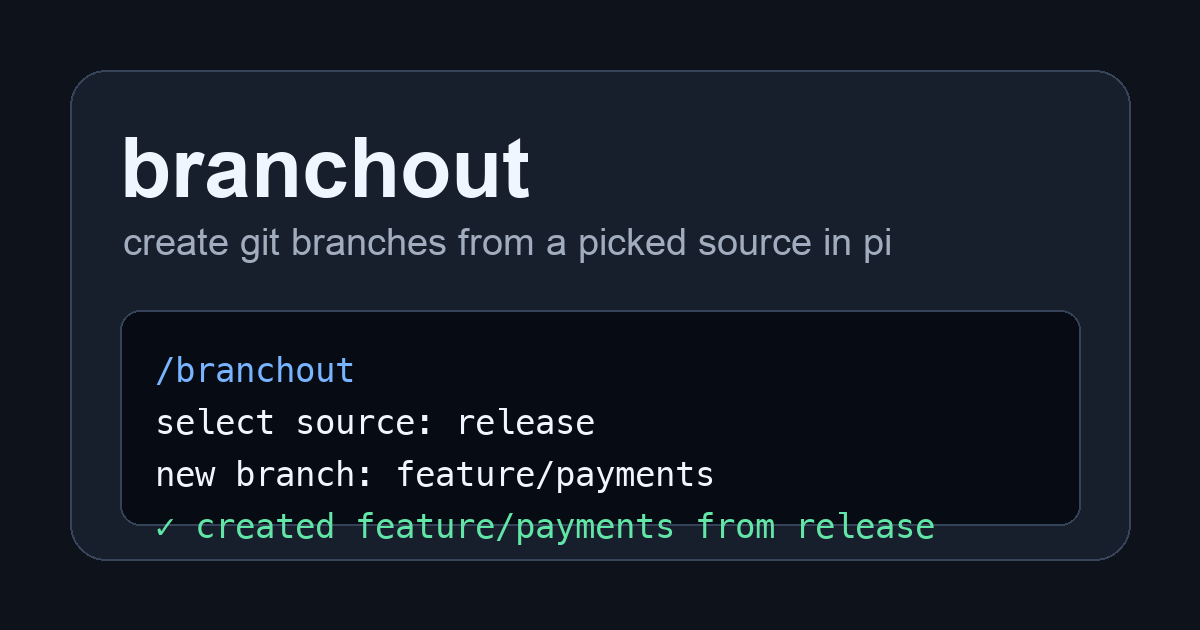
  "image": "https://raw.githubusercontent.com/almogdepaz/branchout/main/media/social-preview.png",
  "extensions": [
    "./src/extension.ts"
  ]
}
Security note
Pi packages can execute code and influence agent behavior. Review the source before installing third-party packages.
README
branchout
create new git branches from the right source branch inside pi, without memorizing branch names.
why install it
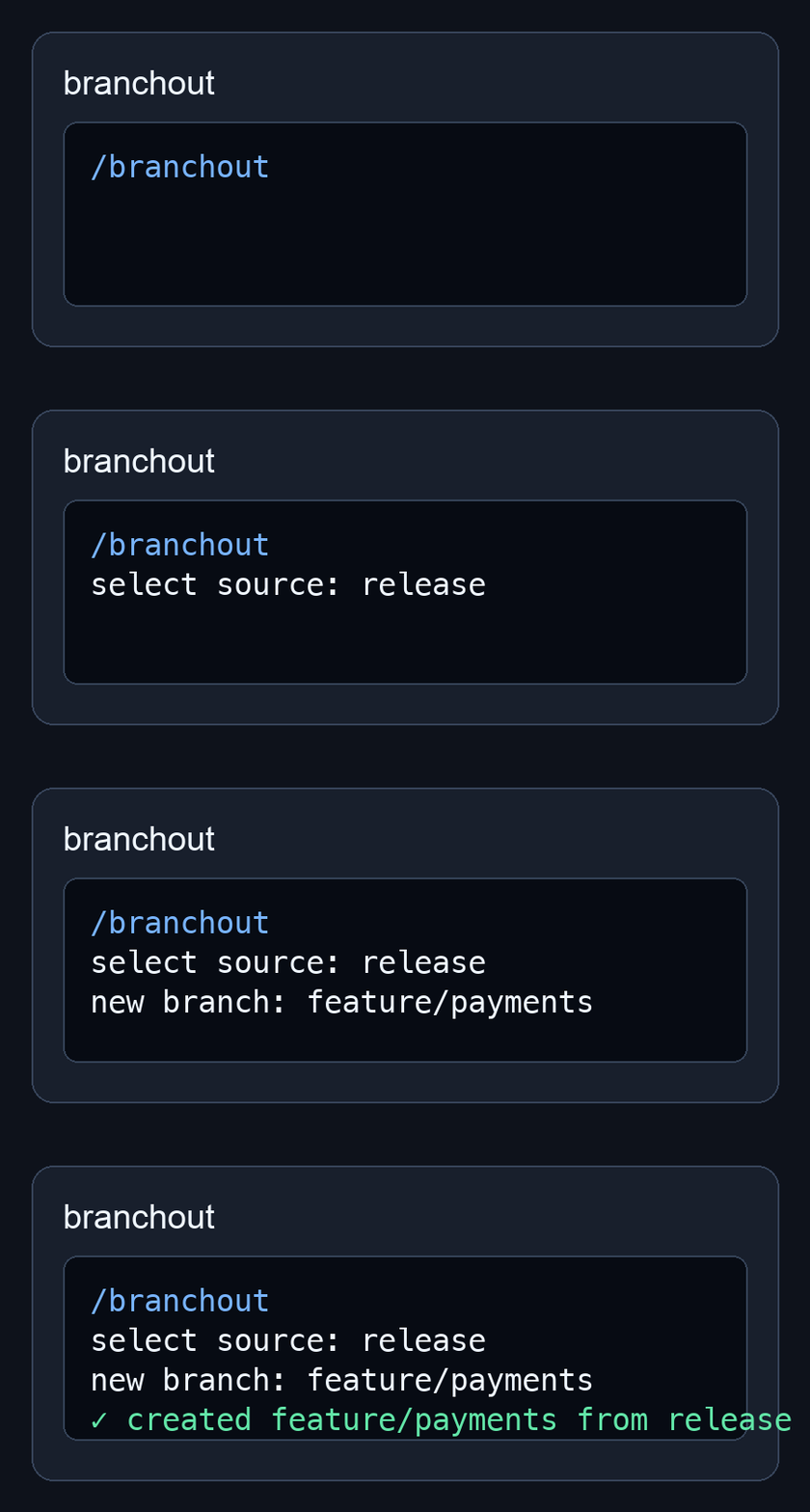
/branchoutopens a branch picker, asks for a new branch name, and creates it from the selected source.- direct forms still work for fast keyboard-driven workflows.
- every git operation is explicit, argv-only, and runs in pi's current working directory.
- no telemetry, daemon, shell interpolation, force operations, stashing, rebasing, merging, or automatic commits.
install
pi install npm:branchout
then run pi in any git repository and use /branchout.
commands
| command | behavior |
|---|---|
/branchout |
pick a local source branch, enter a new branch name, and create it from the updated source |
/branchout new-branch |
create new-branch from main |
/branchout -b source-branch new-branch |
create new-branch from source-branch |
what it runs
/branchout validates branch names with git check-ref-format --branch, then runs:
git fetch origin <source>
git checkout <source>
git pull --ff-only origin <source>
git checkout -b <new> <source>
All git commands are executed with argv arrays in pi's current working directory. No shell interpolation, stashing, resetting, rebasing, merging, force operations, automatic commits, telemetry, or background service.
behavior notes
- bare
/branchoutlists local branches only. mainappears first when present; other branches stay recent-first.- cancelling the picker or input prompt does not mutate git state.
/branchoutuses--ff-only; divergent source updates fail instead of merging.- repositories without
originfail normally because the command fetches and pulls fromorigin. - dirty worktrees are left to git: compatible edits may carry across; conflicting checkouts fail.
update / remove
pi update npm:branchout
pi remove npm:branchout
pi package gallery
branchout is published as a pi package with the pi-package keyword and a pi.extensions manifest, so it is discoverable through the pi package gallery after npm indexing.
troubleshooting
development
see docs/development.md.
security
see SECURITY.md and docs/security-model.md.