opentraces-pi
OpenTraces capture/search integration for the Pi coding agent
Package details
Install opentraces-pi from npm and Pi will load the resources declared by the package manifest.
$ pi install npm:opentraces-pi- Package
opentraces-pi- Version
0.1.1- Published
- Jun 11, 2026
- Downloads
- not available
- Author
- jayfarei
- License
- MIT
- Types
- extension, skill, prompt
- Size
- 27.4 KB
- Dependencies
- 0 dependencies · 2 peers
Pi manifest JSON
{
  "extensions": [
    "./src/index.ts"
  ],
  "skills": [
    "./skills"
  ],
  "prompts": [
    "./prompts"
  ],
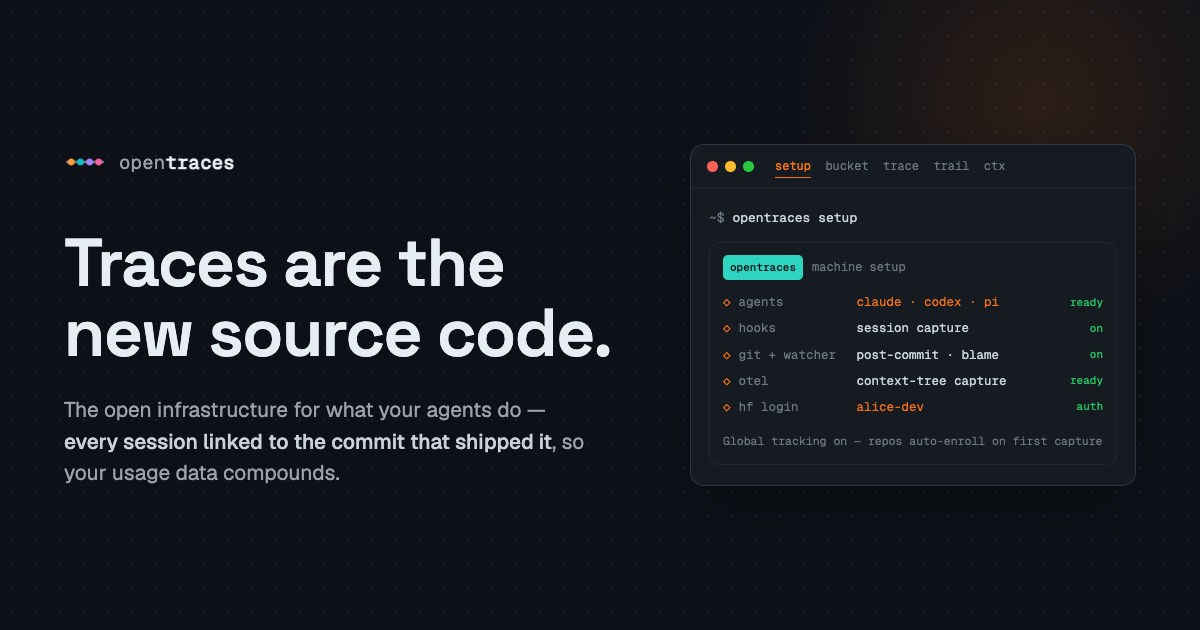
  "image": "https://opentraces.ai/og.png"
}
Security note
Pi packages can execute code and influence agent behavior. Review the source before installing third-party packages.
README
opentraces-pi
Pi package for OpenTraces. Installs a thin Pi extension, an OpenTraces skill,
and prompt templates. The extension observes Pi lifecycle/tool/provider/tree
events and forwards normalized sidecars to the Python opentraces bridge.
Install
pi install npm:opentraces-pi
Local development:
pi install ./packages/opentraces-pi
opentraces setup pi --project --local
Package install is quick and reversible. It does not silently install
Python, start services, authenticate HuggingFace, enable remote sync, or turn on
optional security tools. Capture itself is opt-out: under global tracking (the
default) the extension auto-enrolls each repo on first capture, into a private +
review-required bucket, once the opentraces CLI is present. Opt out with
opentraces config tracking-mode manual or a per-project excluded marker;
opentraces init --agent pi still enrolls a repo explicitly.
Raw provider bodies are default-off. Structured context/provider metadata can feed Context Tree; raw bodies are only retained when explicitly opted in and stay local/security-gated.
In Pi
Slash commands are TUI actions for humans:
/ot-capture-status— show package, CLI, project capture, raw-body, sidecar, and bucket setup status./ot-setup— guided local-first setup; asks before enabling project capture./ot-search <query>— search local retained bucket traces./ot-trace <trace-id>— resolve one trace and show compact tool evidence./ot-standup— build a bounded recent-work trace packet./ot-capsule [trace-id]— preview a trace capsule, or show bucket status without an id./ot-dataset— list local workflow-built datasets.
Model-facing tools expose the same surfaces: ot_capture_status, ot_search,
ot_trace, ot_standup, ot_capsule, and ot_dataset. A typical private
bucket workflow is /ot-search farewell helper, then /ot-trace <trace-id> for
the selected candidate. ot_search accepts a limit and is read-only against
the local snapshot; sync remote traces first with opentraces bucket remote pull. ot_trace can include a compact trace map.
The extension is fail-open. Direct slash commands are not recorded as model tool
calls; model-invoked ot_* tools are captured as read-only
opentraces_retrieval tool calls. Dataset/capsule actions are retrieval-first;
mutating operations such as dataset creation or capsule export should require an
explicit user request.