pi-ask-lite
A tiny, pleasant Markdown ask tool for Pi.
Package details
Install pi-ask-lite from npm and Pi will load the resources declared by the package manifest.
$ pi install npm:pi-ask-lite- Package
pi-ask-lite- Version
0.1.4- Published
- May 18, 2026
- Downloads
- 388/mo · 14/wk
- Author
- geri1701
- License
- MIT
- Types
- extension
- Size
- 26.6 KB
- Dependencies
- 0 dependencies · 4 peers
Pi manifest JSON
{
  "extensions": [
    "./src/index.ts"
  ],
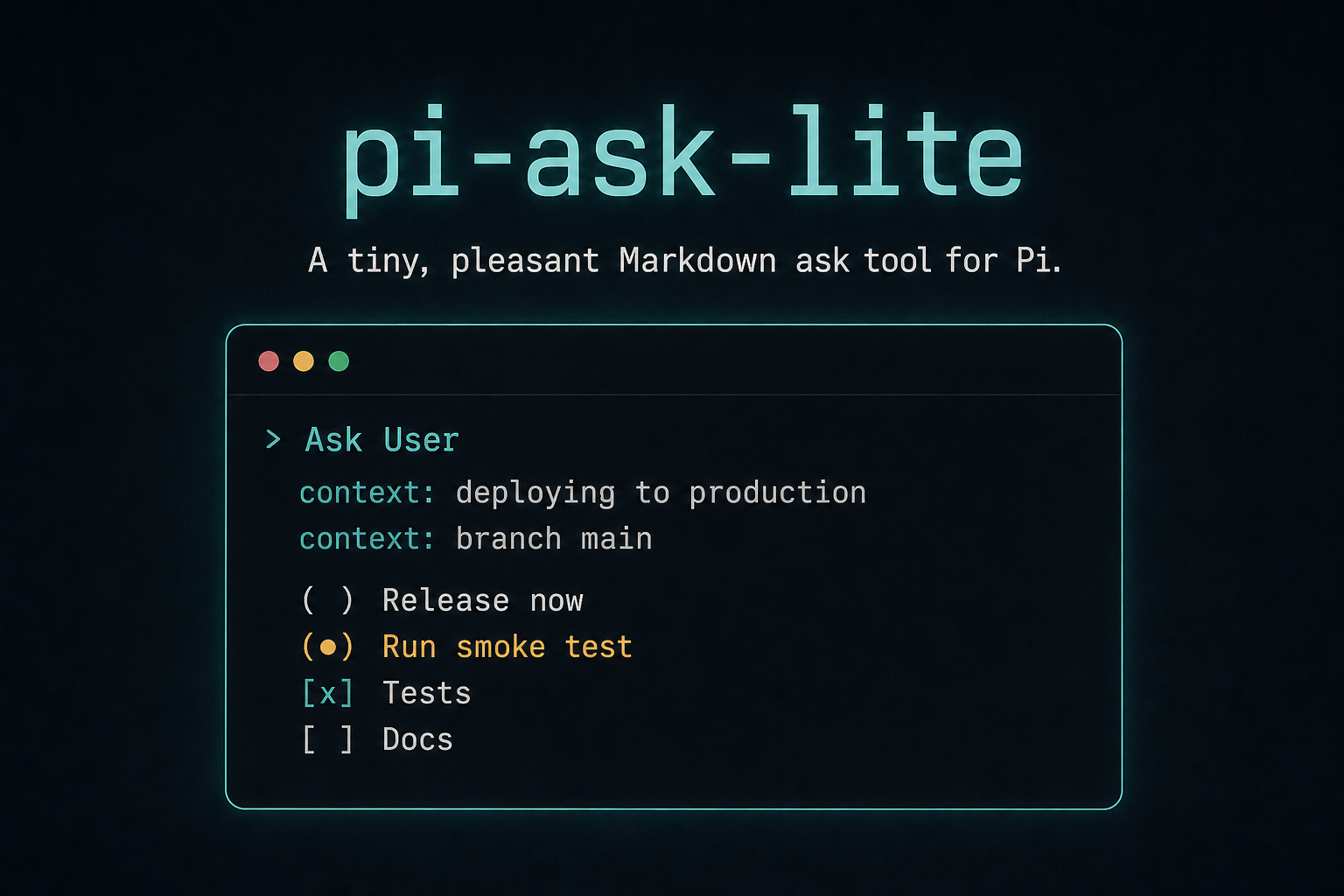
  "image": "https://raw.githubusercontent.com/geri1701/pi-ask-lite/main/media/pi-ask-lite-preview.png"
}
Security note
Pi packages can execute code and influence agent behavior. Review the source before installing third-party packages.
README
pi-ask-lite

A tiny, pleasant Markdown ask tool for Pi.
pi-ask-lite is for both sides of an agent question:
- Users get a small terminal prompt when Pi needs a decision.
- Agents get a deliberately slim tool surface: one tool, one Markdown string, answer out.
No option arrays. No mode flags. No UI schema to construct. The Markdown prompt is the interface.
Install
pi install npm:pi-ask-lite
For users
Sometimes Pi needs input from you: choose one option, select several items, confirm a plan, or write a short answer.
pi-ask-lite turns that moment into a focused terminal UI instead of a long chat question. You can select options, edit the proposed answer, or write your own response.
Keyboard controls:
Spaceselects or toggles the focused option.Shift+Spaceselects or toggles and marks the answer for editing.Entersends a valid selection, or opens the selected answer as an editable draft when edit mode is active.Esc/Ctrl+Copens an empty free-text editor.
Direct selections return the selected Markdown structure. Free-text answers and edited drafts are returned unchanged.
For agents
pi-ask-lite registers one tool: ask.
Input:
{
  markdown: string;
}
Pass one complete Markdown prompt. The user answers in the UI. The tool returns the final answer as Markdown/text.
Use ask when you need a real user decision and want the interaction to stay simple. Write the question in Markdown; use the lightweight conventions below for choices.
Example
Prompt:
Choose what to do next:

* The implementation is complete.
* Checks passed locally.

- Release now
- Run one more smoke test
- Make a small polish pass
Returned answer:
- Run one more smoke test
Markdown conventions
Use normal Markdown for explanation and a few lightweight conventions for choices.
Context
Use * for non-interactive context bullets:
Given:

* The implementation is complete.
* Checks passed locally.
Single choice
Use plain list items:
- Release now
- Run one more smoke test
- Make a small polish pass
Multi choice
Use unchecked task items:
- [ ] Tests
- [ ] Docs
- [ ] Release notes
Do not preselect options with - [x]. Express recommendations in normal Markdown text instead.
Independent groups
Use headings to split independent required groups:
## Target
- Production
- Staging

## Action
- Deploy
- Dry run
Dependent subchoices
Indent child options below their parent:
- [ ] Publish
    - npm only
    - npm and GitHub release
- [ ] Do not publish yet
Development
Run locally:
pi --extension ./src/index.ts
Checks:
npm run check
npm test
npm run pack:dry
License
MIT