pi-build-ios-apps
Build, launch, and browser-debug iOS Simulator apps from Pi.
Package details
Install pi-build-ios-apps from npm and Pi will load the resources declared by the package manifest.
$ pi install npm:pi-build-ios-apps- Package
pi-build-ios-apps- Version
0.1.1- Published
- Jun 12, 2026
- Downloads
- not available
- Author
- aa2246740
- License
- Apache-2.0
- Types
- extension, skill
- Size
- 615.1 KB
- Dependencies
- 1 dependency · 2 peers
Pi manifest JSON
{
  "extensions": [
    "./extensions"
  ],
  "skills": [
    "./skills"
  ],
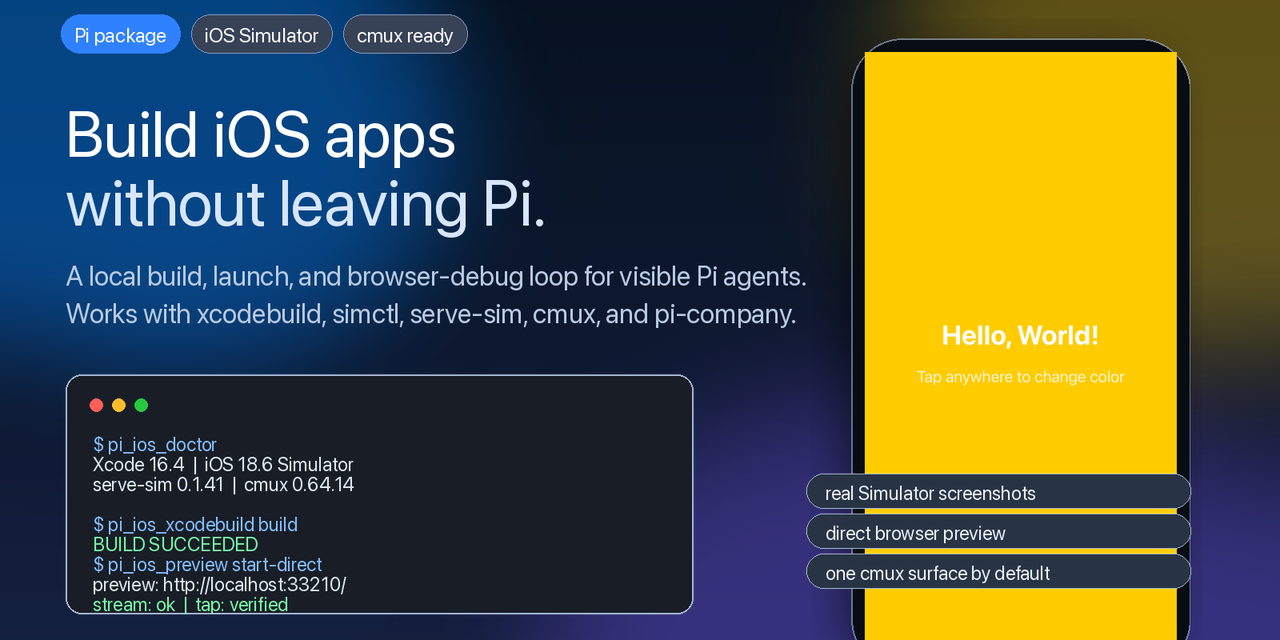
  "image": "https://raw.githubusercontent.com/aa2246740/pi-build-ios-apps/main/docs/assets/social-preview.png"
}
Security note
Pi packages can execute code and influence agent behavior. Review the source before installing third-party packages.
README
pi-build-ios-apps
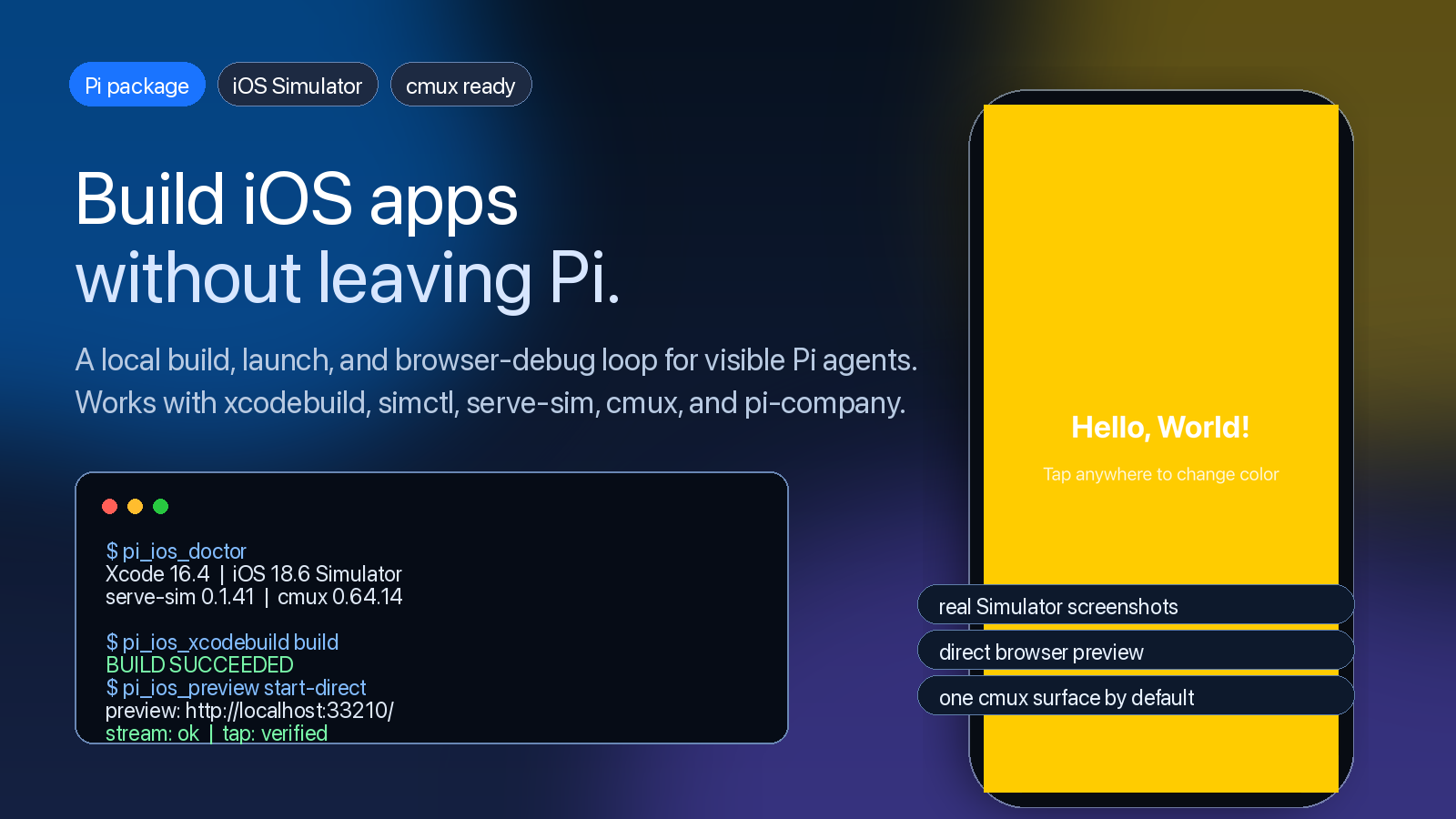
Build, launch, and browser-debug iOS Simulator apps from Pi.
pi-build-ios-apps gives the Pi coding agent a real local iOS build loop:
inspect Xcode, run xcodebuild, install and launch apps with simctl, mirror
the Simulator through serve-sim, and reuse a cmux browser surface for visual
debugging.
It is designed for visible, local, human-steerable mobile app development.

Why This Exists
Coding agents can usually edit an iOS app, but they often stop right before the part that proves the app actually works: build it, launch it, look at the Simulator, tap the UI, and report what happened.
pi-build-ios-apps closes that gap for Pi.
It gives Pi tools for the parts of iOS work that need local runtime evidence:
- Xcode and iOS Simulator environment checks
xcodebuildscheme listing, build, test, clean, and build-for-testingxcrun simctlboot, install, launch, terminate, and screenshotserve-simstart, status, stop, tap, type, button, and rotate- direct browser preview fallback when the official
serve-simpage is stuck onConnecting - cmux browser preview reuse, so agents do not keep opening new browser tabs
Install
From npm:
pi install npm:pi-build-ios-apps
From GitHub:
pi install git:github.com/aa2246740/pi-build-ios-apps
Project-local install:
pi install -l git:github.com/aa2246740/pi-build-ios-apps
From a local checkout:
pi install /path/to/pi-build-ios-apps
Try it once without installing:
pi -e /path/to/pi-build-ios-apps/extensions/pi-build-ios-apps.ts \
  --skill /path/to/pi-build-ios-apps/skills/pi-build-ios-apps
Quick Start
Inside an iOS project:
pi
Then ask Pi:
Use pi-build-ios-apps. Run the iOS doctor first, then build and launch this app
on the booted iOS Simulator. Do not modify system proxy settings. If you use a
browser preview, reuse the existing cmux browser surface unless a new one is
necessary.
Tools
This package registers six Pi tools:
| Tool | Purpose |
|---|---|
pi_ios_doctor |
Inspect Xcode, runtimes, Node/npm, CocoaPods, serve-sim, and cmux. |
pi_ios_xcodebuild |
Run scoped xcodebuild actions for projects and workspaces. |
pi_ios_simulator |
Manage Simulator boot, install, launch, terminate, and screenshot. |
pi_ios_serve_sim |
Start, stop, inspect, and interact with serve-sim for one UDID. |
pi_ios_preview |
Start a direct MJPEG preview page for stuck Connecting cases. |
pi_ios_cmux_open |
Open or reuse a cmux browser surface for an iOS preview URL. |
The Loop
Pi reads the project
  -> pi_ios_doctor checks the local Apple toolchain
  -> pi_ios_xcodebuild builds or tests the app
  -> pi_ios_simulator installs and launches it
  -> pi_ios_serve_sim mirrors the booted Simulator
  -> pi_ios_cmux_open reuses one browser surface for visual QA
  -> Pi reports the exact proof boundary
Works Well With pi-company
pi-build-ios-apps is a strong companion to
pi-company.
pi-company turns multiple visible Pi sessions into a local project team:
lead, coder, reviewer, tester, PM, issue ownership, worktrees, and gates.
This package gives that team the missing mobile runtime loop.
human -> pi-company lead -> coder worktree -> iOS build/run
      -> tester Simulator validation -> review gates -> acceptance -> merge
With cmux installed, the whole thing can stay visible: Pi panes on one side, the Simulator browser preview on the other, and no hidden cloud service in the middle.
React Native, Expo, and HealthKit
This package is not SwiftUI-only. It is useful for any iOS app that can be built or launched through the local Xcode toolchain.
For React Native and Expo native projects:
- keep Metro running before launching a dev build
- pass launch environment such as
RCT_METRO_PORTthroughpi_ios_simulator - expect CocoaPods when the native iOS project or module ecosystem requires it
- do not assume SwiftPM replaces Pods for React Native native modules
Safety Boundaries
pi-build-ios-apps is intentionally local and explicit:
- It does not modify system proxy settings.
- It does not require CocoaPods unless the target project itself requires Pods.
- It scopes
serve-simcleanup to one explicit Simulator UDID. - It defaults cmux preview work toward one reusable browser surface.
- It asks Pi to report commands, URLs, simulator IDs, and proof boundaries.
Pi packages can execute local code. Review the source before installing any third-party package.
Demo Media and Privacy
The screenshots and GIF in this repository were generated from a synthetic
ColorTap demo app running on a local iOS Simulator. They do not contain real
health data, private source code, API keys, proxy configuration, private Git
remotes, or personal machine paths.
Requirements
- macOS
- Xcode with an iOS Simulator runtime
- Node.js 20+
- Pi coding agent
serve-simavailable throughnpx --yes serve-sim@latest- Optional but recommended: cmux
Development
npm install
npm run typecheck
npm pack --dry-run
Local smoke test:
pi -e ./extensions/pi-build-ios-apps.ts \
  --skill ./skills/pi-build-ios-apps
Not Affiliated
This is an independent community package. It is not affiliated with Apple,
OpenAI, Codex, Pi, cmux, or the serve-sim project unless explicitly stated.
License
Apache-2.0