pi-command-actions
Copy or run shell blocks from Pi responses
Package details
Install pi-command-actions from npm and Pi will load the resources declared by the package manifest.
$ pi install npm:pi-command-actions- Package
pi-command-actions- Version
0.1.1- Published
- Oct 4, 2026
- Downloads
- 245/mo · 17/wk
- Author
- fran-chiarino
- License
- unknown
- Types
- extension
- Size
- 140.1 KB
- Dependencies
- 0 dependencies · 2 peers
Pi manifest JSON
{
  "image": "https://unpkg.com/pi-command-actions/pi-command-actions.png",
  "extensions": [
    "./extensions/command-actions.ts"
  ]
}
Security note
Pi packages can execute code and influence agent behavior. Review the source before installing third-party packages.
README
Pi Command Actions
A Pi extension for acting on shell commands from the latest assistant response.
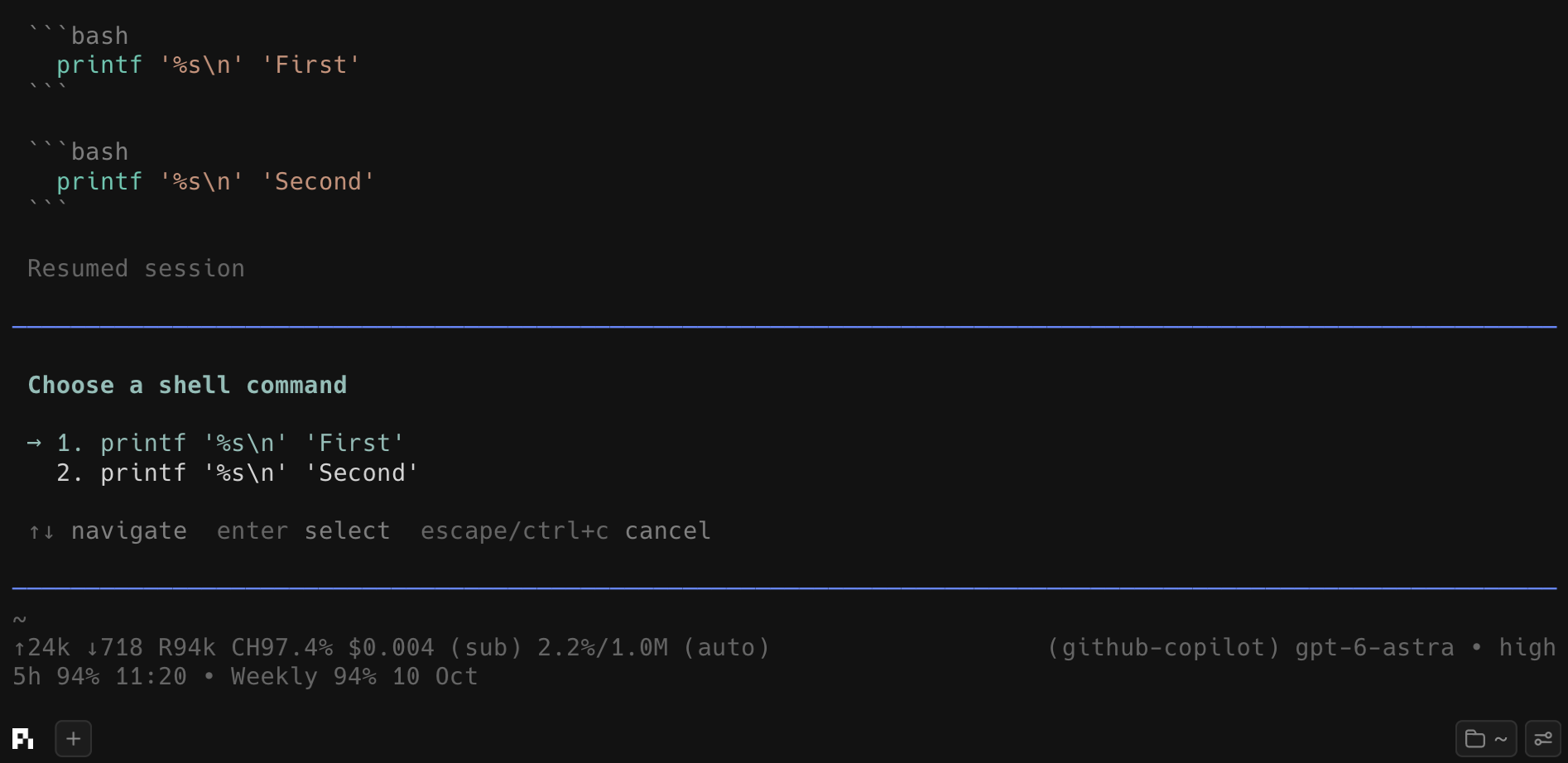
Press Ctrl+Shift+R (or run /command-actions) after a response containing a fenced bash, sh, shell, zsh, or fish block. When more than one shell block is present, choose one first.
The dialog lets you:
- Copy the command to the system clipboard.
- Run by pre-filling Pi's editor with
!<command>. Review it and press Enter to execute it through Pi's normal user-bash flow.
Install
After publishing to npm:
pi install npm:pi-command-actionsFor local development:
pi -e /path/to/pi-command-actions/extensions/command-actions.tsPublish
Choose and add a license, then authenticate and publish:
npm login
npm publish
If pi-command-actions is already taken on npm, rename the package in package.json, preferably to a public scoped name such as @your-npm-user/pi-command-actions. Publish a scoped package with:
npm publish --access publicPackages carrying the pi-package keyword are displayed by the Pi package gallery at https://pi.dev/packages.