pi-command-center
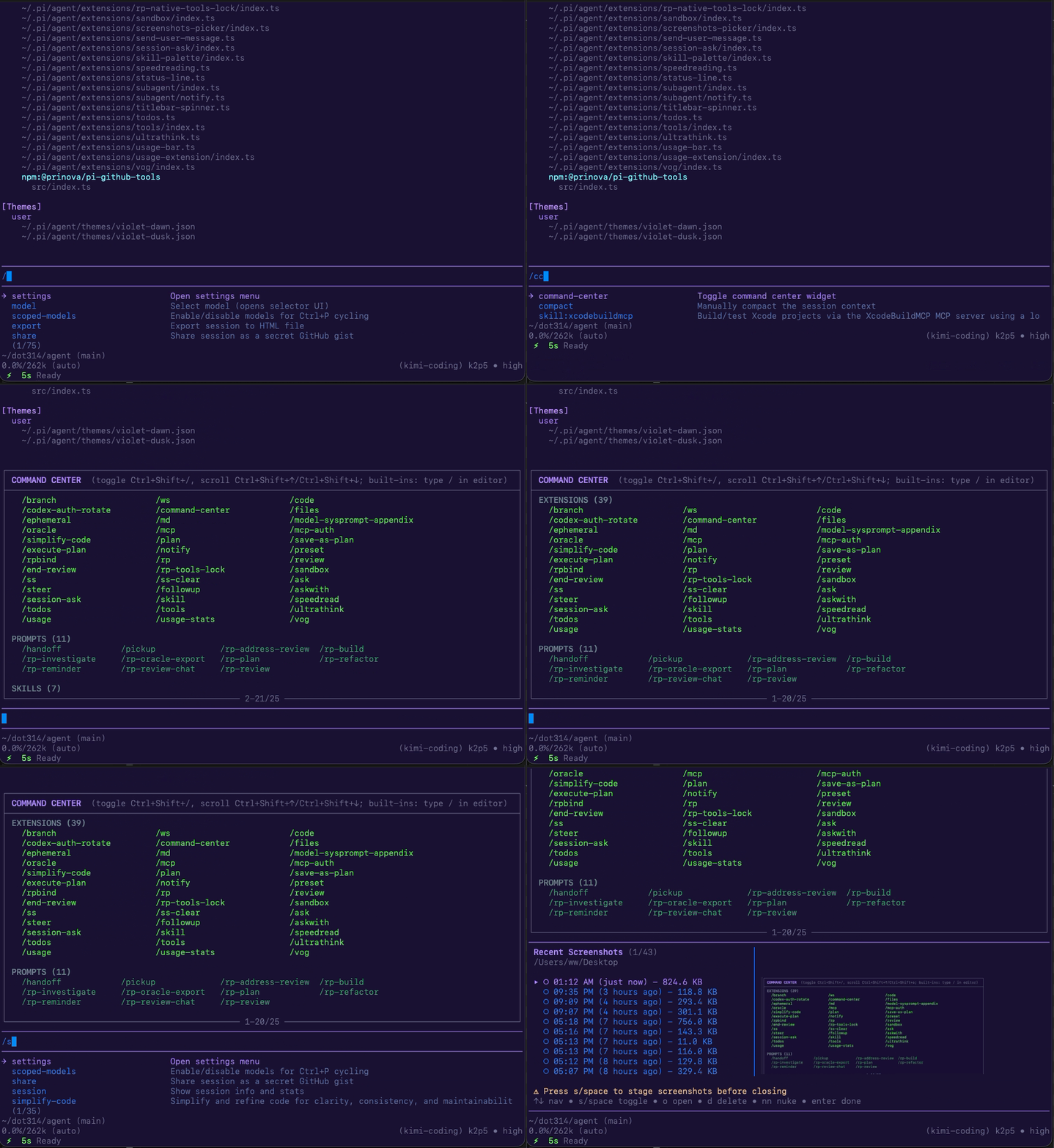
Scrollable widget displaying available /commands from extensions/prompts/skills, compatible with simultaneous editor use.
Package details
Install pi-command-center from npm and Pi will load the resources declared by the package manifest.
$ pi install npm:pi-command-center- Package
pi-command-center- Version
0.1.4- Published
- Mar 24, 2026
- Downloads
- 71/mo · 12/wk
- Author
- w-winter
- License
- MIT
- Types
- extension
- Size
- 20.7 KB
- Dependencies
- 0 dependencies · 2 peers
Pi manifest JSON
{
  "extensions": [
    "extensions/command-center/index.ts"
  ],
  "image": "https://raw.githubusercontent.com/w-winter/dot314/main/assets/command-center-demo.gif"
}
Security note
Pi packages can execute code and influence agent behavior. Review the source before installing third-party packages.
README
Command Center for Pi (pi-command-center)
A scrollable overview of available /commands (from extensions, prompts, skills) shown as a widget above the editor. The editor stays fully interactive; you can keep the widget open while typing and submitting commands. By default, Ctrl+/ toggles it and Shift+Up / Shift+Down scroll it.
See source repo for more documentation.
Install
From npm:
pi install npm:pi-command-center
From the dot314 git bundle (filtered install):
Add to ~/.pi/agent/settings.json (or replace an existing unfiltered git:github.com/w-winter/dot314 entry):
{
  "packages": [
    {
      "source": "git:github.com/w-winter/dot314",
      "extensions": ["extensions/command-center/index.ts"],
      "skills": [],
      "themes": [],
      "prompts": []
    }
  ]
}
Configuration
This package ships a template at:
extensions/command-center/config.json.example
Copy it to config.json, edit, then run /reload.
See extensions/command-center/README.md for the full config options.