pi-convex
Pi extension for Convex Cloud - queries, mutations, project management, and best practices validation
Package details
Install pi-convex from npm and Pi will load the resources declared by the package manifest.
$ pi install npm:pi-convex- Package
pi-convex- Version
1.5.8- Published
- Apr 27, 2026
- Downloads
- 4,573/mo · 546/wk
- Author
- serlismaldonado
- License
- MIT
- Types
- extension, skill
- Size
- 1.2 MB
- Dependencies
- 0 dependencies · 3 peers
Pi manifest JSON
{
  "extensions": [
    "./index.ts"
  ],
  "skills": [
    "./skills"
  ],
  "image": "https://raw.githubusercontent.com/serlismaldonado/pi-convex/main/docs/screenshot.png"
}Security note
Pi packages can execute code and influence agent behavior. Review the source before installing third-party packages.
README
pi-convex
Pi extension for Convex - manage queries, mutations, deployment, and learns about your project automatically.
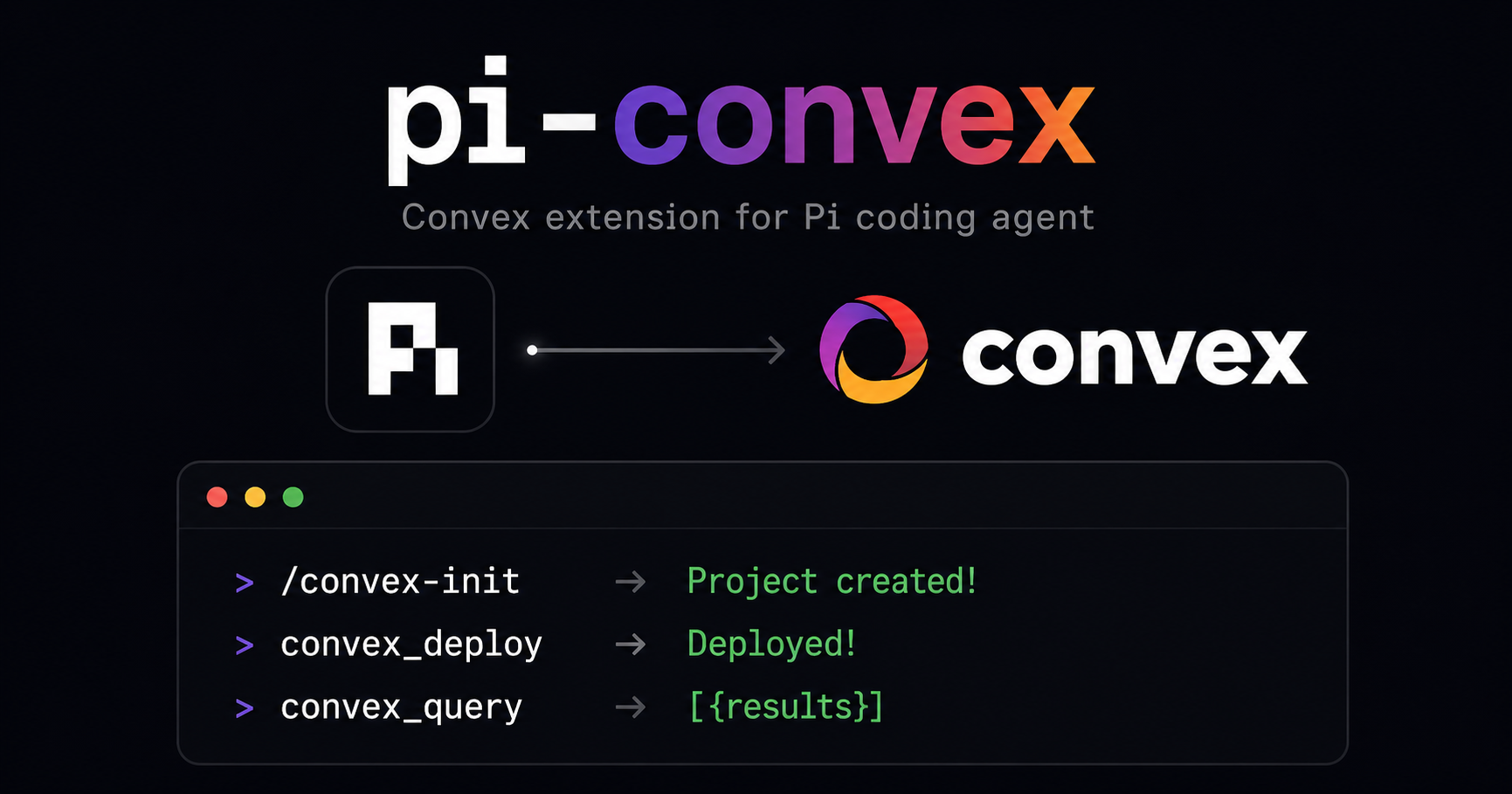
Quick Start
pi install npm:pi-convex
Then in Pi:
1. /convex-init           # Create new project OR
1. /convex-connect        # Connect to existing project
2. convex_deploy          # Deploy!
Commands
| Command | Description |
|---|---|
/convex-init |
Create a new Convex project (non-interactive, CI-friendly) |
/convex-connect |
Add/switch connection (includes deploy key auth) |
/convex-connections |
List all connections |
/convex-setup |
Install ESLint plugin |
Tools
| Tool | Description |
|---|---|
convex_query |
Execute query: {"path": "tasks/list"} |
convex_mutation |
Execute mutation: {"path": "tasks/create", "args": "{\"title\":\"Test\"}"} |
convex_dev |
Run dev server (use {"once": true} for single deploy) |
convex_deploy |
Deploy to production (auto-detects CI) |
convex_functions |
List all functions + save to memory |
convex_status |
Show connection and project status |
convex_schema_validate |
Analyze schema for best practices |
convex_lint |
Run ESLint (auto-installs plugin) |
convex_best_practices |
Show Convex best practices |
convex_dashboard |
Open dashboard in browser |
Authentication
Interactive Mode (via /convex-connect)
/convex-connect
→ Connection name: my-app
→ Is local? No
→ Use anonymous mode? No
→ Deploy key: (paste from dashboard.convex.dev)
Anonymous Mode (CI Agents)
For CI agents that can't authenticate:
/convex-connect
→ Use anonymous mode? Yes
This sets CONVEX_AGENT_MODE=anonymous for all commands.
CI Mode (Env Vars)
CONVEX_DEPLOY_KEY='your-key' convex_deploy
Create New Project
Note: Creating cloud projects requires being logged in to Convex CLI (
npx convex login). If not logged in, use anonymous mode for local development only.
Interactive
/convex-init
→ Project name: my-app
→ Team name (from convex.cloud): my-team
→ Cloud deployment? Yes
Non-Interactive / CI
# Requires: npx convex login (done once per machine)
CONVEX_PROJECT_NAME=my-app CONVEX_TEAM_NAME=my-team /convex-init
Creates project with:
npx convex dev --configure new --typecheck=disable --project <name> --team <team> --dev-deployment cloud- Auto-configures as active project
- Auto-saves connection
Connect to Existing Project
/convex-connect
→ Connection name: my-app
→ Is local? No
→ Use anonymous mode? No
→ Deploy key: (from dashboard.convex.dev)
Multiple projects? Each project has its own deploy key. Save different connections with /convex-connect. The extension auto-detects the project from the current directory.
Usage Examples
# Create new project
/convex-init

# Connect to existing
/convex-connect

# Query all clients
convex_query with {"path": "clients/list"}

# Create a record
convex_mutation with {"path": "tasks/create", "args": "{\"title\":\"New task\"}"}

# Deploy (interactive)
convex_deploy

# Deploy (CI/non-interactive)
convex_deploy with {"projectName": "my-project", "teamName": "my-team"}

# List functions
convex_functions

# Run lint
convex_lint

# Check status
convex_status
CI / Non-Interactive Mode
The extension auto-detects non-interactive terminals (CI, scripts, etc.) and uses optimal flags:
# Auth via environment
CONVEX_DEPLOY_KEY='your-key' convex_deploy

# Anonymous mode (no auth needed)
CONVEX_AGENT_MODE=anonymous convex_deploy
Memory
The extension automatically learns:
- Tables - From schema analysis
- Functions - From
convex_functions - Patterns - From lint results
Access via /skill:convex to see learned context.
Files
Settings stored in:
~/.pi/agent/extensions/pi-convex/config.json- Connections + deploy keys~/.pi/agent/extensions/pi-convex/project.json- Project path~/.pi/agent/extensions/pi-convex/memory.json- Learned context
Troubleshooting
| Problem | Solution |
|---|---|
| "No project" | cd to a Convex project directory |
| "No connection" | Run /convex-connect |
| Auth issues in CI | Set CONVEX_DEPLOY_KEY env var |
| Anonymous mode for CI | Use /convex-connect and select "Yes" to anonymous |
| Deploy interactive blocked | Use convex_deploy with projectName and teamName |
| ARM64 deploy fails | Use npx convex deploy --typecheck=disable (no local dev) |
License
MIT