pi-dumb
Context rot indicator for Pi — shows token usage with research-backed degradation warnings
Package details
Install pi-dumb from npm and Pi will load the resources declared by the package manifest.
$ pi install npm:pi-dumb- Package
pi-dumb- Version
0.2.0- Published
- Mar 30, 2026
- Downloads
- 46/mo · 9/wk
- Author
- hiasomat
- License
- MIT
- Types
- extension
- Size
- 5.2 KB
- Dependencies
- 0 dependencies · 1 peer
Pi manifest JSON
{
  "extensions": [
    "index.ts"
  ],
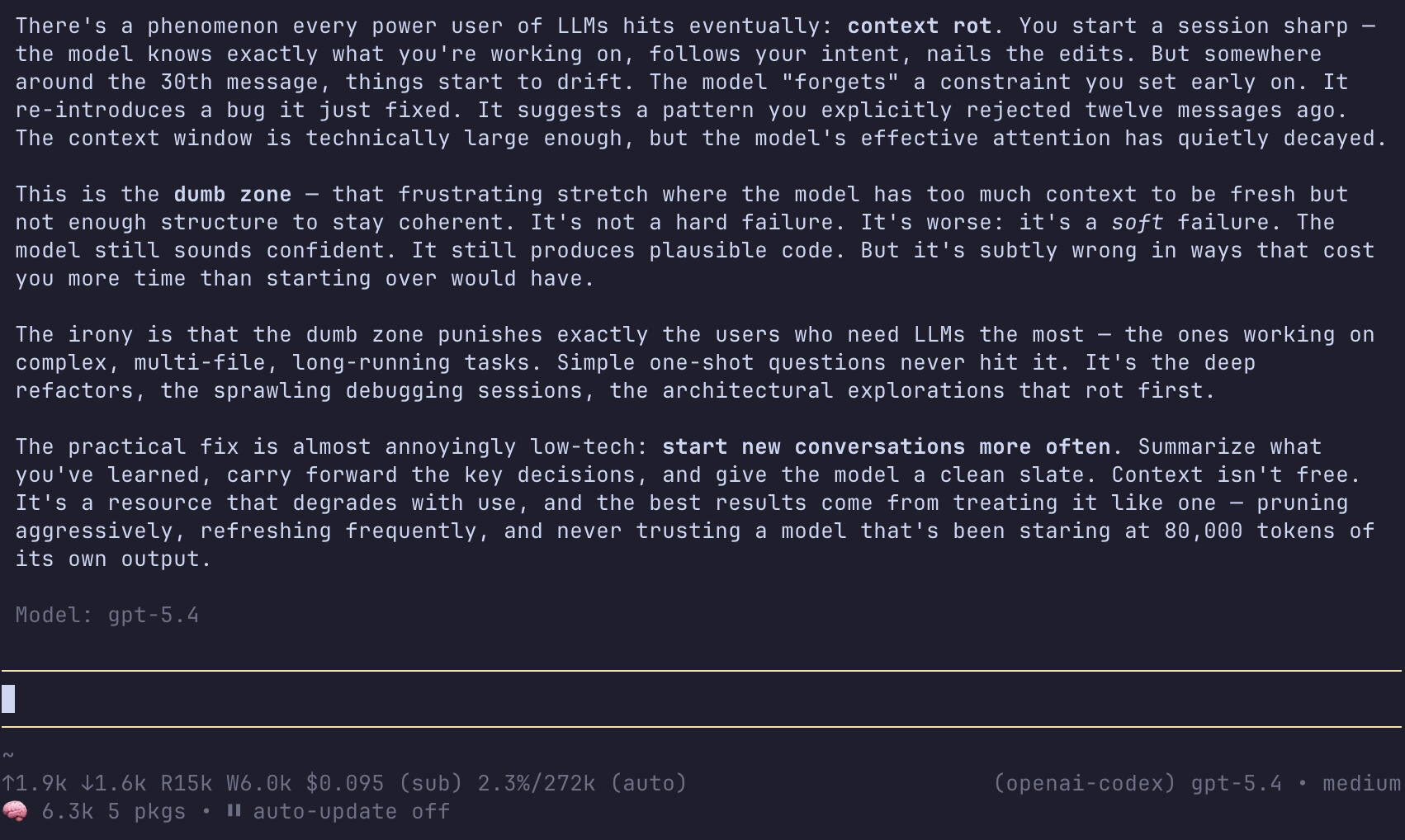
  "image": "https://raw.githubusercontent.com/hiasinho/pi-dumb/main/screenshot.png"
}
Security note
Pi packages can execute code and influence agent behavior. Review the source before installing third-party packages.
README
pi-dumb 🧠
Degradation Usage Meter Bar — a context rot indicator for Pi
Shows your current token usage in the status bar with research-backed color warnings for when your LLM is getting dumber.
Why?
LLM quality degrades based on absolute token count, not context window percentage. A 200k-window model at 100k tokens performs just as poorly as a 1M-window model at 100k tokens.
Research:
- Chroma (2025): All 18 frontier models degrade as context grows
- Liu et al. (Stanford): 30%+ accuracy drop from "lost-in-the-middle" effect
- Attention dilution is quadratic: 100k tokens = 10 billion pairwise relationships
Thresholds
| Icon | Tokens | Zone | Meaning |
|---|---|---|---|
| 🧠 | 0–30k | Fresh | Sweet spot — peak reliability |
| 🟡 | 30–60k | Warm | Past recommended reset point |
| 🔥 | 60–100k | Hot | Danger zone for coding tasks |
| 💀 | 100k+ | Rot | Broadly degraded quality |
Install
pi install npm:pi-dumb
What it looks like
After each turn, you'll see something like this in your status bar:
🧠 12.4k     # you're good
🟡 45k       # consider compacting
🔥 82k       # quality is dropping, compact soon
💀 142k      # you should have compacted yesterday
License
MIT