pi-evalset-lab
pi extension for fixed-task-set eval runs and prompt/system comparisons
Package details
Install pi-evalset-lab from npm and Pi will load the resources declared by the package manifest.
$ pi install npm:pi-evalset-lab- Package
pi-evalset-lab- Version
0.2.0- Published
- Feb 17, 2026
- Downloads
- 29/mo · 15/wk
- Author
- tryinget
- License
- MIT
- Types
- extension, prompt
- Size
- 134.6 KB
- Dependencies
- 0 dependencies · 2 peers
Pi manifest JSON
{
  "extensions": [
    "./extensions/evalset.ts"
  ],
  "prompts": [
    "./prompts"
  ]
}
Security note
Pi packages can execute code and influence agent behavior. Review the source before installing third-party packages.
README
summary: "Overview and quickstart for pi-evalset-lab." read_when:
- "Starting work in this repository." system4d: container: "Repository scaffold for a pi extension package." compass: "Ship small, safe, testable extension iterations." engine: "Plan -> implement -> verify with docs and hooks in sync." fog: "Unknown runtime integration edge cases until first live sync."
pi-evalset-lab
Extension package for fixed-task-set eval workflows in pi (/evalset run|compare) with reproducible JSON reports.
Primary category fit: Model & Prompt Management, Review & Quality Loops, UX & Observability, Safety & Governance.
Quickstart
Install dependencies (if you add any):
npm installTest with pi:
pi -e ./extensions/evalset.tsInstall package into pi:
pi install /absolute/path/to/pi-evalset-lab
Runtime dependencies and packaged files
This extension depends on pi host APIs and declares them as peerDependencies:
@mariozechner/pi-coding-agent@mariozechner/pi-ai
In normal usage, pi provides these at runtime when loading the package.
The npm package also uses a files whitelist so required runtime artifacts are explicitly included:
extensions/evalset.tsprompts/examples/(sample datasets + sample report UI)
Category taxonomy (reference)
Keyword slugs used for extension categorization:
ux-observability(UX & Observability)safety-governance(Safety & Governance)context-codebase-mapping(Context & Codebase Mapping)web-docs-retrieval(Web & Docs Retrieval)background-processes(Background / Long-running Processes)review-quality-loops(Review & Quality Loops)planning-orchestration(Planning & Orchestration)subagents-parallelization(Subagents / Parallelization)model-prompt-management(Model & Prompt Management)interactive-clis-editors(Interactive CLIs / Editors)skills-rules-packs(Skills & Rules Packs)paste-code-extraction(Paste / Code Extraction)
evalset command (MVP)
This extension adds /evalset for fixed-task-set evaluation runs.
Commands
/evalset help
/evalset init [dataset-path] [--force]
/evalset run <dataset.json> [--system-file <path>] [--system-text <text>] [--variant <name>] [--max-cases <n>] [--temperature <n>] [--out <report.json>]
/evalset compare <dataset.json> <baseline-system.txt> <candidate-system.txt> [--baseline-name <name>] [--candidate-name <name>] [--max-cases <n>] [--temperature <n>] [--out <report.json>]
Running modes
/evalset is a pi slash command, not a shell executable.
Interactive mode:
pi -e ./extensions/evalset.ts
# then inside pi:
/evalset compare examples/fixed-task-set.json examples/system-baseline.txt examples/system-candidate.txt
Non-interactive mode (scripts/CI):
pi -e ./extensions/evalset.ts -p "/evalset compare examples/fixed-task-set.json examples/system-baseline.txt examples/system-candidate.txt"
# or, if extension already installed/enabled:
pi -p "/evalset compare examples/fixed-task-set.json examples/system-baseline.txt examples/system-candidate.txt"
Interactive sessions use pi UI hooks (ctx.ui) for status/notify updates.
In non-interactive -p mode, those UI calls are safely skipped (ctx.hasUI === false).
Example workflow (inside pi)
/evalset run examples/fixed-task-set.json --variant baseline
/evalset compare examples/fixed-task-set.json examples/system-baseline.txt examples/system-candidate.txt
Included datasets
examples/fixed-task-set.json— tiny smoke set (3 cases)examples/fixed-task-set-v2.json— larger first pass setexamples/fixed-task-set-v3.json— less brittle checks (recommended)
Sample visual output (in repo)
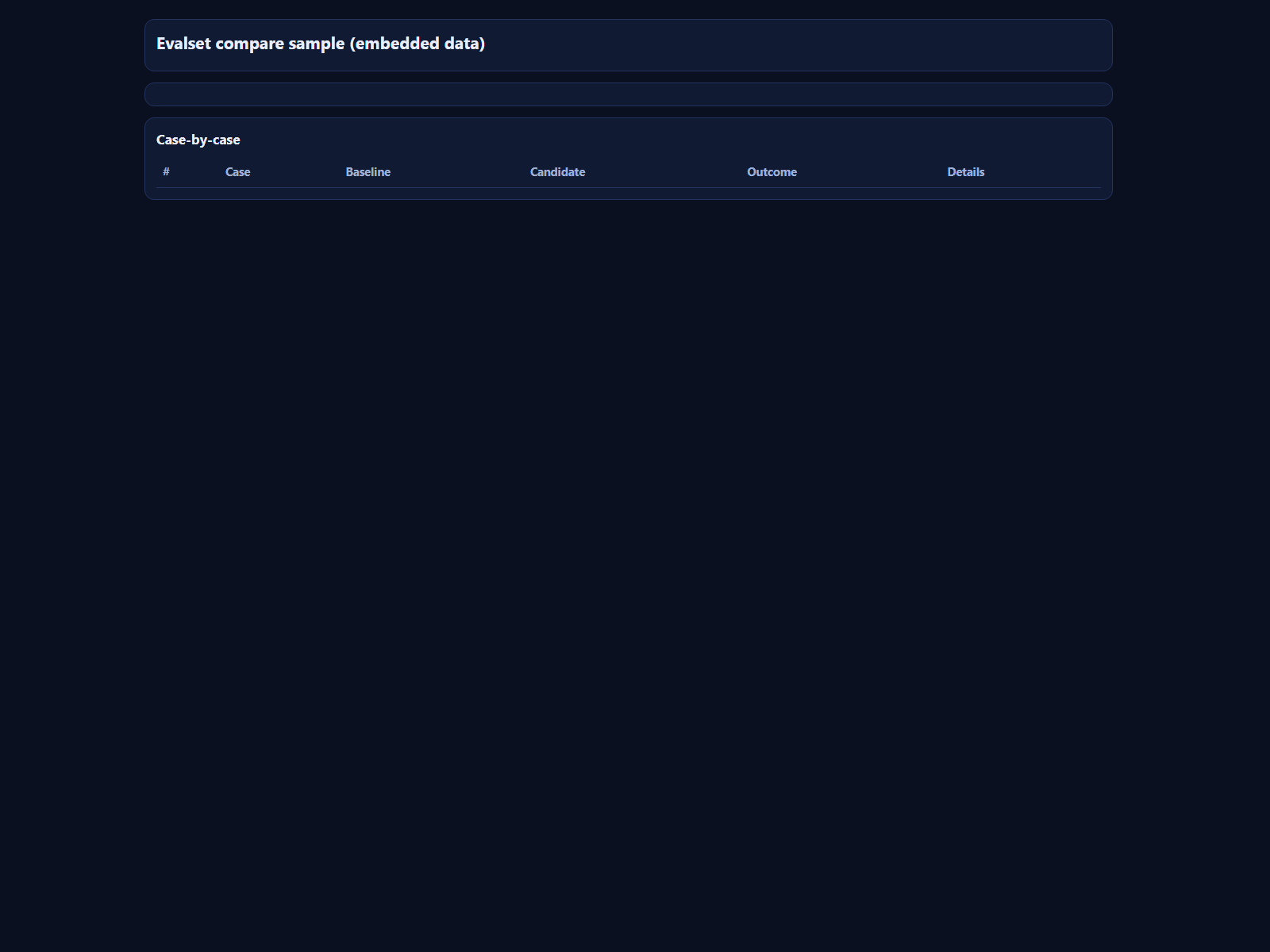
examples/evalset-compare-sample-embedded.html— self-contained report UI with embedded compare JSONexamples/evalset-compare-sample.png— screenshot preview of that HTML report
Preview:
The command writes JSON reports to:
- explicit
--out <path>when provided - otherwise
.evalset/reports/*.jsonunder your current project directory
Each report includes run identity metadata:
runIddatasetHashcasesHashvariantHash(run) or baseline/candidate variant hashes (compare)
Session messages only keep lightweight report metadata (reportPath, ids, summary metrics), not full report bodies.
Export report JSON to static HTML
Use the helper script to create a shareable standalone HTML file from any evalset JSON report:
npm run evalset:export-html -- --in .evalset/reports/compare-your-dataset-YYYYMMDDTHHMMSS.json
# optional:
npm run evalset:export-html -- --in .evalset/reports/run-your-dataset-YYYYMMDDTHHMMSS.json --out .evalset/reports/run-your-dataset.html --title "Evalset run report"
Script: scripts/export-evalset-report-html.mjs
Optional core hooks (future, not required for this MVP)
This extension works today without core changes. If we decide to harden further, optional core support could include:
- Stable agent-level lineage IDs (
runId/traceId) across extension events. - Explicit reproducibility capability metadata in
pi-ai(e.g. seed support and determinism caveats per provider/model). - Shared canonical provider payload hash helper in
pi-ai. - A headless agent-eval API for tool-heavy/full agent-loop benchmark runs.
Repository checks
Run:
npm run check
This executes scripts/validate-structure.sh.
Release + security baseline
This scaffold defaults to release-please for single-package release PR + tag flow (vX.Y.Z) and npm trusted publishing via OIDC.
Included files:
- CI workflow
- release-please workflow
- publish workflow
- Dependabot config
- CODEOWNERS
- release-please config
- release-please manifest
- Security policy
Before first production release:
- Confirm/adjust owners in .github/CODEOWNERS.
- Enable branch protection on
main. - Configure npm Trusted Publishing for this repo + publish workflow.
- Merge release PR from release-please, then publish from GitHub release.
Issue + PR intake baseline
Included files:
- Bug report form
- Feature request form
- Docs request form
- Issue template config
- PR template
- Code of conduct
- Support guide
- Top-level contributing guide
Vouch trust gate baseline
Included files:
Default behavior:
- PR workflow runs on
pull_request_target(opened,reopened). require-vouch: trueandauto-close: trueare enabled by default.- Maintainers can comment
vouch,denounce, orunvouchon issues to update trust state. - Vouch actions are SHA pinned (
0e11a71bba23218a284d3ecca162e75a110fd7e3) for reproducibility and supply-chain review.
Bootstrap step:
- Confirm/adjust entries in .github/VOUCHED.td before enforcing production policy.
Docs discovery
Run:
npm run docs:list
npm run docs:list:workspace
npm run docs:list:json
Wrapper script: scripts/docs-list.sh
Resolution order:
DOCS_LIST_SCRIPT./scripts/docs-list.mjs(if vendored)~/ai-society/core/agent-scripts/scripts/docs-list.mjs
Copier lifecycle policy
- Keep
.copier-answers.ymlcommitted. - Do not edit
.copier-answers.ymlmanually. - Run from a clean destination repo (commit or stash pending changes first).
- Use
copier update --trustwhen.copier-answers.ymlincludes_commitand update is supported. - In non-interactive shells/CI, append
--defaultsto update/recopy. - Use
copier recopy --trustwhen update is unavailable (for example local non-VCS source) or cannot reconcile cleanly. - After recopy, re-apply local deltas intentionally and run
npm run check.
Hook behavior
- Git uses
.githooks/pre-commit(configured by scripts/install-hooks.sh). - If
prekis available, the hook runsprekusing prek.toml. - If
prekis not available, the hook falls back toscripts/validate-structure.sh.
Install options for prek:
npm add -D @j178/prek
# or
npm install -g @j178/prek
Startup interview flow (project-local)
.pi/extensions/startup-intake-router.tswatches the first non-command message in a session.- It converts your startup intent into a prefilled command:
/init-project-docs "<your intent>"
.pi/prompts/init-project-docs.mdthen drives theinterviewtool using docs/org/project-docs-intake.questions.json.
Utility commands:
/startup-intake-router-status/startup-intake-router-reset
Live sync helper
Use scripts/sync-to-live.sh to copy the package extension to
~/.pi/agent/extensions/.
Optional flags:
--with-prompts--with-policy--all(prompts + policy)
After sync, run /reload in pi.