pi-for-each
pi extension: a $each@ prompt-loop editor feature with variable insertion over directory children or file lines.
Package details
Install pi-for-each from npm and Pi will load the resources declared by the package manifest.
$ pi install npm:pi-for-each- Package
pi-for-each- Version
0.1.3- Published
- Oct 3, 2026
- Downloads
- 235/mo · 13/wk
- Author
- jejay
- License
- MIT
- Types
- extension
- Size
- 40.5 KB
- Dependencies
- 0 dependencies · 2 peers
Pi manifest JSON
{
  "image": "https://raw.githubusercontent.com/jejay/pi-for-each/main/pi-for-preview.png",
  "extensions": [
    "./index.ts"
  ]
}
Security note
Pi packages can execute code and influence agent behavior. Review the source before installing third-party packages.
README
pi-for-each
A pi extension that adds a /for-$each prompt loop – and hides it from your LLM! Supports children-in-directory and line-in-file iteration.
Why
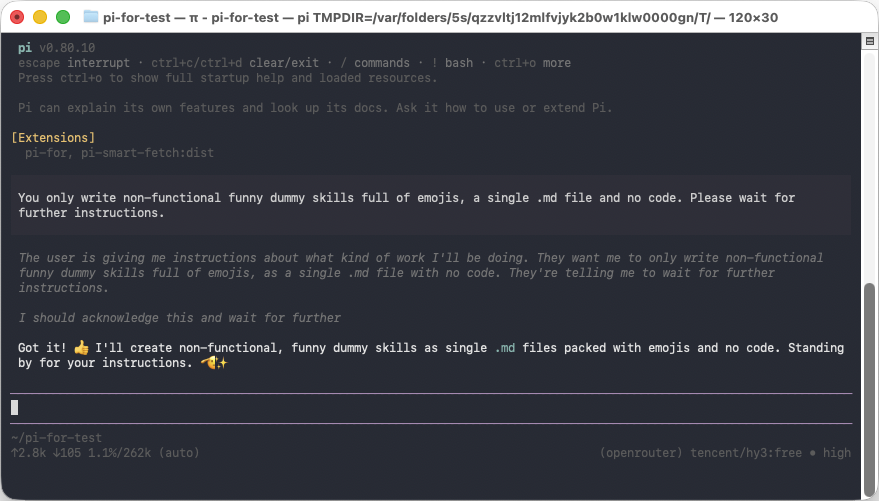
Like subagents but much simpler, sequential and with more control for the user. Instead of describing the loop to the agent, just make a loop. No need to tell the agent about your control structure if you already know the control structure. Each iteration the LLM only sees the necessary context and the iteration prompt, no other iterations. This prevents bias drift or context rot compared to a loop that repeats commands and execution within the same context.
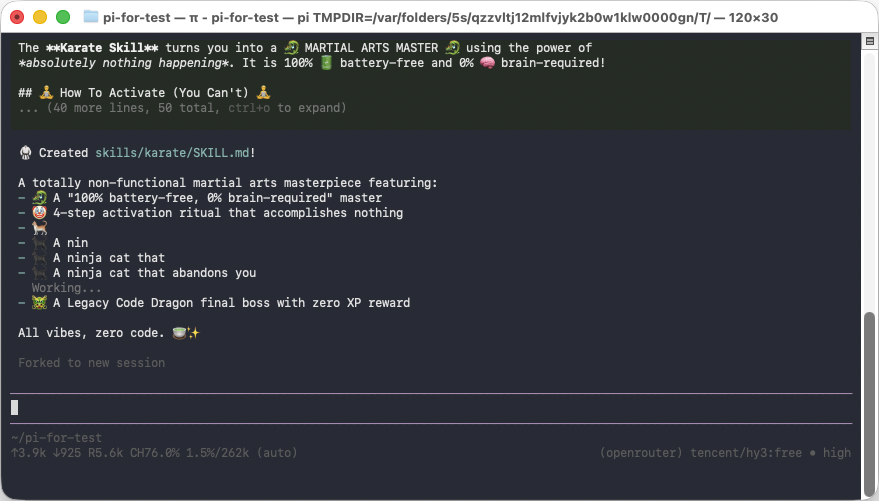
Children-in-Directory Demo
The demo project directory structure:
pi-for-test/
├─ skills/
│  ├─ baking/
│  ├─ cooking/
│  ├─ karate/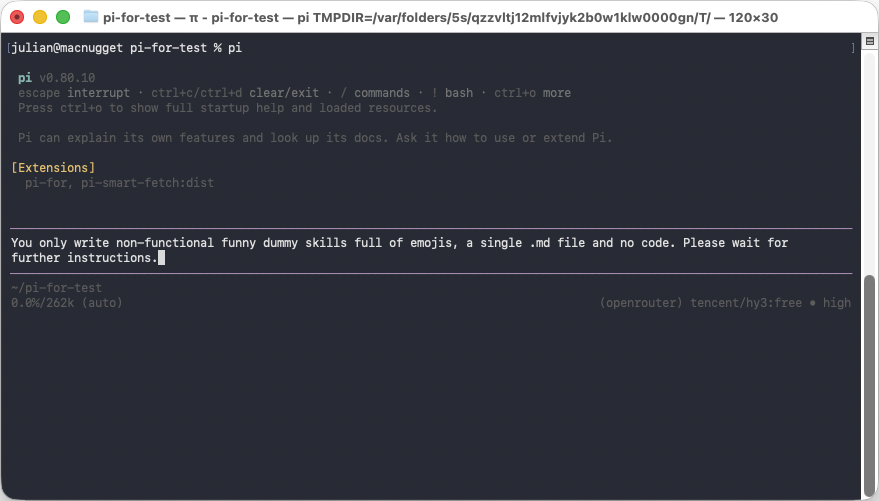
What it does
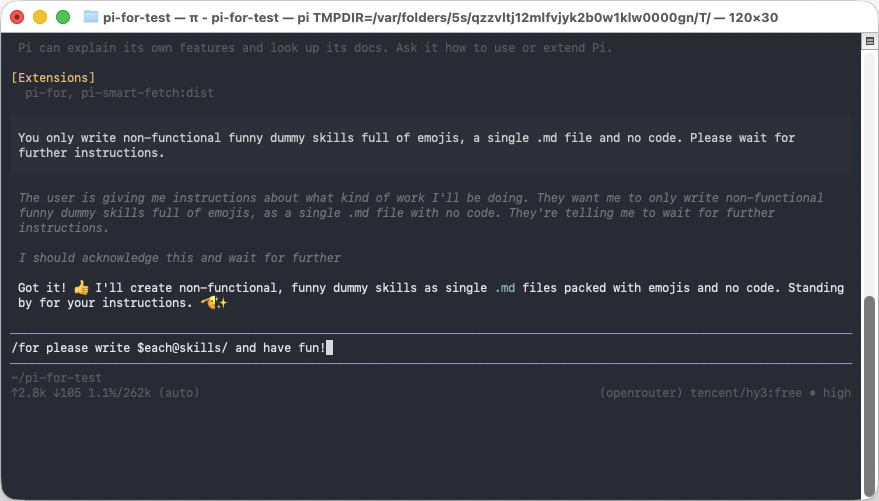
Invoke the /for command together with a prompt/message that contains a $each@<path> token (dollar + each + at-sign + a file or directory path):
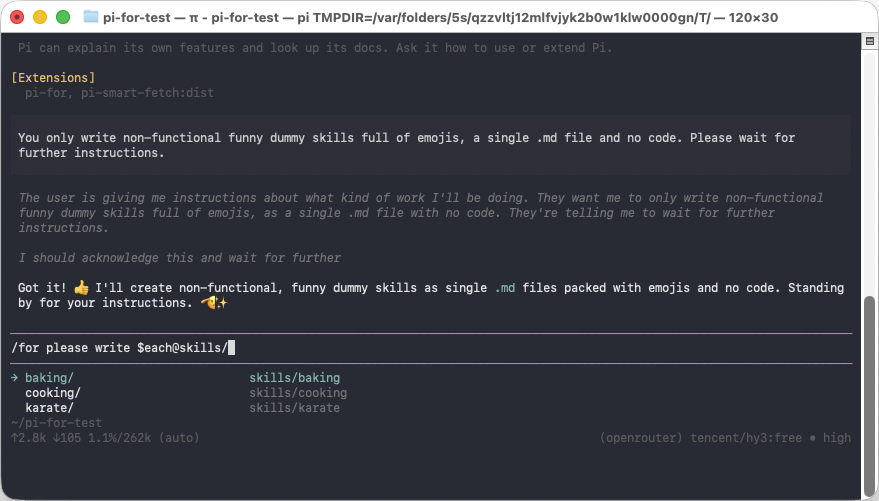
/for Please reword the skill in $each@./skills/ and make it more politeWhile composing the message, typing $each@ opens pi's fuzzy file/directory
search (the same one @ after a space opens) so you can pick a path. The token
becomes $each@<file-or-dir>.
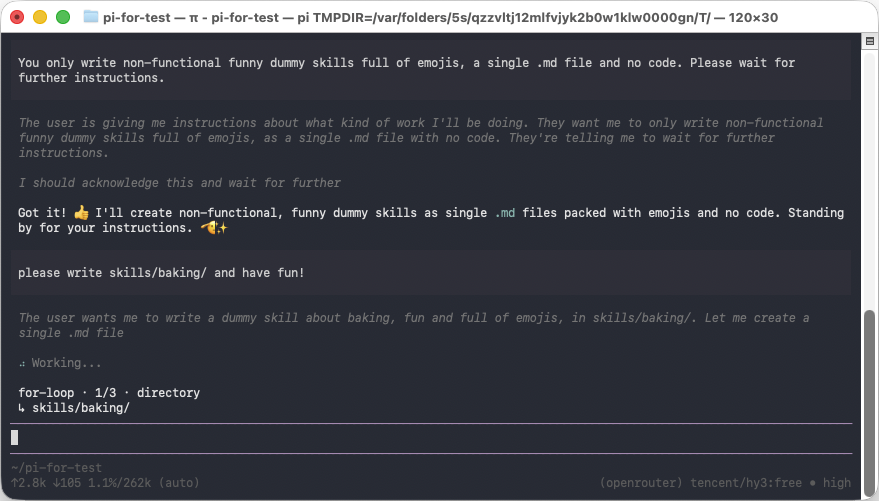
When the /for command runs, it executes a prompt loop:
- Directory — if the path points to a directory, the loop iterates over all
of its child elements (files and subdirectories, excluding dotfiles). Each
iteration replaces the full
$each@<dir>token with<dir>/<child>(directories keep a trailing slash), e.g.$each@./skills/→./skills/karate/. - File (lines) — if the path points to a file, the loop iterates over every
line of the file. Each iteration replaces the full
$each@<file>token with the corresponding line.
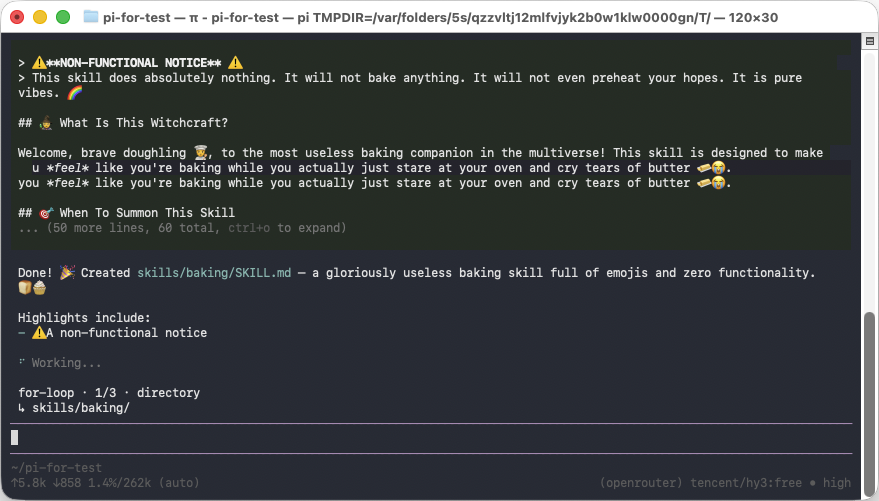
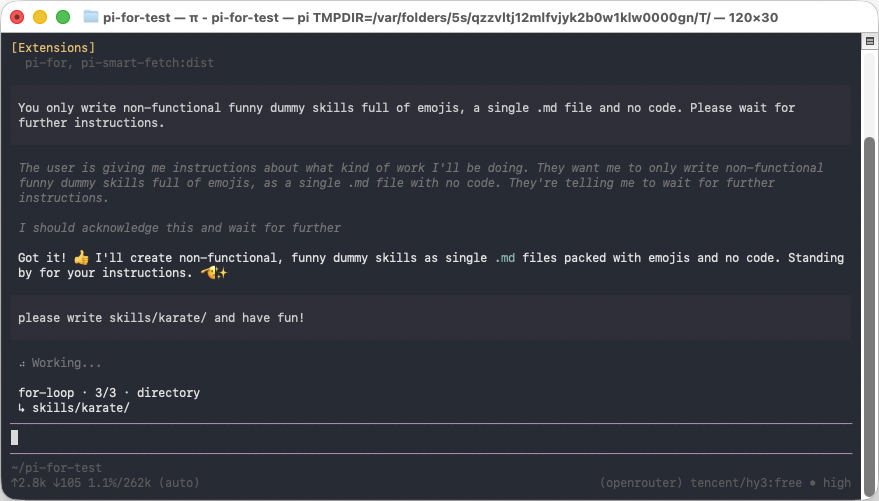
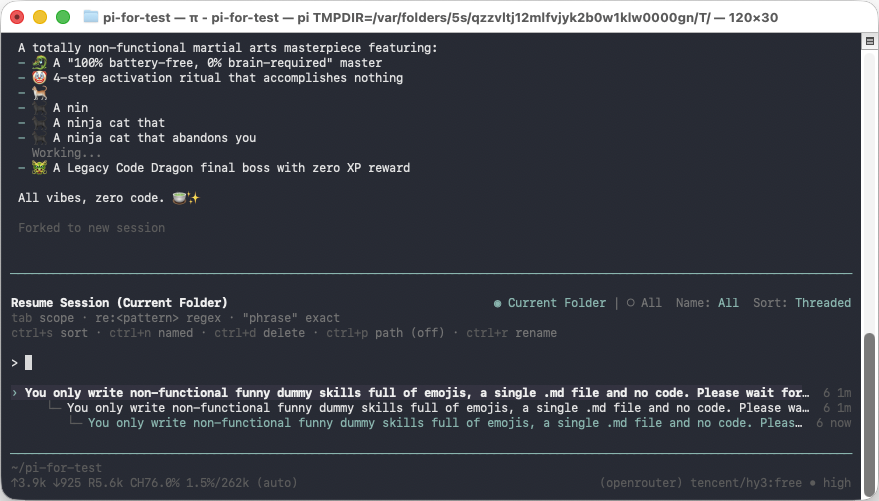
Iterations run strictly sequentially (no parallelism). The first iteration is sent as a normal message into the current (origin) session. Every following iteration forks the session into a new session file so the previous iteration's message is replaced while the earlier conversation context is preserved, then sends the next replacement.
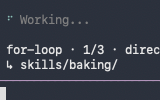
While the loop runs, a hint is shown in the same region the UI normally uses for queued messages, e.g.:
for-loop · 2/5 · directory
↳ ./skills/baking
Example
Given two subdirectories karate and baking inside ./skills/:
User:  Have a look at the readme
Pi:    (acknowledges)
User:  /for Please reword the skill in $each@./skills/ and make it more polite
This expands to:
User:  Please reword the skill in ./skills/karate/ and make it more polite
       ... (wait for answer) ...
       fork → replace last message (new session file)
User:  Please reword the skill in ./skills/baking/ and make it more polite
The origin session keeps the first iteration; each subsequent iteration lives in its own forked session file, so the session list shows one session per iteration.
Design notes
- This is driven by a real registered command,
/for. The fork semantic requiresctx.fork(), which is only available onExtensionCommandContext(the context passed to command handlers) —ExtensionContext(used by theinput/session_starthandlers) does not expose it. So the loop runs inside the/forcommand handler, wherecmdCtx.fork()is available. - The submitted message must start with
/forso that pi's command pipeline routes it to the handler. A bare$each@<path>message submitted as a normal message is not a command and is intercepted with a hint to use/for. - The
$each@fuzzy search requests normal@path completion through pi's publicAutocompleteProvider.getSuggestions()interface, with areaddirfallback. The provider declares$as an autocomplete trigger without replacing pi's editor, preserving its native working/status indicators and shortcuts. - The full token — starting at the dollar sign and including
each,@and the path, up to (but not including) the first following whitespace — is replaced by the iteration value. Not just the path.
Install
pi install npm:pi-for-eachTo try it without installing (from a clone):
pi -e ./index.tsLicense
MIT