pi-git-worktree
Git worktree isolation and ephemeral scratchpad extension for Pi Coding Agent
Package details
Install pi-git-worktree from npm and Pi will load the resources declared by the package manifest.
$ pi install npm:pi-git-worktree- Package
pi-git-worktree- Version
0.1.1- Published
- Sep 20, 2026
- Downloads
- 146/mo · 13/wk
- Author
- luisito15
- License
- MIT
- Types
- extension, skill
- Size
- 397.5 KB
- Dependencies
- 0 dependencies · 1 peer
Pi manifest JSON
{
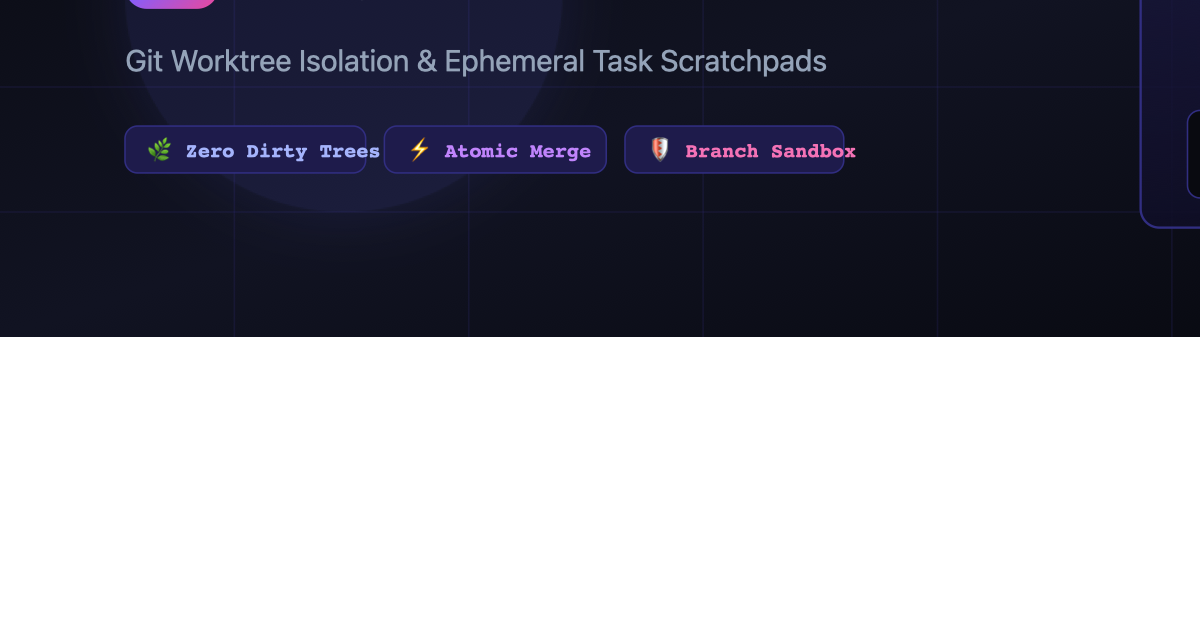
  "image": "https://raw.githubusercontent.com/lleontor705/pi-worktree/main/assets/banner.png",
  "skills": [
    "./skills"
  ],
  "extensions": [
    "./dist/index.js"
  ]
}
Security note
Pi packages can execute code and influence agent behavior. Review the source before installing third-party packages.
README
🌿 Overview
pi-git-worktree brings isolated branch scratchpads and sandbox execution to Pi Coding Agent using native Git worktrees.
When AI coding agents perform multi-file refactoring, large dependency upgrades, or autonomous subagent iterations, modifying the primary workspace can lead to dirty Git trees, broken local builds, and accidental commits.
pi-worktree spawns temporary, branch-backed worktrees under .pi/worktrees/<taskName>. The agent can write files, execute test suites, and benchmark performance in isolation. When verified, changes merge cleanly back into your active branch with one command.
                  ┌──────────────────────┐
                  │    Primary Branch    │  (Your Editor - Stays Clean!)
                  │      (main/dev)      │
                  └──────────┬───────────┘
                             │
                  /worktree create auth-test
                             │
                             ▼
                  ┌──────────────────────┐
                  │  Isolated Worktree   │  (Pi Agent Sandbox)
                  │ .pi/worktrees/auth/  │  - Edits code
                  └──────────┬───────────┘  - Runs test suites
                             │
                  /worktree apply auth-test
                             │
                             ▼
                  ┌──────────────────────┐
                  │ Clean Merged Commit  │
                  └──────────────────────┘
✨ Features
- 🌿 Zero Dirty Trees: Keep your current working directory clean while the agent tests risky changes.
- 🔀 Atomic Merge: Review the diff with
/worktree diffand merge with/worktree apply. - 🗑️ One-Command Cleanup:
/worktree discardcleanly tears down the worktree and branch. - ⚡ Native Git Integration: Uses native
git worktreecommands without third-party dependencies. - 🤖 Agent Autonomous Tool (
create_isolated_worktree): Subagents can automatically allocate an isolated sandbox.
🚀 Installation
Via Pi Package Registry (Recommended)
pi install npm:pi-git-worktree
Direct from GitHub
pi install git:https://github.com/lleontor705/pi-worktree.git
From Local Source
git clone https://github.com/lleontor705/pi-worktree.git
cd pi-worktree
npm install && npm run build
pi install ./
📖 Usage & Commands
Slash Commands
| Command | Description |
|---|---|
/worktree list |
Lists all active secondary worktrees and their branches. |
/worktree create <name> |
Creates a new isolated worktree branched from HEAD. |
/worktree diff <name> |
Previews changes made in the worktree against current HEAD. |
/worktree apply <name> |
Prompts for confirmation and merges worktree changes into the active branch. |
/worktree discard <name> |
Deletes the worktree directory and removes the ephemeral branch. |
Agent Autonomous Tool (create_isolated_worktree)
When Pi detects a complex or risky task:
// Prompt:
"Refactor our database ORM layer to use Kysely instead of Prisma and run the test suite."
Pi will call:
{
  "taskName": "kysely-migration"
}
Pi switches its working directory to .pi/worktrees/kysely-migration, performs the migration, runs the test suite, and only when verified prompts you to merge!
🏗️ Architecture & Development
# Clone
git clone https://github.com/lleontor705/pi-worktree.git
cd pi-worktree

# Install & Build
npm install
npm run build
📄 License
MIT © Luis Leon